
GorillaTag
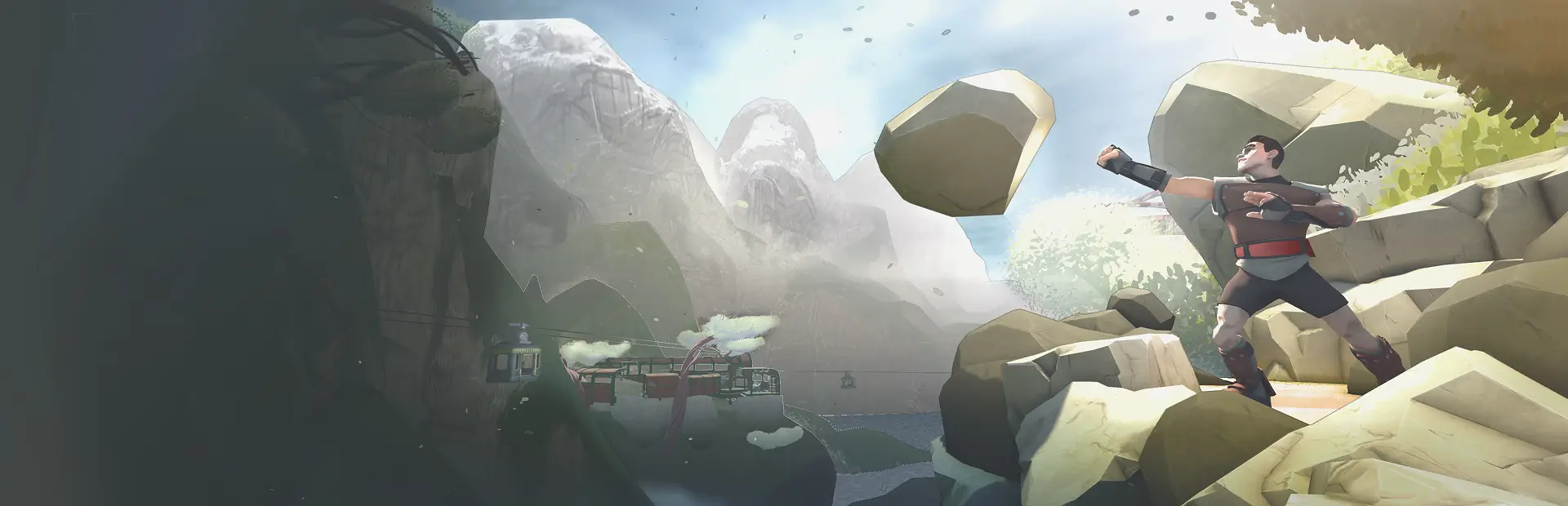
Gorilla Tag-style locomotion for RUMBLE. Grab the world and fling yourself around.GorillaTag
Gorilla Tag-style locomotion for RUMBLE.
How to use
- Toggle: press both secondary buttons twice within one second (the two face buttons, one on each controller). Do it again to turn it back off.
Where it works
- The Gym
- Parks you host.
- Parks hosted by someone who also has GorillaTag installed, the modded host opens the room to it.
In a Park hosted by someone without the mod, it stays off, so it never forces the mechanic on a lobby that didn't opt in.
While climbing, your legs are hidden and your body's physical colliders are temporarily disabled, both are restored the moment you toggle the mod off.
Installation
Drop GorillaTag.dll into ...\Steam\steamapps\common\RUMBLE\Mods\.
You must have MelonLoader and the RumbleModdingAPI installed for this mod to load.
Requirements
- RUMBLE (Steam)
- MelonLoader (Il2Cpp)
- RumbleModdingAPI
Credits
Locomotion adapted to RUMBLE's rig from the open-source Gorilla Tag locomotion.