You are viewing a potentially older version of this package. View Latest Version
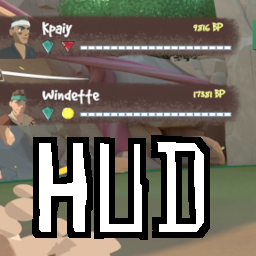
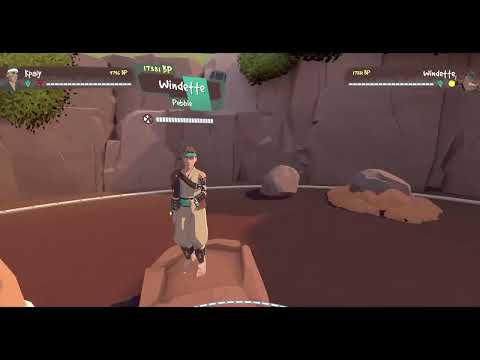
This mod adds a HUD to the RUMBLE display on your monitor, for use in streaming RUMBLE or recording gameplay.
The mod will, for each player, display their:
Known Issue: These controls always function, e.g. you could type a "-" in a ModUI text box and the HUD would get smaller.
The mod currently uses the following controls:
I to toggle HUD on/offO to cycle between host indicator options:
P to regenerate player portraits
-/= (near the backspace key) to decrease/increase HUD scaleThe HUD scale currently saves to a settings file: UserData/RumbleHud.xml.
Note: Settings save on game quit, so RUMBLE crashing might mean your settings don't save.
| Setting Key | Type | Default Value | Description |
|---|---|---|---|
HudScale |
float | 1.0 | The size of the HUD. Keep it strictly positive. Control in-game using - and =. |
HostIndicator |
None, Text, Icon, or Both |
Text |
How to indicate who is host on the HUD. Cycle in-game using O. |
HideSolo |
boolean (true or false) |
false |
Whether to auto-hide the HUD when you are the only player. Cannot be set in-game. |
LockControls |
boolean (true or false) |
false |
When this is true, keyboard controls are disabled, preventing accidental changes. |
This mod requires:
Mods and UserData folders into your RUMBLE install directory.P while you are in the gymrumblehud.xml
Reach out to me on Discord (kpaiy) if you have issues or feature requests. I can't guarantee fast response times, but I'll do what I can. ^-^