You are viewing a potentially older version of this package. View Latest Version

Shiny Skins
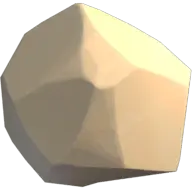
Change a texture of your rocks or playerShiny Textures
INSTALLATION:
If you want to install the shiny textures, go to your UserData folder and find the "Skins" folder. Open it and look for the rock or player skin you want to change. If you want to change the player skin, look for the "Player" folder. Once you find the desired rock folder, drag in the texture you like and name it "Main". Make sure that it's a png file.
SUGGESTIONS:
If you would like some custom textures dm me on discord. Teddzyy
DISCORD:
Don't forget to join the Discord community by clicking on this link https://discord.gg/7vQ9fFTbp5.