- Install MelonLoader
- Run Game
- Drop Folders into Rumble Folder
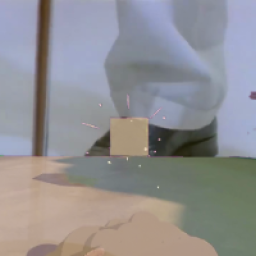
- Play Game. Hit G to Toggle Screen on Player Position/Rotation in the World.
How to Customize Color:
- Edit UserData\Color.txt | Line 1: Red Value | Line 2: Green Value | Line 3: Blue Value
- Values Should be 0 - 255
Known Bugs
- About 170 Degree Angle Control Allowed When Placing (Screen is Double Sided so it Shouldn't Matter)
Help And Other Resources
Get help and find other resources in the Modding Discord:
https://discord.gg/fsbcnZgzfa