This package has been deprecated and may no longer be maintained. We recommend looking for an alternative.

Metal Skins V2
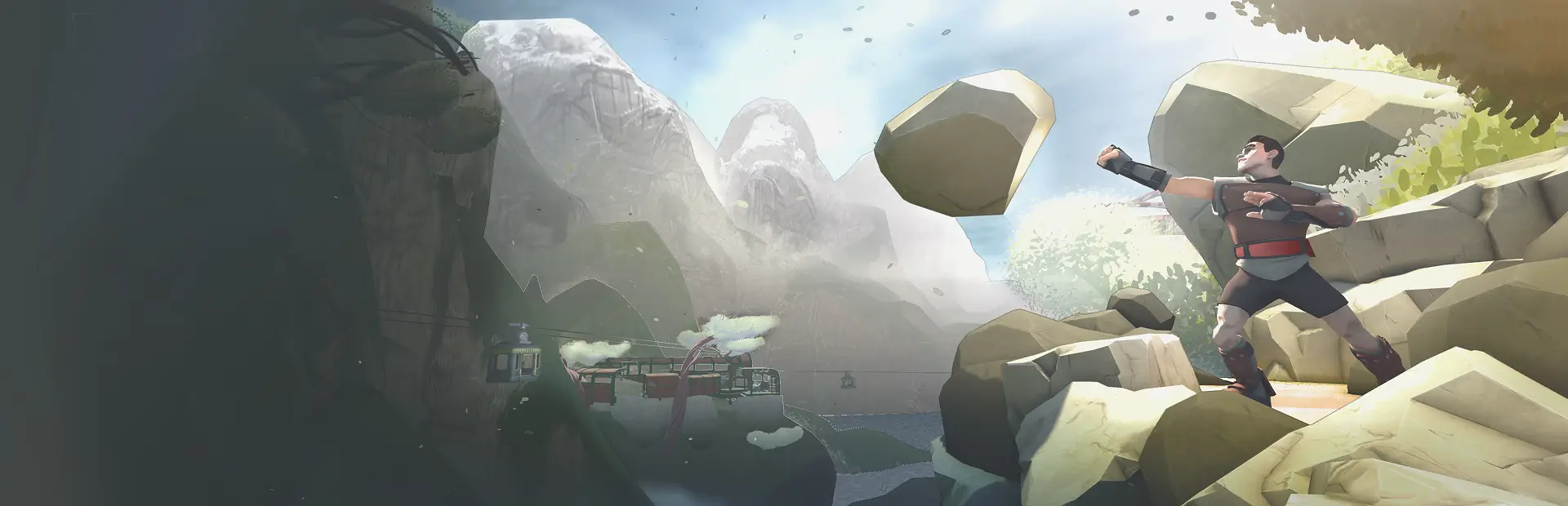
Changes textures of rocks and playerJUSTREAD!!!
IGNORE THE OTHER ONE, THIS ONE IS TRUE!
HOW TO INSTALL
Drag both folders from your downloaded file into your game directory.
HOW TO USE
Open your UserData folder and look for the "Skins" folder. Open that and look for the rock you want to change. If you want to change the player skin, look for the "Player" folder. After you find the rock folder you want to change, add in your texture as "skin.png". It HAS to be skin.png or else it WILL NOT WORK.
Extras
Credits: Hazzy - Core feature & rock texture implementation Squidypal - Player texture implementation
JOIN THE DISCORD