Fontifier
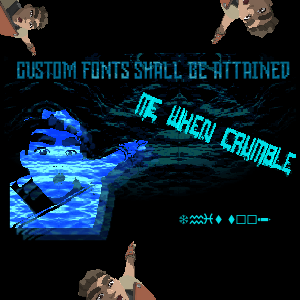
What is this
This mod lets you change the font of other mods' text.
Instructions
- Install MelonLoader
- Run RUMBLE without mods
- Drop Mods from .zip into RUMBLE's installation folder
- Drop UserData from .zip into RUMBLE's installation folder
- Play RUMBLE!
Supported mods
Choose a font
- Move any .ttf or .otf fonts into UserData\Fontifier\fonts
- Press F10 to open Mod UI
- Go to Fontifier in the dropdown
- In the second dropdown, select 'Fonts List'
- Find the name of the font you want
- In the second dropdown, select any mod
- Type in the name of the font you want (case-insensitive) and hit enter
- If it looks good, hit save
I can't type in ModUI
If you have UnityExplorer, hit F7 first. If not, ask the discord.
It's not saving
Make sure to press enter and then hit save. If you are, ask the discord.
Help And Other Resources
Get help and find other resources in the Modding Discord
Included font credit