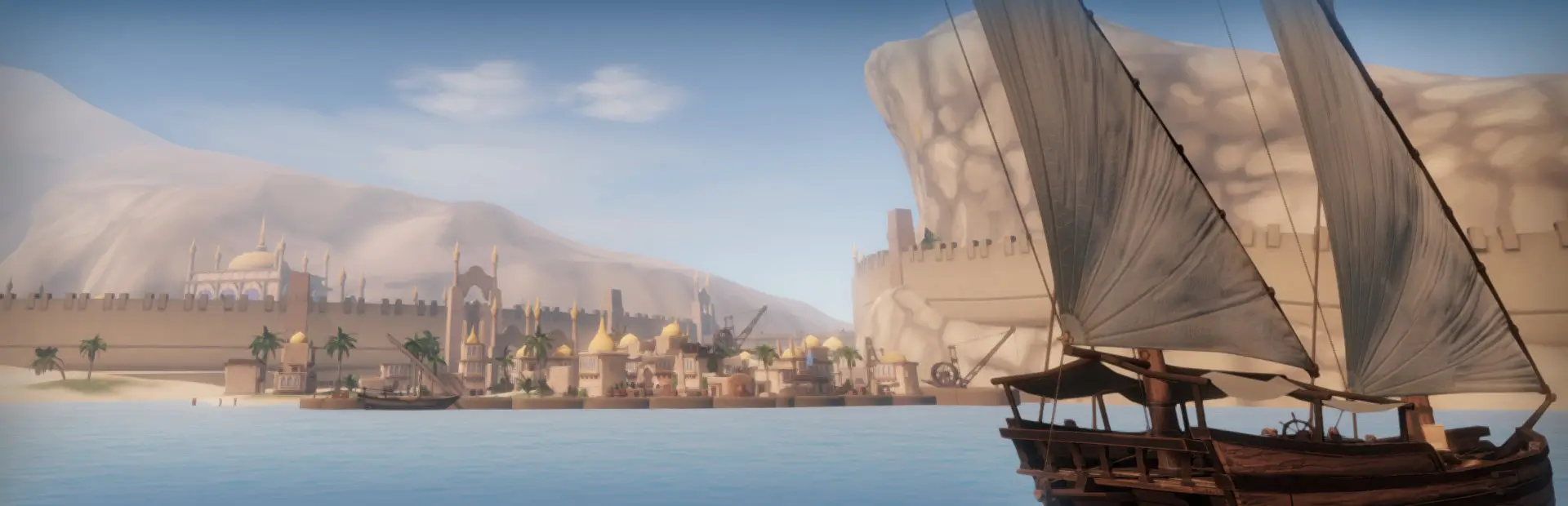
FreeCameraAndWaterCollision
Adds a controllable free camera with ship-follow and drone modes, plus configurable collision with Sailwind's animated ocean surface.FreeCamera and Collision 1.3.1
A BepInEx mod for Sailwind 0.38.1.
Installation
Extract the ZIP, then place the FreeCameraAndCollision folder inside
Sailwind/BepInEx/plugins. The DLL should end up at:
Sailwind/BepInEx/plugins/FreeCameraAndCollision/FreeCameraAndCollision.dll
Requires BepInEx 5.
Controls
- Press
C(vanilla control) to enter Sailwind's third-person boat camera. - Press
Bto enter or leave free camera. - A controller can toggle free camera with the left-stick click.
While free camera is active:
- Mouse / right stick: look
W/Sor left stick: forward / backwardA/Dor left stick: strafe left / rightSpace/ right shoulder: riseLeft CtrlorRight Ctrl/ left shoulder: descend- Hold
Left ShiftorRight Shift: move at 2x speed - Hold
Left AltorRight Alt: move at 0.5x speed Q/E: roll left / right- Press
R: smoothly reset roll to 0 degrees at 120 degrees per second - Press
H: toggle following the ship's translation - Mouse wheel / controller triggers: zoom
Gameplay input and player movement are captured while free camera is active. Ship following starts enabled. When following is disabled, the camera stays in world space until the ship would move more than 320 units away, then the camera is moved along the distance boundary. The free-camera distance limit is 320 units. This mod does not change vanilla third-person zoom limits.
Configuration
The BepInEx configuration file is created after the first launch:
BepInEx/config/com.DogEggz.sailwind.freecameraandcollision.cfg
Free-camera settings update live when changed through Configuration Manager:
- Movement Mode:
Worldby default, with camera-relative aircraft controls inDronemode - Camera Speed: integer slider from 1 to 40, default 10
- Camera Rolling Speed: integer slider from 10 to 120 degrees per second, default 60
- Invert Mouse Pitch: available under the selected
Dronemovement mode and off by default
Camera Speed affects positional movement only. Shift and Alt modify positional speed without changing rolling speed. The fixed 120-degree-per-second roll reset is also independent of Camera Speed and Camera Rolling Speed.
In Drone mode, movement uses a velocity vector. Starting takes two seconds and releasing movement takes two seconds to stop. Shift/Alt target-speed changes transition over one second. Opposite-direction input brakes to zero in about one second, then accelerates normally in the new direction, making a full forward-to-reverse change take about three seconds. World mode keeps immediate positional movement.
Water settings also update live:
- Water Collision
- Sphere Radius
- Surface Padding
Water collision samples Sailwind's animated Crest ocean surface. Obsolete solid collision settings from version 1.0.0 are removed from existing configuration files when the mod starts.
Compatibility notes
- Built against Sailwind 0.38.1 and Unity 2019.1.10f1.
- Designed for desktop keyboard/mouse and gamepad play.
- Free-camera activation is disabled in VR and in the shipyard.
- This mod does not patch
BoatCamera.UpdateZoom; vanilla or another installed mod remains responsible for third-person zoom behavior.