
Sailwind Radio
Play your own music in Sailwind through a physical radio and speakers with 3D audio.Sailwind Radio
1.4.0
New
- You can now snap large speaker and woofers together to stack them, up to 6 pieces high. Radio's can be stacked at the top as well but cannot have speakers stacked on them.
- Speakers and Woofers can be collected and moved using the cargo system, free of charge.
- Added
RadioFalloff,SmallSpeakerFalloff,SpeakerFalloffandWooferFalloffsettings for how far each output can be heard. - Added a
ShowSongOnHoversetting that shows the song a radio is playing in hover text. Defaults to off.
Changed
- Brightened up regional displays for better readability in the dark
- Made the Al'Ankh large speaker a bit bigger
Fixed
- Radios and speakers on your boat stay audible in the boat camera
- The regional Speakers and Woofers colliders match their models better
1.3.0
New
- Added 12 new device models, 4 per region: a radio, small speaker, large speaker and woofer, 1 each for Al'Ankh, Aestrin and Emerald.
- Added mechanical title and artist displays to the regional radios. Al'Ankh uses character drums, Aestrin uses split flaps and Emerald uses a writing scroll.
- Added original mechanism sounds for each regional display. Their volume can be adjusted with
MechanismVolumein the config. - Added a Radio merchant at Chronos that sells the original walnut devices.
- Regional devices use item IDs
43044through43055.
Changed
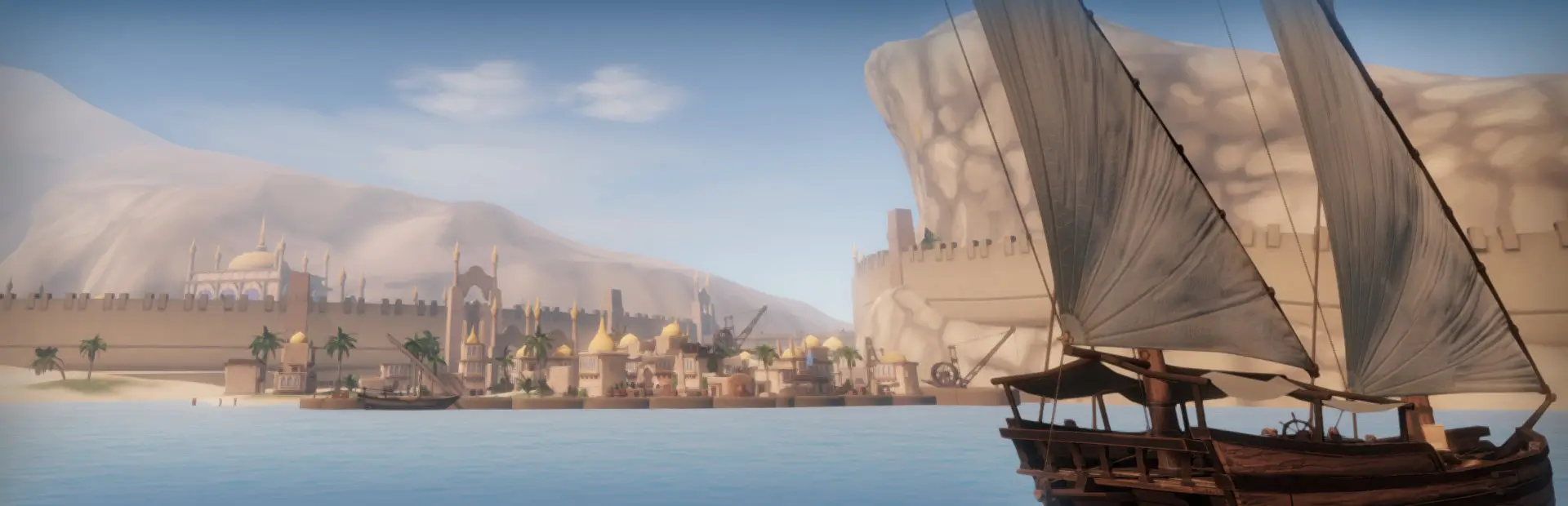
- Gold Rock City now sells the Al'Ankh set, Dragon Cliffs sells the Emerald set and Fort Aestrin sells the Aestrin set.
- Reworked and simplified much of the mod's internal code so it is easier to read and maintain.
1.2.3
Fixed
- A Radio or Small Speaker kept in your inventory no longer counts as part of your boat. With Furniture Fix installed, a Small Speaker could get stuck in an inventory slot after loading a save and boarding a boat. With Deft Hands also installed, this logged an error.
1.2.2
Changed
- Radio now lets Sailwind assign purchased-item identities and complete registration before attaching Radio settings. Existing item IDs, settings and save data are unchanged.
1.2.1
Fixed
- Radios and speakers now use the game's normal purchase flow. This fixes Radio/Speaker controls not working when purchased with the Economy Overhaul mod enabled.
1.2.0
Added
- FLAC playback.
- M4A and AAC playback. These formats are turned off automatically on Steam Deck and Linux (Proton).
Fixed
- OGG tracks no longer freeze the game for about half a second when they start or are prepared as the next track.
- Long OGG files can now play.
- Starting any track should no longer cause a small frame hitch, and very long MP3s start almost immediately.
- WAV files longer than about 12 minutes now play instead of failing to decode.
- 1.1 accidentally removed the ability for the radio to hang on hooks, which has now been restored.
- A valid long track is no longer skipped as broken when selected while the radio is still preparing it.
- An error in one radio no longer stops the whole mod. The radio skips to its next track, and turns itself off if it keeps failing.
Changed
- Every format now streams from disk.
- WAV files support more variants, including 24-bit and 32-bit float.
- Files the radio cannot play are skipped with a log line naming the file.
- Removed routine shop and save-loading warnings from the log.
- The pause button no longer turns a radio on from an off state.
- The startup log line now reports how many music folders are configured, and only asks you to set MusicFolders when none are already set.
1.1.0
Changed
- Radio, Small Speaker, Speaker and Turbo Wolfer now have separate item IDs (
43040–43043) and can be spawned through Sailwind's normal item system. - Devices from older saves migrate from the old donor item to their new item IDs while keeping their saved settings and playback state.
1.0.2
Fixed
- Radio and speaker controls now work with Dizzy Fixes when
PreferSittingItemLookis enabled.
Changed
- Slightly increased the Gold Rock City radio merchant's sell range to reach farther across the stall.
1.0.1
Fixed
- Trying to drop a held item near a radio or speaker no longer activates its controls.
Changed
- Replaced the Thunderstore icon with a simpler speaker design.
1.0.0
Play your own music in Sailwind through a portable radio and three matching speakers.
Added
- Play MP3, OGG and WAV files from your configured music folders. Each folder and its subfolders form a collection you can select on the radio.
- Use the radio's physical controls for power, pause, track skipping, shuffle, collections and volume. Its display shows the current track's title, artist and album when that information is available.
- Connect a Small Speaker, Speaker or Turbo Wolfer to the active radio automatically when both are on the same vessel or both are ashore and within 50 metres. Each speaker has its own power and level control.
- Buy radios and speakers from dedicated merchants in Gold Rock City, Dragon Cliffs and Fort Aestrin using each capital's local currency.
- Carry or store a playing radio, place it on a hook, or secure it with a hammer. Radio settings and playback position are saved with the item.
Configuration
- Set
MusicFoldersinBepInEx/config/local.sailwind.radio.cfgto the folders containing your music. Separate multiple paths with|. ContinueWhileSleepingis off by default and can be enabled in the same config file.