
Chassis
Vehicle framework for Schedule I. Drivers and passengers sit visibly with hands on the wheel. Adds a first person view, horn, indicators, locks and owners, a base interior for vanilla cars and co-op sync.Chassis - Vehicle Framework for Schedule I
🛟 Need help or found a bug? Get support at support.doodesch.de/chassis.
📖 API documentation: docs.doodesch.de/mods/chassis/api/
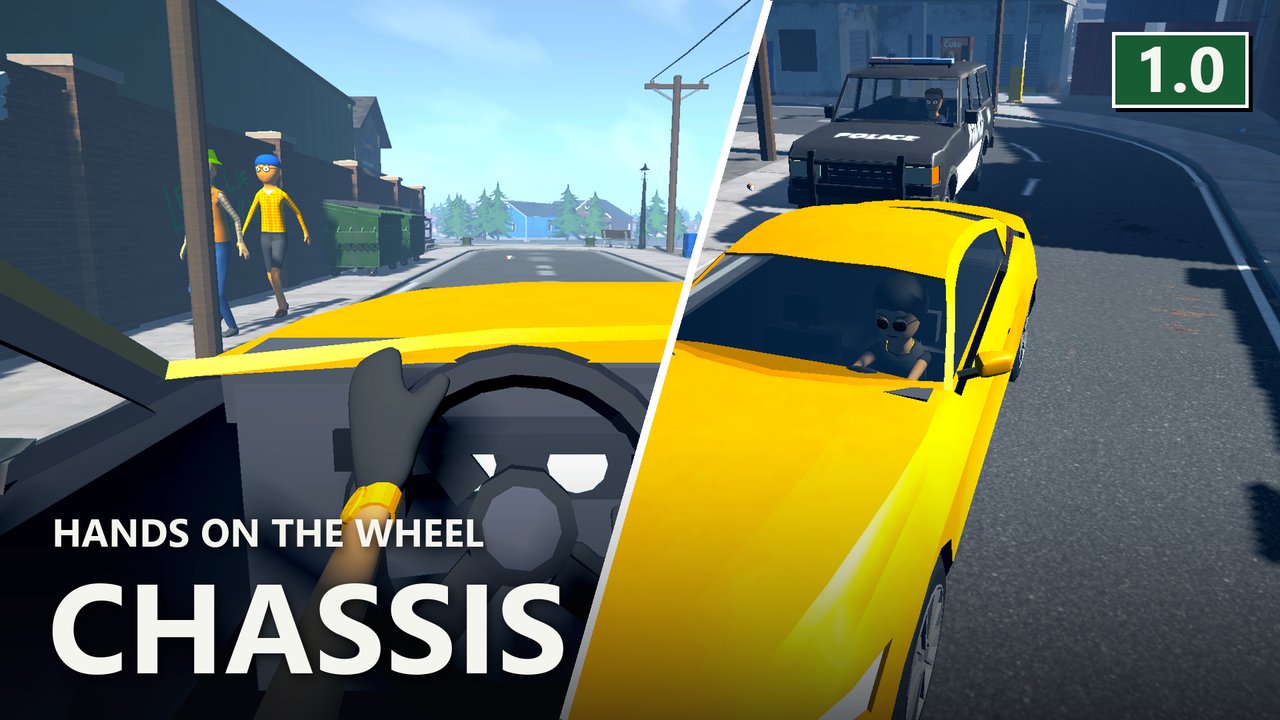
Drivers and passengers sit in the car where you can see them, with their hands on a steering wheel that turns. Chassis adds a first person view, a horn, indicators, locks and owners, and a base interior for the vanilla cars. Other mods build their vehicles on it.




Features
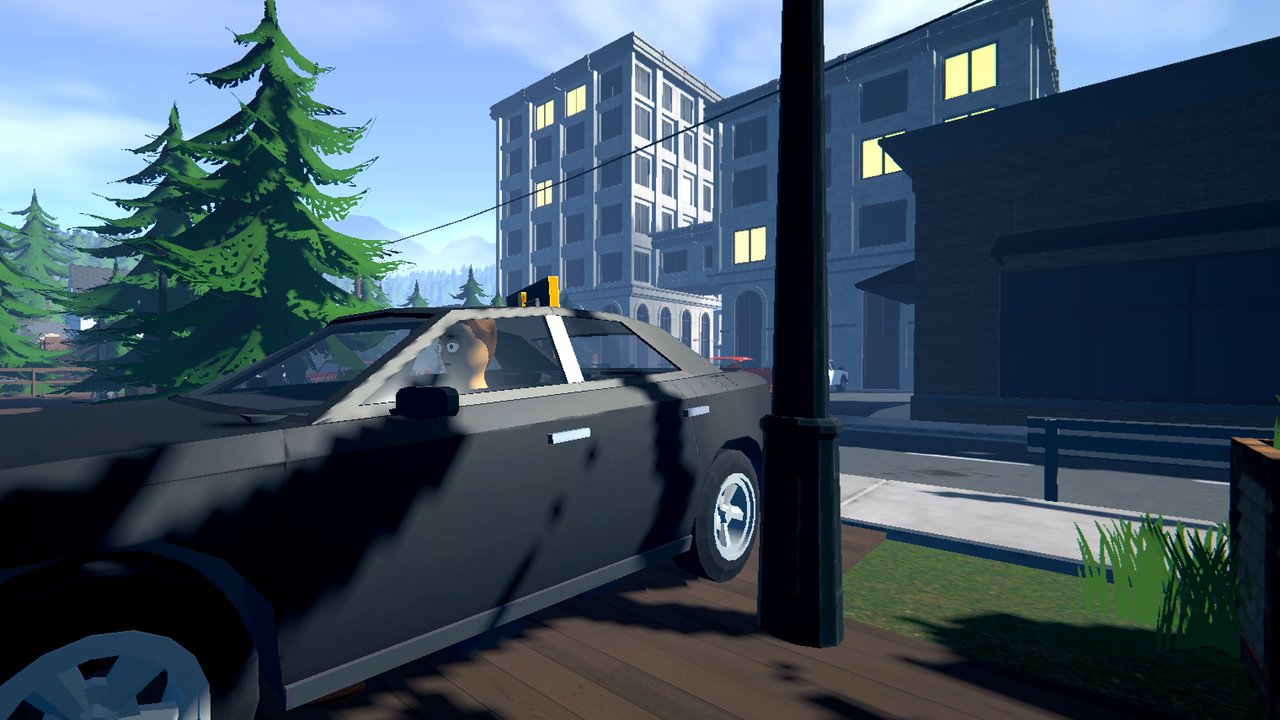
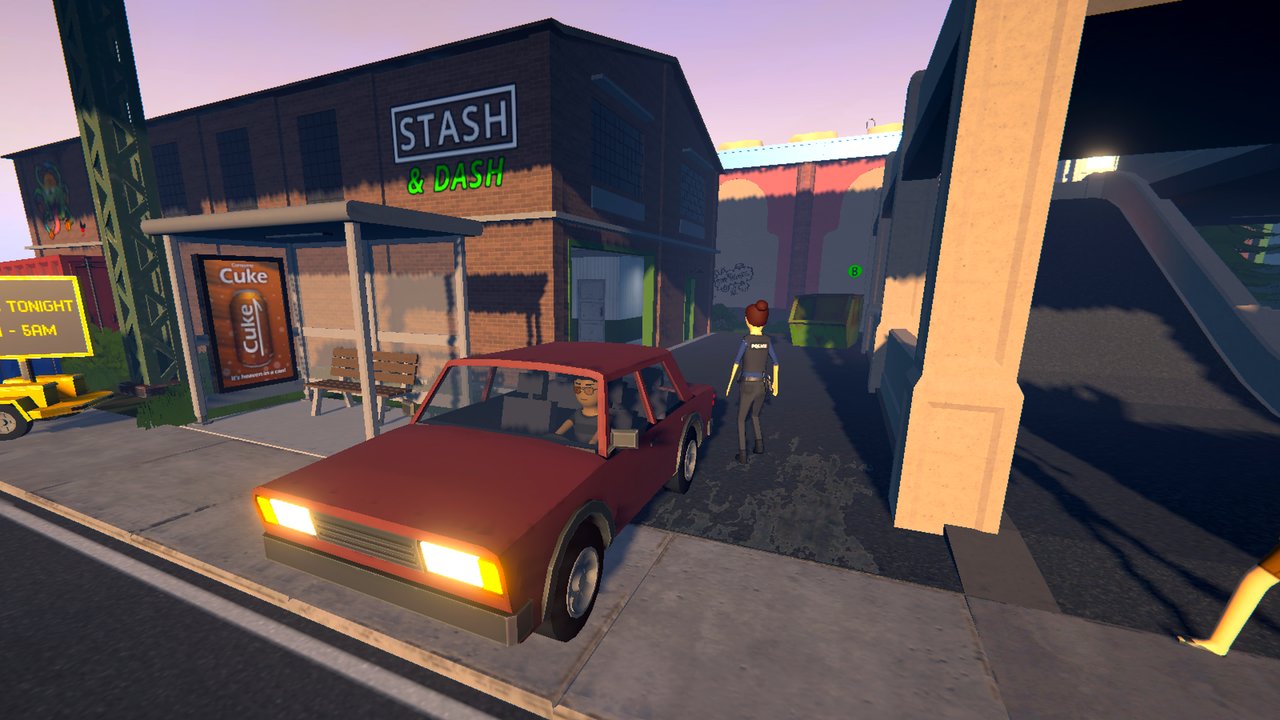
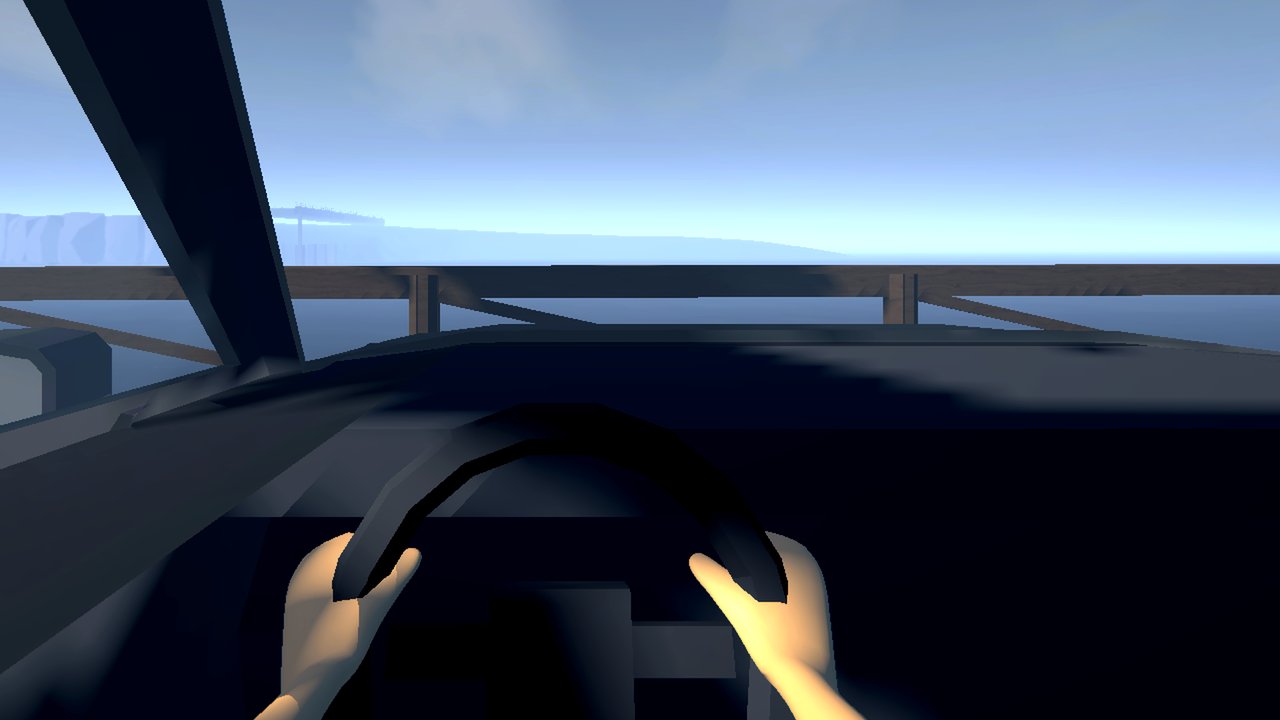
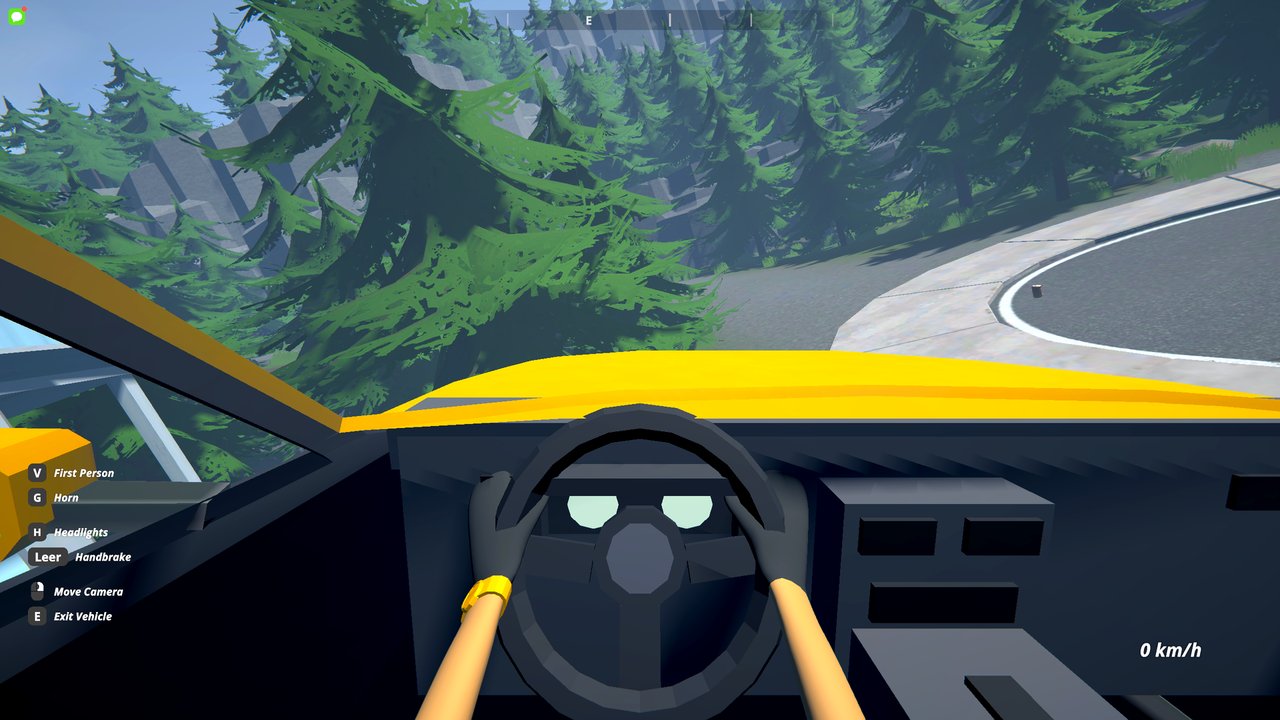
- Players and NPCs in a vehicle sit visibly in their seats, police included. The driver holds the steering wheel with both hands, and the wheel turns when you steer.
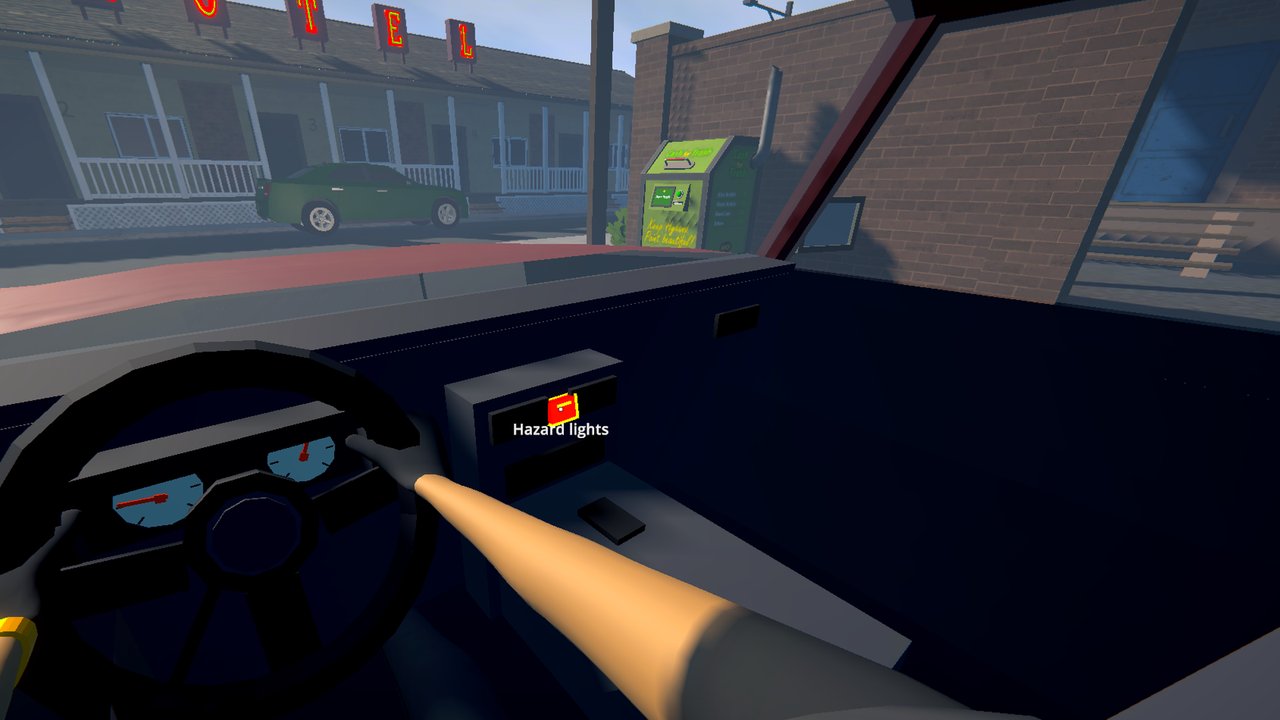
- Press V in a vehicle for a first person view from your seat. Your body stays visible below you.
- Press G for the horn. H stays the headlights.
- The key hints at the bottom left show the vehicle's keys. While you push a vehicle they show Push and Let Go.
- The left and right arrow keys switch the indicators on vehicles that have indicator lamps. After the turn they switch off on their own.
- Each player-owned vehicle has an owner, and the owner can lock it. A locked vehicle lets in only its owner. Others can ride along while the owner sits inside. Other mods set the lock through the API. Vehicles from older saves belong to the host.
- The vanilla cars get a base interior: seats, a dashboard, a steering wheel and tinted glass, so you can see who sits inside.
- Every vanilla car gets a live rear-view mirror and two side mirrors. The Mirrors row in the graphics settings picks Off, Rear Only, Rear + Side (default) or + Nearby Cars, which also renders the mirrors of up to three cars within 15 m. Reflections sets how sharp they are.
- The speedometer and the rev counter move. In first person, look at a switch and left-click it: light switch, hazard lights, indicator stalk and the horn in the wheel centre.
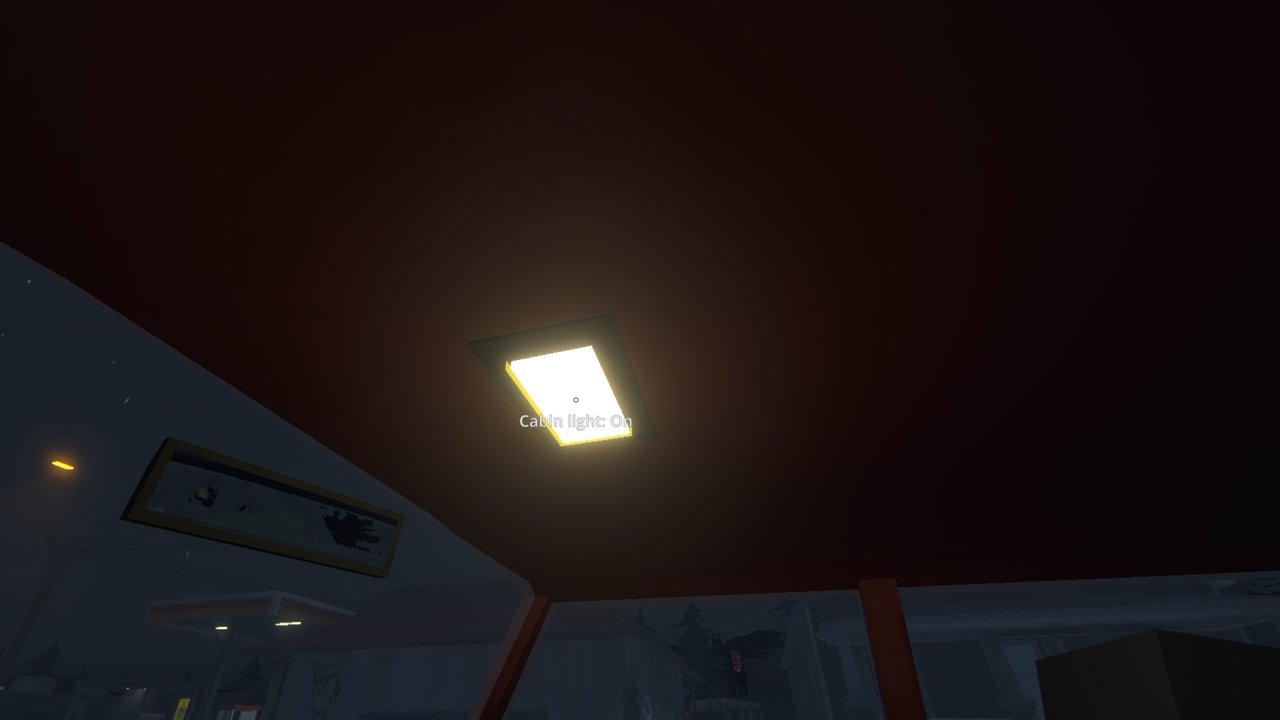
- The cabin light fades on when someone gets in or out and while the car stands, and off when you drive. Click the dome lamp to switch between Auto, On and Off.
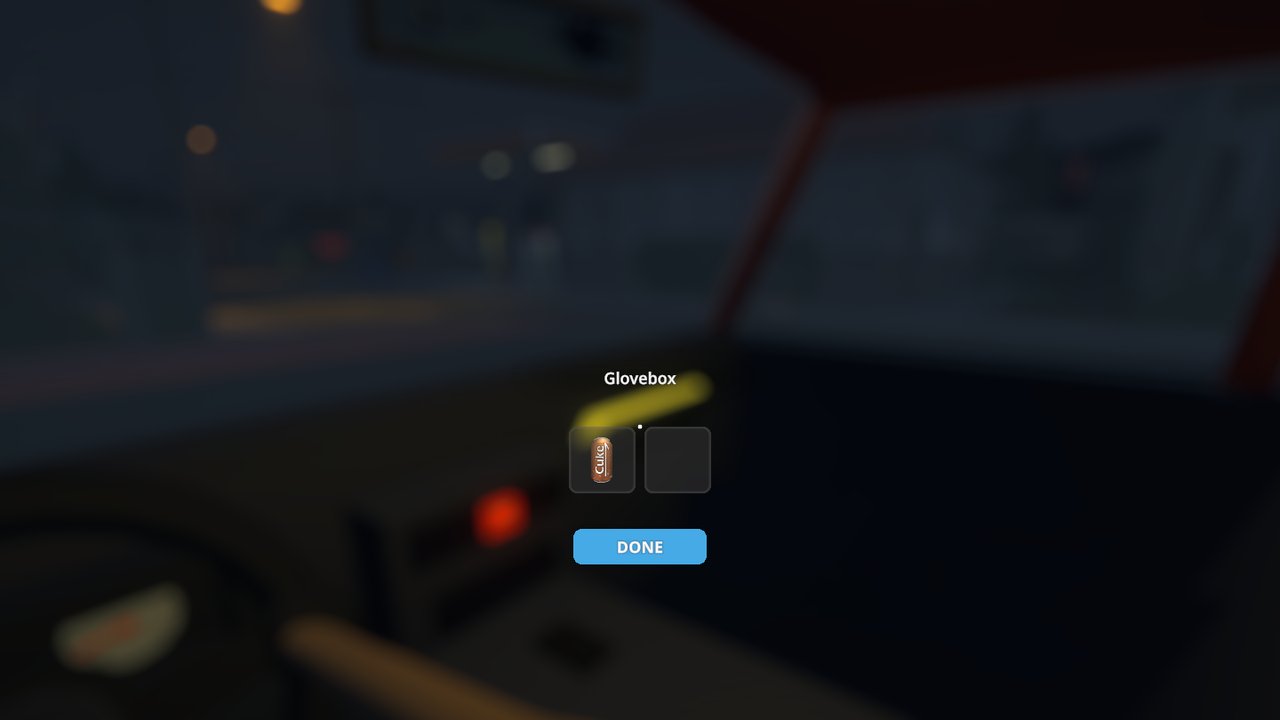
- Click the lid right of the centre console to open the glovebox, from the driver or the passenger seat. It holds 2 to 4 items, by car size, and is saved with the car.
- The vanilla cars flash their own amber indicator lamps outside. A rear without one flashes part of the brake light in red.
- Guns hit NPCs that sit in a car. A driver who goes down falls out, and the car stops.
- Riding and pushing the wheelchairs moved to its own mod, Rollin. Without Rollin the wheelchairs stay vanilla props.
- In co-op, seats, horn, indicators, locks, owners, the cabin light and the glovebox sync through the host.
Controls
| Key | Action |
|---|---|
V |
First person view in a vehicle |
G |
Horn |
H |
Headlights (vanilla) |
Left arrow / Right arrow |
Indicator left / right. Press again to switch off. |
Left click |
In first person: use the switch you look at. |
Mouse wheel |
In first person: turn the knob or stalk you look at. |
Screenshots
Requirements
- Schedule I
0.4.7f12(IL2CPP) with MelonLoader 0.7.3+. - Every player in a co-op session needs Chassis.
Settings
BaseInterior (default true) in category Chassis of UserData/MelonPreferences.cfg. It
turns the base interior and the visible NPC drivers of the vanilla cars on or off.
SpeedUnit (default kmh) sets kmh or mph for the speedometer and the odometer.
Mirrors (default 2) picks which mirrors render: 0 Off, 1 Rear Only, 2 Rear + Side,
3 + Nearby Cars. Reflections (default 1, 0 Low to 3 Ultra) sets how sharp chrome and the
mirrors reflect. Both are also in the game's graphics settings.
GloveboxOwnStorage (default true) gives the glovebox its own slots, saved in
Chassis.glovebox. false makes the lid open the vanilla trunk, and saves stay vanilla.
For mod authors
Chassis has a public C# API in Chassis.Api (ChassisApi). With it you give a vehicle seat
profiles, a steering wheel, lids, lamps and a horn sound, sound the horn, set indicators, and
read or set owner and lock, and add your own keys to the key hints. Mods can also build their
own interior with working gauges and clickable switches, and read speed, rpm, lamps and the
odometer as telemetry, and keep an NPC that was shot slumped in its seat. A tuning API lets mods
fit parts with their own models and driving factors, set paint, rim colour, xenon, neon, window
tint, tyre smoke and horn, synced in co-op and saved with the vehicle. Profiles are JSON files in UserData/Chassis/<vehicle code>.json,
and a file there wins over a profile from code. Every type and member:
API reference. Source:
GitHub.
Community

Join the DooDesch Mods Discord: update pings, polls on what comes next, and playtests of new mods.
License
DooDesch API License - build on the API, do not copy the code. See LICENSE.md.
This mod is written with help from generative AI tools (Anthropic Claude, OpenAI Codex).
If you have fun with it, a like on the Thunderstore page really helps other people find it (thumbs up next to Download, you need to be logged in) - ty either way, and lemme know if anything breaks or you've got ideas