

Personify
In-game NPC editor: build NPCs with a live 3D preview, test them next to you in your save, and publish a ready-to-upload Personnel NPC pack.Personify - In-Game NPC Editor for Schedule I
🛟 Need help or found a bug? Get support at support.doodesch.de/personify.
Build your own NPCs inside the game - look, role, daily routine and contacts - with a live 3D preview, test them next to you in your save, and publish a ready-to-upload Personnel NPC pack. Opens from the Side Hustle hub on the main menu.








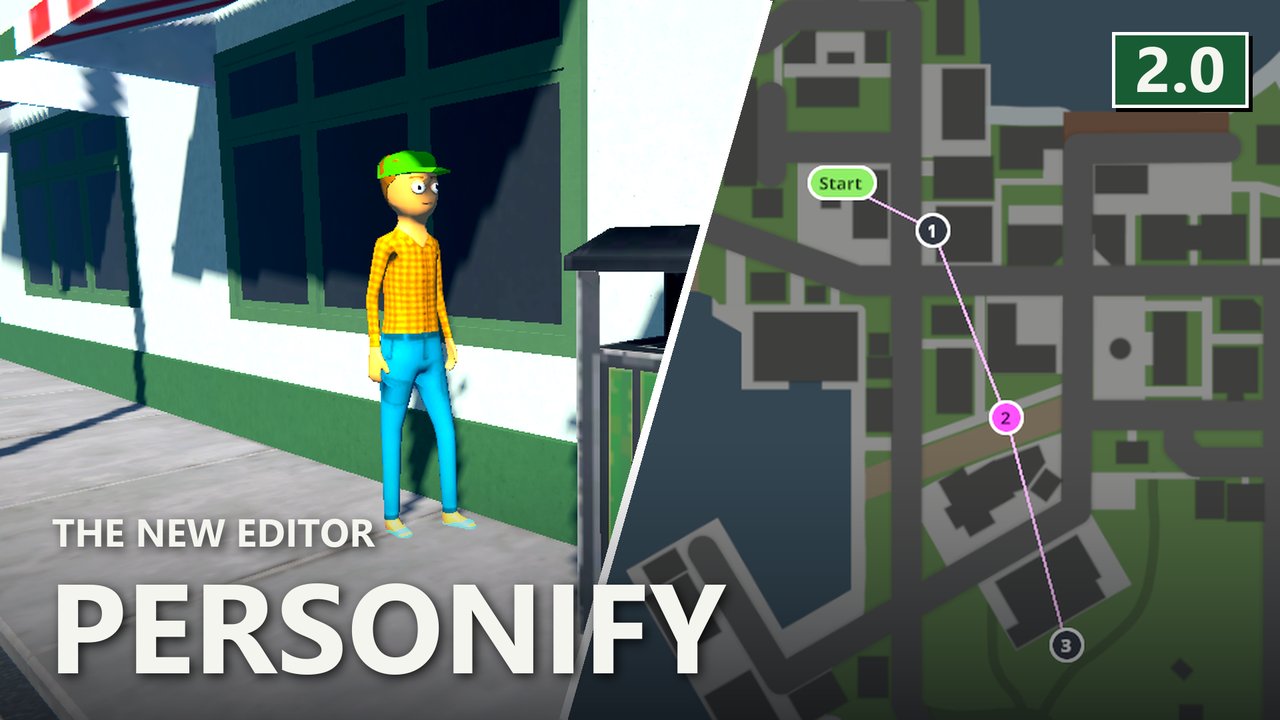
What it does
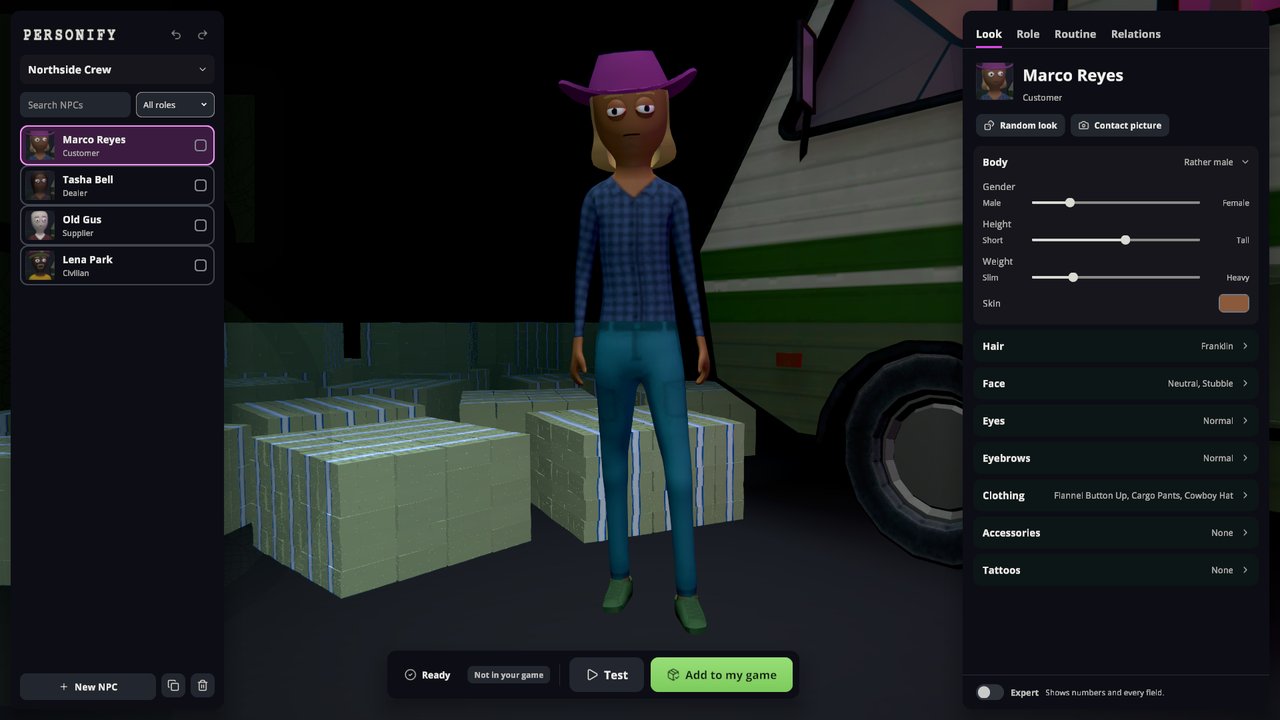
- Look, Role, Routine, Relations in one editor, with a live 3D preview, random look, undo and redo, and edits on several NPCs at once.
- Roles: civilian, customer, dealer or supplier, each with its own settings.
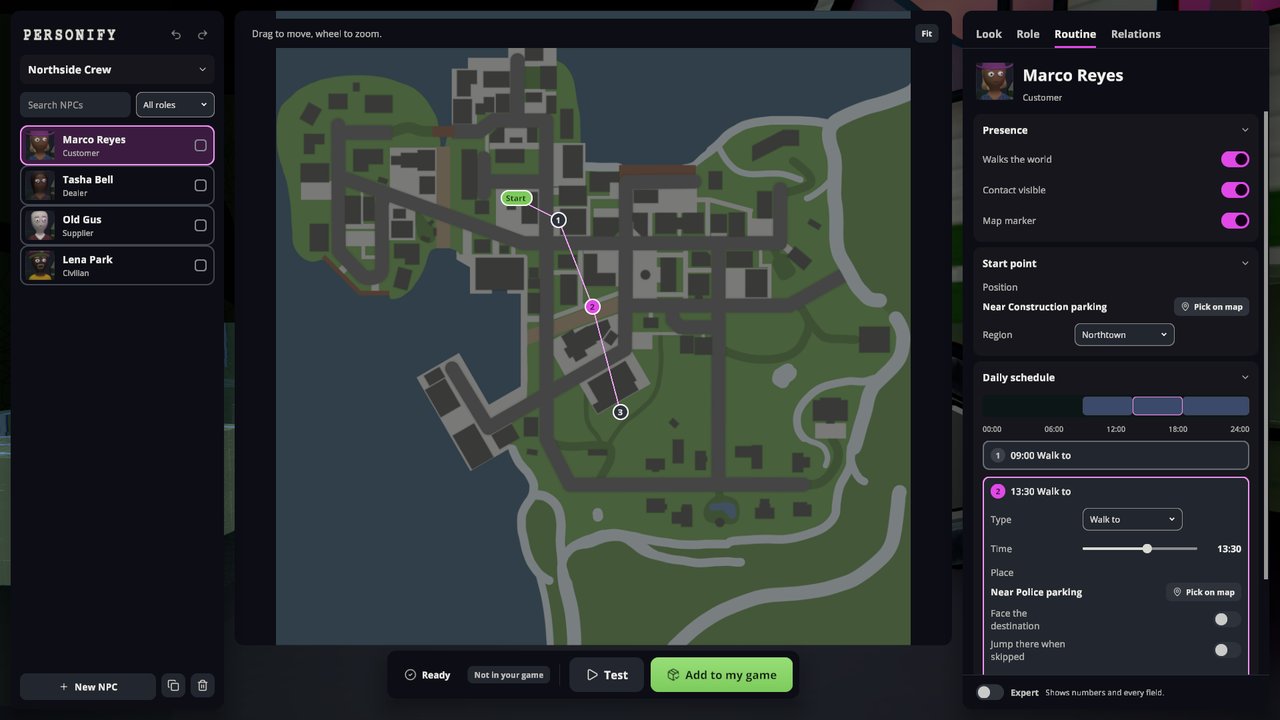
- Routine: click the town map to set the start point and plan the day, including drives to a car park in the NPC's own car.
- Test: pick a save; the game restarts into it and puts you right next to your NPC.
- Phone app: in a loaded save, set an NPC's start point or a route stop where you stand.
- Projects save as you go, with a history to step back to. Import any installed Personnel pack.
- Installed packs can be switched on or off, or removed, from the start page.
- Publish builds a Thunderstore-ready zip under
UserData/Personify/Exports/. - Inkorporated tattoos appear in the tattoo picker if Inkorporated is installed.
Screenshots
Requirements
- Schedule I (IL2CPP) with MelonLoader 0.7.3+.
- S1API, Side Hustle, Sideload 1.36.0+ and Personnel 2.4.4+ (pulled in as dependencies).
- Optional: Inkorporated (tattoo packs in the editor).
Usage
Main menu -> Side Hustle -> Personify. Create a project, add NPCs with + New NPC and work
through Look, Role, Routine and Relations. Add to my game installs the pack, Test starts a save
next to the NPC, Publish writes the zip. Add a 256x256 icon.png before you upload it.
Escape or right-click steps back one level. Ctrl+Z and Ctrl+Y undo and redo.
Full guide on GitHub.
License
MIT. See the included LICENSE.md.