

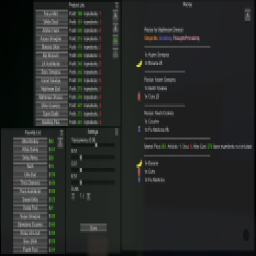
Recipe List Menu
this mod lets you easily find the recipes for products you have discovered or favorited you can also sort by sell price or ingredient countSchedule 1 Recipe List GUI
Melon Loader is required
How To Use:
Step 1. Load a save and open the pause menu with ESC or Tab
Step 2. Press F5 to open the Recipe List menu
Step 3. Press + on the windows to expand them (by default the windows are minimized to help with performance)
Step 4. Select a drug type then find your product, or select a product from the favorites window. Sometimes the selected product has more than one recipe, so you will be asked to choose one
Press F6 while the menu is open to reset the screen positions back to default (helpful if the GUIs go off screen)
To change keybinds, menu scale, menu transparency, and menu color, edit Mods\RecipeGUI.cfg
On the bottom left of the recipe page there is a box you can use to resize the window
To change the translation, edit Translations/RecipeListGUI_translations.txt and follow the instructions