
AlwaysShowDistancesOnCompass
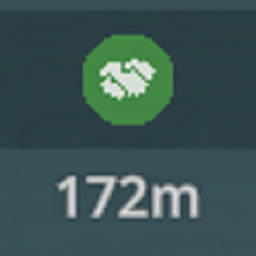
Makes it so the distance to waypoints is always shown on the compass. By default the game only displayed the distance when you got close, so for example it was hard to determine what order you should do your deals at a glance.REQUIRES "ALTERNATE VERSION" BETA BRANCH
Instructions from the Schedule 1 Discord:
- Right click Schedule 1 in your steam library
- Click properties
- Click Betas
- Select "Beta" Under Beta Participation drop down menu We highly recommend backing up your saves before opting in to the beta branch. Save game path: C:\Users\YOURUSER\AppData\LocalLow\TVGS\Schedule I\Saves
REQUIRES MELON LOADER
Instructions and download here: https://melonwiki.xyz/
Makes it so the distance to waypoints is always shown on the compass. By default the game only displayed the distance when you got close, so for example it was hard to determine what order you should do your deals at a glance.