

MultiDelivery
Add vehicles, order multiple deliveries from the same place!MultiDelivery


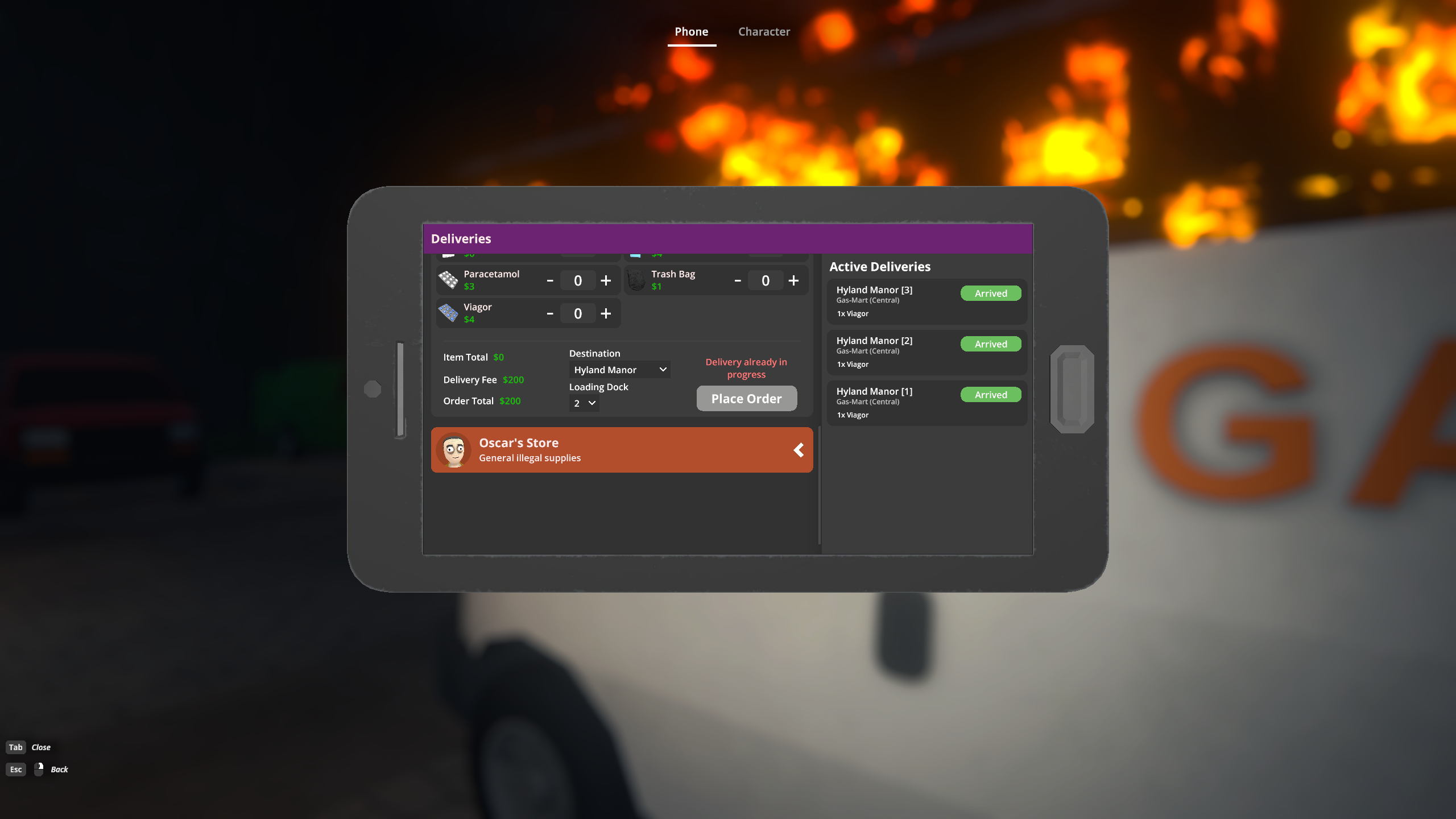
Expand your delivery capacity - order multiple deliveries from the same store simultaneously!
Features
- Order multiple deliveries - no more micro-managing which property gets priority
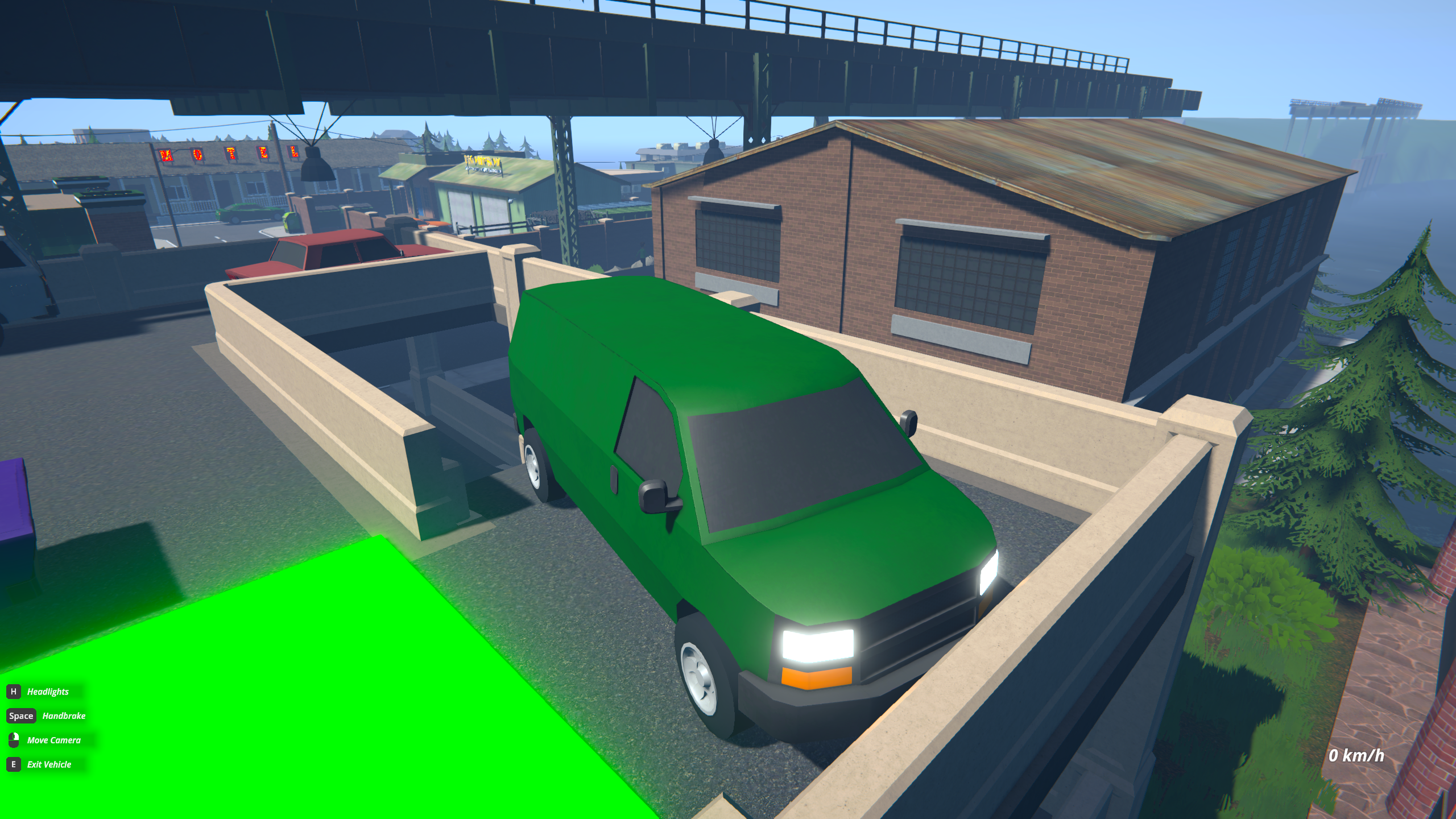
- Vehicle pool system - expand once, use everywhere
- Each shop's base delivery vehicle is prioritized and selected first
- If unavailable (already delivering), a free vehicle from the pool is assigned automatically
- If no vehicles are available, complete deliveries to free them up or expand the pool
- Example: With 3 pool vehicles, you can run 2 Oscar deliveries + 3 Gas Mart (Central) deliveries simultaneously (5 total)
- Pool expansion quest - unlock at Enforcer rank 1
- Receive a message and go talk to Jeremy at the car dealership
- Repeatable - visit him again to expand further
- Note: If you're already Enforcer 1+, gain any XP to trigger the intro message
- Experimental multiplayer support - vehicle pool is shared across the lobby (requires SteamNetworkLib)
Note: May not be compatible with other delivery-adjacent mods.
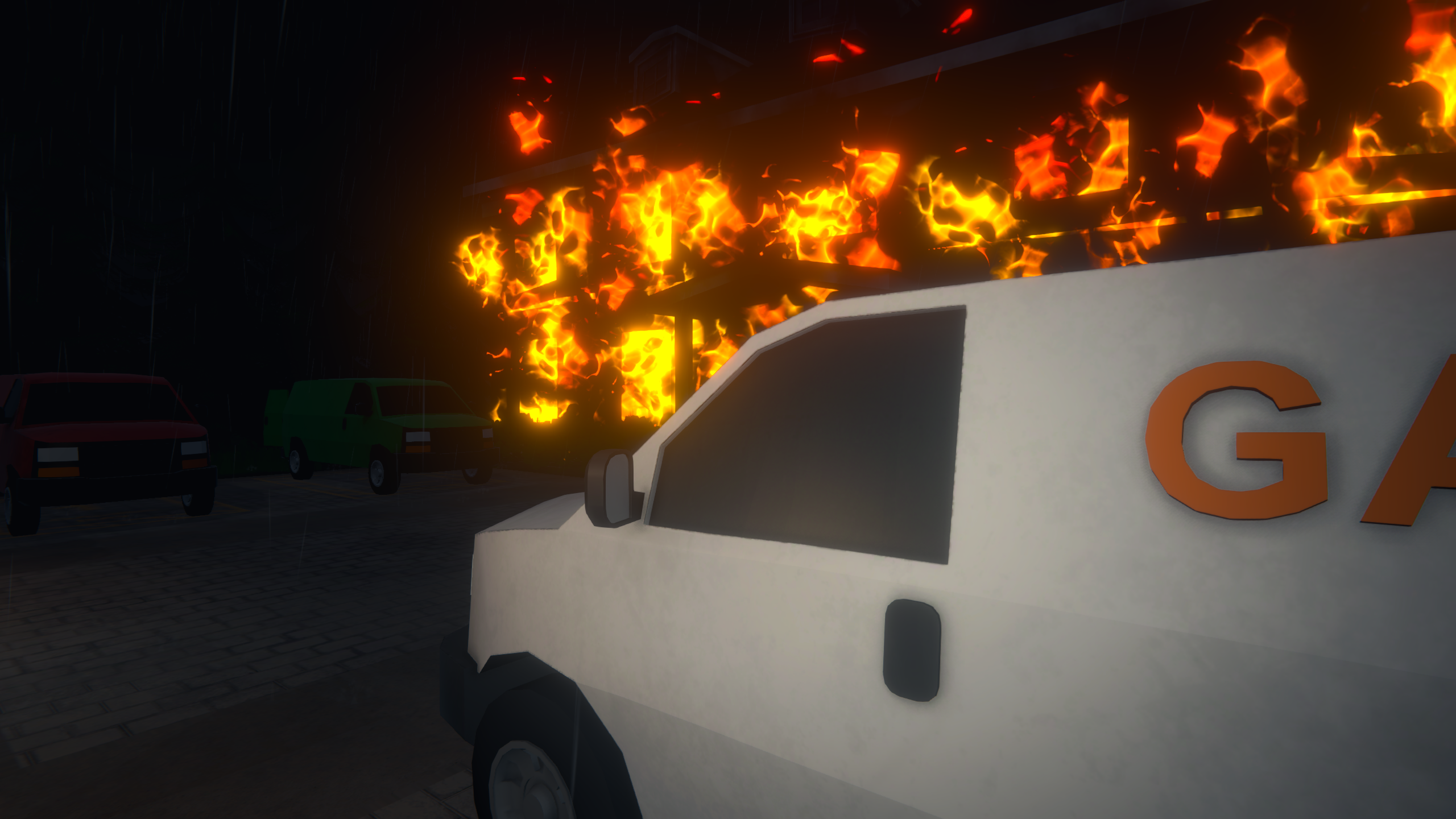
Screenshots
Installation
- Install MelonLoader
- Extract the zip file
- Place the dll file into the Mods directory for your branch
- For none/beta use IL2CPP
- For alternate/alternate beta use Mono
- Install S1API (Forked)
- Install SteamNetworkLib (optional, for multiplayer)
- For none/beta
- For alternate/alternate beta
- Launch the game
Uninstallation
- Remove the mod's dll from Mods
- Optionally, if other mods aren't using MultiDelivery's dependencies remove them as well
- If you have saved deliveries (deliveries that weren't completed when the save happened) remove them as well
- Navigate to your save folder and remove
Deliveries.jsonto remove all delivery data - saved deliveries, receipts, history (make a backup!)
- Navigate to your save folder and remove
Troubleshooting
- Make sure you have the correct version of the mod for your branch (IL2CPP for none/beta, Mono for alternate/alternate beta)
- Make sure you have the required dependencies
- S1API Forked (min version 3.2.1, latest recommended)
- optionally SteamNetworkLib for multiplayer
- Check the Known Issues section to see if your issue is a known one - if so, follow the recommended workaround if available
- Check the MelonLoader logs if the mod loaded correctly, if dependencies were found, and for any errors
- Standard log file location:
<game folder>/MelonLoader/Latest.log
- Standard log file location:
- If issues persist, try disabling other mods to check for compatibility issues, as well as reporting the issue with as much detail as possible (steps to reproduce, expected vs actual behavior, logs, etc.)
- Be sure to enable all (relevant) debug messages configs
Testing/Debugging Commands
multidelivery help- lists available commands and their usagemultidelivery quest force- forces the pool expansion quest intro message, skipping the rank requirement checkmultidelivery quest start- starts the pool expansion quest without talking to the NPCmultidelivery pool add <number>- adds the specified number of vehicles to the poolmultidelivery pool set <number>- sets the pool size to the specified number. Lowering the pool size will delete vehicles, including in-use ones. Use with caution. Downsizing is also not networked.multidelivery pool get- prints the current pool size and number of vehicles currently in use
Known Issues
- Graffiti on pool vehicles isn't saved to a save file. Arrived deliveries (vehicles that are waiting on the loading docks) will persist their graffiti though.
License
This mod is licensed under MIT License. See the LICENSE.md file for more information.
Van icon, used in the quest icon, Lucide, ISC License.