You are viewing a potentially older version of this package. View Latest Version


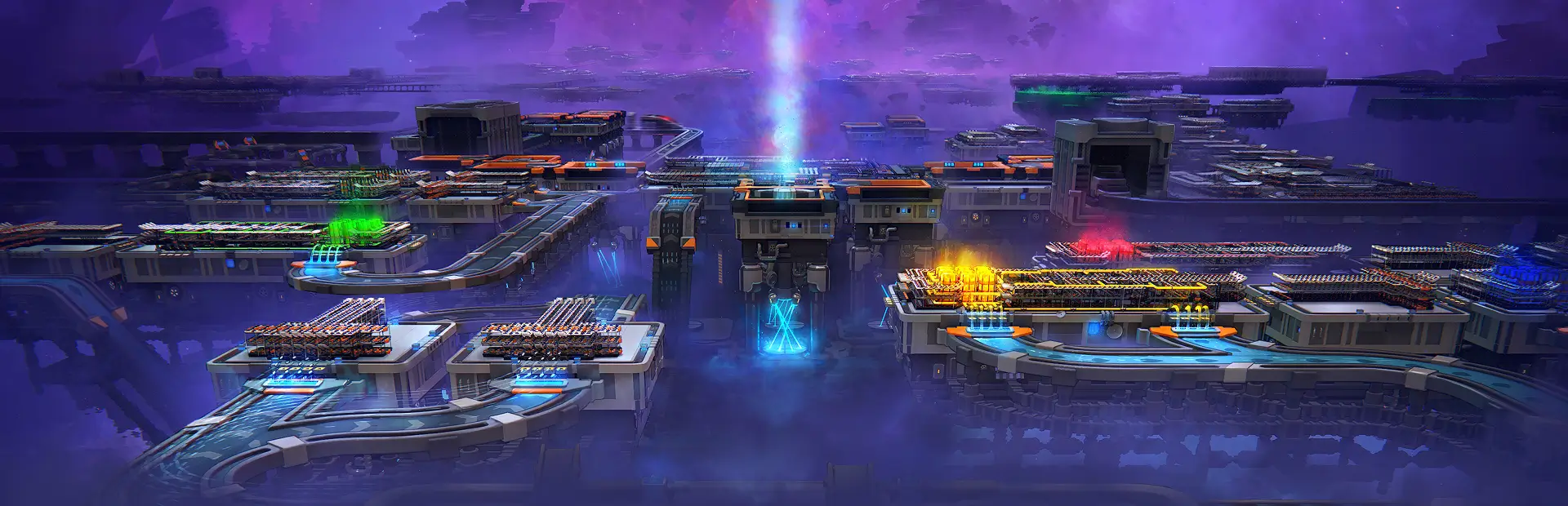
When you tap M (configurable), your camera will zoom out until the blue grid becomes visible. When you tap the key again, the camera will zoom out until the orange grid becomes invisible. Tapping the key will toggle between these two zoom levels.
| Name | Type | Description | DefaultValue |
|---|---|---|---|
| Hotkey | KeyCode | The button to press to set the camera to map zoom level | M |
I recommend using a mod loader like ThunderstoreMM or R2ModMan to install this mod.
Your game folder is likely here:
C:/Program Files (x86)/Steam/steamapps/common/shapez 2
(Drive):/steam/steamapps/common/shapez 2
(Drive):/SteamLibrary/steamapps/common/shapez 2
Before using this mod, please back up your save files to prevent data loss. To do so, navigate to the following folder:
C:\Users\YourUsername\AppData\LocalLow\tobspr Games\shapez 2
Replace YourUsername with your actual Windows username. Copy this folder to a safe location before applying any modifications.
This mod is an independent creation and is not affiliated with or endorsed by tobspr Games. All assets, trademarks, and copyrights associated with Shapez 2 remain the property of tobspr Games and its respective owners. This mod is provided as-is, and the author takes no responsibility for any issues that may arise from its use.