
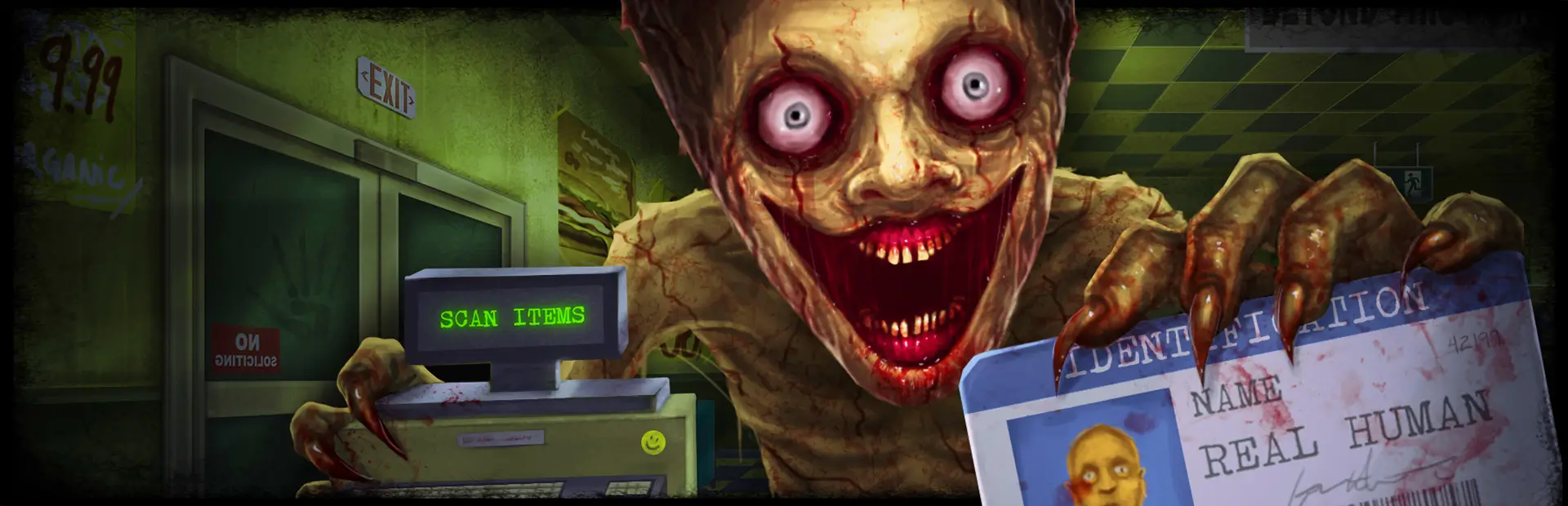

NIGHTMARE Mode
Makes Shift At Midnight meaner: scaled quotas, day-one thieves, faster and tankier spiders, more damage taken, stingier restocks, impatient customers, and a full save wipe on failure.Nightmare Mode

A mod for Shift At Midnight that turns the whole game up with steeper quotas, tougher spiders, thieves from Day 1, and mistakes that cost you the save instead of the day. Built for players who've cleared the base game and want the difficulty pushed well past it, with every multiplier exposed as a config value so you can dial in exactly how much.
Features
Each feature below maps to the config section of the same name, so anything you want to change is easy to find.
- Quota — Daily store quotas are multiplied by 2x by default, starting from Day 1 and applying to every day after.
- Thieves — Thieves can show up from the very first day and spawn more often, instead of only appearing later on.
- Damage — Every hit the player takes is multiplied.
- Spiders — Movement speed and HP are both scaled up.
- Doppelgangers — Every doppelganger you let through past the first raises the damage you take during a hunt and adds to spider health, with the health penalty growing by party size. The tally resets with each run.
- Customers — Every customer is on a patience timer, so there are no more infinite-patience shoppers.
- Boxes — Restock boxes only refill shelves with 5 items instead of 15.
- Vents — You get pushed back out much faster, so vents are no longer a safe hiding spot. This one is handled purely client-side, so each player's own push-out speed applies to them rather than the host's.
- Game reset — Missing quota or dying wipes your save entirely, instead of just costing you the day.
Planned
- Thieves — Thieves only give back the money they stole when they're caught, not when they're killed.
Nothing else locked in yet. If there's a way you'd like the game made harder, open an issue and suggest it — feature requests are welcome.
Requirements
- Shift At Midnight (Steam)
- BepInEx 6 (IL2CPP) installed for the game
- HarmonyX (bundled with BepInEx IL2CPP)
- ModSettingsMenu — a required dependency, not an optional one. It provides the in-game settings UI, and the plugin will not load without it.
A mod manager installs everything below the first line for you. Only the manual route asks you to handle them yourself.
Installation
With a mod manager
Install from Thunderstore using Thunderstore Mod Manager or r2modman. BepInEx and ModSettingsMenu are declared as dependencies in the package, so the manager pulls both in on its own — there is nothing else to set up.
Manually
- Install BepInEx 6 (IL2CPP) for Shift At Midnight if you haven't already.
- Install ModSettingsMenu. Don't skip this one — without it the plugin fails to load, with no error in-game to tell you why.
- Drop
NIGHTMAREMODE.dllintoBepInEx/plugins. - Launch the game. Check
BepInEx/LogOutput.logforPlugin NIGHTMARE Mode <version> is loaded!to confirm it's active.
Building from source
dotnet build
The project references the following DLLs from a local lib/ folder, which isn't committed to this repo — copy them there yourself from your own game install's interop/unhollowed assemblies:
Assembly-CSharp.dllFusion.Runtime.dllIl2Cppmscorlib.dllModSettingsMenu.dllUnityEngine.CoreModule.dllUnityEngine.UI.dllUnityEngine.PhysicsModule.dllUnity.TextMeshPro.dllUnityEngine.AnimationModule.dll
On build, the project copies the compiled DLL into your game's plugin folder. Update the <GameDir> property in NIGHTMAREMODE.csproj to point at your own install path first — if it's empty or points somewhere that doesn't exist, the copy is skipped and the build still succeeds. Either way, the built NIGHTMAREMODE.dll can be found in bin/Debug/net6.0/.
Packaging for Thunderstore
dotnet build -c Release -t:ThunderstorePackage
Produces an upload-ready artifacts/NIGHTMAREMODE-<version>.zip. This is a separate target rather than part of a normal dotnet build, so the fast edit-build-playtest loop stays fast.
To cut a release, bump <Version> in NIGHTMAREMODE.csproj — that single value feeds both PluginInfo.PLUGIN_VERSION and the package manifest's version_number. Note that Thunderstore always serves the highest version ever uploaded, so a mistyped version permanently buries every release after it.
Package sources live in thunderstore/; see the README there.
Disclaimer
This is an unofficial, fan-made mod and is not affiliated with or endorsed by the developers or publisher of Shift At Midnight.