
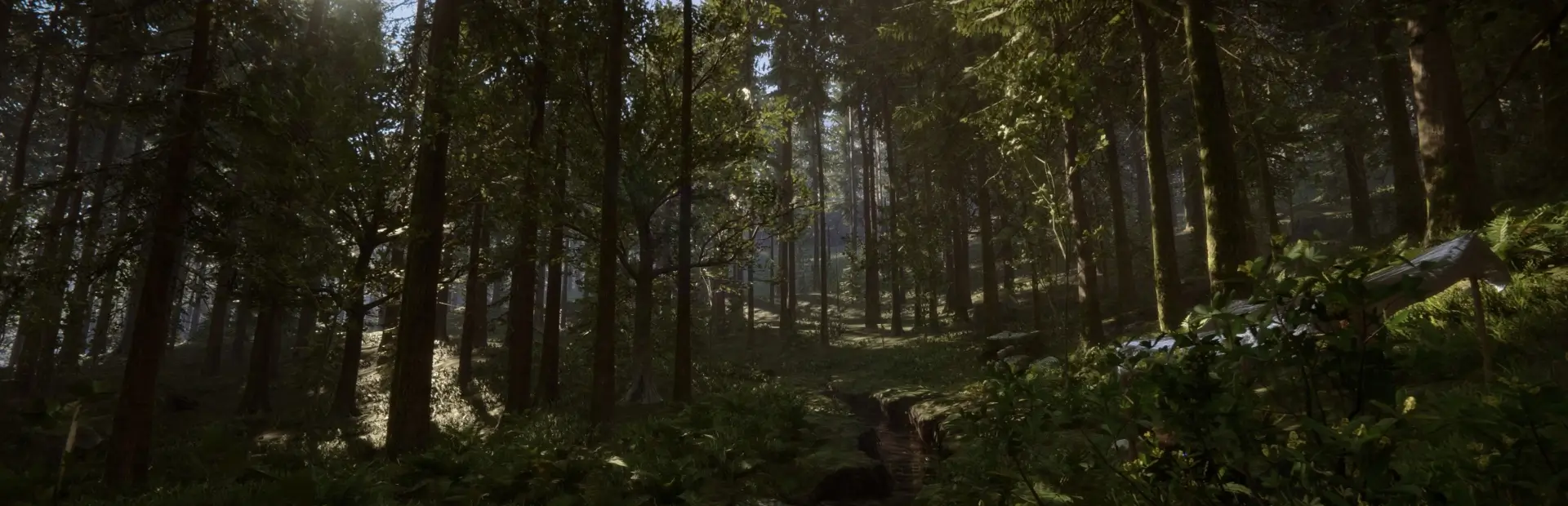
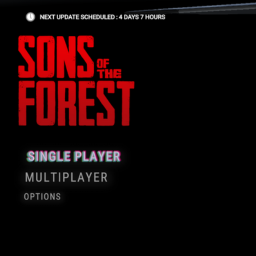
OG Menu
A similar style to The Forest original main menuOG Menu
How to install
- Download and install it from the mod manager (easy way)
or
- Download BepInEx
- Drag contents of the BepInEx zip file into Sons of the Forest game directory (right click in steam > browse local files)
- Dowloand the OG Menu.zip file and drag the .dll file in Sons Of The Forest\BepInEx\plugins
PS: tested with English language, text can be misaligned with other languages
