Higher Sidebar
About
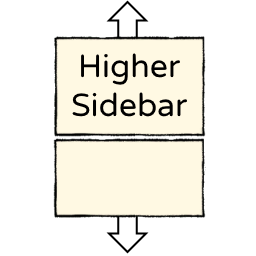
Increases the height of sidebar elements.
Config
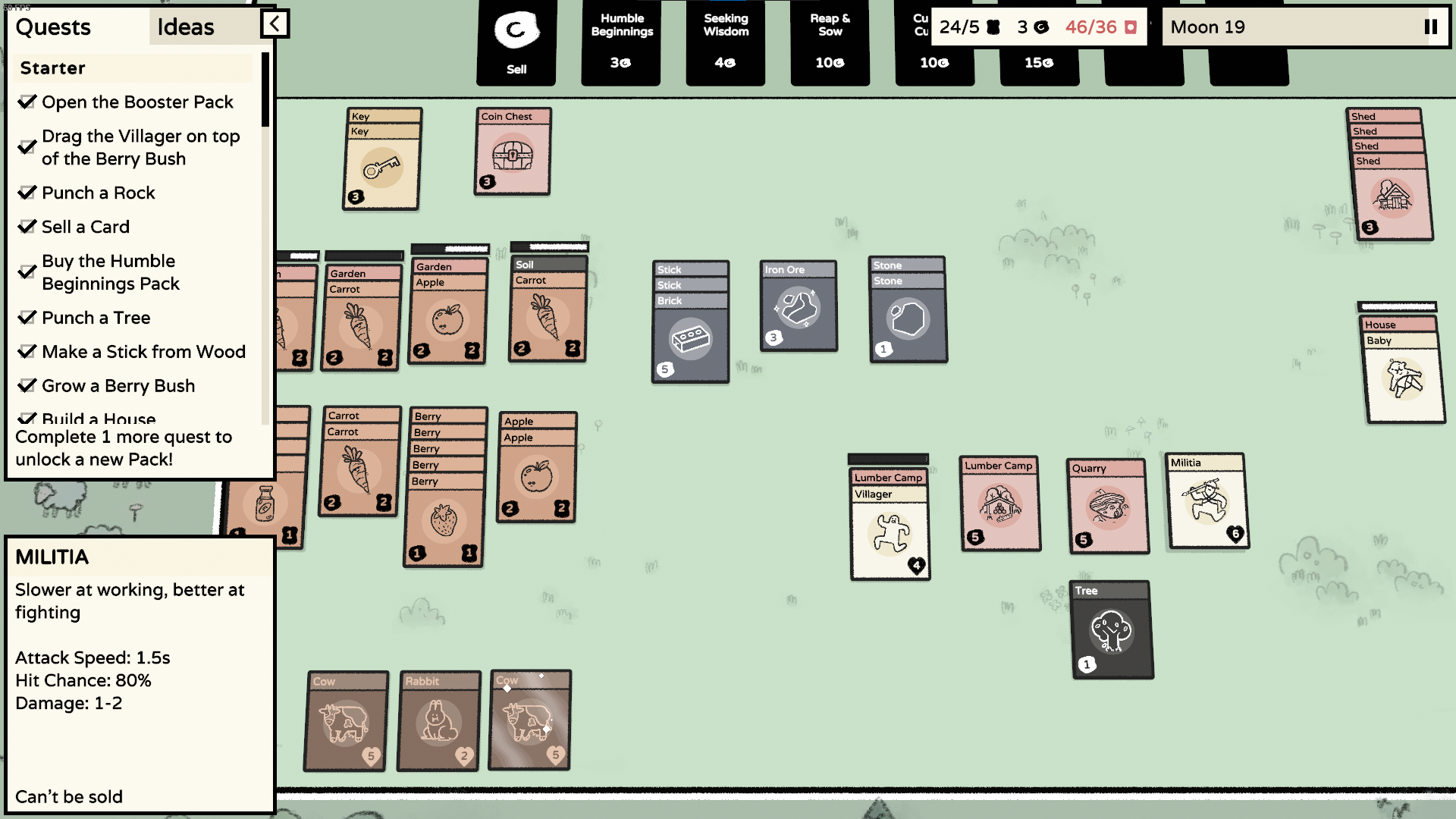
The height of the info box can be set custom and the remaining space is filled with the sidebar.
The config entries are generated after the first start at BepInEx/config/com.maxsch.stacklands.higherui.cfg.
Manual Installation
This mod requires BepInEx to work, it is a modding framework that allows multiple mods being loaded.
Furthermore, this mod uses Harmony to patch into the game, which means no game code is distributed and allows multiple mods to change it interdependent.
- Download and install BepInEx from Thunderstore
- Download this mod and extract it into
BepInEx/plugins/
- Launch the game! If everything works, you should already see that the height of the sidebar elements is increased.
Useful Tools
Development
- Install BepInEx
- Set your
GAME_PATH in HigherSidebar.csproj
- This mod requires publicized game code, this removes the need to get private members via heavy Reflection code. Use https://github.com/CabbageCrow/AssemblyPublicizer for example to publicize
Stacklands/Stacklands_Data/Managed/GameScripts.dll
- Compile the project. This copies the resulting dll into
<GAME_PATH>/BepInEx/plugins/
Links
Changelog
0.1.4
- Updated mod for game version 1.2.2 (dark forest update). This removes the configuration for the debug panel, since it is now at full height anyway (thanks benediktwerner!)
0.1.3
- Updated Thunderstore Readme
0.1.2
- Added ability to change the debug panel height (thanks benediktwerner!)
0.1.1
- Updated mod for game version 1.1.4 (islands update). As the sidebar now takes the remaining space, only the info box height has to be configured (thanks benediktwerner!)
- Changed BepInEx display name and dll name to Higher Sidebar. Make sure to delete the old
StacklandsHigherUI.dll
0.1.0