

You are viewing a potentially older version of this package. View Latest Version
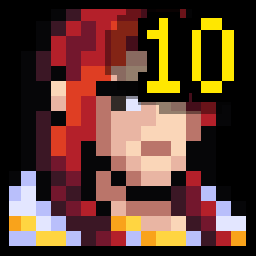
PortraitLevels
Displays unit levels on the summary screen and the tavern damage meters
Portrait Levels
Displays unit levels on the summary screen and the tavern damage meters
🔧 Installation
Manual Installation
- Install BepInEx for Super Fantasy Kingdom.
- Download the latest release.
- Extract the
.dllinto:<SuperFantasyKingdom>/BepInEx/plugins/ - Launch the game — the mod loads automatically.
Thunderstore Mod Manager
- Open Thunderstore Mod Manager.
- Select Super Fantasy Kingdom.
- Download the mod
Portrait Levels. - Install and start the game.