
SuperCold
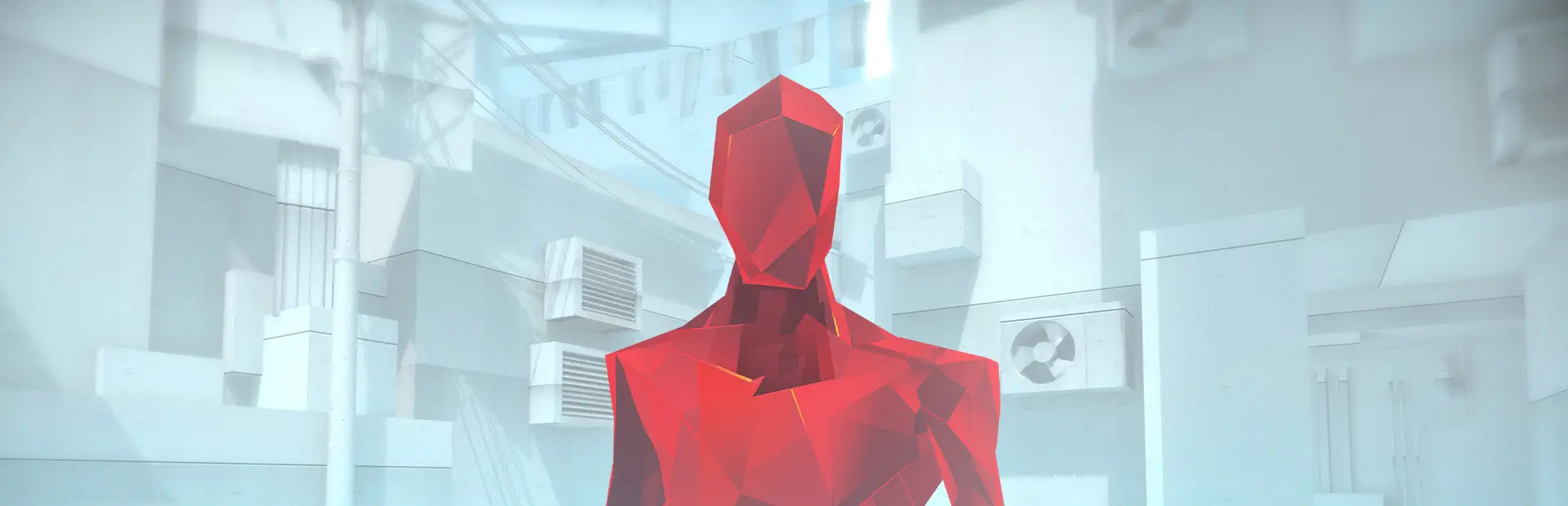
Red not your color? Then what about blue! SuperCold recolors the game into a more blueish color!Superhot Cold Mod
A small mod for SUPERHOT which converts the color scheme to a blue version.
How to Install:
Thunderstore Mod Manager Installation:
-
Install the Thunderstore Mod Manager.
-
Download the mod.
-
Start your game and enjoy.
Manual Installation:
-
Download and install MelonLoader from the official website: MelonLoader Download
-
Alternative Download Page: MelonLoader Releases
-
Select SUPERHOT from the games list and press install.
-
Move the downloaded SuperhotNoTime.dll (From Downloads) to the new Mods folder in your SUPERHOT Directory. You can find your games Mod folder by pressing the folder icon MelonLoader. (Alternatively: Right mouse click the game in Steam with → Manage → Browse Local Files)
-
Start your game and enjoy.
MelonLoader Information
Has been tested with version 0.5.7 and above. As of release, the newest version is 0.7.3. If any versions higher or lower do not work, do not be afraid to contact me.
Building
Project can be built with: .NET Framework 4.7.2
Please note, a build script has been added to automatically move the build mod to the games' directory. For this to work, you have to provide a txt file named "config.txt" which only contains the full path to the games mods folder. Other than that, enjoy.