
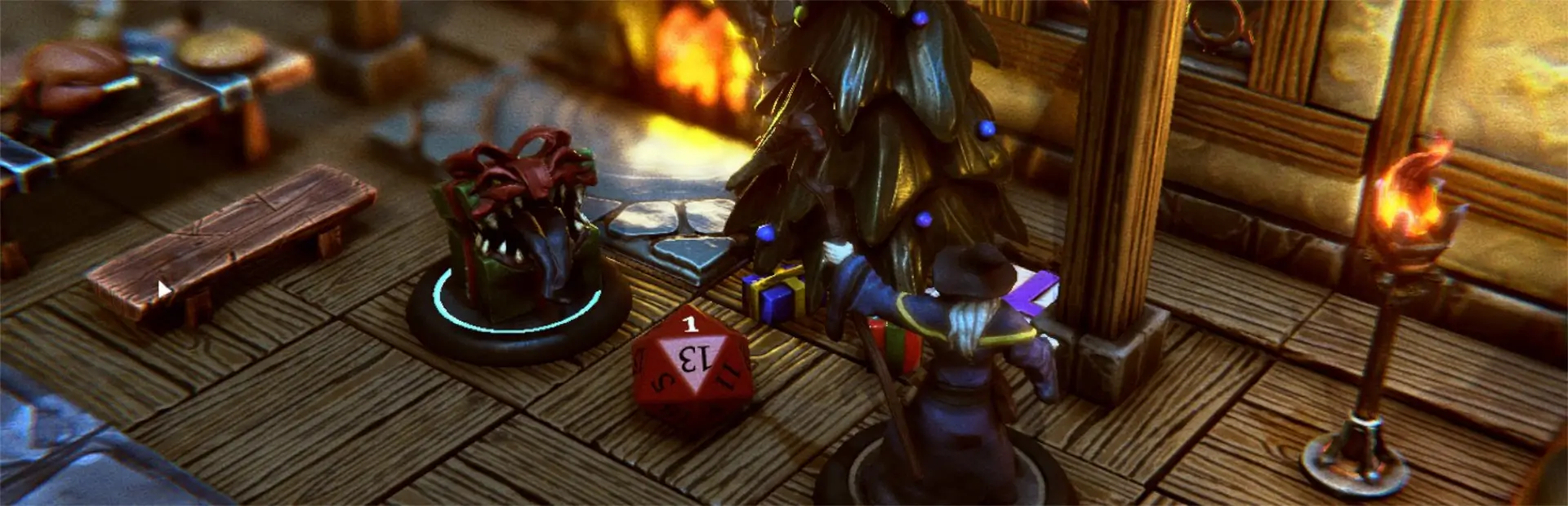

CustomDicePlugin
Allows accessing up to ten custom dice sets.Custom Dice Plugin
This unofficial TaleSpire plugin for providing access to up to ten different dice sets. The current dice set is applied when dice are taken out of the tray and thus different custom dice sets can be used at the same time.

Change Log
1.0.0: Initial release
Install
Install using R2ModMan or similar.
Usage
When Tale Spire is started the default dice tray (01) is selected. When any dice are pulled out of the dice tray they will automatically be customized to match the appearance of the dice tray 01 dice (the dice in TaleSpire_CustomData/Misc/dice01).
The current dice tray can be swapped by holding left control and pressing a number on the numeric keypad (1 thru 9 and 0 for 10). Switching the current dice tray does not change any dice already on the board but it changes any future dice that are drawn from the dice tray.
The plugin comes with two sets of sample custom dice but they are intentionally not placed in a folder where the plugin can find them so that they don't override any user dice that the user places in the TaleSpire_CustomData/Misc folder. If you want to try these dice, you will need to copy them from the plugins folder to the common TaleSpire_CustomData/Misc folder folder manually. They are names dice01 and dice02 but can be renamed to any other tray slots (e.g. dice03 and dice04) if tray slots 01 and 02 are already in use (by user custom dice)..
Player Dice
At the moment dice trays cannot be associated with players. However, if players draw their dice at the beginning of the game and do not generally draw additional dice during the game, you can "asssociated" different dice sets with different players by doing the following:
- Select Dice Tray 01 and draw all the dice that you will need.
- Select Dice Tray 02 and have the next player draw their dice.
- Select Dice Tray 03 and have the next player draw their dice.
Repeat as needed. The important key to the process is that players draw their dice in order (and not at the same time) so that the dice tray can be swapped in between each player's draw.
Making Custom Dice
Each custom dice tray is an assetBunlde in the TaleSpire_CustomData/Misc/ folder with the name dice01 thru dice10. The assetBundle must contain prefabs called d4, d6, d8, d10, d100, d12 and d20.
Easiest Method
The plugin comes with a ZIP file that has the default meshes for each die type and sample texture files which indicated which part of the texture map corresponds to which side of the dice. The easiest way to make custom dice is to use the provided meshes and just apply your own custom textures.
Customizing Meshes
If you want to customize the dice meshes, try to ensure that the center of each dice type matches the center of the provided meshes. This will ensure that the custom meshes will line up with the core TS dice underneath. However, the R2ModMan configuration for the plugin does allow each type of die to be adjusted manually by specifying exact rotations, position offsets and scaling. Just be aware that the settings are common to all dice trays, so ensure that all dice trays are based on the same meshes or at least meshes that use the same settings.
Limitations
The current custom dice do not use the TS numbers for the sides. In the future, this plugin may make use of that to provide features like glowing rolled side.
Since the plugin adds an exterior shell to the core TS dice, they can appear to be a little "heavy" (especially the D10) and sink somewhat into the table. This cannot be avoided with this implementation of Custom Dice but it has no effect on the rolling of the die.