
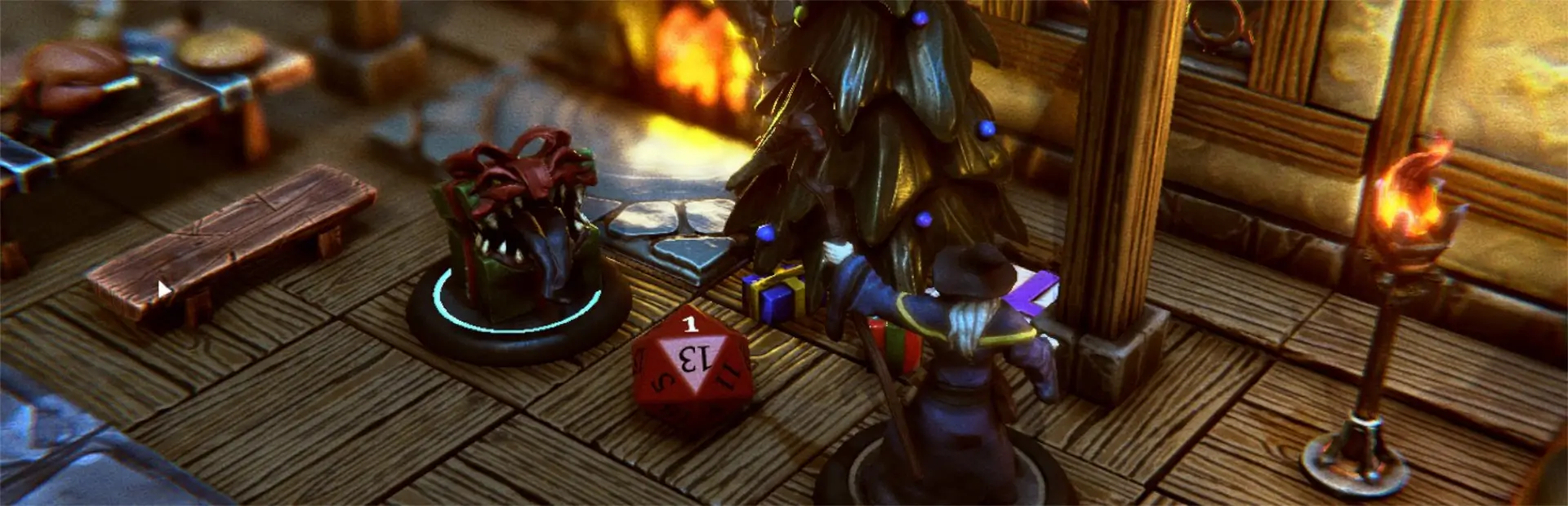

GlowBasePlugin
Change base color or through a series of colors when base is selected. This can be used as another way to mark mini conditions or make the selected mini more obvious.Glow Base Plugin
This unofficial TaleSpire plugin for changing the base color or cycling through a series of colors when the base is selected. Can be used as another way to indicated conditions like concentration, bless, etc or as a way for making the selected mini more obvious for anyone who might be somewhat visually impaired.
Change Log
1.0.1: Plugin now reported on the main TaleSpire page 1.0.0: Initial release
Install
Install using R2ModMan or similar. Unzip the TaleSpire_CustomData folder into your TaleSpire game directory to add the BasePaint icon. (Merge the contents if the TaleSpire_CustomData exists)
Usage
Select a mini and then right click to open the radial menu. Select the paint brush icon to open the color dialog. Type the desired color name or a sequence of colors separated by comma. Colors should be typed with a starting capital letter as per the System.Drawing.Color enumeration (not all lower case as per the Unity.Color). For example, "Red" or "Red,Blue,Green".