
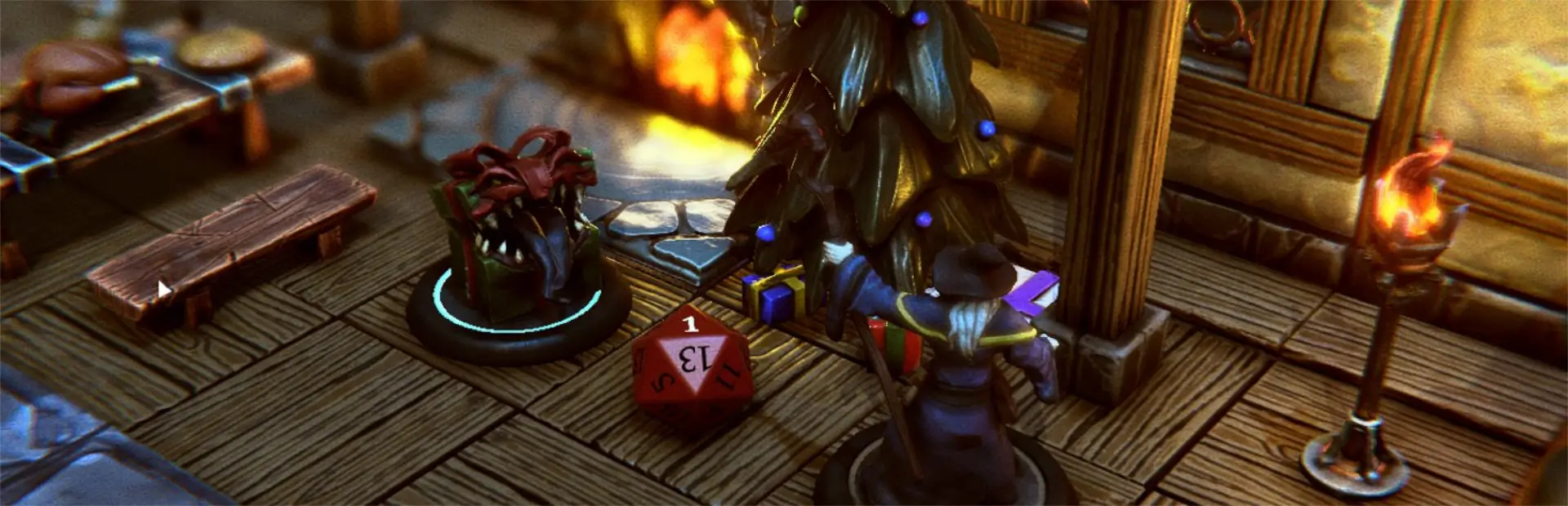

HSVPlugin
Allows changing of mini Hue, Saturation and Value from GM or Main Menu.HSV Plugin
This unofficial TaleSpire mod for changing the Hue, Saturation and Value of a mini from the GM menu.
Change Log
1.1.0: Added additional support for assets with non-readable textures.
1.0.1: Bug fix. Fixed paths to plugin and support utility.
1.0.0: Initial release
Install
Use R2ModMan or similar installer to install. Use R2ModMan to configure settings for the plugin.
Usage
1. Click on a mini
2. From the GM Tools menu select the HSV option (paintbrush icon)
3. Adjust the Hue, Saturation and Value using the sliders.
4. Press Apply to view the results.
5. Press Exit when the desired values are applied.

Note: 100% for each value will result in the original texture. The button below the sliders can
      be used to set the values to 100%
Board Load And Unique
When assets with HSV modifications are loaded during board load, the HSV values will be restored. When a unique asset is added to the board that has HSV modifications it will be applied.
Delay HSV Application On Startup
In some cases, during board load the HSV values will not get applied because the HSV modifications occur too early. In such a case, a delay can be added between board load and HSV application. This delay can be set in the configuration for the plugin.
Delay HSV Application On Startup
In some cases, when an unique mini is spawned the HSV values will not get applied because the HSV modifications occur too early. In such a case, a delay can be added between a unique mini being added to the board and the HSV application. This delay can be set in the configuration for the plugin.