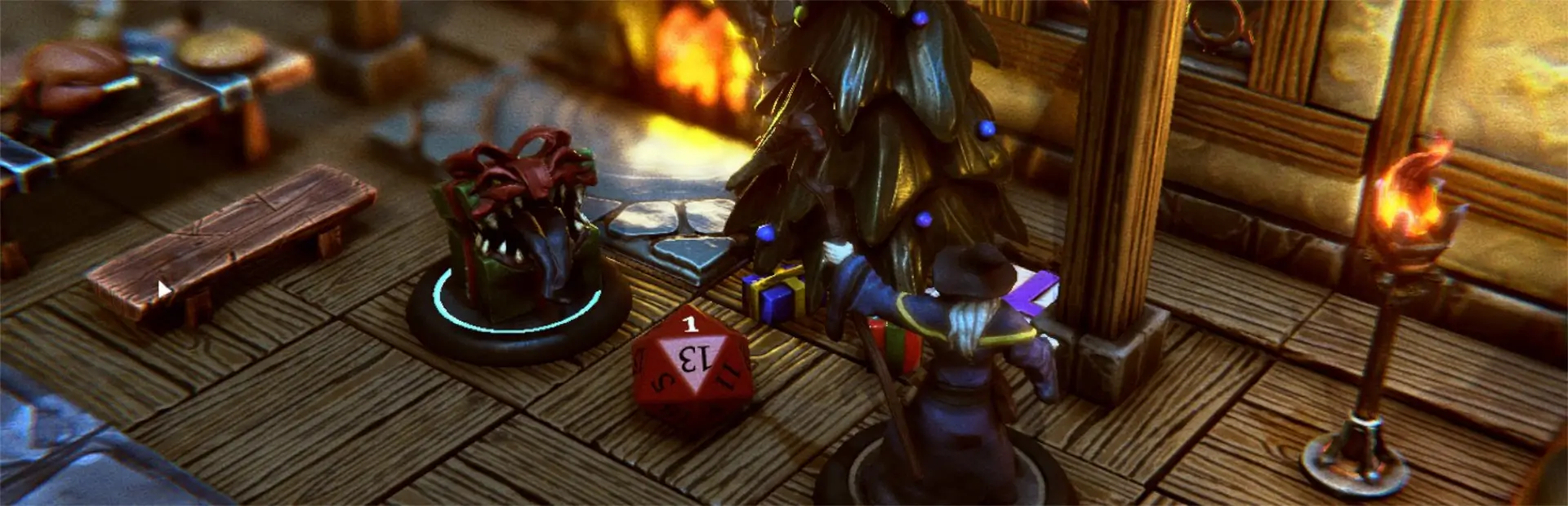

MorphCyclePlugin
Cycle through the mini's morphs via keyboard.Morph Cycle Plugin
This unofficial TaleSpire plugin for cycling through the selected mini's morphs using keyboard.
This plugin, like all others, is free but if you want to donate, use: http://LordAshes.ca/TalespireDonate/Donate.php
Change Log
1.0.0: Initial release
Install
Use R2ModMan or similar installer to install this plugin.
Usage
Press the keyboard shortcut to either set the desired morph or cycle through them. Shortcut keys are configurable in the R2ModMan config for the plugin. The defaults are shown below:
RControl+Home: Cycle the current morph one step forward. Loops back to first morph if current morph is last one.
RControl+End: Cycle the current morph one step backward. Loops back to last morph if current morph is the first one.
RControl+1: Sets the first morph.
RControl+2: Sets the second morph. Sets the first morph if the second morph does not exist.
RControl+3: Sets the third morph. Sets the first morph if the third morph does not exist.
RControl+4: Sets the 4th morph. Sets the first morph if the 4th morph does not exist.
RControl+5: Sets the 5th morph. Sets the first morph if the 5th morph does not exist.
RControl+6: Sets the 6th morph. Sets the first morph if the 6th morph does not exist.
RControl+7: Sets the 7th morph. Sets the first morph if the 7th morph does not exist.
RControl+8: Sets the 8th morph. Sets the first morph if the 8th morph does not exist.
RControl+9: Sets the 9th morph. Sets the first morph if the 9th morph does not exist.