
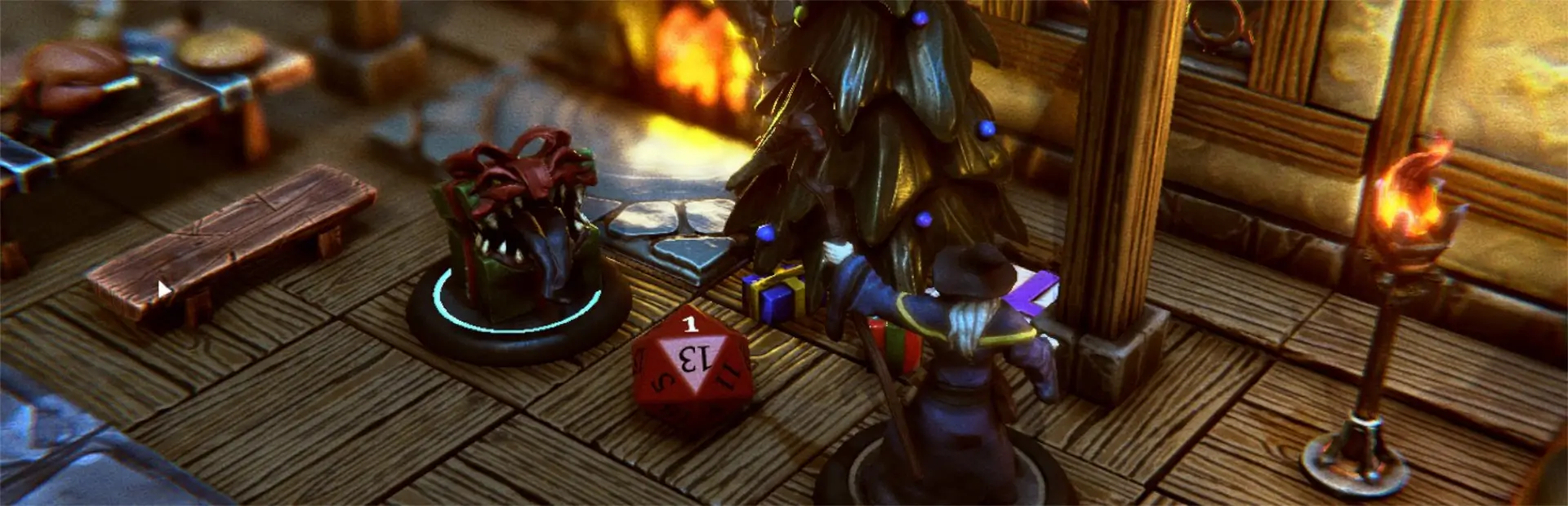

Mini Tarrasque
Tarrasque mini designed by Mz4250 re-distributed under Creative Commons 4.0 license. Compiled for use in Talespire and texturedThis Package
This package uses Mz4250 models to demo the ease of installing assets via
- R2Modman (Automated)
- Steamapps (Manual) This asset bundle in not officially endorsed by Mz4250
Installing via R2ModMan
- Open up r2modmand, select talespire and the profile you want to install this on. 2-a. On Thunderstore you can click on "Install with Mod Manager" and all files and dependencies will be installed. 2-b. On r2modman navigate to Online, find this pack and click Download (Latest). All files and dependencies will be installed.
- Make sure ExtraAssetRegistration is installed.
Install via SteamApps
- On Thunderstore download the zip via Manual Download
- Extract the package and navigate into
\TaleSpire_CustomData\Minis\ - Copy all the files without exentsions and paste them in
..\steamapps\common\TaleSpire\TaleSpire_CustomData\Minis - Make Sure https://talespire.thunderstore.io/package/LordAshes/CustomMiniPlugin/ is installed to steamapps.
License:
The models are licensed under https://creativecommons.org/licenses/by-sa/4.0/legalcode Due to this, the package itself will inherit the same license.
Changelog
- 1.1.0: Added portrait, delete EAR's Cache to apply update from 1.0.0
- 1.0.0: Initial release
Shoutouts
Twitch: https://www.twitch.tv/the4thculture
Disclaimer this package has and will always comply to CC 4.0 license and is not for sale.