
Shop Prestige
Decorate your shop to earn Prestige, attract more and richer customers, customize display cases and set card filters.Join the Dimwit's Mods Discord: discord.gg/AgxhHcEmm6 Updates, feedback and what's coming next.
Shop Prestige
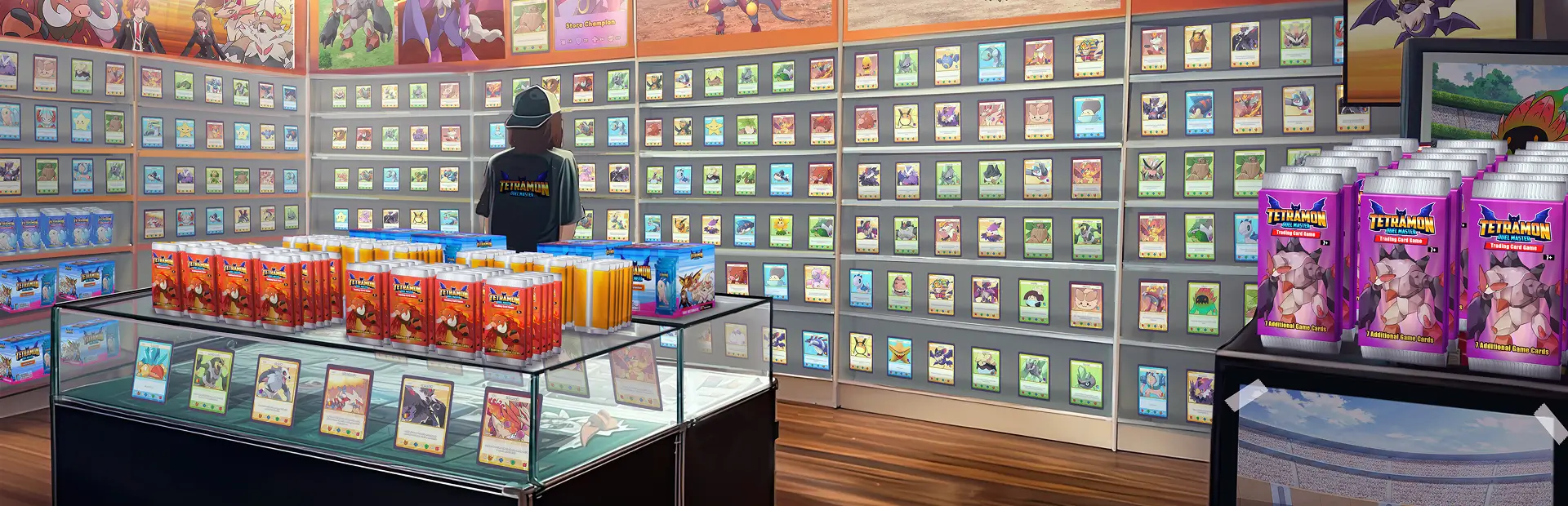
Decorate your shop, earn Prestige, attract more and richer customers.
Features
- Prestige score from your decorations, in four tiers: Hole in the Wall to Collector's Paradise.
- More customers: the decoration cap goes from 20 to 50, with a soft cap. Variety counts more than copies.
- Richer customers each tier: more cash (up to +50%), more rich customers, higher prices accepted (up to +15%).
- Display case themes: matching element, set, foil, border or monster count for up to double.
- Card filters per display case: element, set, rarity, foil, graded, value range and more.
- Walls, floors and ceilings add Prestige. Buy them from the panel, in every shop area.
- Security guards from shop level 90: they stand at the door and follow wealthy customers.
- Wealthy VIP customers for a top-tier, Luxury shop with a guard.
- Whales: rare customers with huge wallets on shopping sprees. A notice says why if one leaves empty-handed.
- Fix: the game no longer counts display cases again for every case after them.
- Panel: Ctrl+P or the Prestige app on QOL ShopOS. Your Prestige shows under your shop level.
Better together
Each mod works on its own. With these installed too:
With Customer Loyalty
- Your tier gives regulars longer shopping lists and room for more of them.
- Loyal regulars add Prestige back. Whales and wealthy customers never become regulars.
With Tournament Formats
- Every finished tournament adds a little Prestige for good.
- The final's crowd grows with your tier; whales and wealthy customers come to watch.
With Days of the Week
- Busy days bring more of your Prestige customers too.
With Tournament Formats & Days of the Week
- Weekend tournaments earn sponsorships at Prestige 3 and 4.
With Customer Loyalty & Tournament Formats
- Regulars come in to watch the final.
Settings
Every number is a setting, plus the panel look (Vanilla, ShopOS or Phone): BepInEx\config\dimwits.shopprestige.cfg or the F1 Configuration Manager.
Install
Install with Thunderstore Mod Manager or r2modman and launch the modded profile. BepInEx is installed as a required dependency.
For manual installation:
- Install BepInEx 5 (x64).
- Copy the BepInEx folder from the zip into the game folder.
Uninstall: delete BepInEx\plugins\ShopPrestige.
Compatibility
Our mods: compatible with Customer Loyalty, Tournament Formats, Days of the Week, Pack Machine Crew, TCG Card Shop Simulator Simulator and Deck Builder.
Designed around
- QOL ShopOS: Prestige app and ShopOS look
- Phone - Overhaul: Phone look
- Furniture Overhaul: its customer count and wallet code are covered
- Deco Bonus Overlay: its cap label follows Shop Prestige
- Staff Overhaul: guard wages go on its staff bill
- Shop C Expansion and Upstairs: walls, floors, ceilings and wealthy visits there
- Weekly Traffic: a setting picks which mod sets the crowd
Not compatible: Deco Cap Unlock.
By Dimwit.