You are viewing a potentially older version of this package. View Latest Version
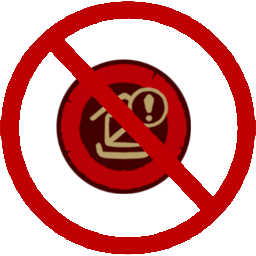
This mod enablse the player to hide various Status icons in the game. The status icons to hide are the ones that are floating above buildings/characters. This mod does not hide the status messages from the panel of the left of the UI or from the panels when of a selected gameobject.
The icons to hide can be selected from the added in-game options panel, or from the plugin configuration file. Example images of the
in-game options panel below.


Download and install the mod in your preferred way. Then the mod is good to go.
Recommended way to install this mod is through Thunderstore. You can install this plugin manually by cloning the repo, building it and adding the dll to your bepinex plugins folder. This plugin is dependent on the magnificent TimberAPI.
If there are any issues regarding this mod and you want to contribute to the mod, then probably the best way is to open a new issue on the github page. Any feedback is highly appreciated!