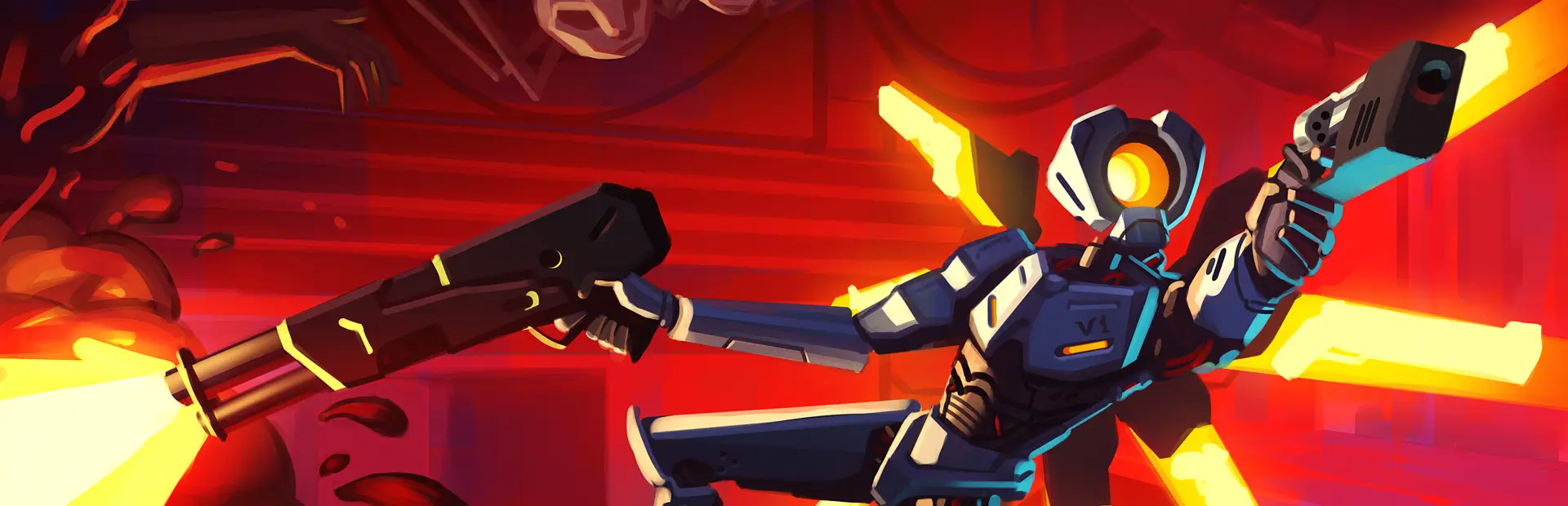

AppleFeedbacker
Suspended in time I'm standing in place. A knife in my back, a smile on my faceInstructions:
- Download this mod manually
- Extract this mod's ZIP file somewhere (optional).
- go to
%APPDATA%\bobthecorn2000\ULTRAKILL\ultraskinsGC - Drag and drop AppleFeedbacker (folder) into
%APPDATA%\bobthecorn2000\ULTRAKILL\ultraskinsGC. - Boot up the game with ULTRASKINS-GC loaded.
- Open up the
USmenu next toSettings. - Select the new folder to load its contents into the game as your new skin(s) ingame.