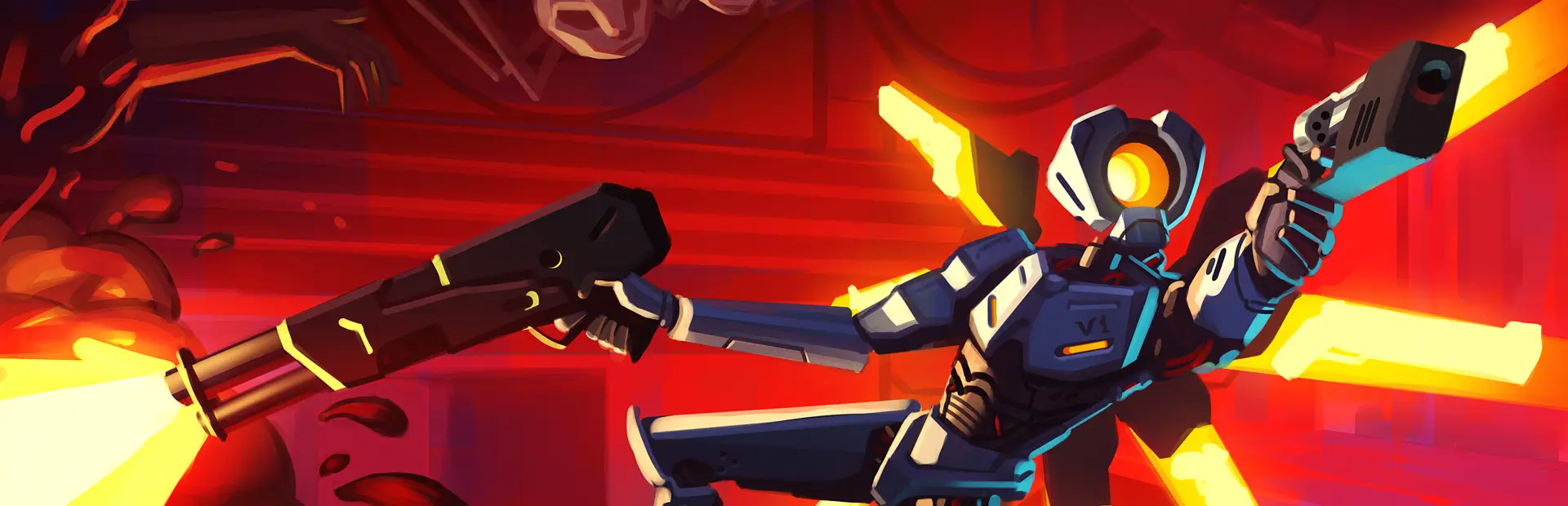

ClofsSillySkinpack
this is a custom skinpack i made over the course of a few days, its purple and blue cause those are my favourite colors :3 (ULTRASKINS-GC is required to use this skinpack):3
How to Install and use In-Game
R2modman Instructions:
- Download this Skinpack.
- Install ULTRASKINS_GC by bobthecorn
- Open ULTRAKILL and click the "US" button thats next to the Options tab and Select this Skinpack and click "Apply"
- If this Skinpack isnt on the list, click the "+" button and then click "Add Undetected Thunderstore Skin" and find this Skinpack and then click "Continue"
- Now click the "Apply" button to apply the skins and Enjoy them :3 NOTE: DISABLE Custom Weapon Colors otherwise the skin will NOT appear
Info
I made this Skinpack because i wanted to make Custom Skins for a while and im proud of how this turned out, see if you can find all the :3's on the Skins, this Skinpack took me around 1 Week to make :3 Enjoy! I used paint.net to make the skins, and i used some effects like Dents, Turbulence and Gradient Tool to make the skins more Fancy and i used Blender to View the Updated Textures
do u wanna make ur own skins / skinpack? use cintra's skin template, it helps a LOT
Renders:


