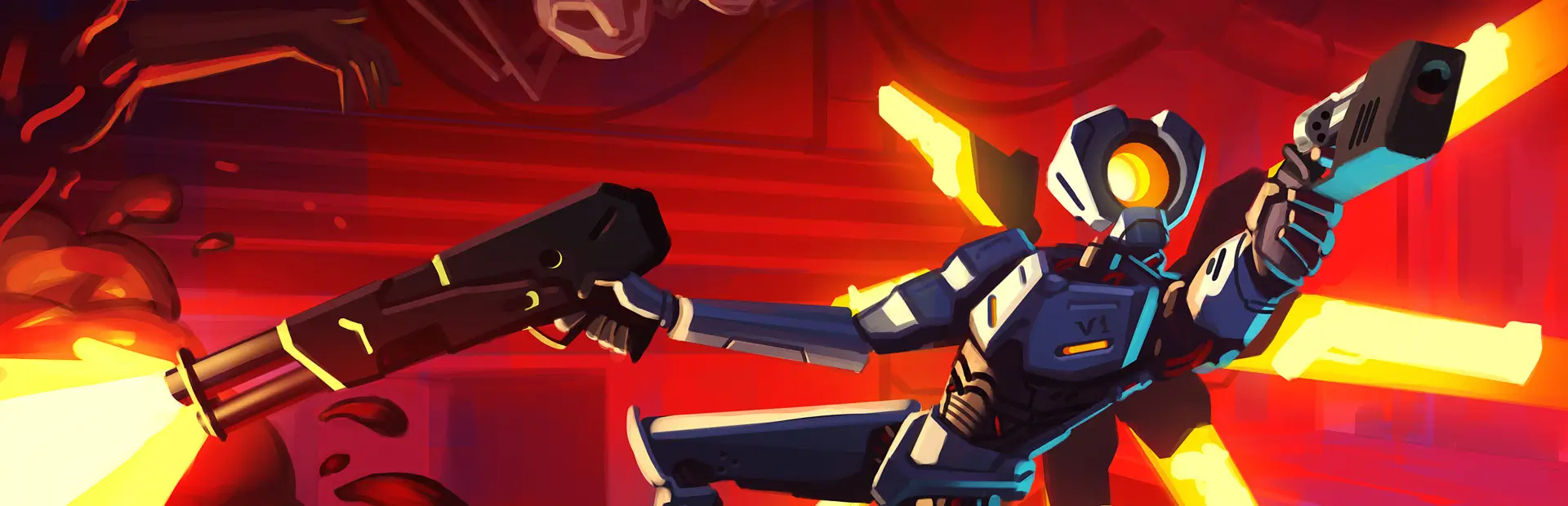

Trepang2 Style Ranks
Replaces style rank titles with Trepang2-themed ones.Trepang2 Style Ranks
Replaces style rank titles with Trepang2-themed ones.
How to use:
- Install this mod manually or with a mod manager. Install its dependency, ULTRASKINS-GC, if you do not have them already. r2modman does this automatically.
- Click the "US" button on the main menu.
- Find "Trepang2 Style Ranks" in the list and click it. (The box will be filled with an X if it's enabled). Click "Apply".
If your ranks are the same after enabling this pack, move it to the top of the list in the ULTRASKINS menu.
If Trepang2 Style Ranks does not appear in the list, click the plus button at the bottom of the list. Click "Add undetected ThunderStore skin", find this mod, and click it. If it doesn't appear in that list either, follow the steps below.
How to use completely undetected skin packs:
- Click the plus button at the bottom of the list of skins in the ULTRASKINS menu.
- Click "create from scratch". Name, description, author, version, and icon can all be whatever.
- Click "open folder".
- Open another file explorer window and navigate to your BepinEX folder for ULTRAKILL, then the plugins folder inside of it. If using r2modman, click "settings" and "browse data folder". ULTRAKILL > profiles > (whichever profile you're using this mod on) > BepInEx > plugins
- Open the folder for the skin pack you want to use.
- Copy all of the texture image files from that folder. Most have names starting with "T_", but not all. They should be easily identifiable (In this mod's case, they are called RankD, RankC, etc.). Paste them into the folder for the skin pack you created.
- Open the ULTRASKINS menu, activate the skin pack you created, and click apply. Now your custom textures will be applied.
If the custom textures do not show up, move the pack you made to the top of the list.
Note
Originally this was also going to use style rank sounds, with the Patriarch's voicelines and Serenity lyrics playing when the corresponding rank was reached, but since those audios are pretty long they kept overlapping and it was a mess. If you still want to use them, or maybe only some of them to avoid overlap, I've included them in this package. You will have to install UltraRankSounds by BaraniumEntertainment to use them. That mod has instructions for using the custom sounds. The lines for "break the cycle" are short, so they can be used without much issue, especially if you assign them to ranks with space between them. I've also included a cut with "the cycle" in one file, and the uncut line, if you want to use those.
Due to that original plan, two of the rank images are pretty crowded and one is just "The". I had already made them before I tested the sounds and realized that it didn't work very well, and now without the sounds it's a bit weird. I'm happy with the "Erase your light" and "Take your flight" ranks, but I will redo the rest with new ideas at some point in the future. I just wanted to publish this version anyway since I already spent a while making all of it.
Contact:
henrijrd on discord, [email protected]