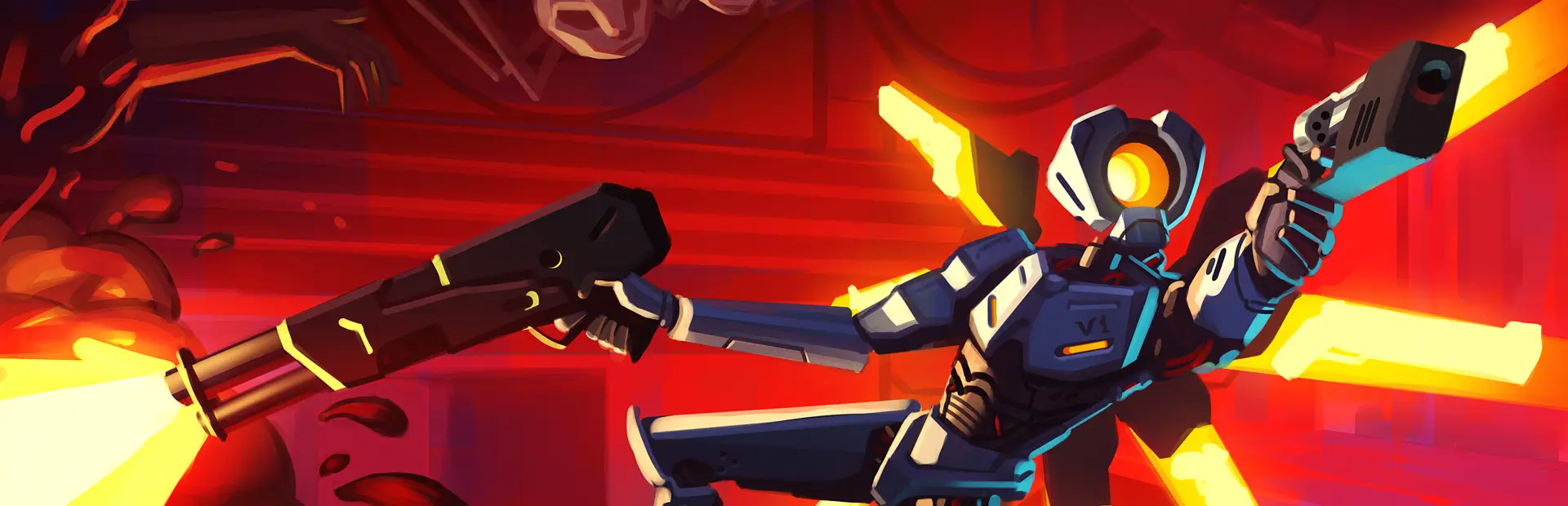

Cancerous KITR
Makes the KITR cancerous.HOW TO USE IT: Drag the "models.bundle" and "textures.bundle" file to C:\Program Files (x86)\Steam\steamapps\common\ULTRAKILL\ULTRAKILL_Data\StreamingAssets\aa\StandaloneWindows64\assets_assets_assets (textures.bundle isn't required, it just changes KITR's icon in the spawner arm)
HOW TO REVERT THE CHANGES: Find ULTRAKILL in your library then press "properties", select "Installed Files" and verify the integrity of the game's files.