
UltrakillOldUI
Brings back the old ULTRAKILL look: classic title logo and centered menu, boxed social buttons, plain chapter/difficulty screens, and old-style SmileOS terminals. Visual only.Ultrakill Old UI
Brings back the look of the old ULTRAKILL UI on the current version. It only changes how things look; menus, shops and saves work exactly as before.
What it changes
Title screen
- Classic wide logo at the top and the old centered button stack (old sizes, spacing and button style)
- Old boxed DISCORD / TWITTER / YOUTUBE buttons
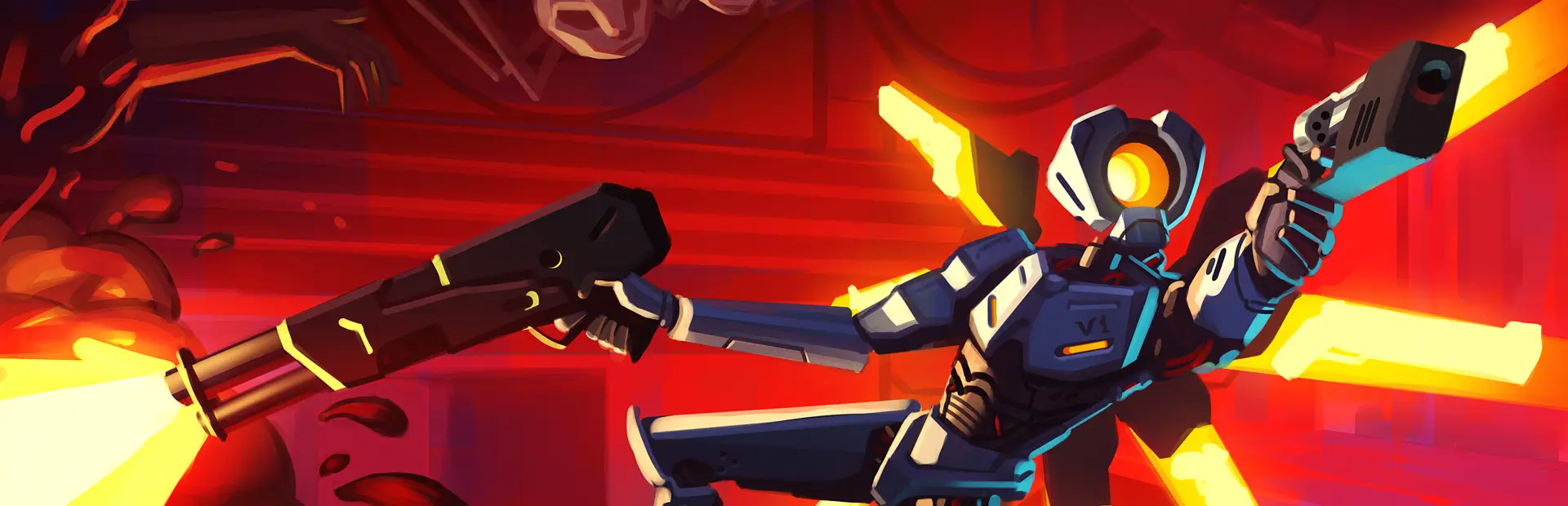
- Removes the V1 art, circuit background, border and terminal text from the main menu, so the 3D scene shows behind it again
Menus
- No V1 body art on the difficulty screen; the info panel on the right only appears while you hover a difficulty
- Chapter select keeps the dark panel but drops the circuit pattern
SmileOS terminals (shops and Cyber Grind terminals)
- Black panels with white outlines,
--TITLE--style headings, uppercase menu font - Red window bars, window buttons and the Smile logo are hidden
- Buttons highlight red like the old terminal; the song list hides the "UNLOCKED" line
Installation
Install with a mod manager (r2modman or the Thunderstore Mod Manager). BepInEx is installed automatically as a dependency. To remove it, disable or uninstall the mod; no game files are changed.
Notes
- Everything is applied at runtime when menus and terminals load, so the very first frame of a screen can occasionally show the default look.
- If something looks wrong, check
BepInEx/LogOutput.logfor lines starting withUltrakill Old UI. - If Japanese/Korean/Chinese text shows as empty boxes in terminals, install the separate CjkFontFix mod.
Credits
ULTRAKILL is made by Arsi "Hakita" Patala and New Blood Interactive. This is an unofficial fan-made mod and is not affiliated with or endorsed by them. The small UI images included in this package come from the game's own old UI.