
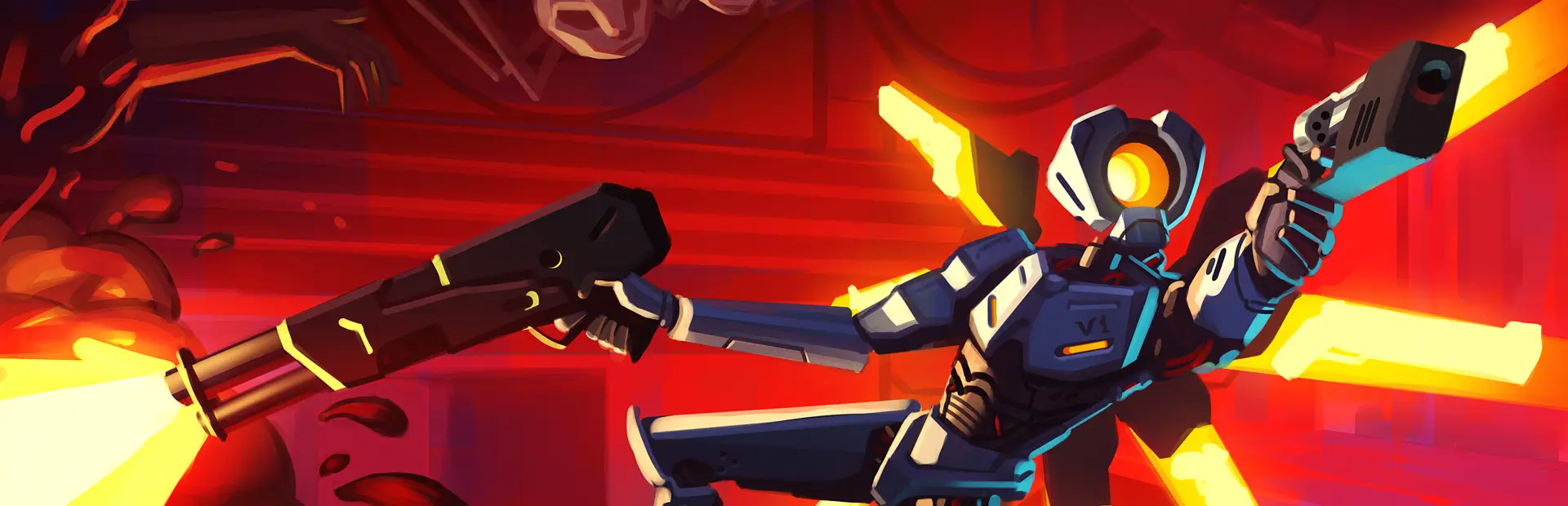

BLOODLINK
Multiplayer co-op for ULTRAKILL: LAN/direct IP, Unity Relay join codes, synchronized combat, V1 customization and optional friendly fire. Experimental.BLOODLINK
Hell was never meant to be cleared alone.
BLOODLINK is an experimental multiplayer co-op mod for ULTRAKILL. Bring your friends into the campaign through LAN/direct IP or Unity Relay join codes.

Features
- Co-op rooms for up to four players.
- LAN discovery, direct IP connections and Unity Relay join codes.
- Synchronized players, enemies, combat, breakable objects and level progression.
- Shared checkpoints, respawning, spectator mode and recovery during encounters.
- V1 color customization, presets and an interactive model preview.
- Optional friendly fire controlled by the host.
- Teammate HUD with names, health bars and death status.
- Museum chess VS PLAYER: host plays white, guest plays black, with native legal move validation and selectable promotion.
- Checkpoint recovery can return a living trapped player to the active encounter without restarting the party's map.
Package version: 0.114.0 / plugin build: 0.114.0 / network protocol: 58. Every player must use the same plugin build and protocol.
This build changes the network protocol. All players must update together; older BLOODLINK builds cannot join.
Museum chess
Both players must be in the museum in the same BLOODLINK session. Select VS PLAYER in the chess controls, or open F7 in the museum to use the same controls. The host plays white and the guest plays black. Move your own pieces with the museum's mover arm. Choose promotion (rook, knight, bishop or queen) before moving a pawn to the final rank. After game over, either seated player can select VS PLAYER again for a new match. VS BOT returns to the native bot mode; only the host can leave an active shared match.
Install with a mod manager
- Install BLOODLINK in an ULTRAKILL profile using Thunderstore Mod Manager or r2modman.
- Allow the manager to install the BepInEx dependency.
- Launch the game using the manager's modded launch option.
- Select MULTIPLAYER in the main menu or press F7.
The package includes the mod's runtime libraries and a minimal BepInEx configuration with HideManagerGameObject = true, which is required by this mod's scene lifecycle. If you keep an existing BepInEx configuration, ensure that this option is enabled under [Chainloader] in your active profile's BepInEx/config/BepInEx.cfg.
Do not install only ULTRAKILL.Bloodlink.dll. The bundled transport and Unity Services libraries next to it are required.
Play together
Unity Relay
The host selects HOST WITH UNITY RELAY, then shares the join code. Other players enter it in RELAY JOIN CODE and select JOIN RELAY ROOM. Relay needs an internet connection and the configured Unity services to be available.
Direct IP or LAN
The host creates a room. Other players enter the host address and matching UDP port, or use FIND LAN ROOMS on the same network. The default port is 27015. Direct connections across the internet require a reachable host address and network configuration.
In the level
Press READY when the requested level has finished loading. Use F7 to open the multiplayer menu. The host can toggle FRIENDLY FIRE (FOGO AMIGO) in HOST SETTINGS. Customization is available in the V1 appearance tab.
Experimental release
Synchronization, encounter recovery and spectator behavior are still being refined. Some bosses, scripted sequences, doors or custom levels may behave differently in multiplayer. The build has been checked for protocol and transport behavior; some gameplay and visual edge cases may still differ in multiplayer.
BLOODLINK uses Harmony patches against ULTRAKILL and is compiled against the game's current assemblies, so game updates can break it until a matching release is published. This build has no runtime reflection fallback for removed or renamed game members.
If you report a problem, include the mod version, level, host/client role, what happened and the relevant BepInEx/LogOutput.log from the affected profile.
Files and privacy
BLOODLINK does not add telemetry or analytics. When a second game instance is launched while the first one is using the same preferences file, BLOODLINK may create an isolated preferences folder under %LOCALAPPDATA%\ULTRAKILL\BloodlinkInstances so both instances can run without overwriting each other's settings. Relay sessions are carried by Unity Gaming Services and are subject to Unity's terms.
Manual installation
Install BepInEx 5 x64 first, close the game, then copy the contents of this package's BepInEx/ folder into the game's BepInEx folder. If you already have a customized BepInEx.cfg, back it up before copying, or merge the HideManagerGameObject = true setting instead of replacing the file. This Thunderstore package depends on the BepInEx pack for the loader; it does not contain a second copy of winhttp.dll or doorstop_config.ini.
Included libraries
LiteNetLib 2.1.4, Unity Transport 1.3.4, Unity Services Authentication 2.7.4, Unity Services QoS 1.3.2 and Unity Services Relay 1.2.0 are included alongside the plugin. ULTRAKILL already supplies Unity Services Core, Unity.Collections, Unity.Burst, Unity.Mathematics and Newtonsoft.Json; this package does not duplicate them. See THIRD-PARTY-NOTICES.txt for the license texts.
Licenses and credits
BLOODLINK redistributes LiteNetLib and the Unity Transport, Authentication, QoS and Relay libraries under their respective licenses. ULTRAKILL is a game by Arsi "Hakita" Patala and New Blood Interactive. BLOODLINK is an unofficial community mod and is not affiliated with or endorsed by the game's developers or publisher.