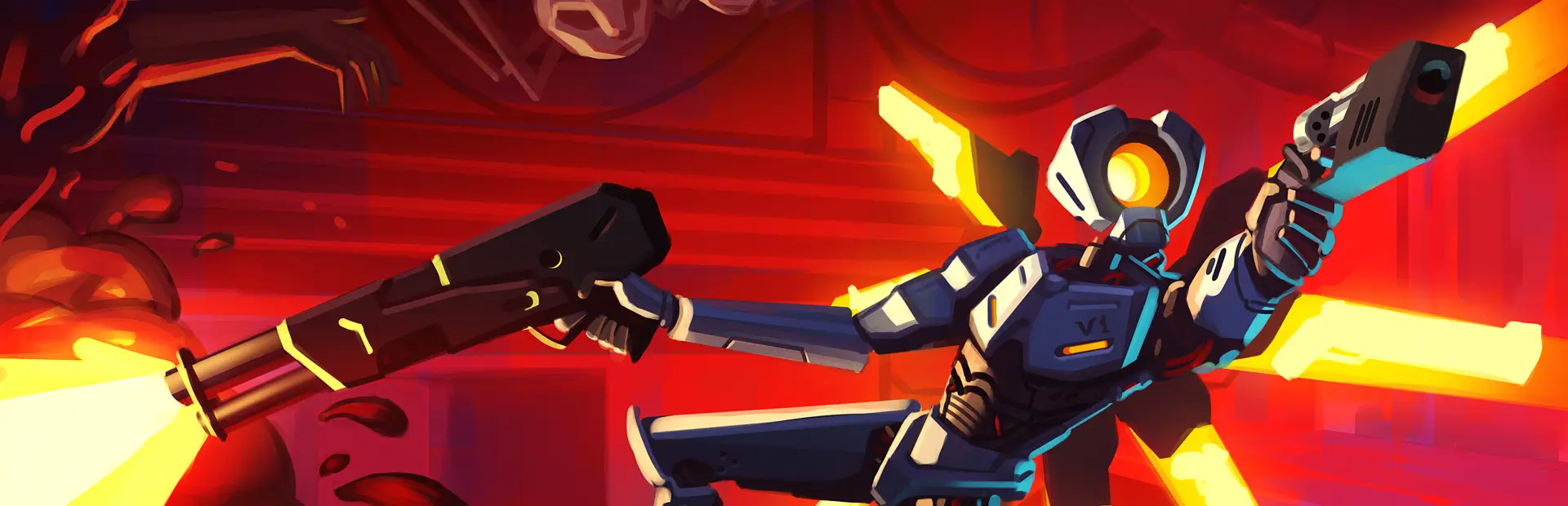

WeaponPronouns
Spread wokeism in ULTRAKILL by giving your weapons names and pronouns. Now supporting Straymode and Masquerade DivinityWeapon Pronouns
Hi my name is tsoh and i have had the greatest shower thought of all time so i must share this with you...
Have you ever thought ULTRAKILL wasn't woke enough? Did you ever name your weapons?
No?
Yeah, me neither. Honestly, I just thought it would be really funny. Takes inspiration from that one GD mod that gives levels pronouns.
Some default names reference other people, are loosely based off of their weapon, or... something else. Thanks to various people for a bit of default names and pronoun sets!
If enough interest is shown, I will consider adding support for mods that add more weapons like Masquerade Divinity and Straymode BananaWeapons!
What does this mod even do?
Essentially, each weapon gets mapped to a name and set of pronouns, which can be changed in this plugin's config. You'll see the weapon's name and set on the bottom right of the weapon icon HUD. Additionally, you'll see some with genders and sexualities, shown on the top left! Most of the weapons don't have this optional info, for ease of customisation.
By default, the text produced will not wrap. But if you do prefer it being wrapped, you can also change that. If you do not know what those last 2 sentences mean, don't worry about it. Steam happy emoji
Additionally, you can add images to a folder in the game directory (named NPWBackgrounds, created automatically on startup) that show up in the HUD when you switch to that weapon. Image names have to match with their corresponding weapon!
Things to note
- This mod works with Jade's BetterWeaponHUDs' alternate weapon icon position, though you will need to restart the mission if you are in one to properly sync the position.
- This mod WILL NOT WORK with the classic HUD style, only the standard HUD style.
- The DefaultImages folder only provides images to use with the default set. It does not have any functionality if you put images there, go place them in NPWBackgrounds.
- The NPWBackgrounds will instantiate in the plugins folder if you put the whole folder in. I don't know if this is the norm but I recommend using the folder inside this mod's plugin folder and putting that in BepInEx's folder instead.