

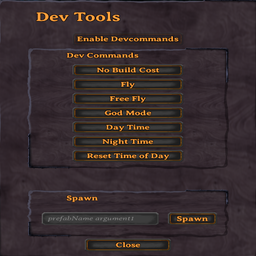
HexDevTools
Adds an in-game dev tools UI for running common Valheim dev commands.HexDevTools
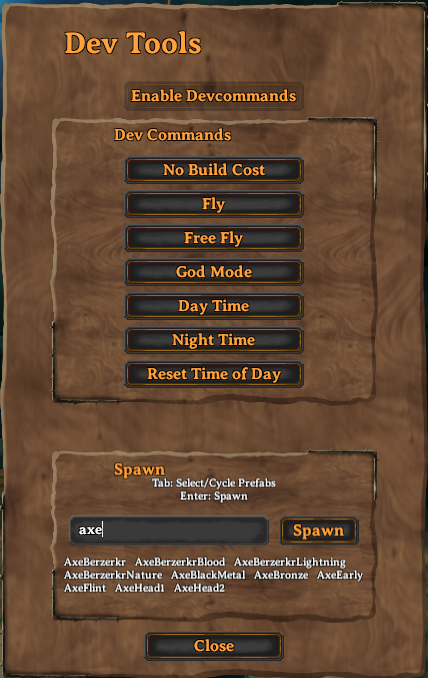
HexDevTools adds an in-game developer tools panel to Valheim, providing quick access to common developer commands through a simple UI.
Features
- Toggle the DevTools panel with a configurable hotkey (default:
F8) - Enable
devcommandsanddebugmode - Quick access to common developer commands:
- No Build Cost
- Fly
- Free Fly
- God Mode
- Day Time
- Night Time
- Reset Time of Day
- Spawn prefabs with autocomplete
- Close the panel with the Close button,
F8,Esc, or by clicking outside the panel - Uses Valheim-style UI through Jötunn
Dedicated Servers
Valheim restricts many developer commands on dedicated servers.
To use HexDevTools on a dedicated server, install Server Devcommands by JereKuusela on both the server and client, and ensure your Steam ID / PlayFab ID is listed in the server's adminlist.txt file.
https://thunderstore.io/c/valheim/p/JereKuusela/Server_devcommands/
HexDevTools provides a UI for developer commands but does not bypass Valheim's built-in server restrictions.
Default Hotkey
F8
The hotkey can be changed in the configuration file.
Configuration
Configuration file:
BepInEx/config/hex.devtools.cfg
Example:
[General]

## Toggle Dev Tools UI
# Setting type: KeyboardShortcut
# Default value: F8
ToggleKey = F8
Modifier keys are also supported:
ToggleKey = LeftControl + F8
Usage
- Press
F8to open the DevTools panel. - Click Enable Dev Commands.
- Use the available developer command buttons.
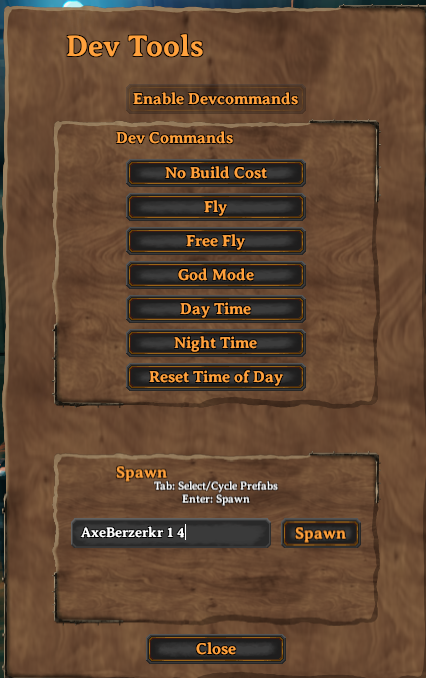
- Enter a prefab name (and optional arguments) in the spawn box.
Example:
LoxPie 10
Runs:
spawn LoxPie 10
Installation
Install with a mod manager or copy the DLL into:
BepInEx/plugins/
Dependencies
- BepInExPack Valheim
- Jötunn
Feedback & Support
Report bugs, request features, or provide feedback on Discord: