

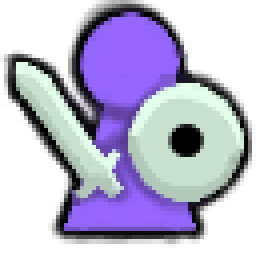
MinimapPlayerColor
Custom colours for your player icon on the multiplayer map, visible to everyone with the mod.MinimapPlayerColor
Pick the colour of your player icon on the map. Everyone in the session who has the mod sees your colours, and you see theirs.
- The person in your map pin, your name label and your own arrow take one colour.
- The sword and shield in your map pin take a second colour.
- Players without the mod are unaffected and see the normal icons.
Installation
Install with r2modman or Thunderstore Mod Manager. Every player who wants to set a colour or see other players' colours needs the mod. It works when one player hosts from their game; a dedicated server does not need it.
Players only appear on each other's maps when they have public position enabled on the large map, as in the base game.
Configuration
Edit com.jakubecdev.minimapplayercolor.cfg in the mod manager's config editor. Changes apply within a couple of seconds, without restarting the game.
| Setting | What it does | Default |
|---|---|---|
Color |
Colour of the person in your pin, your name label and your own arrow. Hex RRGGBB, e.g. #FF8800. |
empty (game default) |
GearColor |
Colour of the sword and shield in your pin. Hex RRGGBB. |
empty (game default) |
AllowAchievements |
Keep earning achievements while mods are loaded. See below. | true |
Leave a colour empty to keep the game's own look for that part.
Achievements
Valheim disables achievements whenever any mod is loaded. With AllowAchievements enabled, this mod lifts that restriction. The game's real cheat checks still apply: dev commands, cheated items and cheat world modifiers block achievements as usual.
This affects achievements for your whole modded game, not just this mod. Set AllowAchievements = false to keep the game's original behaviour.
Notes
- Colours are sent through the host. When the host has the mod, it rejects attempts by one player to set another player's colour.
- If a game update breaks the mod, it fails to load and the game runs normally without it.