
This package has been deprecated and may no longer be maintained. We recommend looking for an alternative.

ValheimPlayerModelReupload
Reupload of Ikeiwa's Mod. Use custom player models in Valheim !ValheimPlayerModels
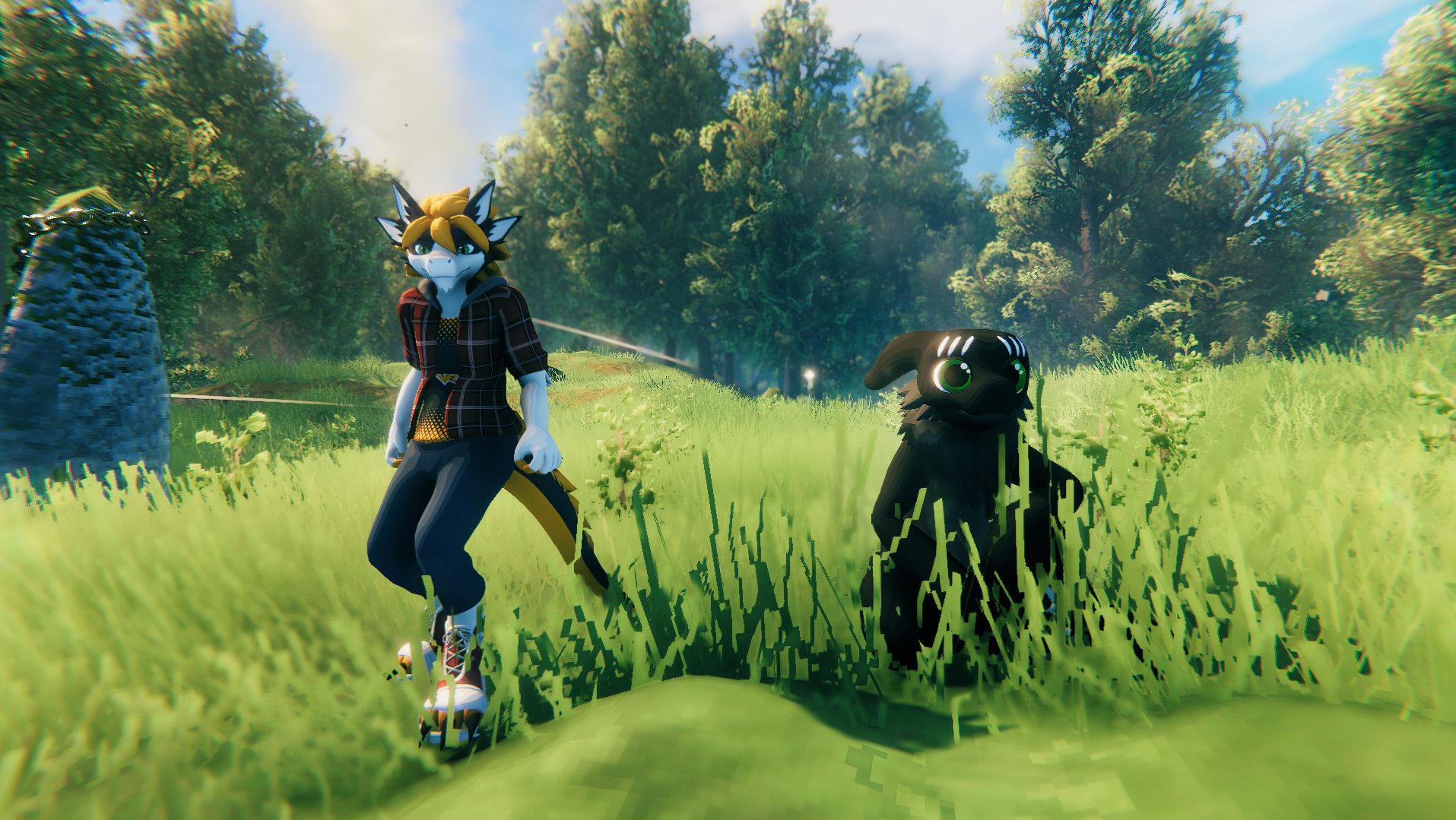
----- REUPLOAD OF "Ikeiwa's ValheimPlayerModels" MOD ------ ----- ORIGNIAL DOCUMENTATION BELOW -----
How to install
- Download and install the BepInEx package
- Drag and drop ValheimPlayerModels.dll in the "BepInEx/plugin" folder in your game install folder
- Launch the game
- Place all your avatars in the newly created "PlayerModels" folder inside your game install folder
- The mod will load the avatar with the same filename as your character name (you might want to restart the game)
How to create an avatar
- Install Unity 2019.4.31
- Create a new 3D Project
- [Download the SDK] https://github.com/Ikeiwa/ValheimPlayerModels/releases/latest/download/ValheimPlayerModels_SDK.unitypackage
- Import the SDK and all your avatar assets
- Change your avatar model rig to Humanoid
- Place your avatar model in the scene
- Add a "Valheim Avatar Descriptor" component on your avatar
- Clic the "Auto-Setup" Button
- Move the different equipement previews how you like
- (optional) change your avatar material shaders to "Valheim/Standard"
- Click the "Export" button in the Avatar Descriptor
- Export in the "PlayerModels" folder in your game install folder