

You are viewing a potentially older version of this package. View Latest Version
FreshDedicatedStorage
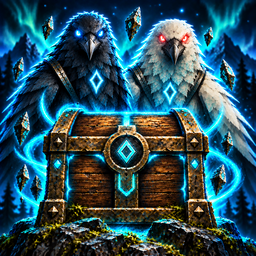
Provides stackable Dedicated Storage Boxes with unlimited single-item capacity. Hugin's Reliquary automatically routes matching inventory items to storage. Munin's Waystation can send items from the wild to a linked Reliquary across vast distances.FreshDedicatedStorage
Stackable single-item storage for Valheim with automatic inventory routing through Hugin's Reliquary.
Author: JuStIIFrEsH
Links
Requirements
- BepInExPack Valheim
- Jotunn
Pieces
Dedicated Storage Box
Build it from Hammer > Furniture for 5 Wood. Its custom wood-and-iron chest has a glowing lock rune and top, bottom, and side snap points for stacking.
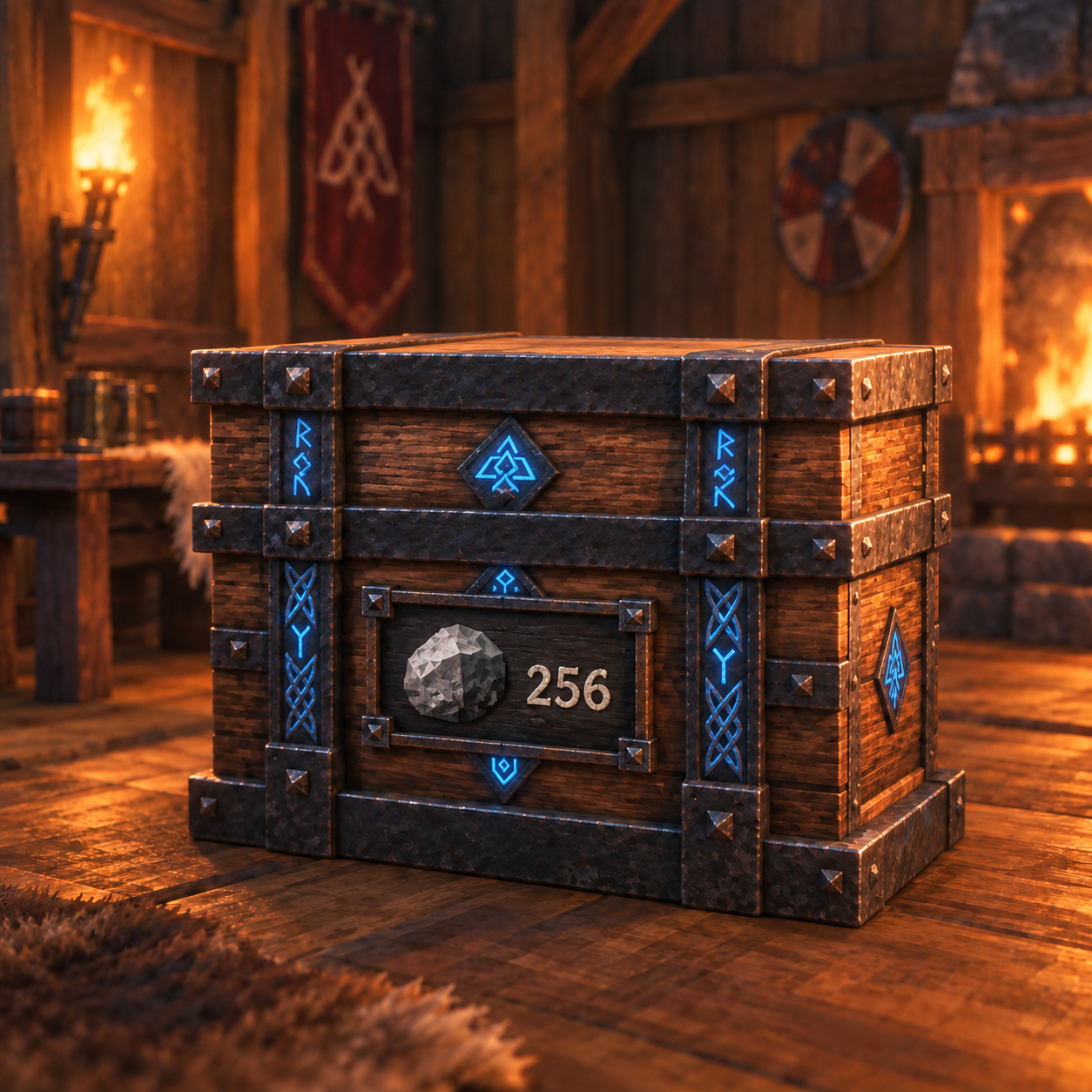
- Press E on an empty box to open its one-slot assignment inventory. Put an item into that slot to set the box's item type and deposit that stack.
- Press E on an assigned box to deposit all matching, unequipped items from your inventory.
- Press Shift+E to withdraw one normal stack. If the box is empty, Shift+E clears its assignment.
- Press Ctrl+E to use one stored consumable without withdrawing it first.
- Hold Shift and scroll the mouse wheel while looking at a filled box to choose its withdrawal amount.
- A box stores one item type and an unlimited count. Items retain their item data when assigned.
Hugin's Reliquary
Build it from Hammer > Furniture for 10 Wood. Press E to deposit matching, unequipped, non-hotbar inventory items into assigned Dedicated Storage Boxes within 50 meters.
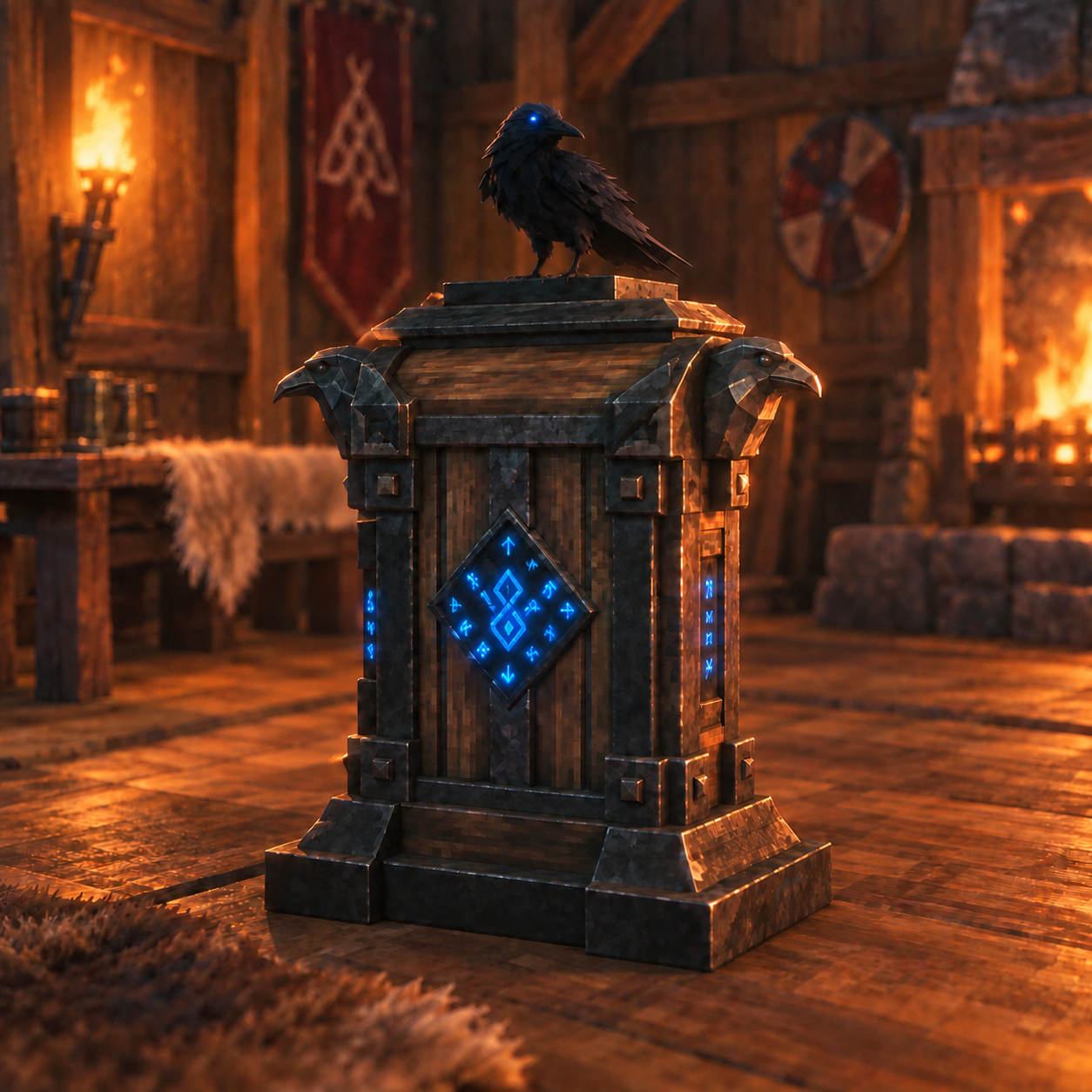
- Auto-pickup automatically sorts items dropped on the ground within 50 meters into Dedicated Storage Boxes.
- Press Ctrl+E to toggle ground-item auto-pickup. It is enabled by default.
Munin's Waystation
Build it from Hammer > Furniture for 10 Wood and 2 Feathers. It is a wild-placeable 16-slot delivery cache linked to one Hugin's Reliquary.
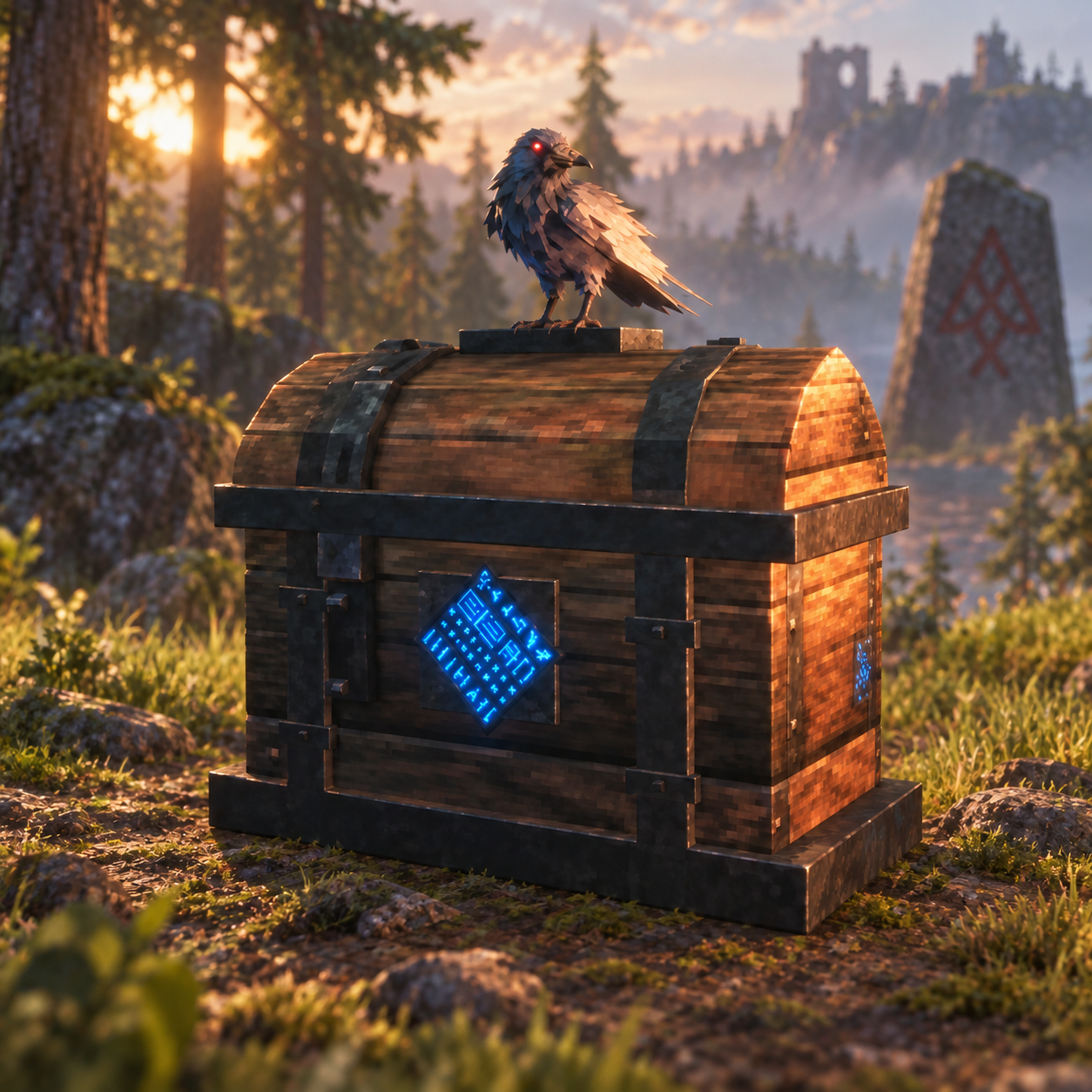
- Press Shift+E on the Waystation, then look at the target Hugin's Reliquary and press E to pair them.
- Press E to open the delivery inventory. When you close it, matching items route into assigned Dedicated Storage Boxes within 50 meters of the linked Reliquary.
- Items without a matching assigned box remain safely in the Waystation inventory.
Notes
- Existing Dedicated Storage Boxes keep their assignments and quantities across updates.
- Filled boxes are protected from dismantling and ordinary building damage to prevent losing stored items. Empty them first.
- This release has not been tested for multiplayer.
Credits
The Dedicated Storage Box, Hugin's Reliquary, and Munin's Waystation use original custom structure meshes. See ASSET-CREDITS.md for source details.