

FreshDedicatedStorage
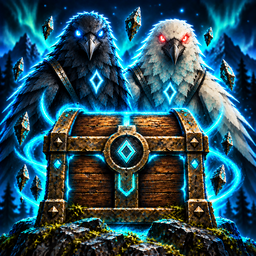
Provides stackable Dedicated Storage Boxes with unlimited single-item capacity. Hugin's Reliquary automatically routes matching inventory items to storage. Munin's Waystation can send items from the wild to a linked Reliquary across vast distances.Links
Requirements
- BepInExPack Valheim
- Jotunn
Pieces
Dedicated Storage Box
Build it from Hammer > Furniture for 5 Wood. Has top, bottom, and side snap points for stacking.
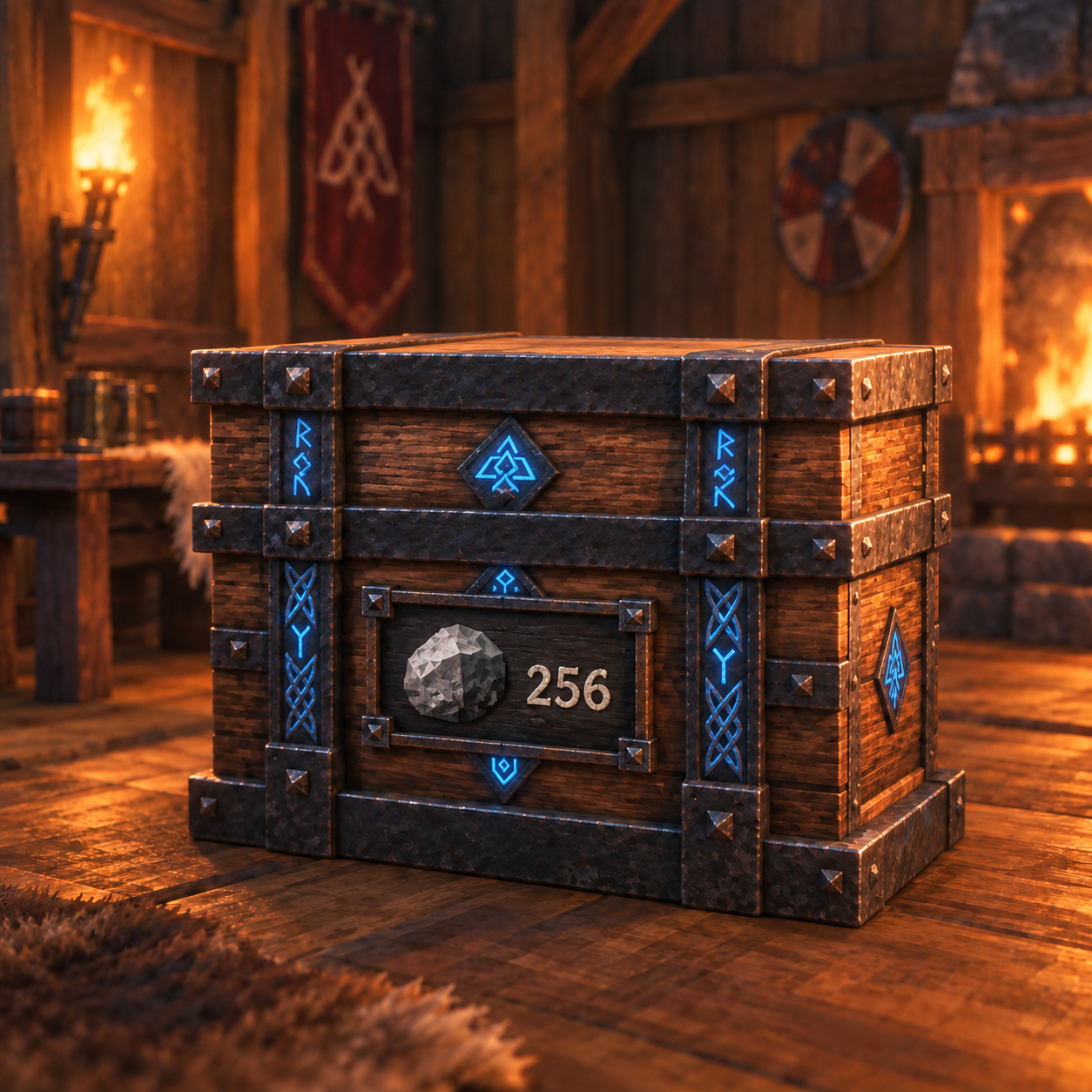
- Press E on an empty box to open its one-slot assignment inventory. Put an item into that slot to set the box's item type and deposit that stack.
- Press E on an assigned box to deposit all matching, unequipped items from your inventory.
- Press Shift+E to withdraw one normal stack. If the box is empty, Shift+E clears its assignment.
- Press Ctrl+E to use one stored consumable without withdrawing it first.
- Hold Shift and scroll the mouse wheel while looking at a filled box to choose its withdrawal amount.
- A box stores one item type and an unlimited count.
Hugin's Reliquary
Build it from Hammer > Furniture for 10 Wood. Press E to deposit matching, unequipped, non-hotbar inventory items into assigned Dedicated Storage Boxes within 50 meters.
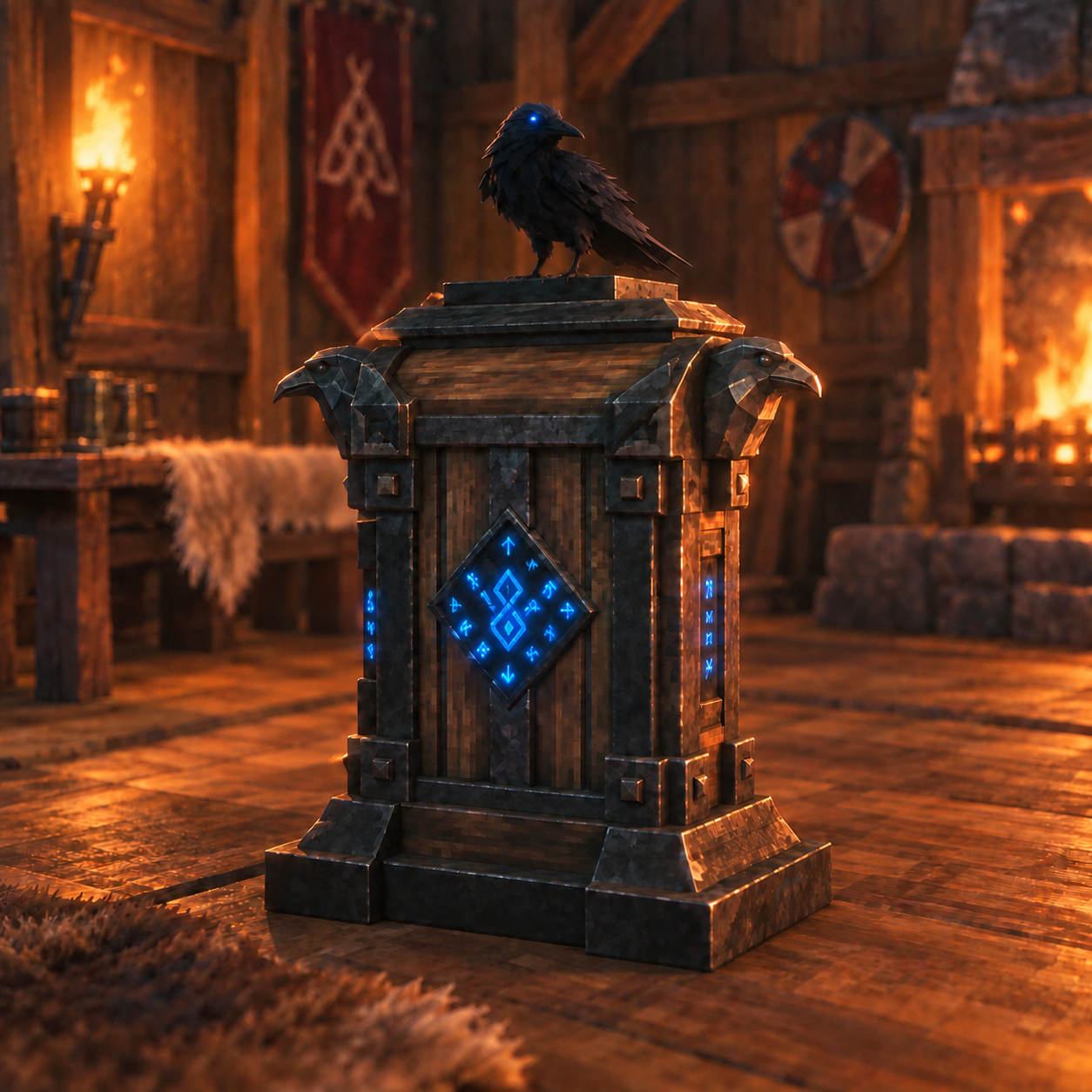
- Auto-pickup automatically sorts items dropped on the ground within 50 meters into Dedicated Storage Boxes.
- Press Ctrl+E to toggle auto-pickup. It is enabled by default.
- Press Shift+E at the Reliquary to open direct withdrawal. Select one or more stored items, set a quantity for each, then choose Withdraw selected. The menu shows items in assigned boxes within 50 meters and transfers only what is still available and fits in your inventory.
Munin's Waystation
Build it from Hammer > Furniture for 10 Wood and 2 Feathers. It is a 16-slot delivery cache that can be placed in the wild and is linked to one Hugin's Reliquary.
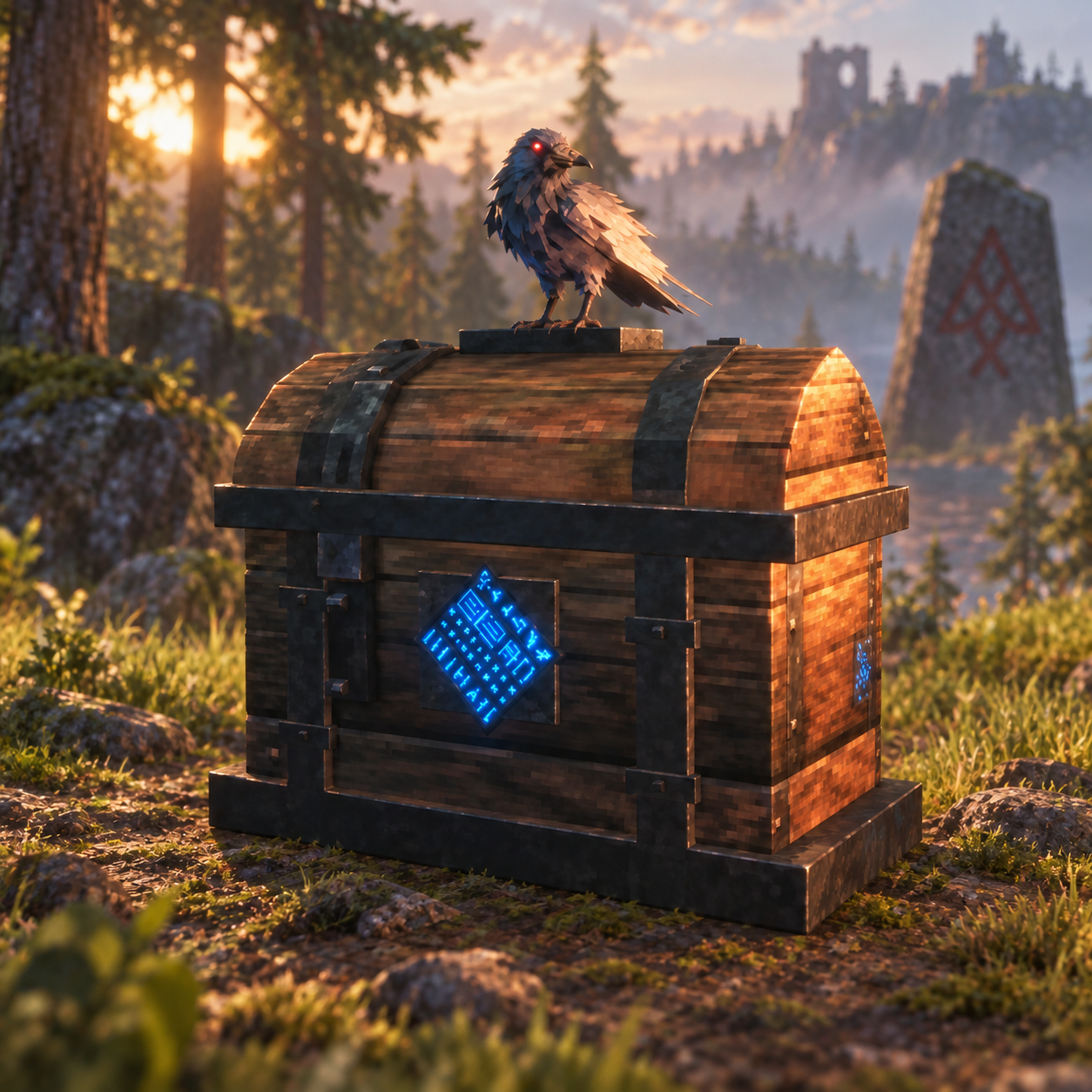
- Press Shift+E on the Waystation, then press E on the target Hugin's Reliquary to pair them.
- Press E to open the delivery inventory. When you close it, matching items route into assigned Dedicated Storage Boxes within 50 meters of the linked Reliquary.
- Items without a matching assigned box remain safely in the Waystation inventory.
Controller controls
The hover prompts show the buttons for the active Valheim controller layout. Use the normal interact button to deposit or open an inventory. Hold alternate-use and press interact to withdraw from a box, open the Reliquary withdrawal menu, or link a Waystation. In the Reliquary menu, use the D-pad to choose an item and adjust its quantity, A to select it, Y for the maximum, X to withdraw, and B to close. While looking at a filled box, hold alternate-use and press D-pad left/right to choose the withdrawal amount; hold alternate-use and press the secondary button shown in the hover prompt to use one stored consumable. That secondary action toggles Reliquary auto-pickup when looking at the Reliquary. With StoreAndCraft installed, alternate-use + Y opens box auto-pull settings. X alone is disabled while looking at this mod's chests.
Mod compatibility
- Buildheim (optional, single-player): Its Materials tab shows observed chest contents and the real quantities in accessible Dedicated Storage Boxes. Assisted building and autobuild can spend materials from nearby Dedicated Storage Boxes and ordinary chests, even when StoreAndCraft is disabled. The default build-pull range is 20 meters. Materials observed in the tab must still be nearby and accessible to be used.
- StoreAndCraft (optional): Dedicated Storage Boxes participate in nearby crafting, linked storage, and station auto-pull. When its crafting integration is active alongside Buildheim, Buildheim uses StoreAndCraft's CraftRange, LeaveOneItem, and chest-withdrawal rules.
- Neither optional mod is required for normal storage, sorting, or Waystation delivery.
Notes
- Filled boxes are protected from dismantling and ordinary building damage to prevent losing stored items. They must be empty to deconstruct.
- This release has not been tested for multiplayer.