

You are viewing a potentially older version of this package. View Latest Version
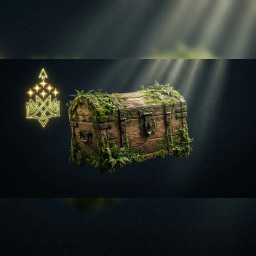
ChestUpgradeMod
Upgrade chests in place with a keypress: Wood -> Reinforced -> Black Metal, using configurable material costs.Chest Upgrade Mod
Upgrade your chests in place instead of building new ones. Hover over a chest, press the upgrade key, and it turns into the next tier — same spot, same contents, no dragging items around.
Upgrade chain
| From | To | Default cost |
|---|---|---|
| Wood Chest | Reinforced Chest | 10 Fine Wood, 2 Iron |
| Reinforced Chest | Black Metal Chest | 10 Wood, 2 Tar, 6 Black Metal |
How to use
- Look at an eligible chest. The hover text shows the upgrade key and the materials you need, in green if you have enough and red if you don't.
- Press U (default, configurable) to upgrade.
- The chest is replaced in place; everything inside is kept.
Configuration
After first launch, edit BepInEx/config/yumi.valheim.chestupgrade.cfg:
UpgradeKey— the key to press (defaultU)ShowHoverText— show/hide the upgrade info on hover (defaulttrue)WoodToReinforced/ReinforcedToBlackMetal— material costs, in the formatItemPrefabName:Amount,ItemPrefabName:Amount
Notes
- Runs client-side. Works fine in singleplayer or when everyone in your group has the mod installed.
- Requires BepInExPack Valheim.