


GuildChest
One shared inventory across all guild chests in a Valheim world.Guild Chest
One world. One shared stash.
Guild Chest adds a gold-decorated chest that connects to one shared 32-slot inventory across your Valheim world. Build access points at your main base, mining camps, and distant outposts to reach the same supplies wherever you adventure.
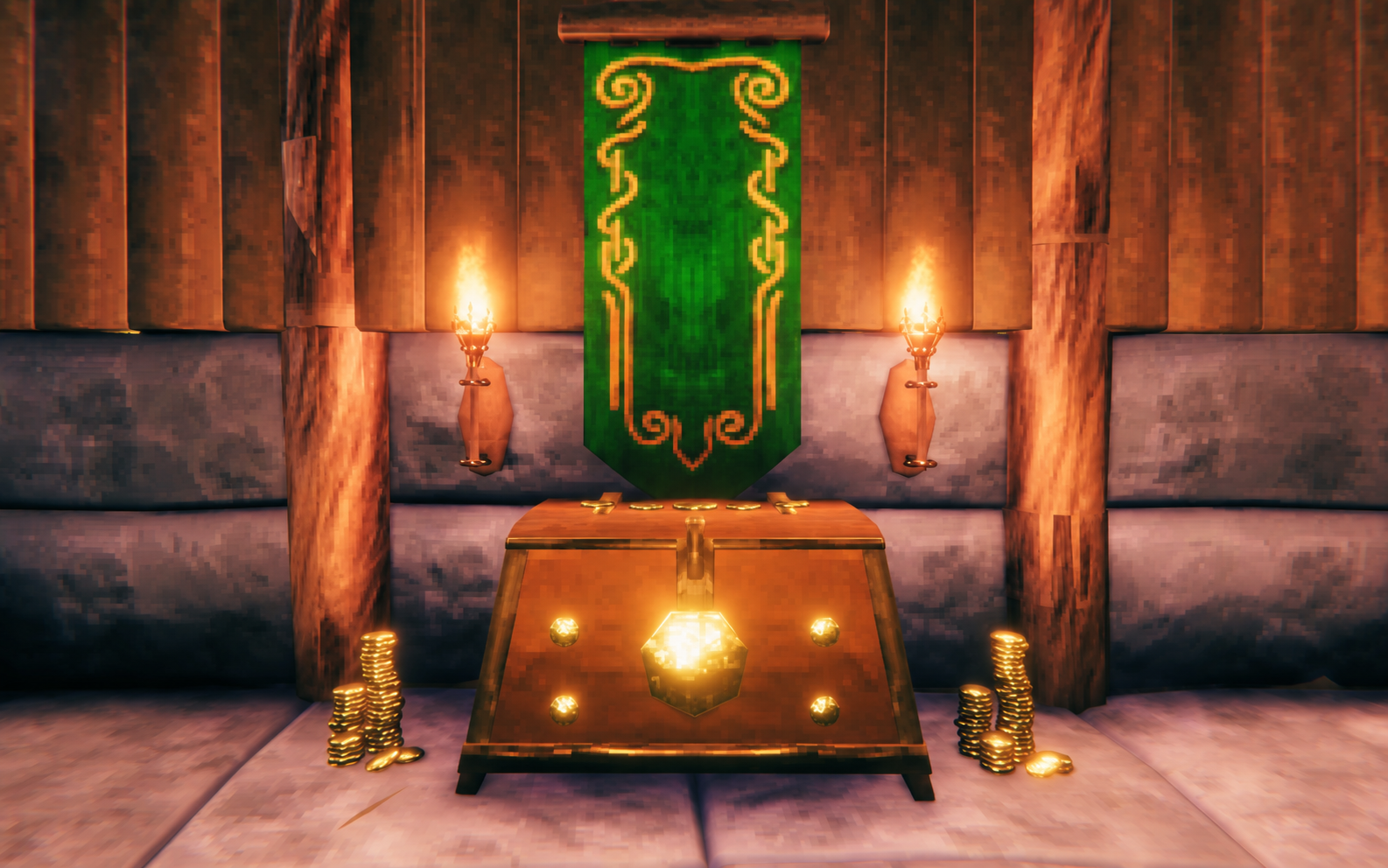
Watch the 45-second gameplay video.
Bug reports and feature requests are tracked exclusively through GitHub Issues.
Features
- Every Guild Chest accesses the same 32 slots (8 × 4), including when other access points are far away or unloaded.
- Additional chests add access points, not capacity. Each world has its own stash.
- Metals are accepted. Item quality, durability, crafter information, and custom data use Valheim's serialization; stacks merge using vanilla rules.
- One player can access the inventory at a time. Normal ward permissions apply at the chest you open. Transfers apply after the host acknowledges them.
- Drag, split, quick-transfer, Take All, and Stack All use the normal inventory window. Move items to your player inventory before using or dropping them.
- Contents are saved in the host/server's world save. Destroying any chest refunds its construction materials normally and never drops shared contents. Destroying the last chest keeps the stash saved, including across restarts. Rebuild a Guild Chest in that world to access it again.
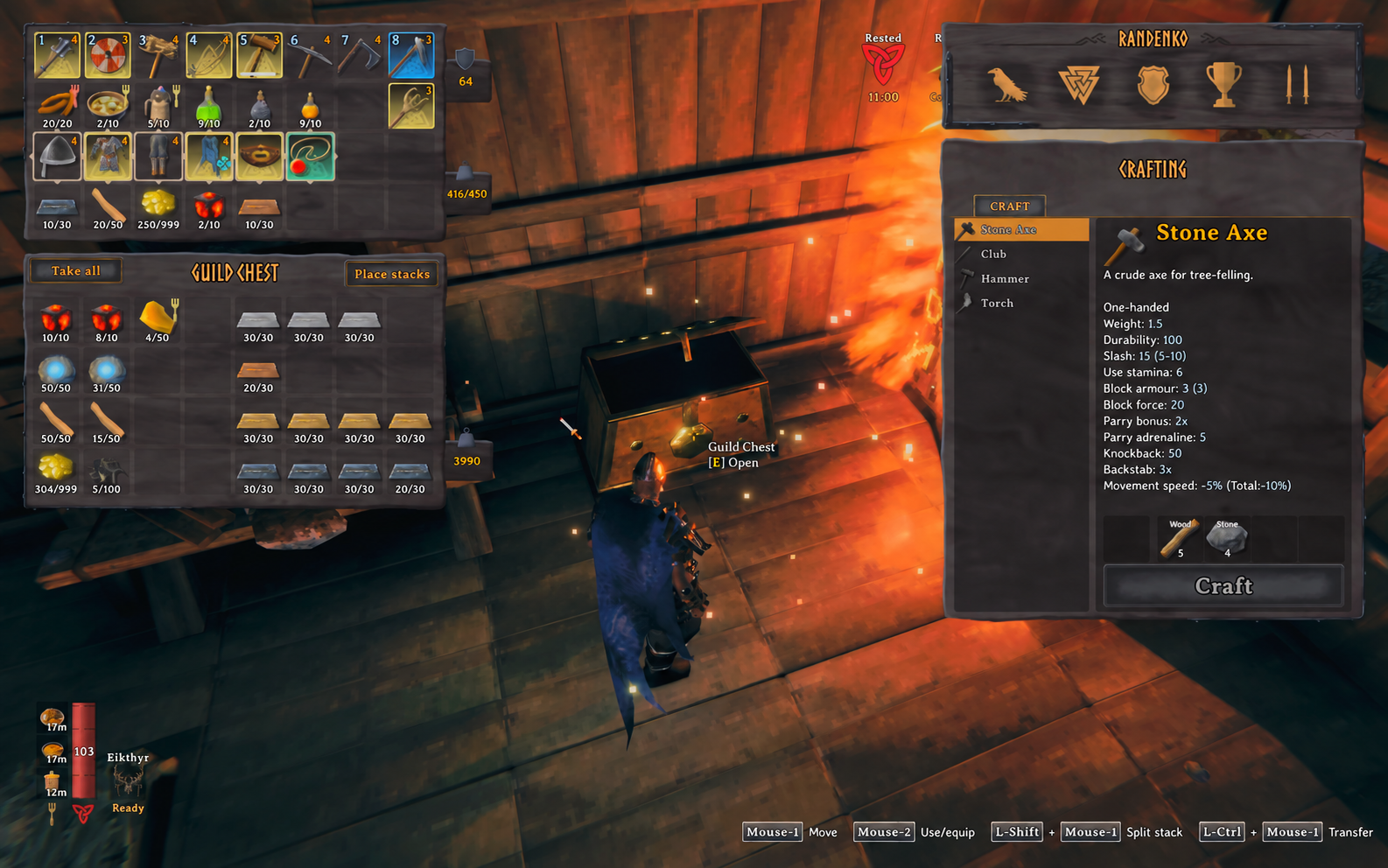
One shared inventory, with room for metals and supplies.
Build recipe
Use the hammer near a workbench. Guild Chest appears immediately after the reinforced chest in the hammer menu.
| Material | Amount |
|---|---|
| Fine wood | 20 |
| Iron | 10 |
| Surtling cores | 2 |
| Coins | 250 |
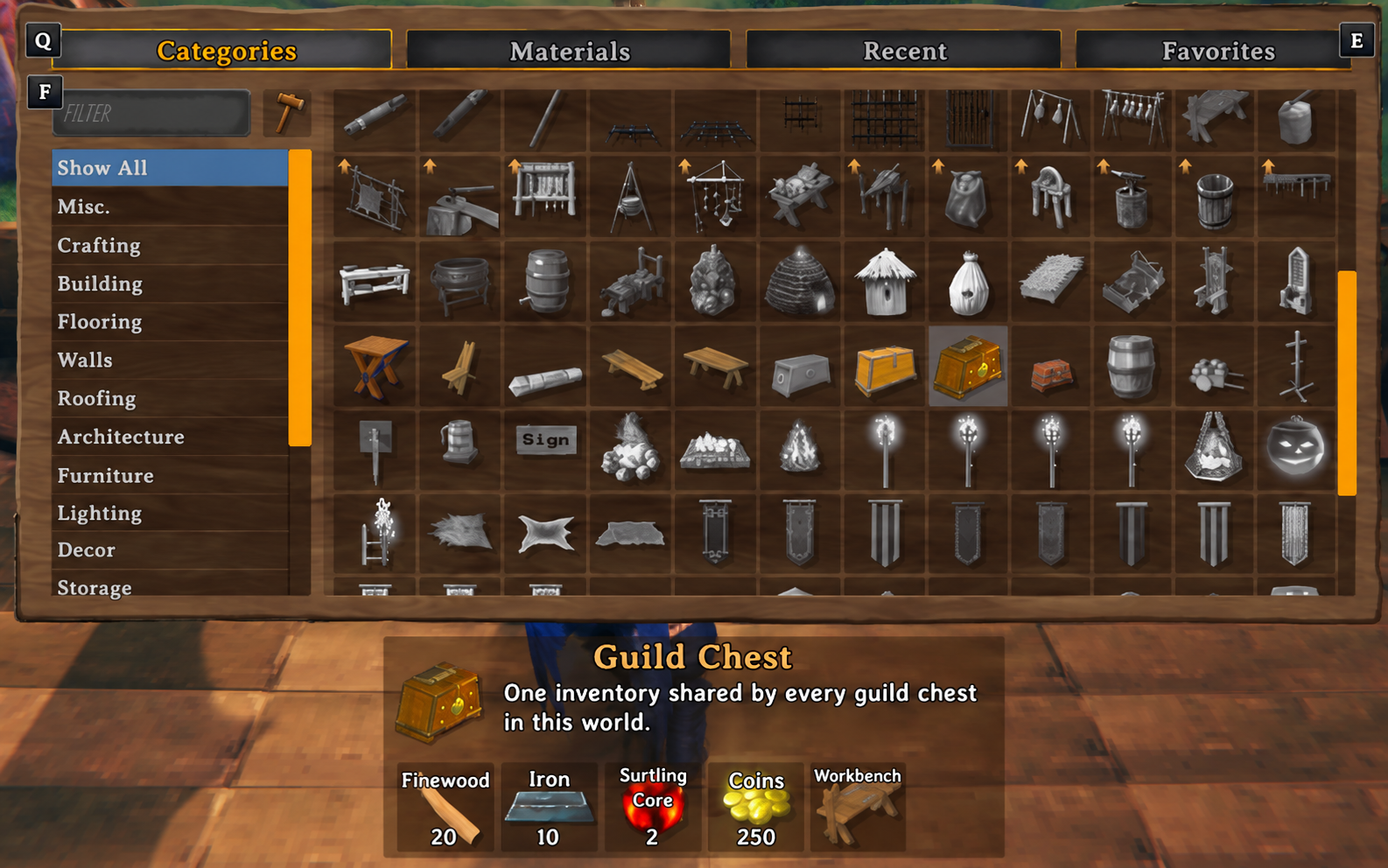
Find the gold chest in the hammer menu; the recipe is shown below it.
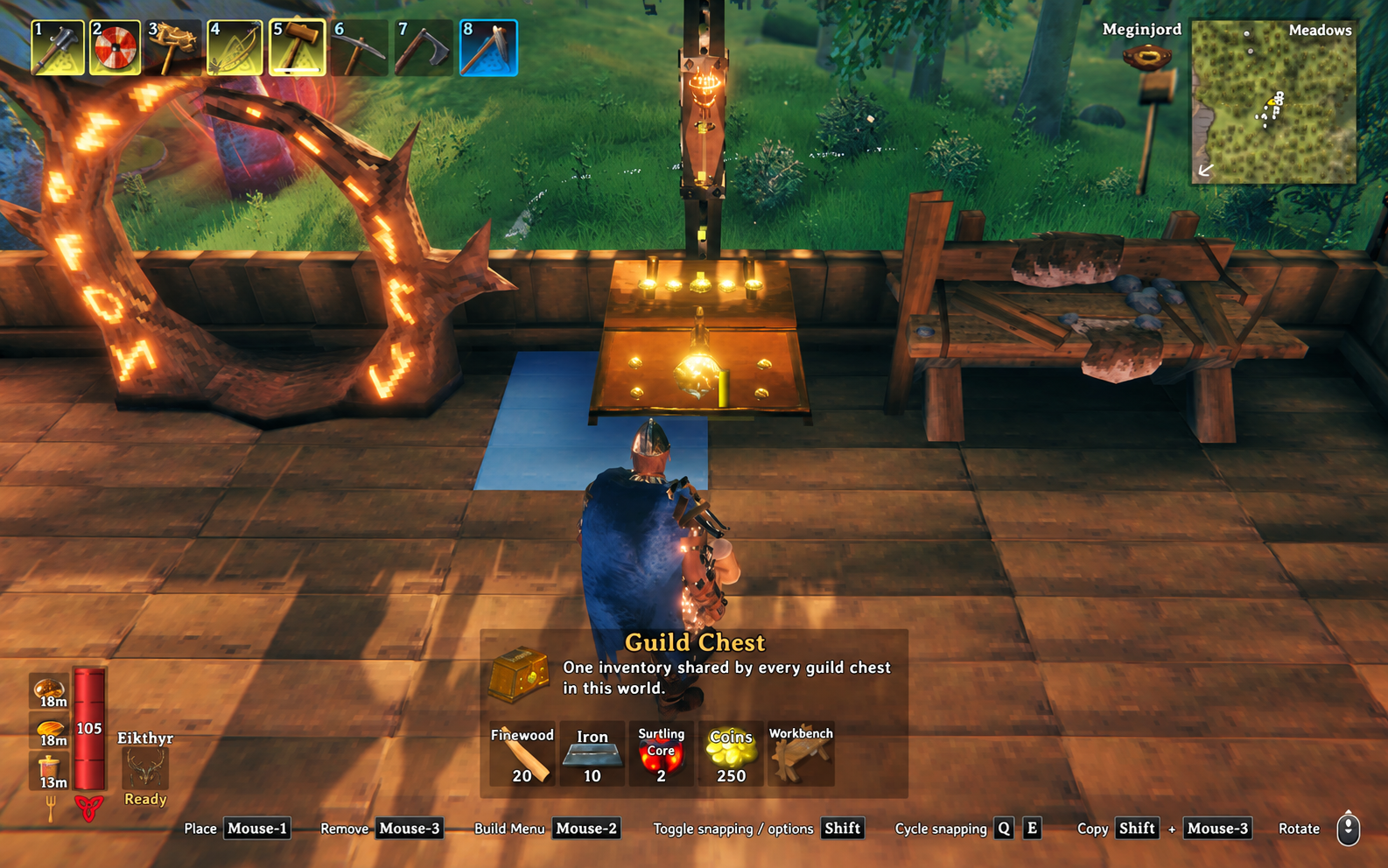
Add an access point wherever you build.
Installation and updates
Install Guild Chest and both required dependencies on every client and the host/server. Use matching Guild Chest versions and restart after updates. For a dedicated server, stop it before replacing files.
Use a compatible mod manager, or install the dependencies using their manual
instructions and extract the release ZIP's BepInEx folder into each Valheim
installation. Both GuildChest.dll and GuildChest.Core.dll belong together in
BepInEx/plugins/GuildChest. Download reviewed builds from
Hexium,
Nexus Mods,
Thunderstore,
or GitHub Releases.
Keep item mods installed on the host and all clients when storing their items.
Guild Chest supports solo, player-hosted, and dedicated-server use on PCs with BepInEx. Console clients cannot load the chest. The current build reference is Valheim 1.0.20 (Steam Dedicated Server build 25909431), verified on 2026-10-17. Automated unit tests are game-independent. The user confirmed live gameplay on Valheim 1.0.20. Native compatibility checks also pass on Valheim 1.0.20, including AzuCraftyBoxes 1.8.28, which the user confirmed in game. Historical fixture checks on Valheim 1.0.16 (Steam build 25527701) cover registration, recipes, transfers, and persistence. See the validation record and detailed gameplay scenarios.
Configuration and optional integrations
After the first launch, configure BepInEx/config/randenko.GuildChest.cfg:
[Compatibility]
Automation range = 20
The host enforces this maximum distance in metres for storage-mod transfers and resource previews (allowed range: 1–100). Configure clients and host consistently; an integration's own range can restrict it further. Normal chest interaction keeps its usual range. Capacity and construction costs are fixed.
Optional adapters were tested in the native fixture with AzuAutoStore 3.1.7 and AzuCraftyBoxes 1.8.27 and 1.8.28. Neither is required or bundled. AutoStore supports player hotkey/single-item deposits; CraftyBoxes supports nearby resource previews, crafting supply, and building after acknowledged transfers. AutoStore ground-drop automation and CraftyBoxes fuel/ore feeding and Epic Loot consumers exclude guild storage. Other storage mods need explicit integration. See compatibility and limitations.
Backups, removal, and troubleshooting
Back up the complete world before installing or removing the mod. To remove it, first withdraw all shared contents into ordinary storage and remove the Guild Chests while the mod is installed, save, and stop the game/server. Keep a backup from before removal: loading and saving without the mod can lose its custom prefabs and shared state. Destroying the last chest alone does not empty the saved stash.
World and character saves remain separate; Guild Chest does not make them one atomic transaction or protect against edited characters and malicious clients. Test changes in a disposable world before using a world you intend to keep.
A rejected transfer displays the host's reason and leaves your items untouched.
Check matching versions, ward access, available space, and required item mods;
inspect BepInEx/LogOutput.log for details. Include versions, reproduction steps,
and relevant logs in a bug report.
Submit feature requests
there too; GitHub Issues is the exclusive tracking channel.
Support and source
Guild Chest is free and open source under the MIT license. Enjoying the mod? Buy me a coffee as an optional thank-you.
See the 1.1.1 release notes, development guide, and architecture for project details.