

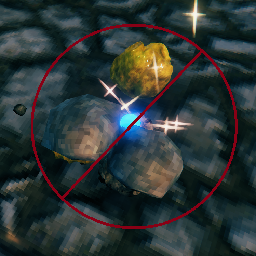
AutoPickupIgnorer
Allows the player to specify which items will and won't be auto-picked-up.AutoPickupIgnorer
by Pip
This project is a recreation of an old mod that I used to love, but which sadly has not been maintained in some time. The mod allows the player to specify which items will and won't be auto-picked-up.
Once Valheim is run with the mod installed, a config file will be created (Pip.AutoPickupIgnorer.cfg). In order to ignore an item for auto-pickup, open the config file remove the # in front of the item.
If you don't care to track items in the config file that you are not ignoring, you can remove all #-prefixed items from the list, and simply include a comma-separated list of the items you want to ignore.
The automatically generated list of items in the config file is not exhaustive, especially as new items are added to the game, and you may need to add items manually. Simply add new items to the list without a leading #, and they will be ignored.
Many of the items in the game do not have straightforward names. I recommend consulting the item list here to look up some of the less obviously-named items. Item names used in the config file are from the Item column on that page.
There is also a configurable hotkey (' [single quote] by default) that will toggle the pickup behavior between three states:
- Ignore items as specified by the config file
- Ignore all items
- Default Valheim behavior (pickup items unless you have previously dropped them)
Source: Github
Install with BepInEx
If not using the Thunderstore mod manager, copy AutoPickupIgnorer.dll into the BepInEx/plugins folder