
You are viewing a potentially older version of this package. View Latest Version
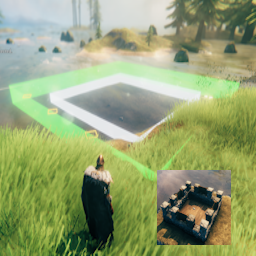
Build structures in Valheim from pre-designed floor plans.
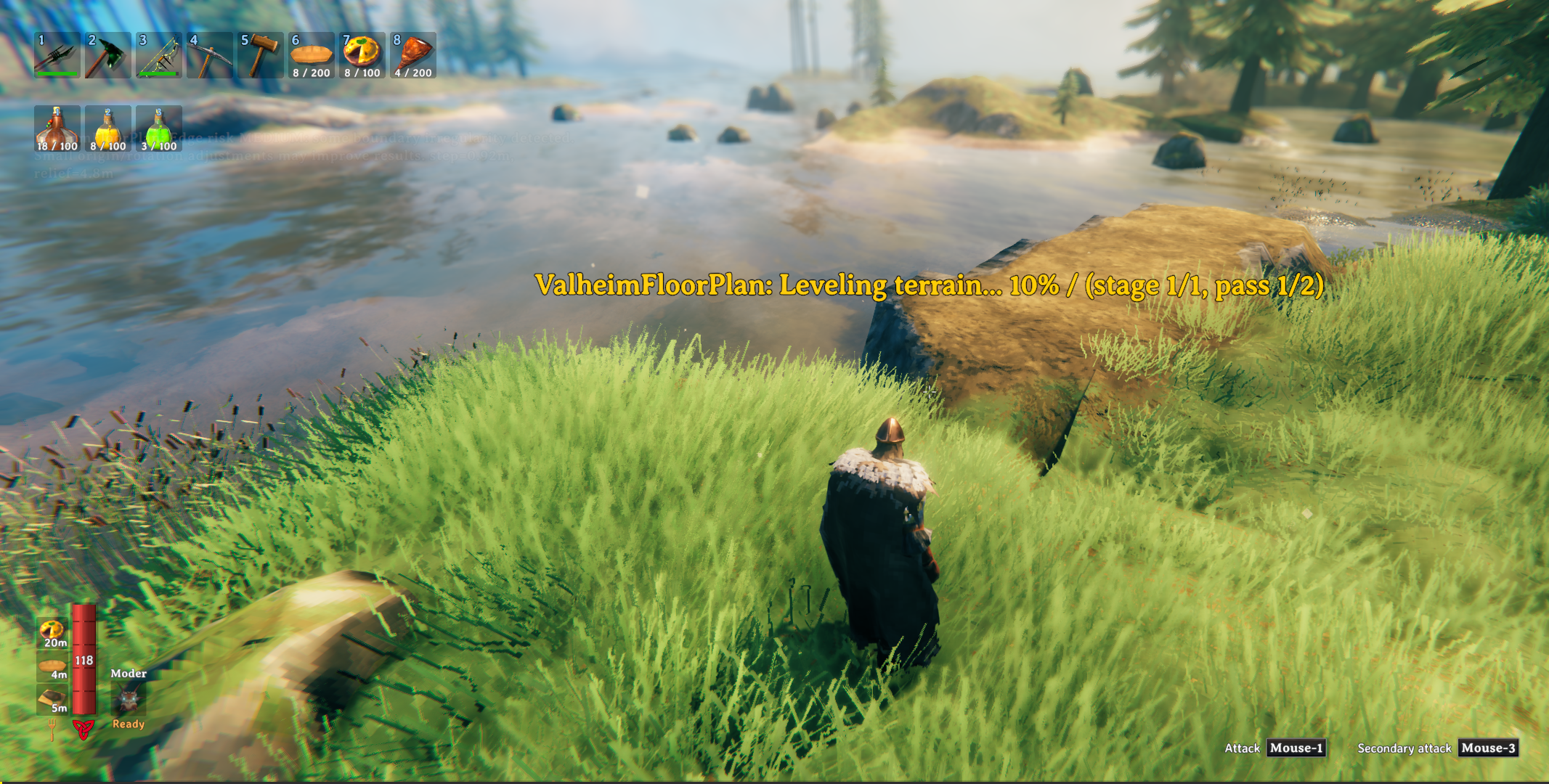
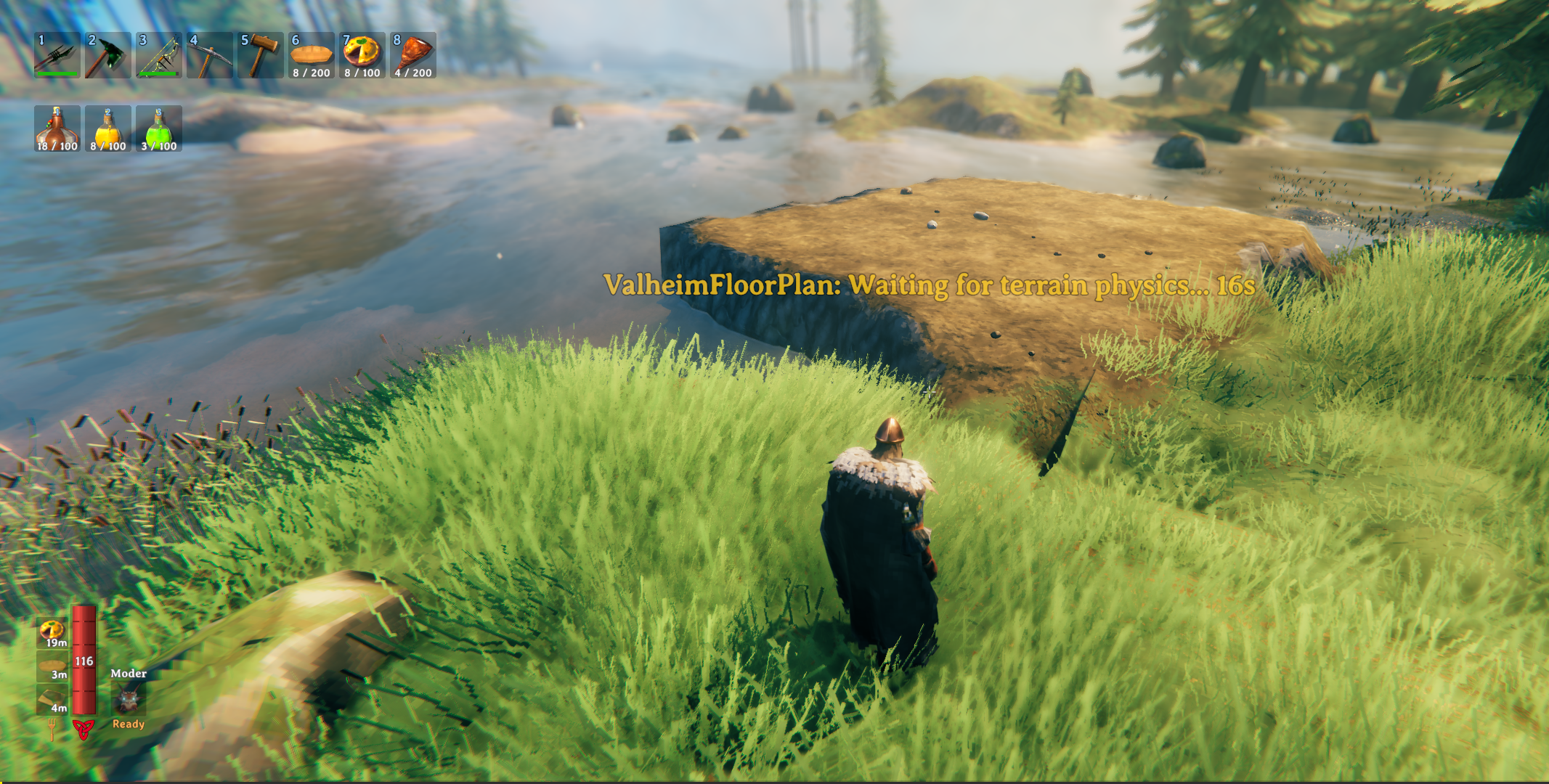
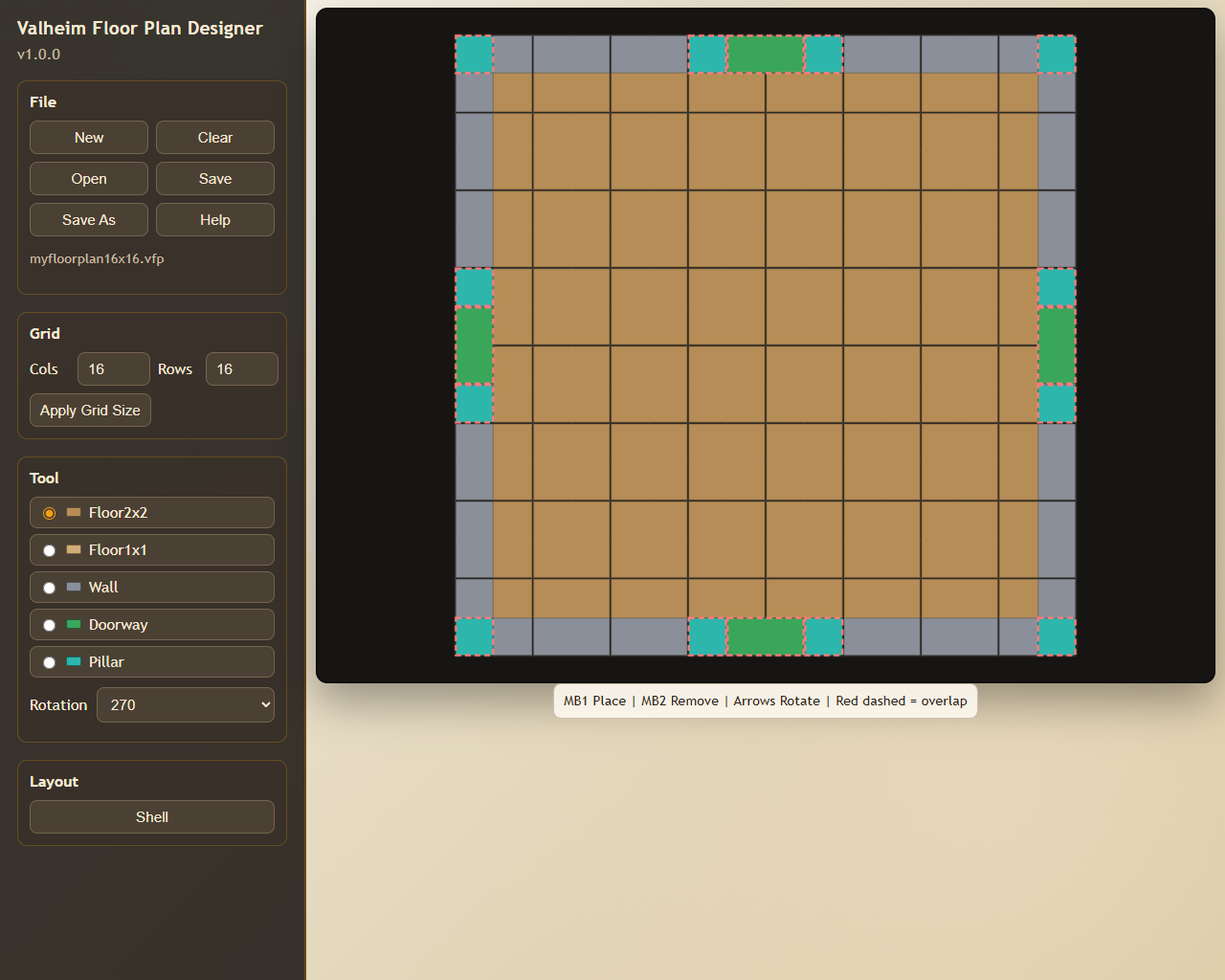
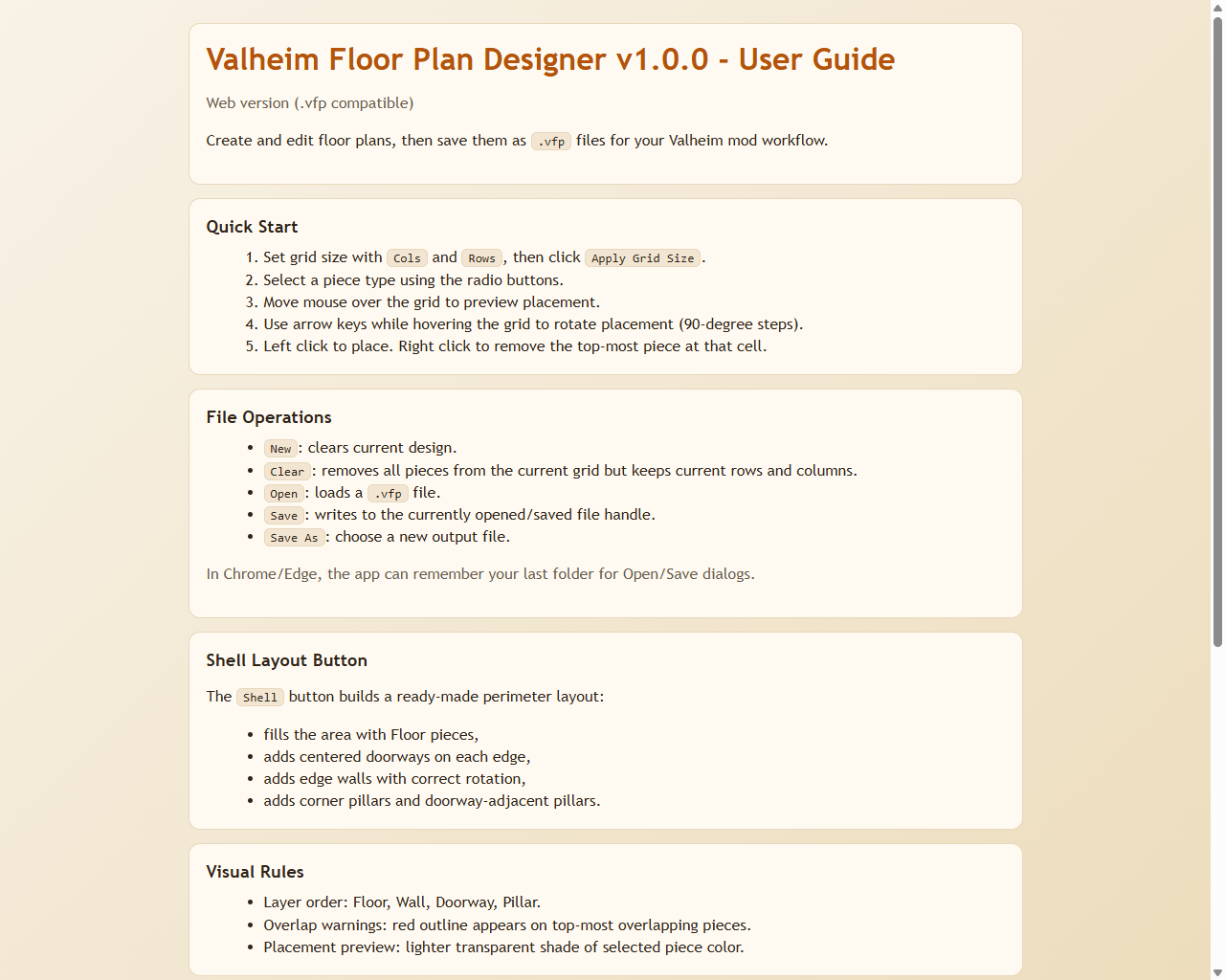
Anyone who has spent time building in Valheim knows the real work starts before the first wall goes up — clearing uneven ground, wrestling with terrain, nudging pieces into alignment one agonising centimetre at a time. Valheim Floor Plan takes that grind away. Design your layout once in the included browser-based Designer, save it as a .vfp plan file, and the mod handles the rest: it levels the terrain, snaps a snapshot for easy undo, and constructs your entire foundation in seconds. No more tedious ground prep or painstaking piece-by-piece placement — just load your plan, pick your spot, and build.
This package includes two components:
.vfp plan files and builds them in-game..vfp plan files.Included in this package:
BepInEx/plugins)BepInEx/plugins/ValheimFloorPlan/Designer/).vfp plans to get started immediatelyOpen the Designer and create or edit a plan.
Save/export a .vfp file.
Point the mod config FloorPlanFile to that .vfp file.
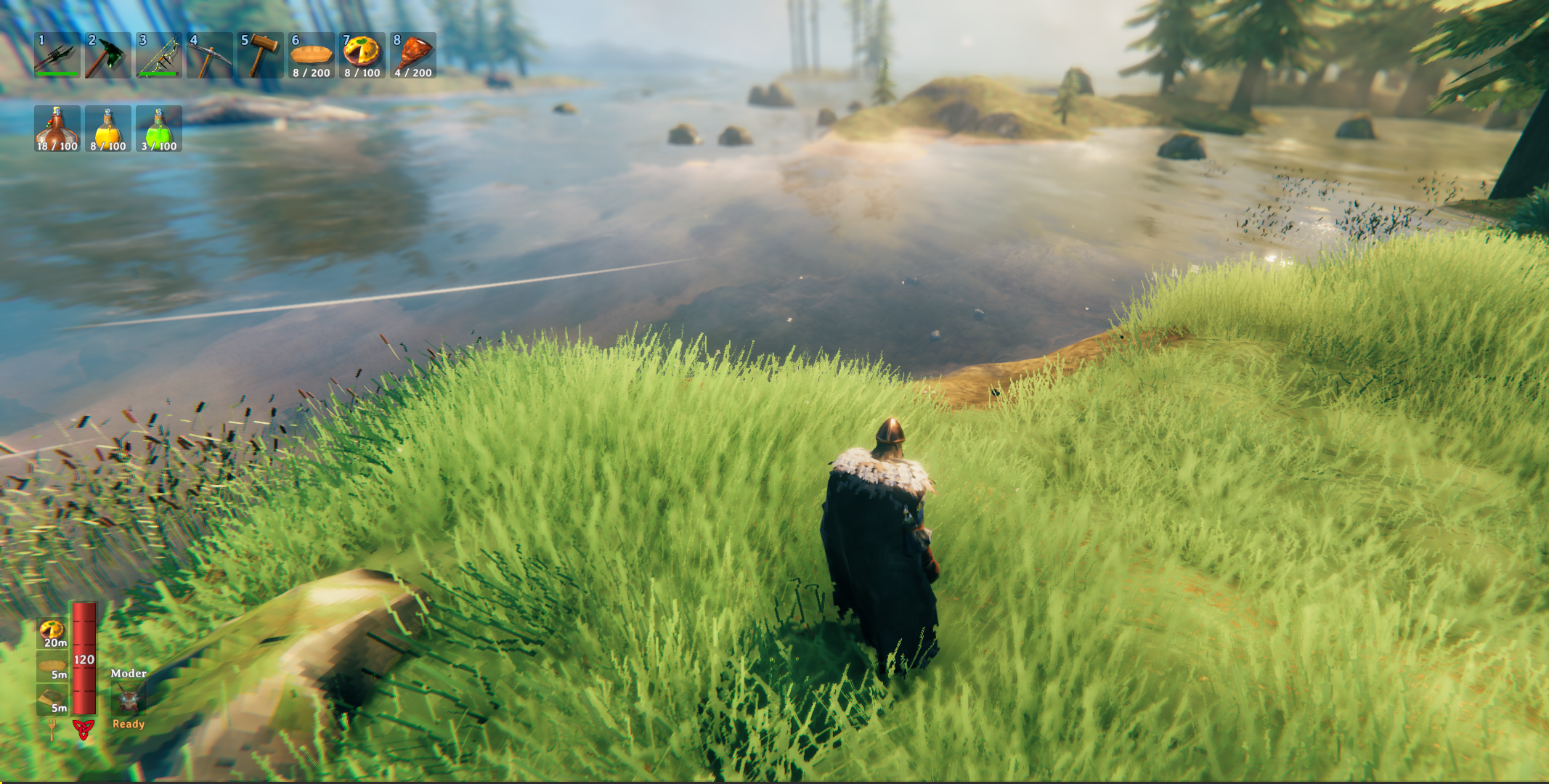
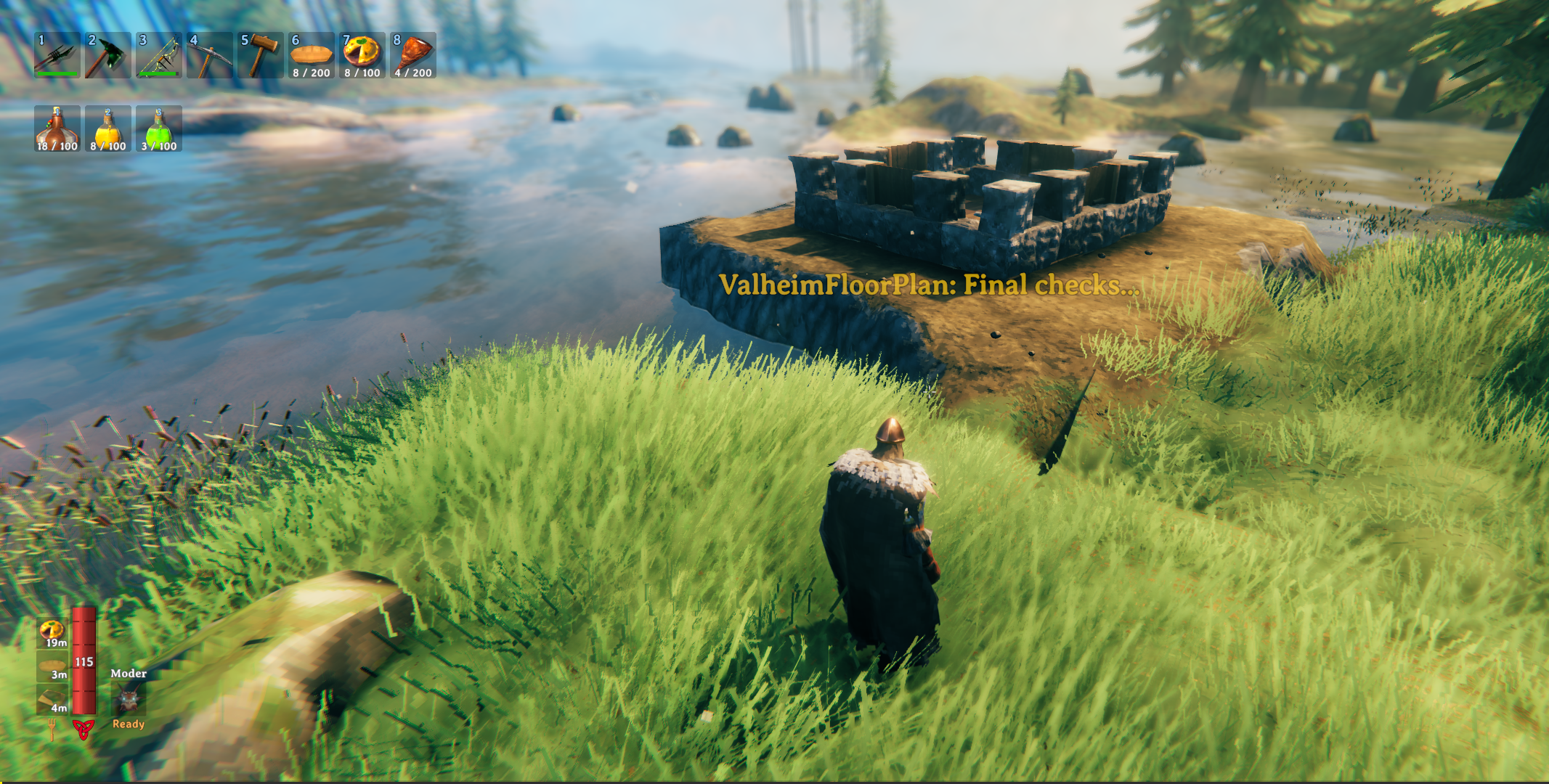
In game, press the build hotkey (default F8) and place the design. A terrain snapshot is taken automatically before placement.
While the preview is active, use these keys to adjust placement:
| Key | Action |
|---|---|
↑ ↓ ← → |
Move the plan forward / backward / left / right |
Q |
Rotate left (45°) |
R |
Rotate right (45°) |
Left Shift (hold) |
Fine-adjust mode — smaller move/rotate steps |
E |
Confirm and build at current position |
RMB / Escape |
Cancel placement |
All keys are configurable in the BepInEx config file.
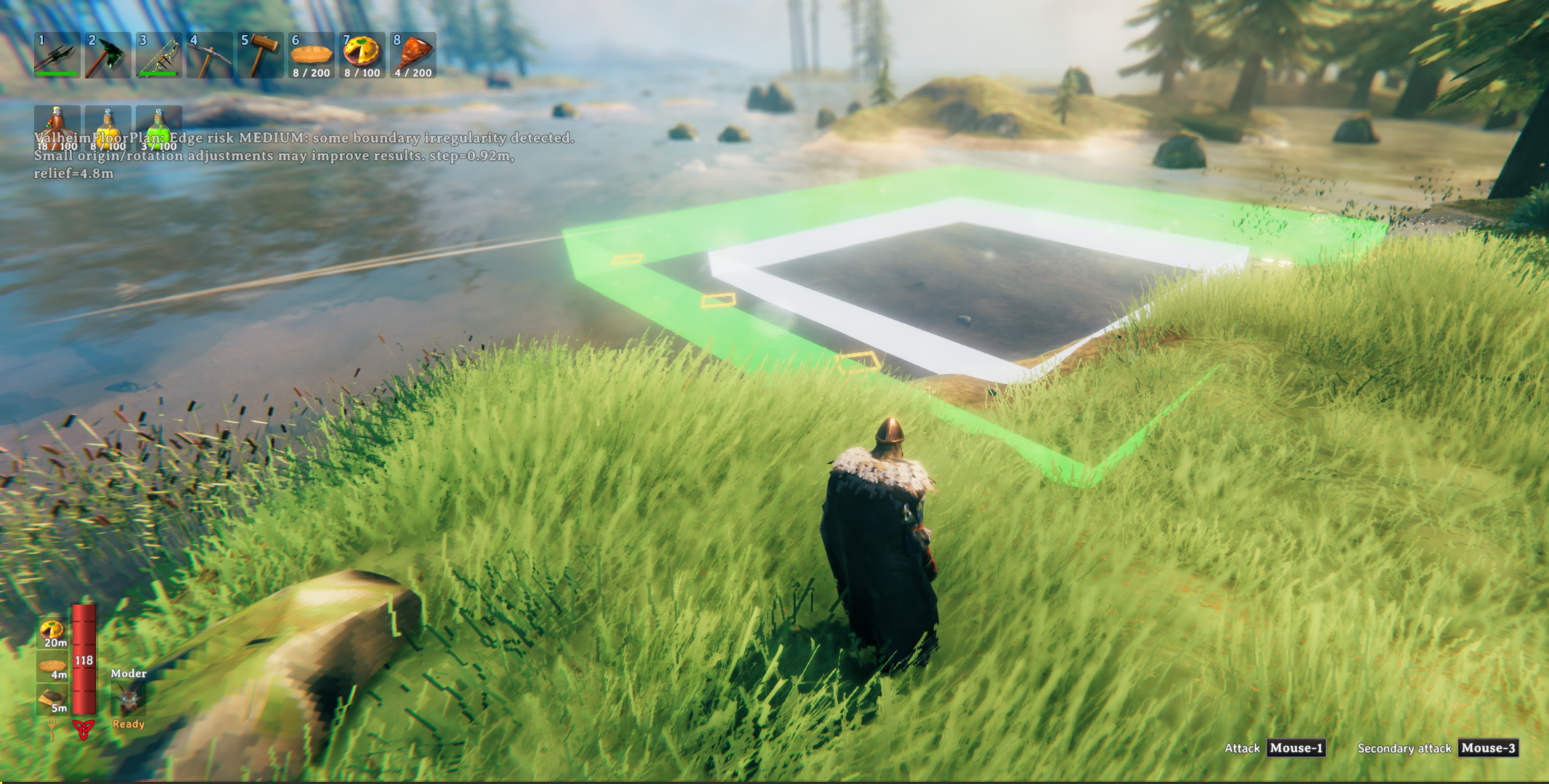
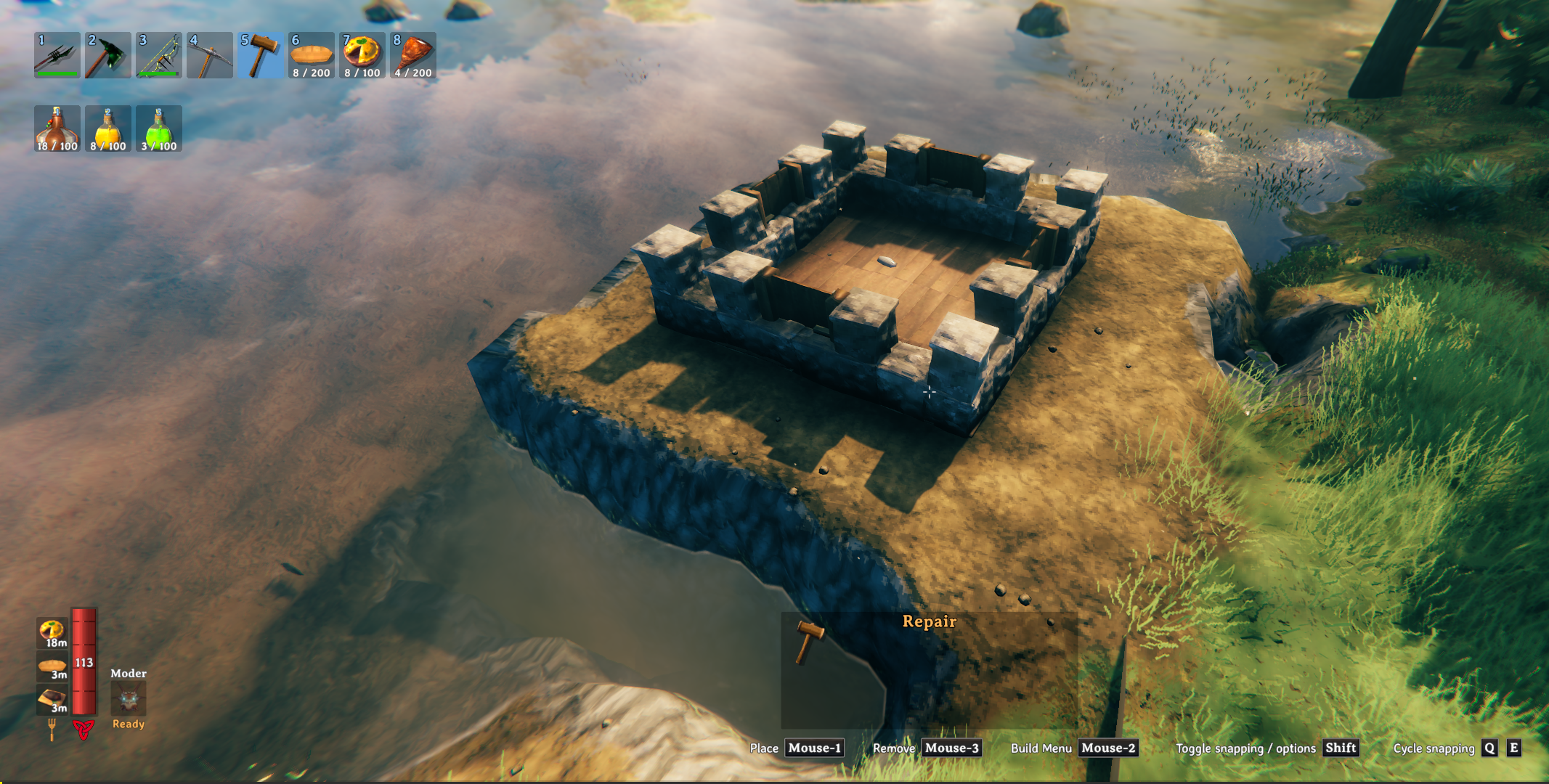
While positioning the plan, watch for these visual markers in the world:
A HUD message also reports the current risk level (
LOW/MEDIUM/HIGH) along withstep(the steepest cross-edge height jump) andrelief(total height range around the footprint) to help you judge whether to nudge the plan before building.
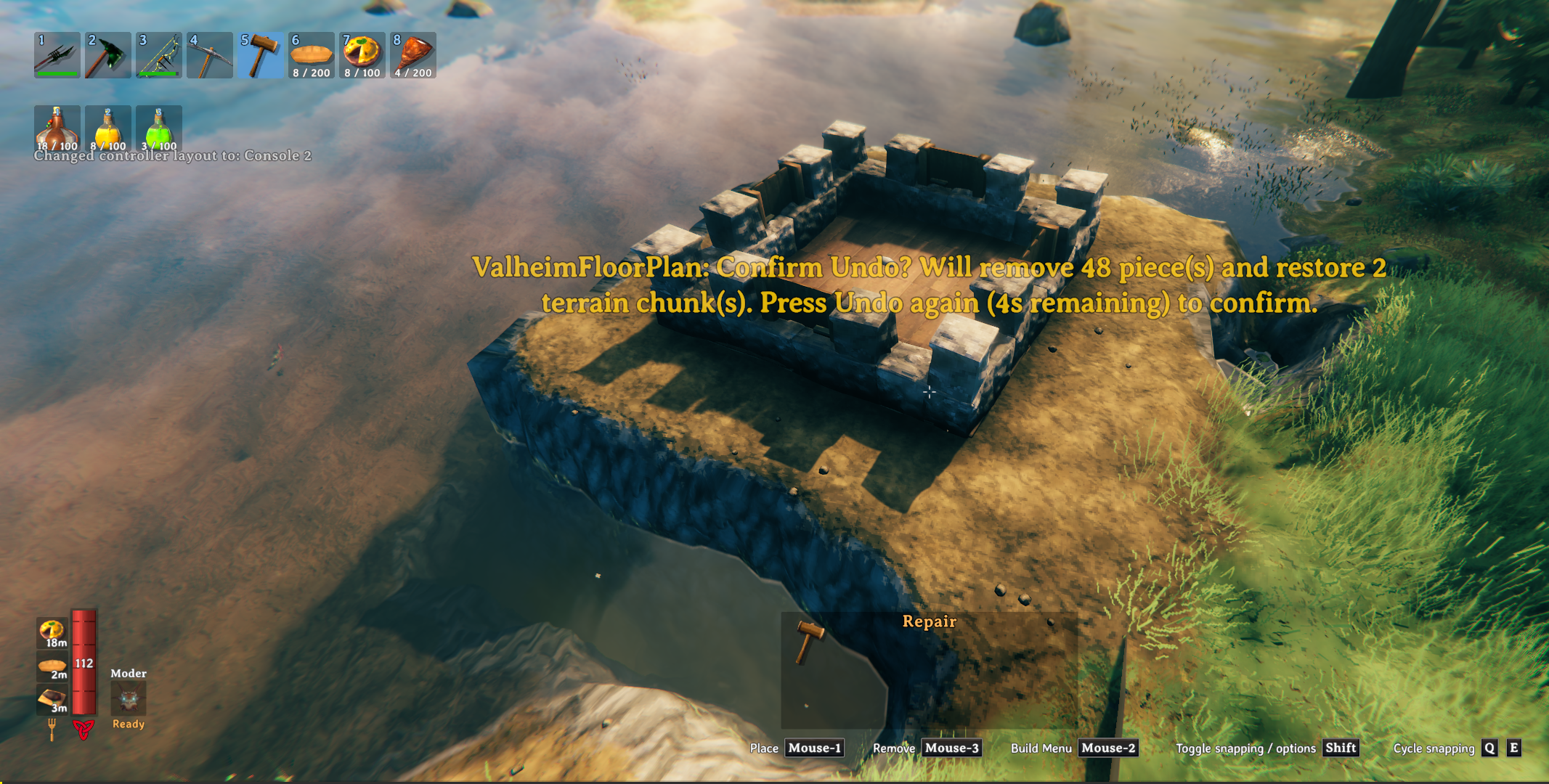
To undo, press the undo hotkey (default F9). This removes all placed building pieces and restores the terrain to the snapshot.
IMPORTANT: Terrain can only be restored within the current session — if you leave the area or reload, the terrain snapshot is lost. Building pieces can be undone across sessions because they are tagged as built by Valheim Floor Plan.
The samples/ folder contains ready-to-use .vfp examples:
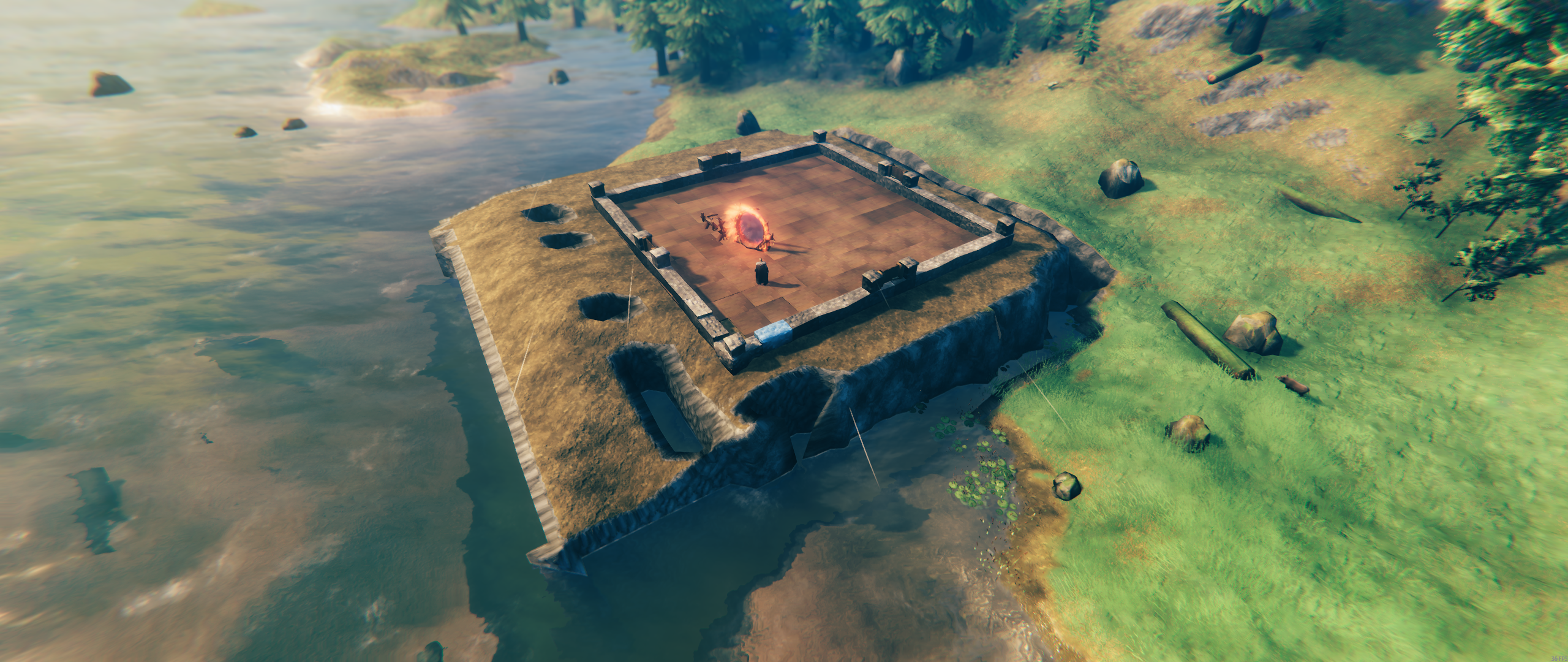
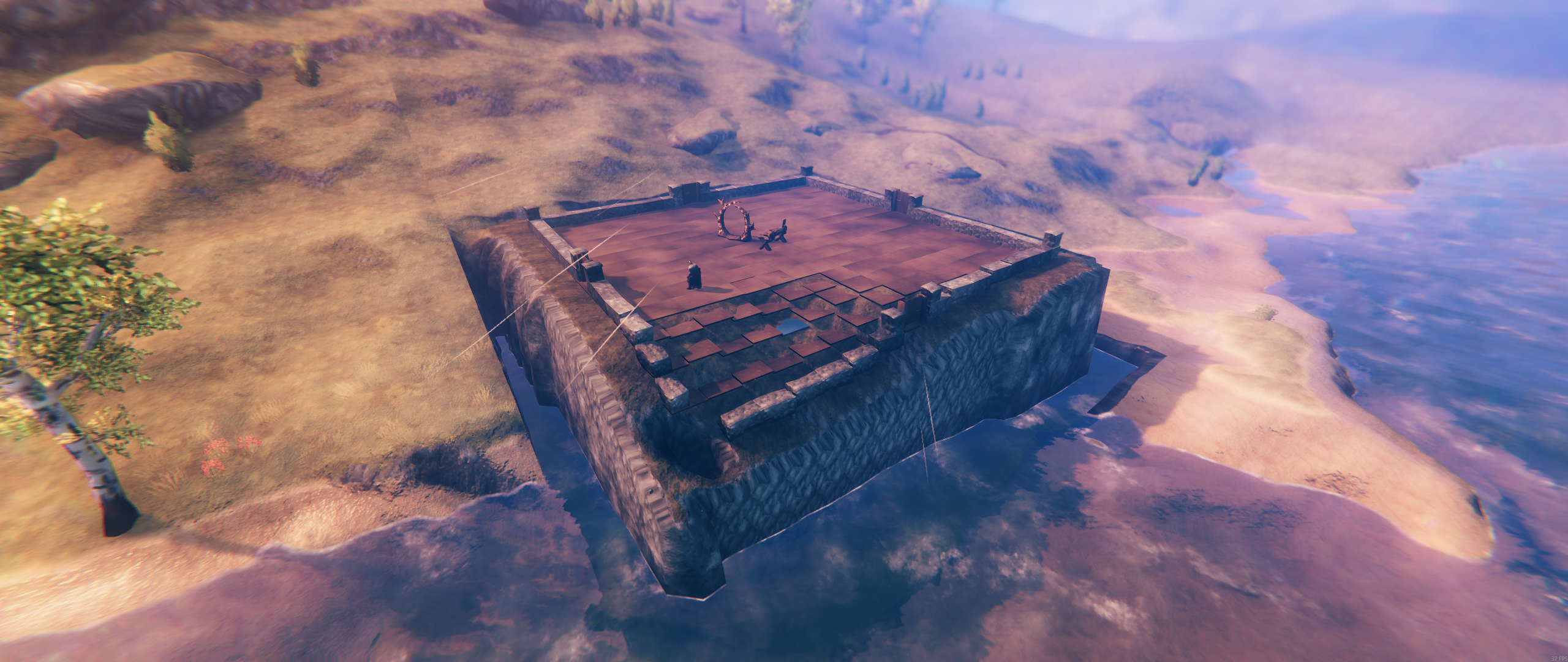
samples/myfloorplan4x4.vfpsamples/myfloorplan8x8.vfpsamples/myfloorplan12x12.vfpsamples/myfloorplan16x16.vfpsamples/myfloorplan20x20.vfpsamples/myfloorplan24x24.vfpsamples/myfloorplan28x28.vfp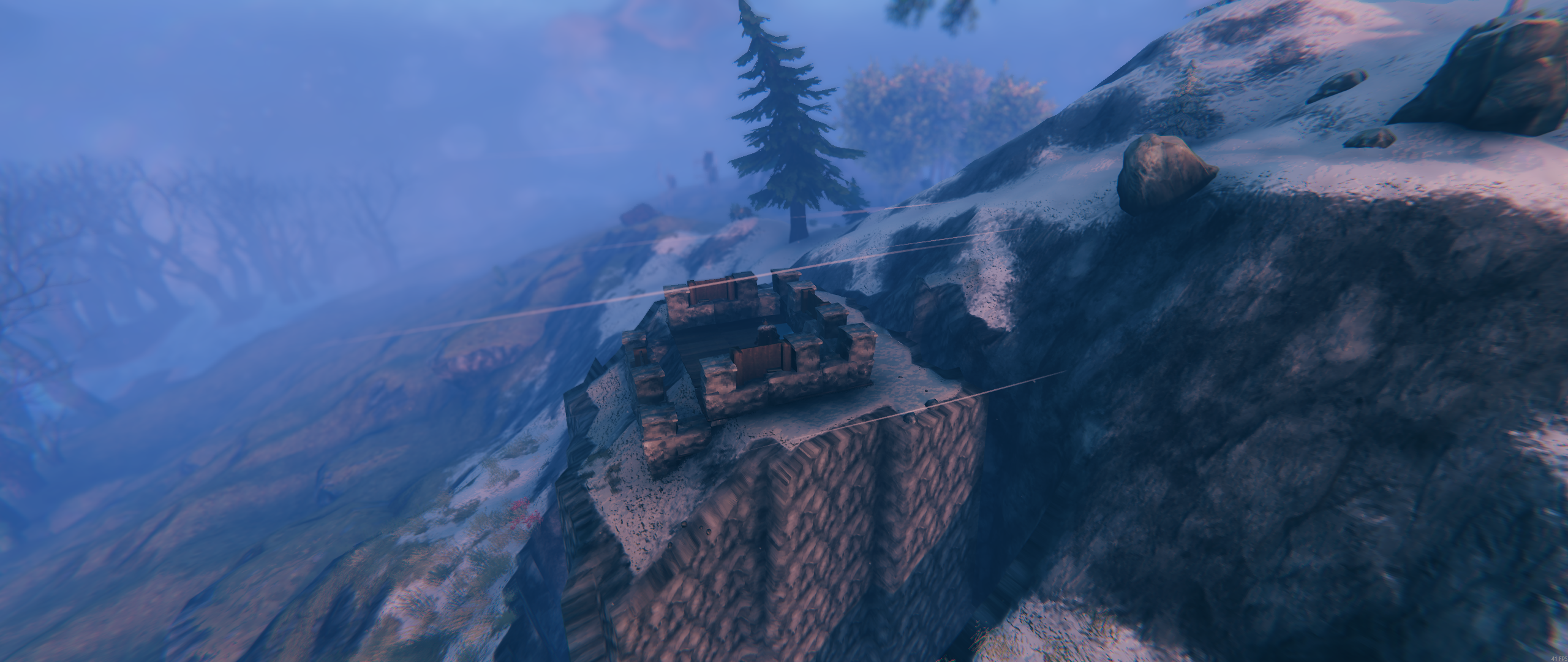
BepInEx/plugins/ValheimFloorPlan/ValheimFloorPlan.dllBepInEx/plugins/ValheimFloorPlan/Designer/...images/... (included in the package archive)samples/... (example .vfp plans).vfp is the contract between the Designer and the mod.Development of the Valheim Floor Plan mod and the Valheim Floor Plan Designer web app used:
