
You are viewing a potentially older version of this package. View Latest Version
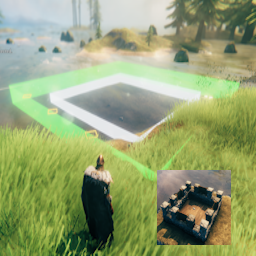
Build structures in Valheim from pre-designed floor plans.
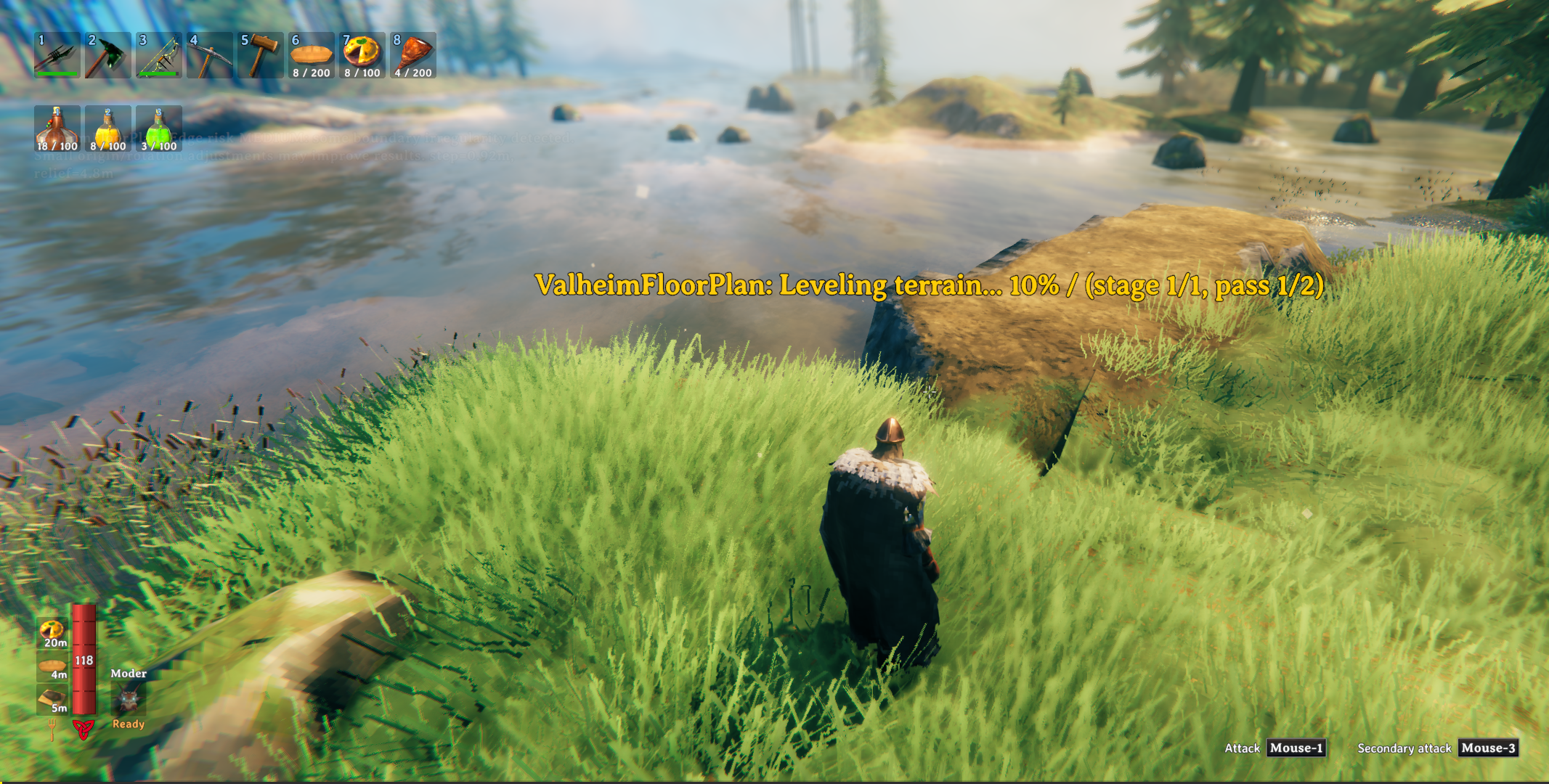
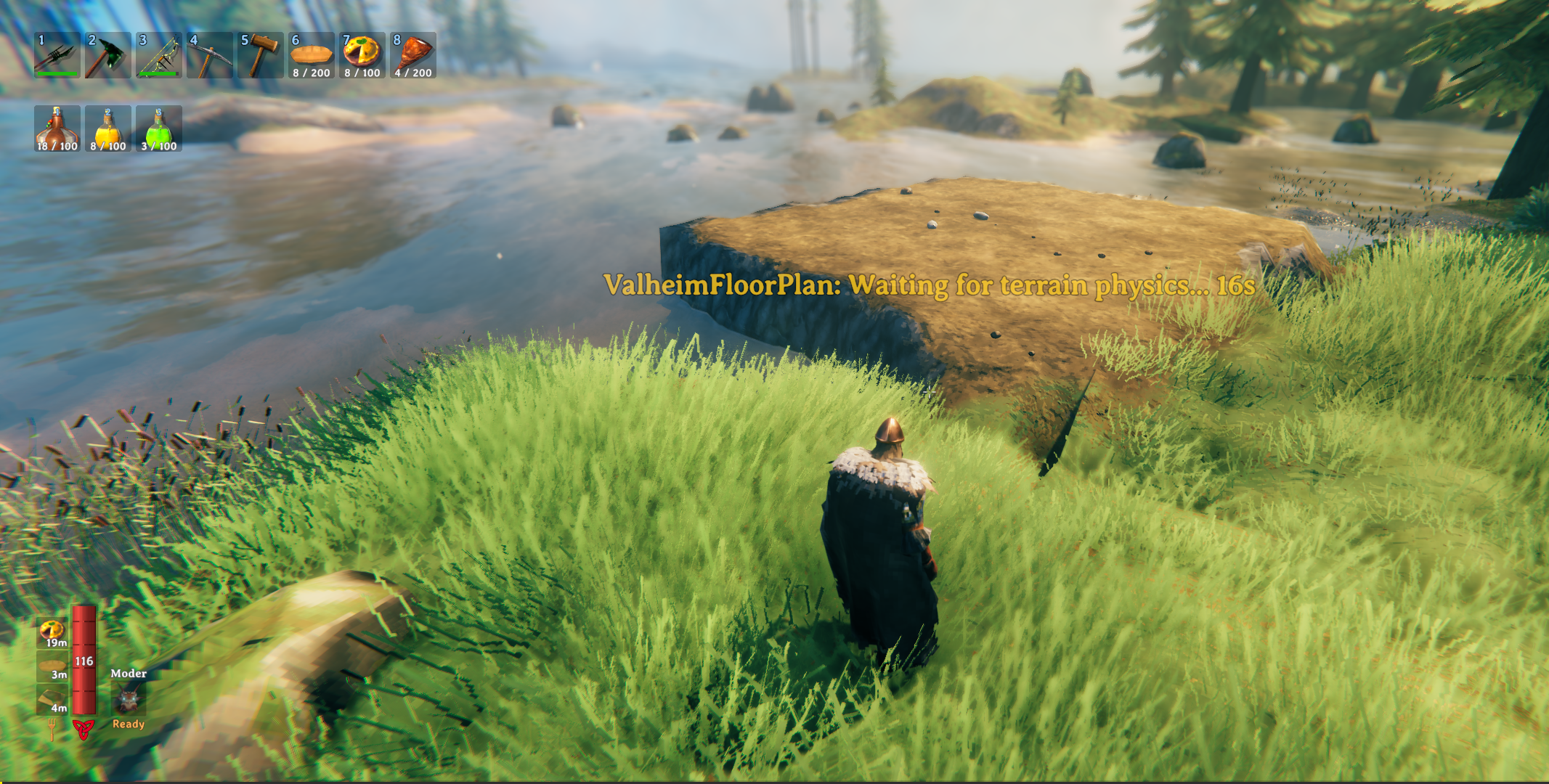
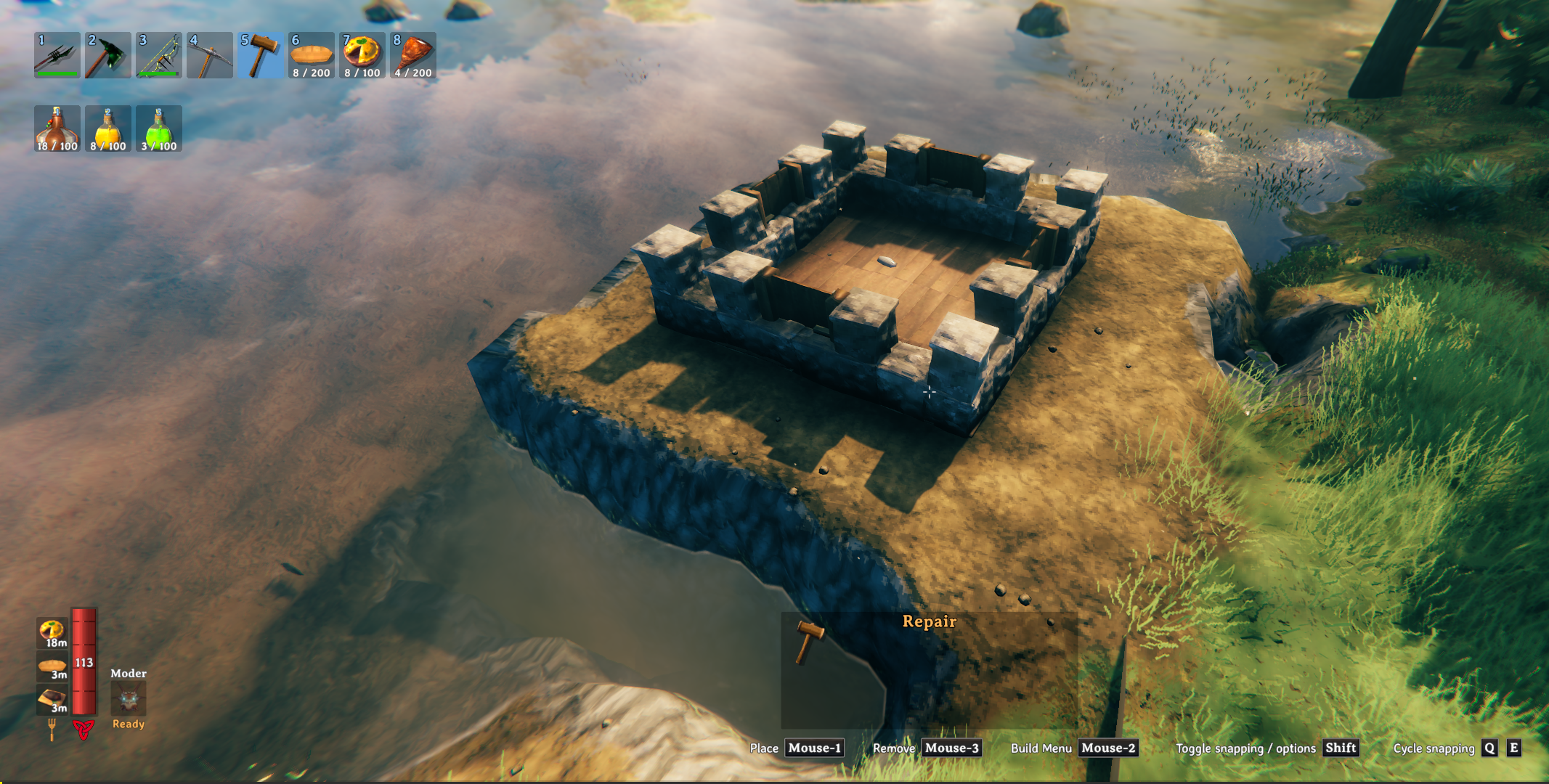
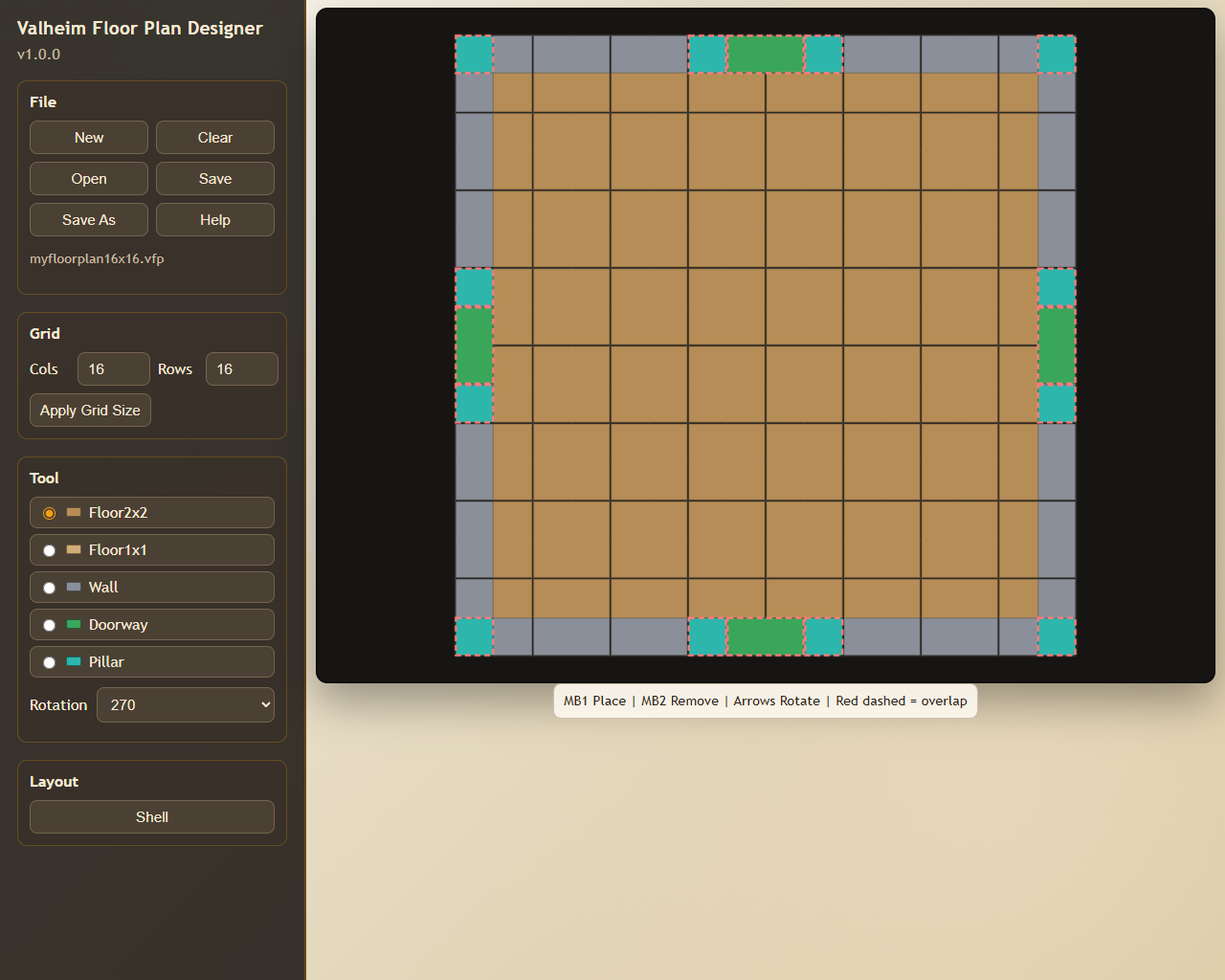
Anyone who has spent time building in Valheim knows the real work starts before the first wall goes up — clearing uneven ground, wrestling with terrain, nudging pieces into alignment one agonising centimetre at a time. Valheim Floor Plan takes that grind away. Design your layout once in the included browser-based Designer, save it as a .vfp plan file, and the mod handles the rest: it levels the terrain, snaps a snapshot for easy undo, and constructs your entire foundation in seconds. No more tedious ground prep or painstaking piece-by-piece placement — just load your plan, pick your spot, and build.
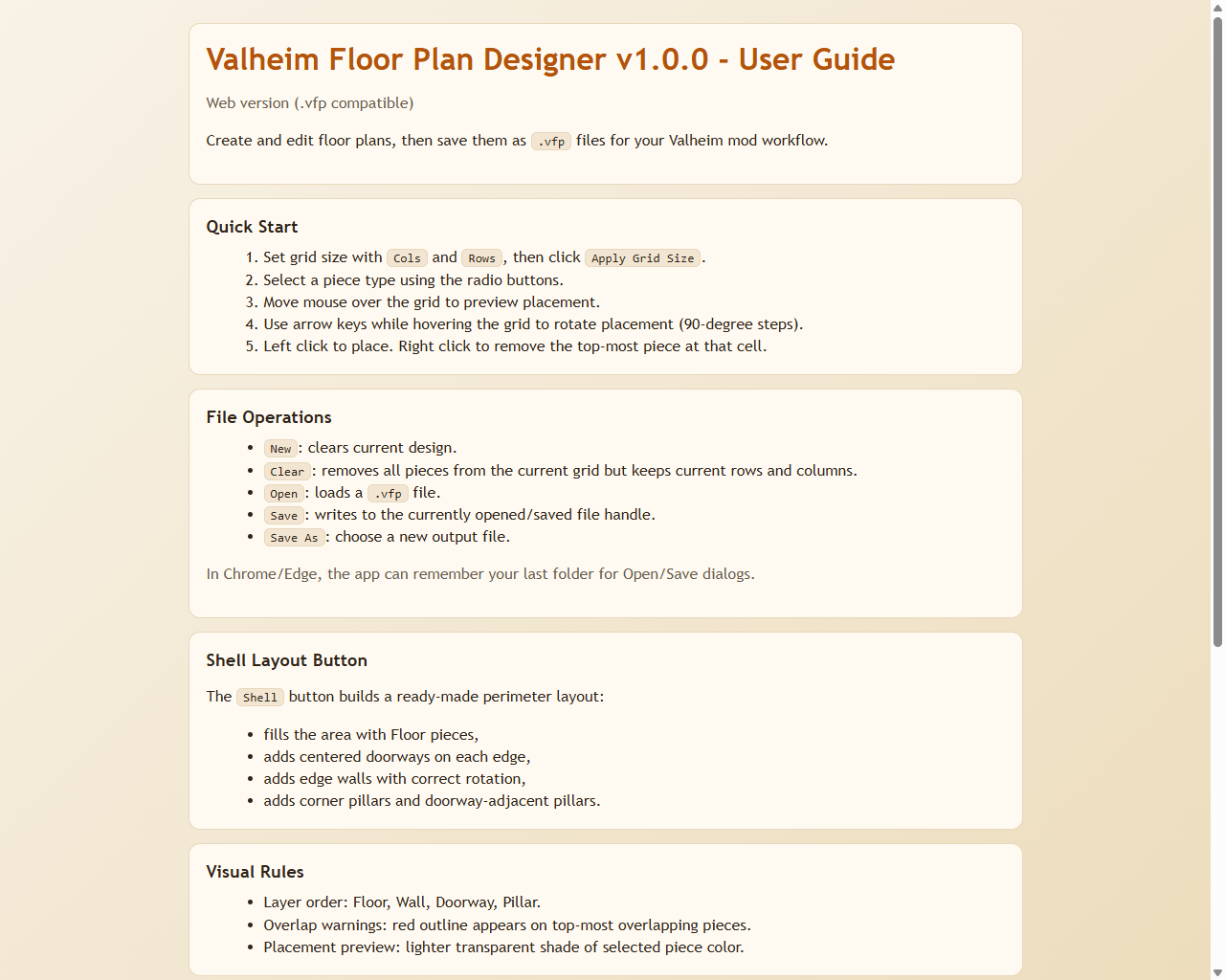
This package includes two components:
.vfp plan files and builds them in-game..vfp plan files.Included in this package:
BepInEx/plugins)BepInEx/plugins/ValheimFloorPlan/Designer/).vfp plans to get started immediatelyOpen the Designer and create or edit a plan.
Save/export a .vfp file.
Point the mod config FloorPlanFile to that .vfp file.
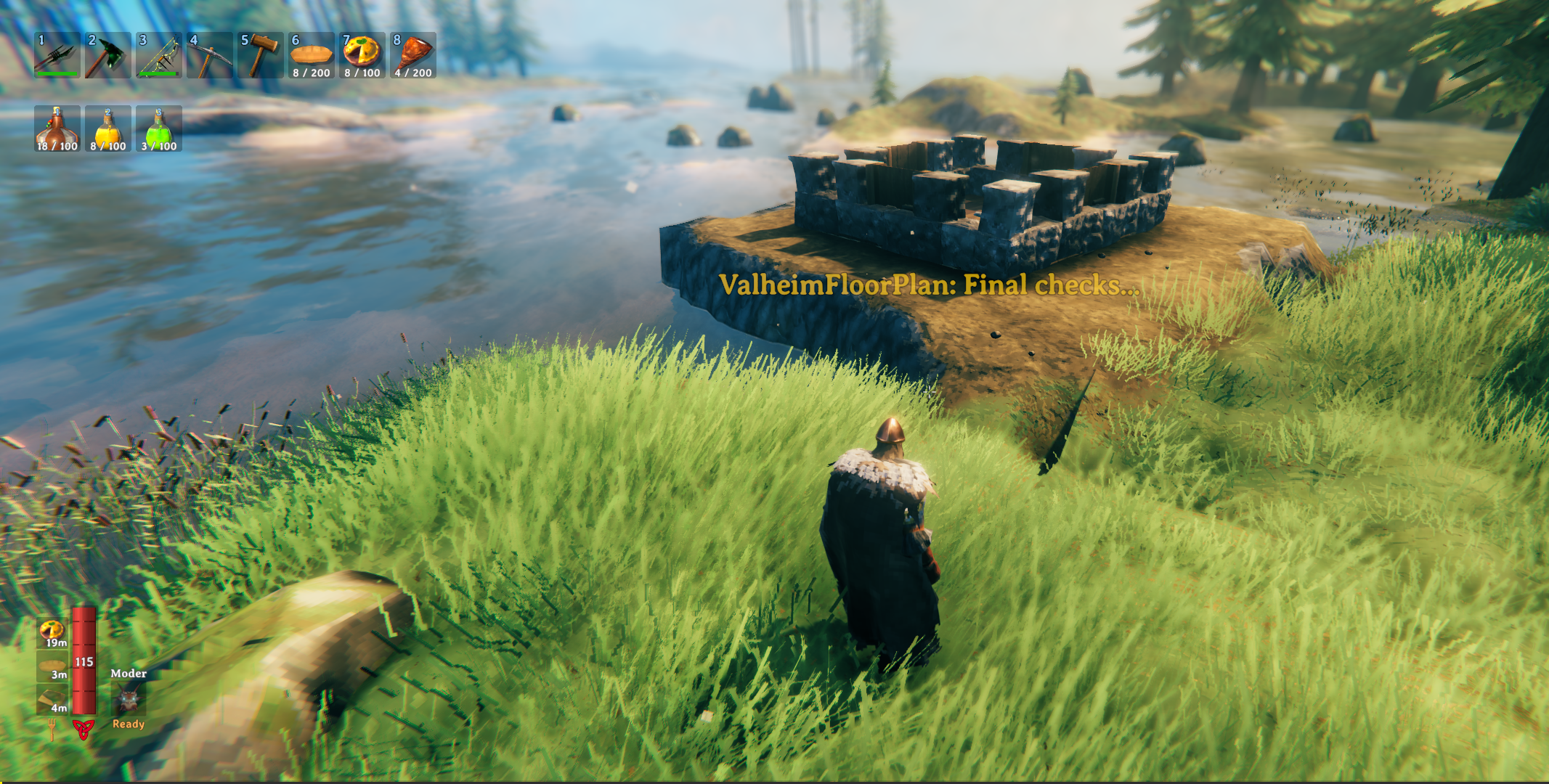
In game, press the build hotkey (default F8) and place the design. A terrain snapshot is taken automatically before placement.
While the preview is active, use these keys to adjust placement:
| Key | Action |
|---|---|
↑ ↓ ← → |
Move the plan forward / backward / left / right |
Q |
Rotate left (45°) |
R |
Rotate right (45°) |
Left Shift (hold) |
Fine-adjust mode — smaller move/rotate steps |
E |
Confirm and build at current position |
RMB / Escape |
Cancel placement |
Note: All keys are configurable in the BepInEx config file.
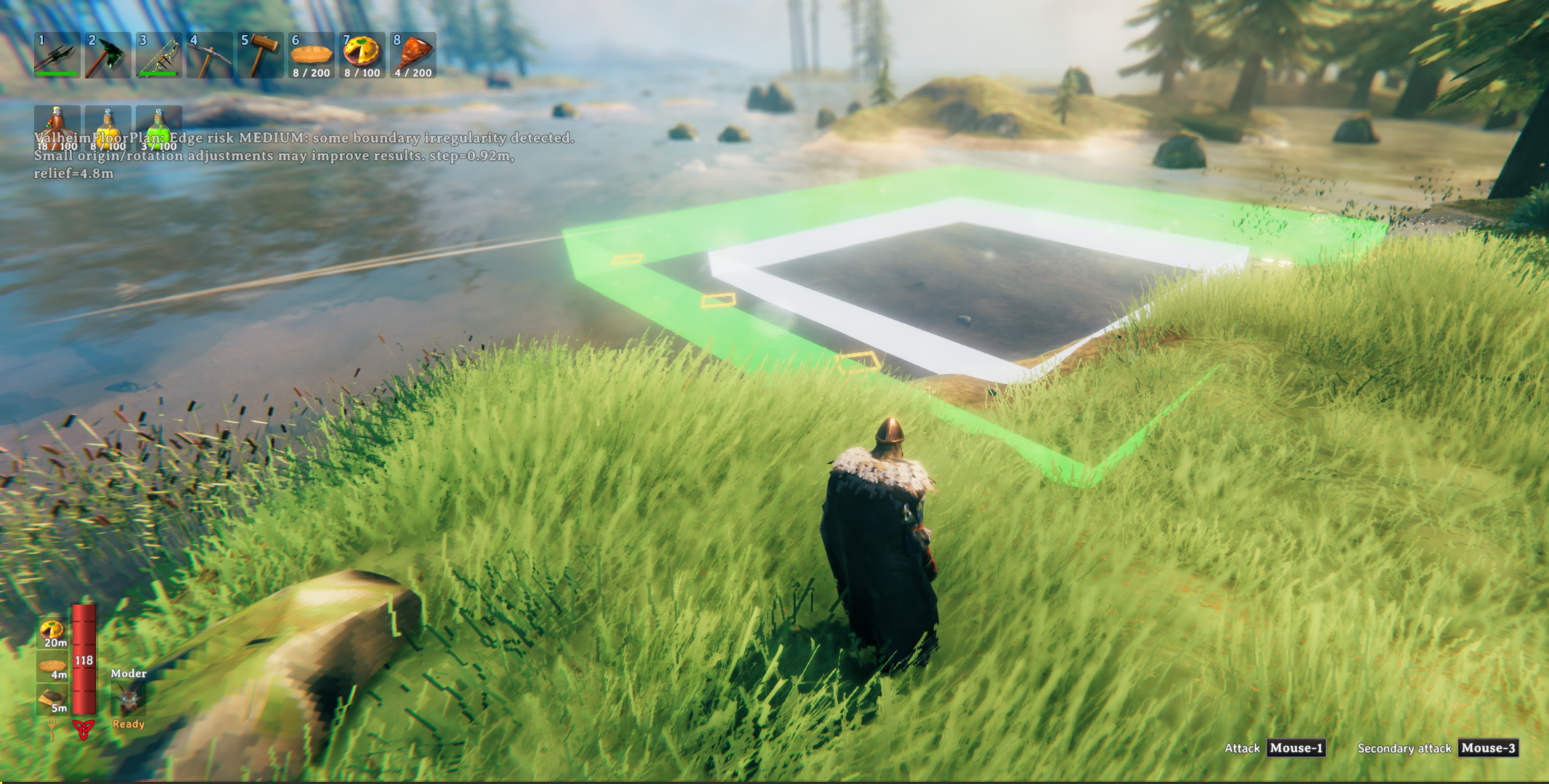
While positioning the plan, watch for these visual markers in the world:
Note: A HUD message also reports the current risk level (LOW / MEDIUM / HIGH) along with step (the steepest cross-edge height jump) and relief (total height range around the footprint) to help you judge whether to nudge the plan before building.
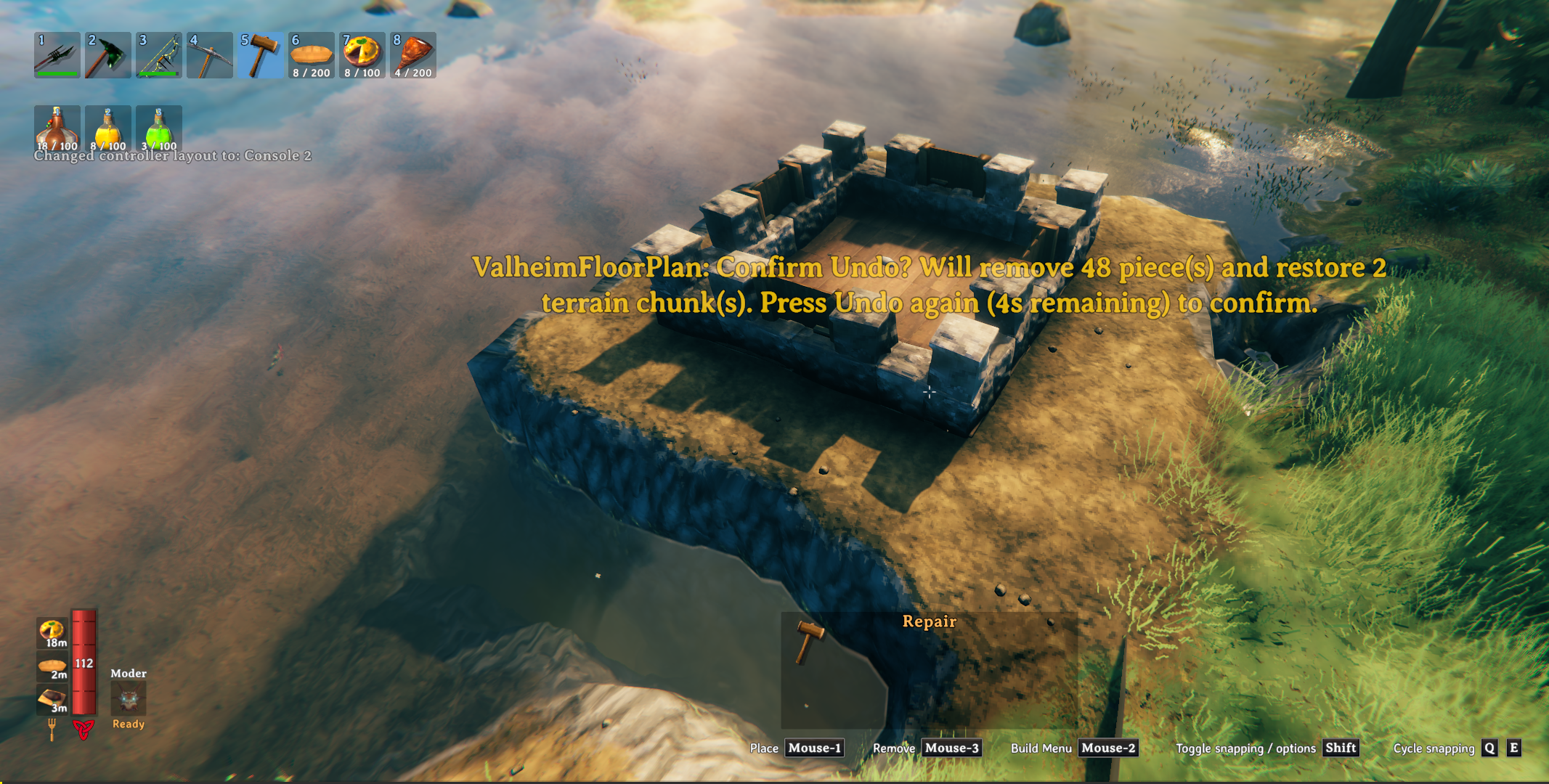
To undo, press the undo hotkey (default F9). This removes all placed building pieces and restores the terrain to the snapshot.
IMPORTANT: Terrain can only be restored within the current session — if you leave the area or reload, the terrain snapshot is lost. Building pieces can be undone across sessions because they are tagged as built by Valheim Floor Plan.
Config file path:
BepInEx/config/com.alexdroz.valheimfloorplan.cfgAll values below are configurable in that file.
| Option | Default | Allowed values | What it does |
|---|---|---|---|
FloorPlanFile |
(empty) | Any valid file path | Full path to the .vfp file exported by the Designer. |
BuildHotkey |
F8 |
Any valid KeyboardShortcut |
Starts plan preview/build flow. |
UndoHotkey |
F9 |
Any valid KeyboardShortcut |
Removes placed VFP-tagged pieces and restores terrain snapshot. |
ProgressMessagePosition |
CenterLeft |
Valheim MessageHud positions (Center, TopLeft, TopRight, etc.) |
HUD slot for build-progress messages. CenterLeft is accepted as an alias and maps to Center. |
WarningMessagePosition |
TopLeft |
Valheim MessageHud positions (Center, TopLeft, TopRight, etc.) |
HUD slot for warnings/risk messages. CenterLeft is accepted as an alias and maps to Center. |
BuildOriginForwardOffset |
12 |
10 to 20 |
Initial preview origin distance in front of the player (meters). |
| Option | Default | Allowed values | What it does |
|---|---|---|---|
TerrainLevelPasses |
2 |
1 to 5 |
Main leveling pass count before spike cleanup. Lower is faster; higher can smooth stubborn terrain. |
TerrainSpikeCleanupPasses |
2 |
1 to 5 |
Post-leveling spike cleanup pass count. |
TerrainStampRadius |
3.0 |
3.0 to 6.0 |
Radius of each terrain stamp disc (meters). Also controls outer terrain blend reach. |
TerrainHighPointDelta |
0.0 |
0.0 to 4.0 |
Extra height added to sampled highest point (targetY = highest + delta). |
TerrainUseStagedRaise |
false |
true / false |
Experimental staged vertical raise mode instead of single full-height raise. |
TerrainRaiseStepHeight |
0.5 |
0.15 to 1.5 |
Max vertical raise per stage when staged raise is enabled (meters). |
TerrainMaxRaiseStages |
1 |
1 to 16 |
Hard cap on number of staged raises when staged mode is enabled. |
TerrainSkipSatisfiedCenterStamps |
true |
true / false |
Skips center stamps where sampled terrain is already at/above target height. |
| Option | Default | Allowed values | What it does |
|---|---|---|---|
ExternalWallHeight |
1 |
1 to 4 |
Stacks outer-perimeter Wall/Pillar pieces vertically to this many levels. |
WallPillarMaterial |
Stone |
Stone, Wood |
Chooses material set used for Wall and Pillar types. |
| Option | Default | Allowed values | What it does |
|---|---|---|---|
MoveStep |
2.0 |
0.25 to 10.0 |
Nudge distance per move key press (meters). |
FineMoveStep |
0.5 |
0.05 to 5.0 |
Nudge distance per move key press while fine-adjust key is held (meters). |
RotateStepDegrees |
15 |
1 to 90 |
Rotation applied per rotate key press (degrees). |
FineRotateStepDegrees |
5 |
1 to 45 |
Rotation applied per rotate key press while fine-adjust key is held (degrees). |
| Option | Default | What it does |
|---|---|---|
MoveForwardKey |
UpArrow |
Move preview origin forward relative to camera. |
MoveBackwardKey |
DownArrow |
Move preview origin backward relative to camera. |
MoveLeftKey |
LeftArrow |
Move preview origin left relative to camera. |
MoveRightKey |
RightArrow |
Move preview origin right relative to camera. |
RotateLeftKey |
Q |
Rotate preview counter-clockwise. |
RotateRightKey |
R |
Rotate preview clockwise. |
ConfirmKey |
E |
Confirm current preview placement and start build. |
CancelKey |
Escape |
Cancel preview. (Right-click cancels too.) |
FineAdjustKey |
LeftShift |
Hold for fine movement and fine rotation. |
The samples/ folder contains ready-to-use .vfp examples:
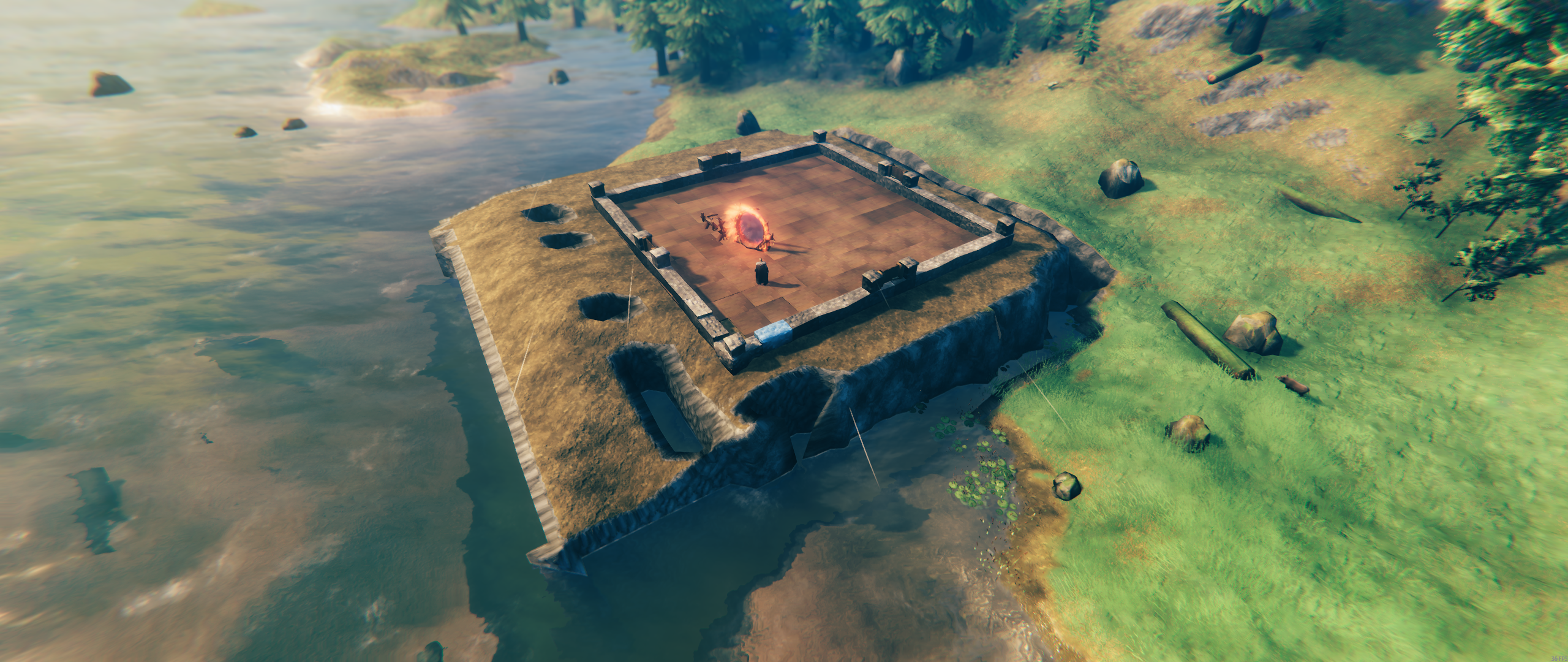
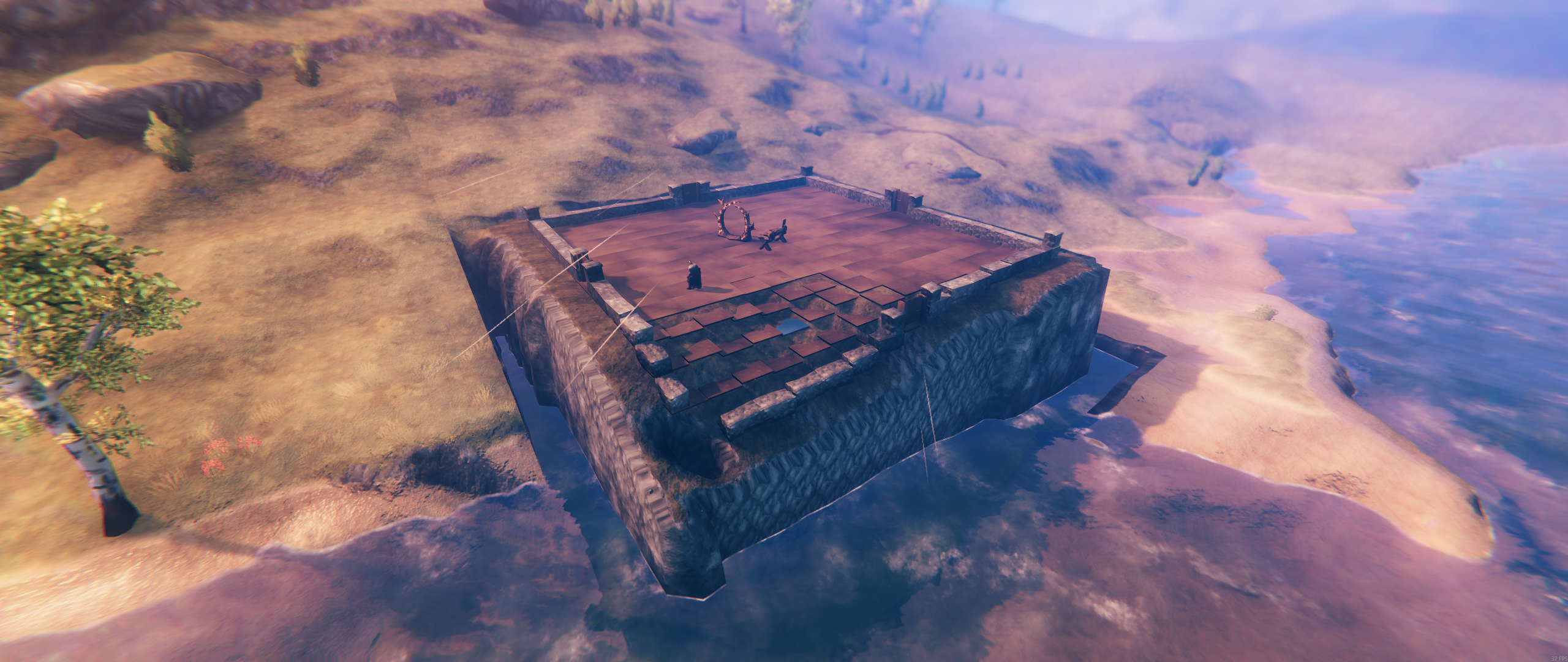
samples/myfloorplan4x4.vfpsamples/myfloorplan8x8.vfpsamples/myfloorplan12x12.vfpsamples/myfloorplan16x16.vfpsamples/myfloorplan20x20.vfpsamples/myfloorplan24x24.vfpsamples/myfloorplan28x28.vfp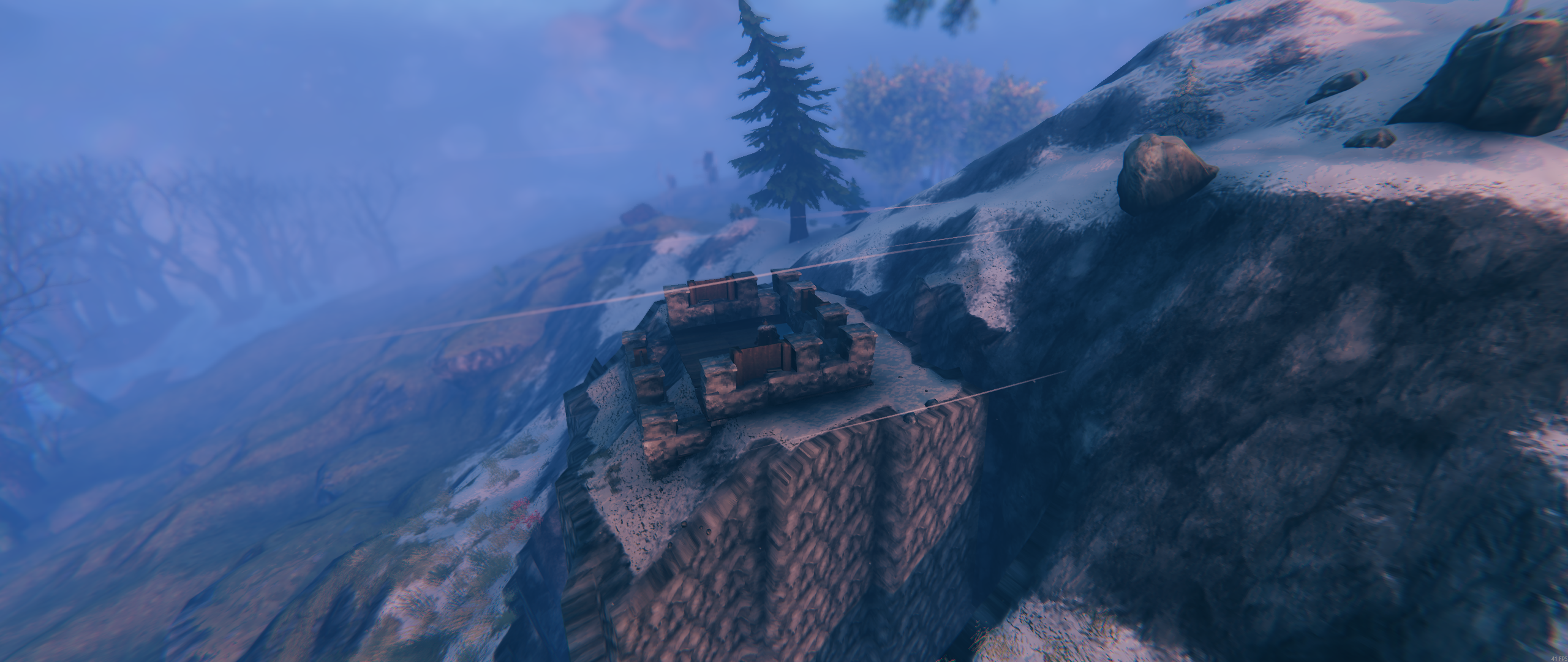
BepInEx/plugins/ValheimFloorPlan/ValheimFloorPlan.dllBepInEx/plugins/ValheimFloorPlan/Designer/...images/... (included in the package archive)samples/... (example .vfp plans).vfp is the contract between the Designer and the mod.Development of the Valheim Floor Plan mod and the Valheim Floor Plan Designer web app used:
