
You are viewing a potentially older version of this package. View Latest Version
Build complete multi-level structures in Valheim from pre-designed floor plans.
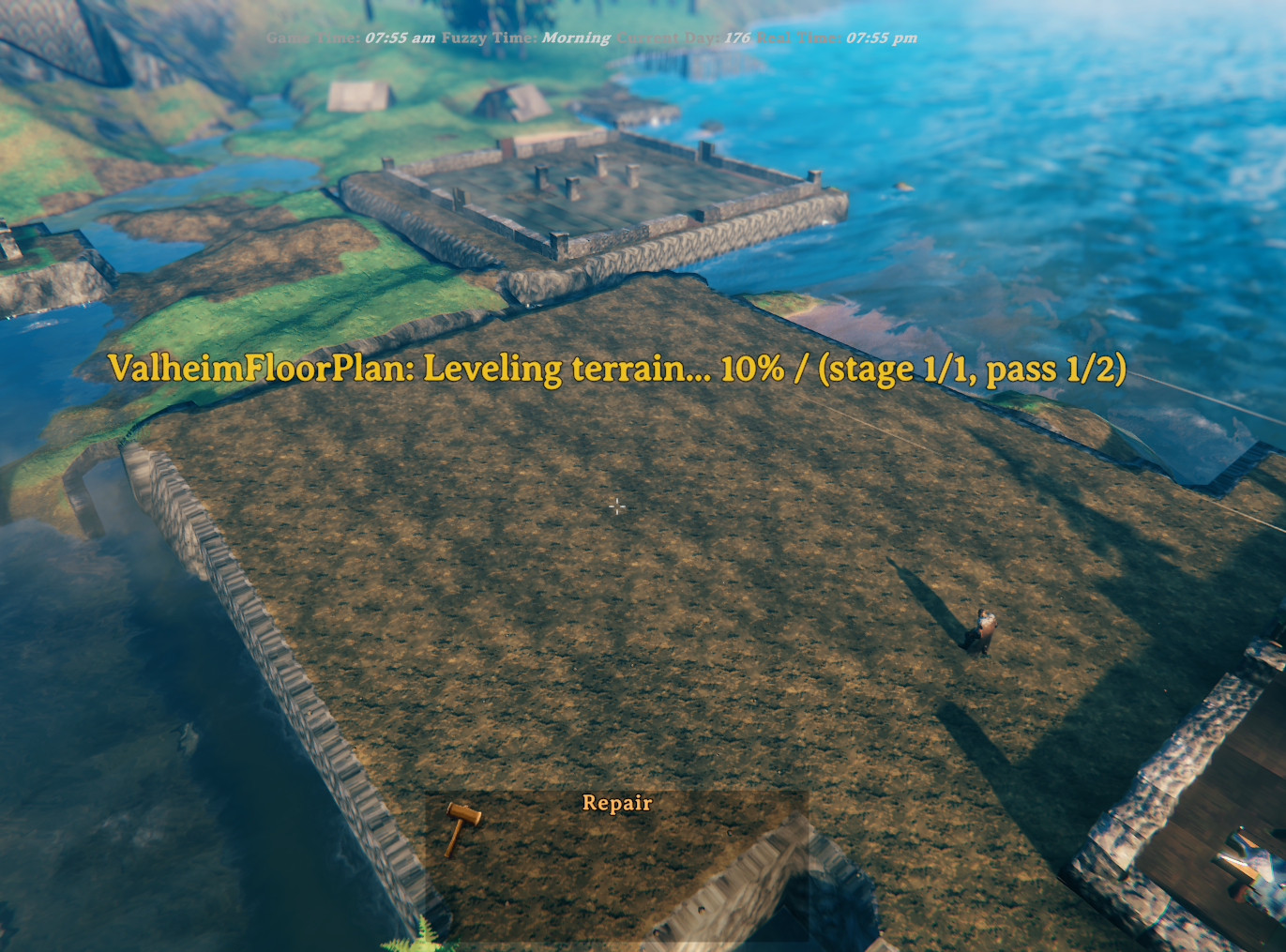
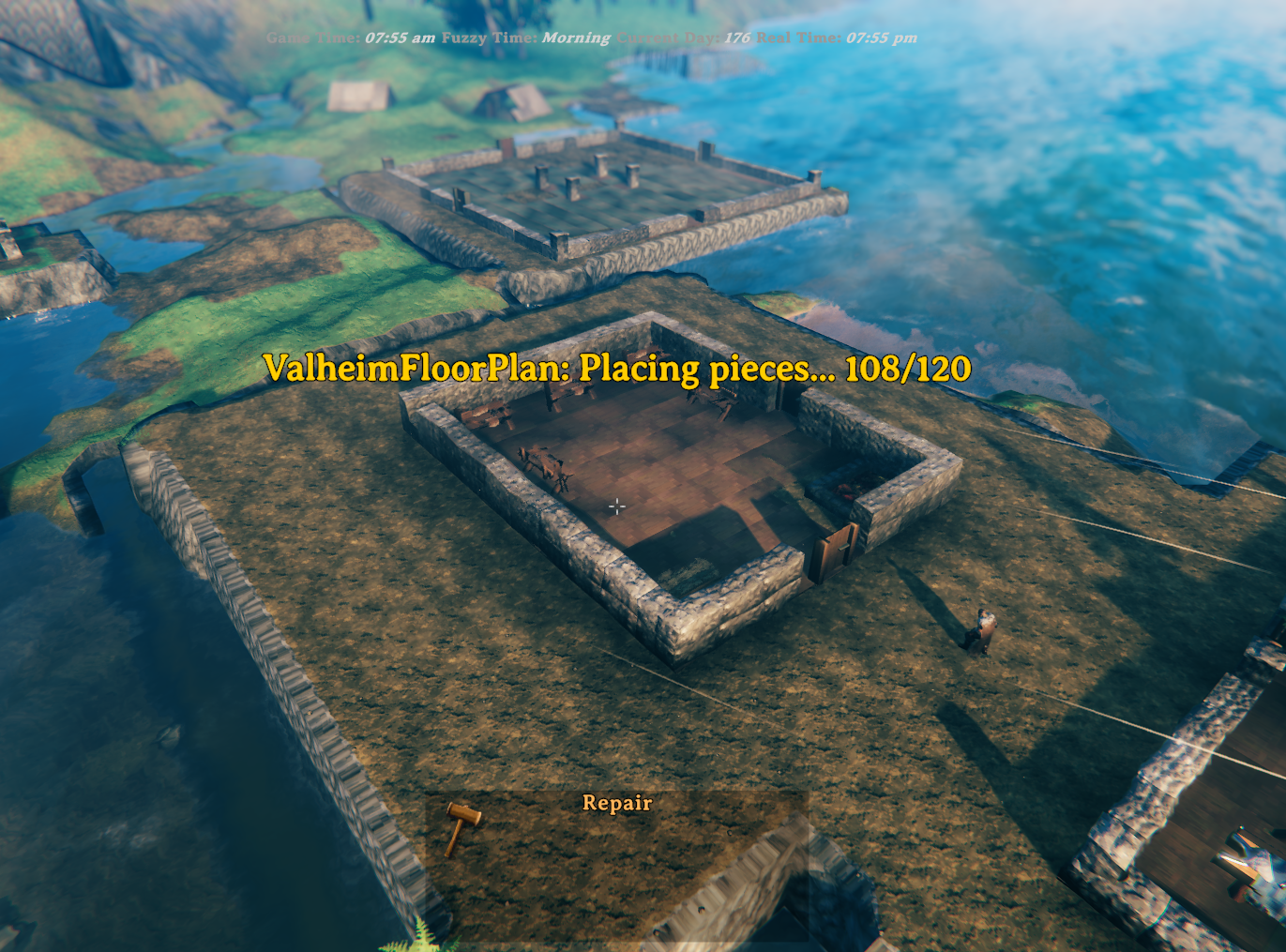
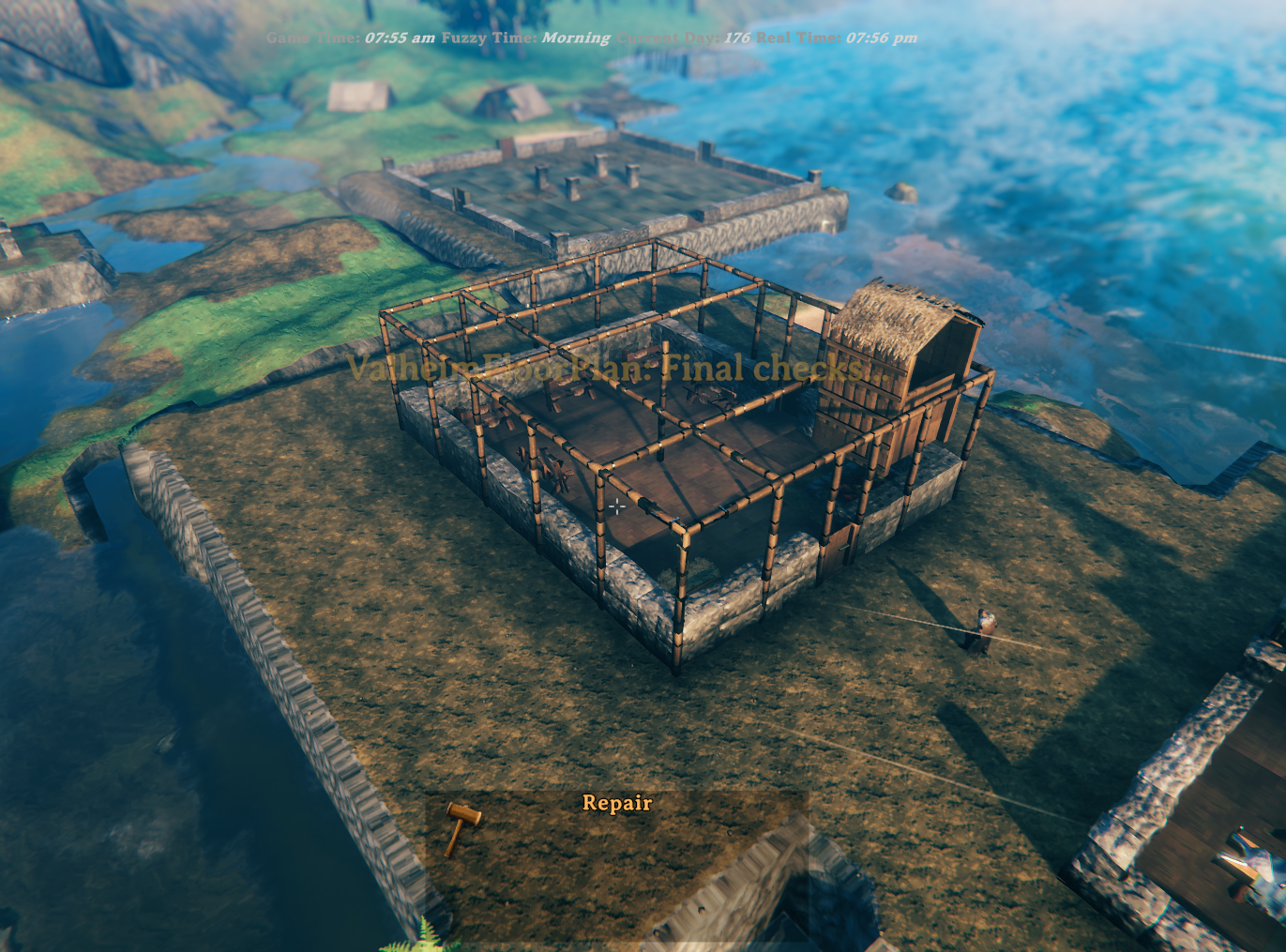
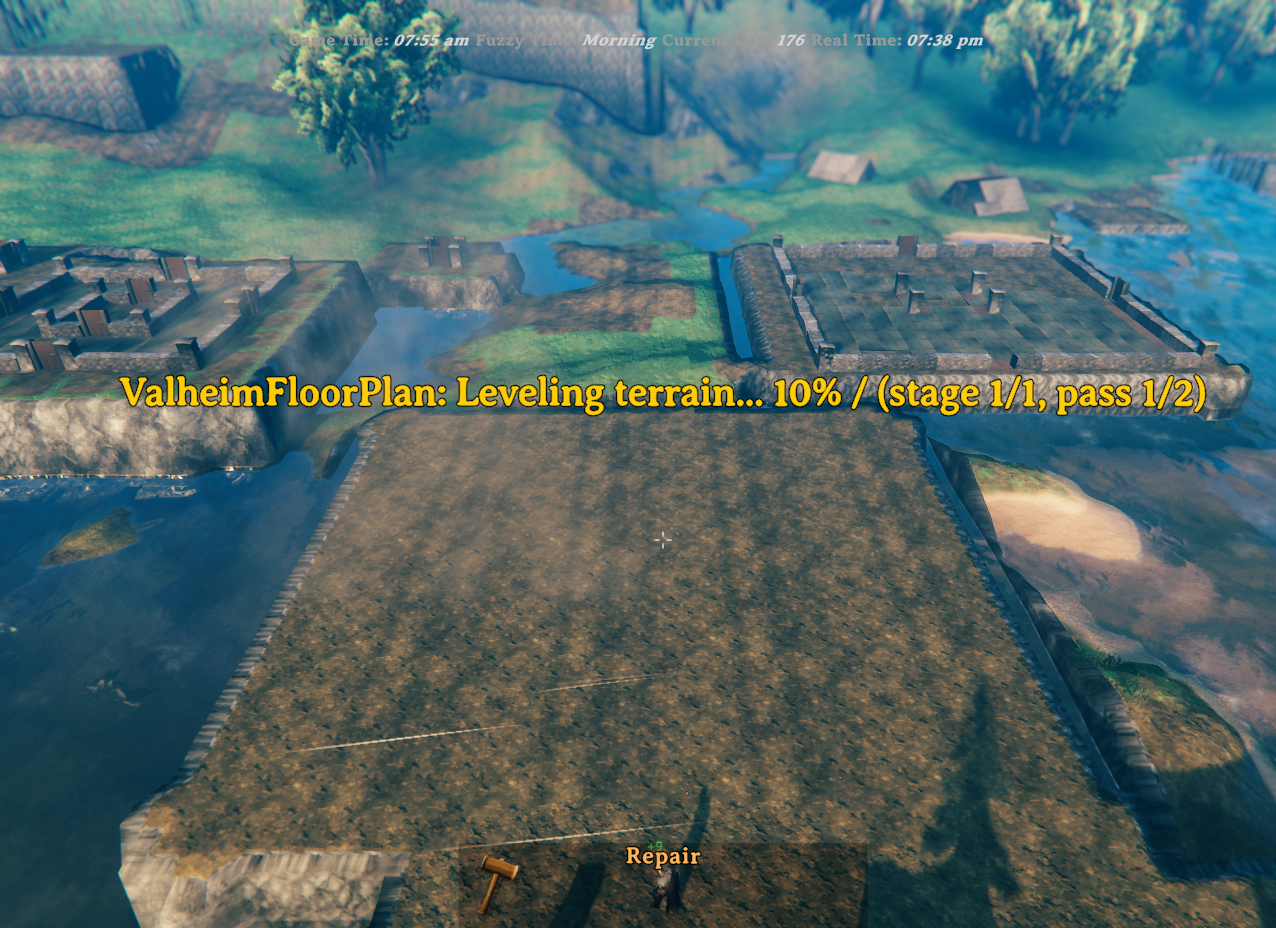
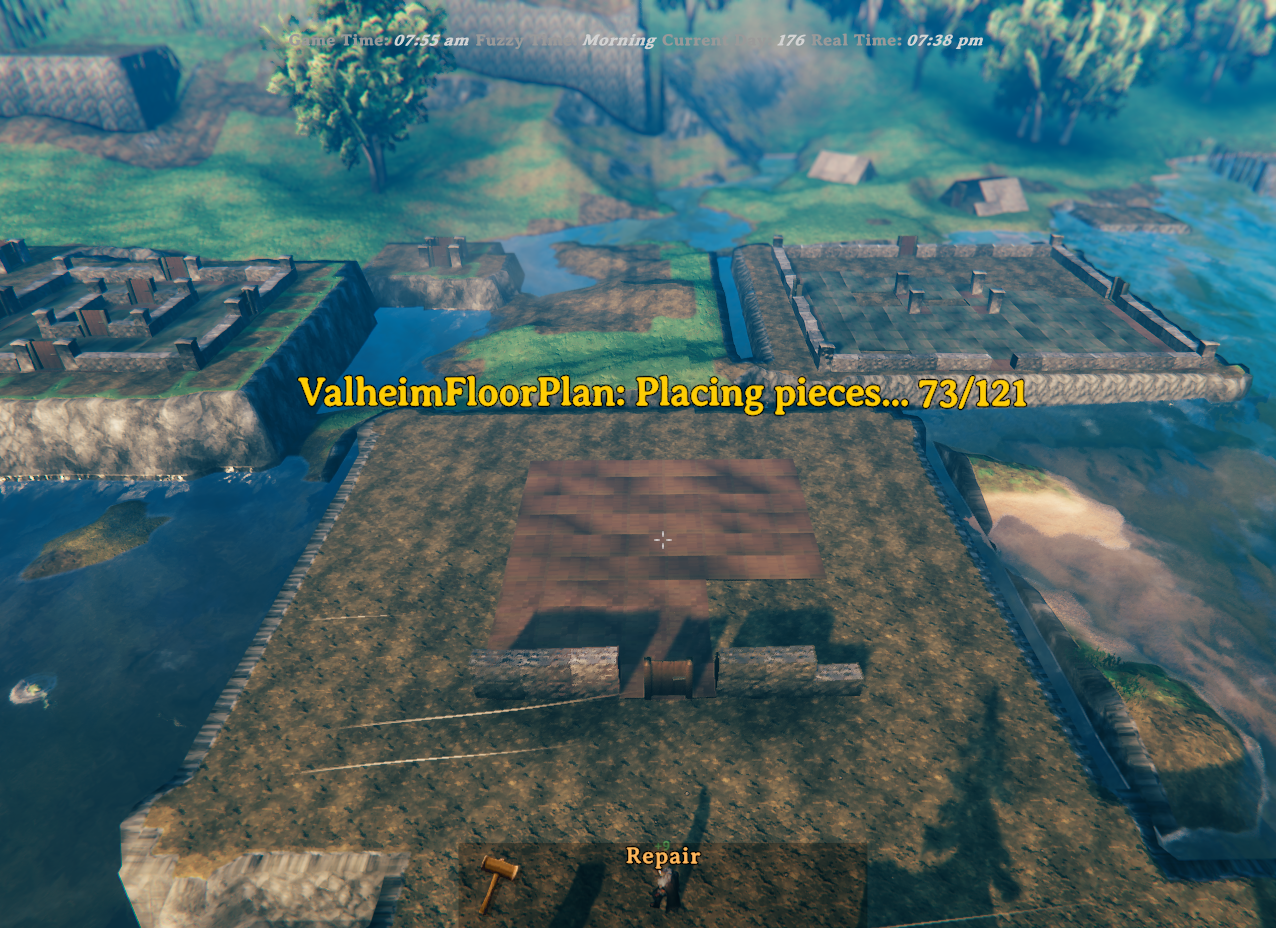
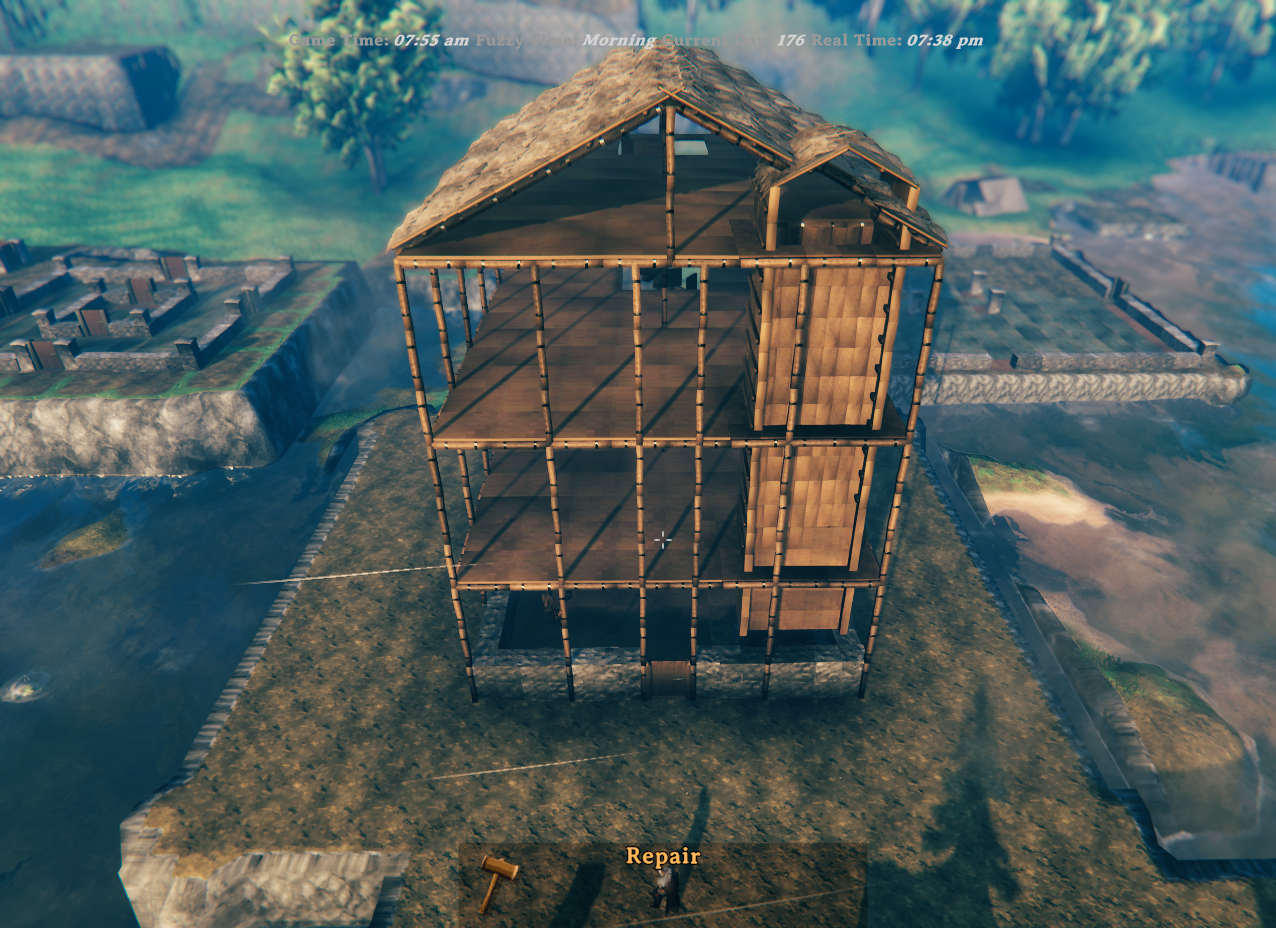
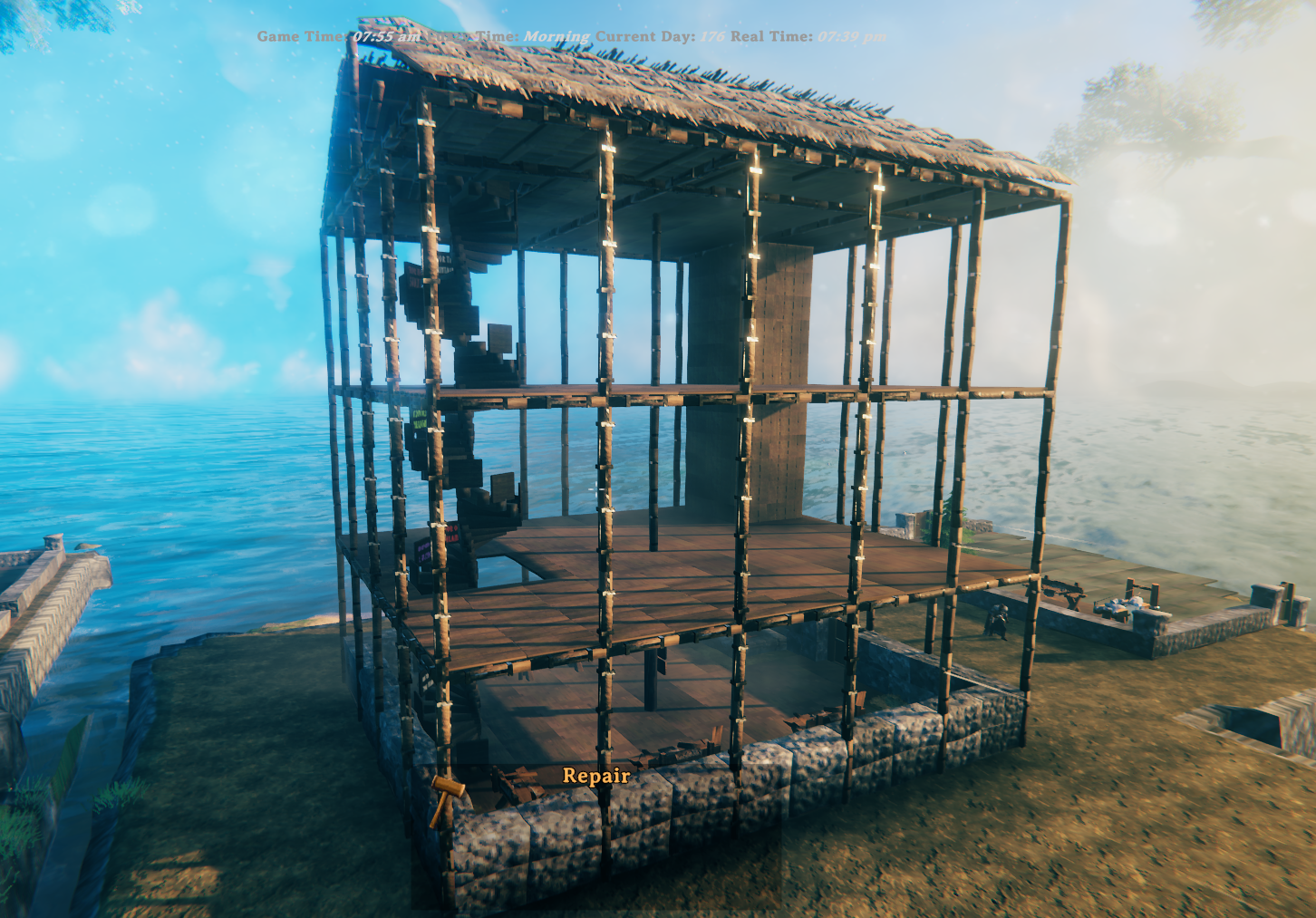
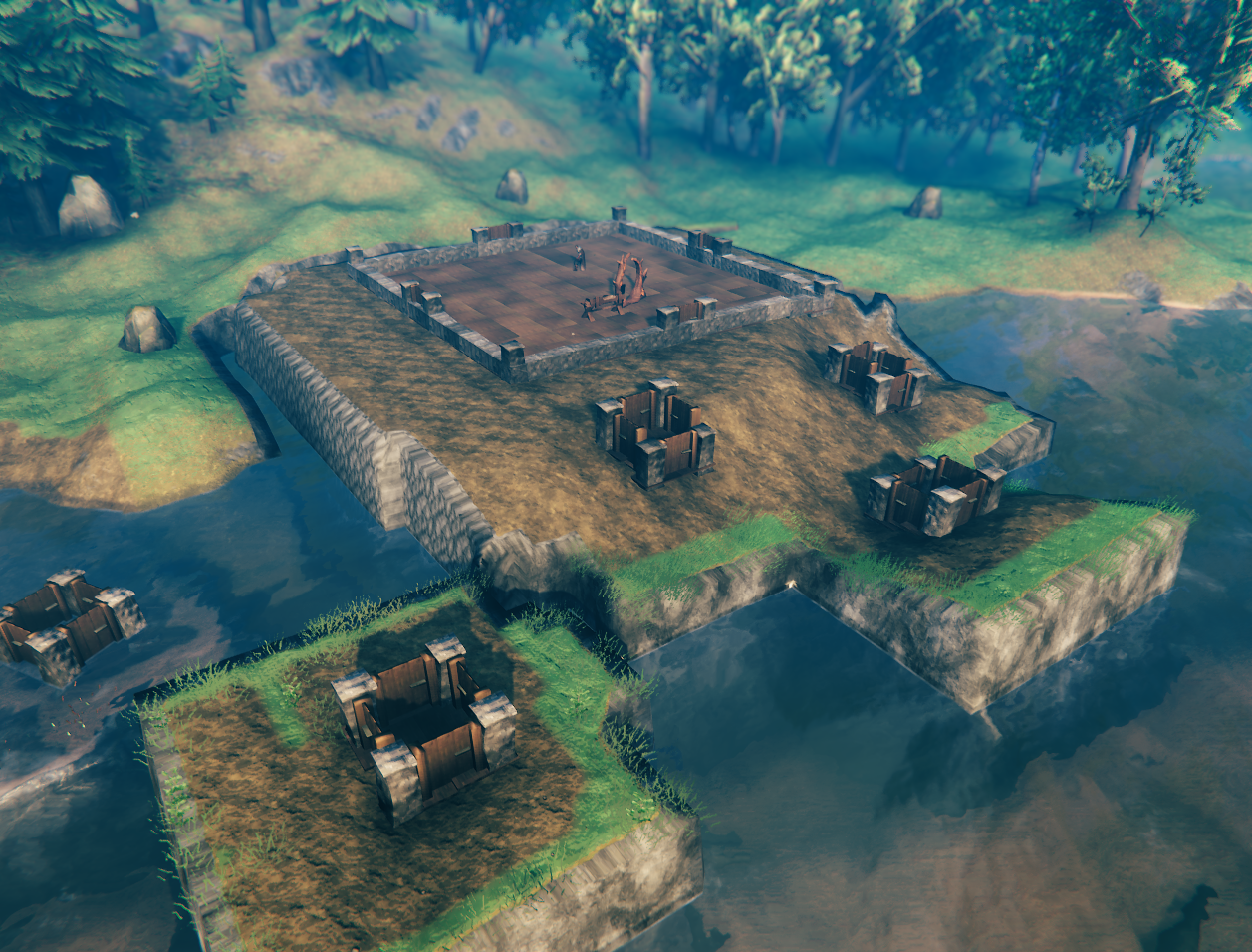
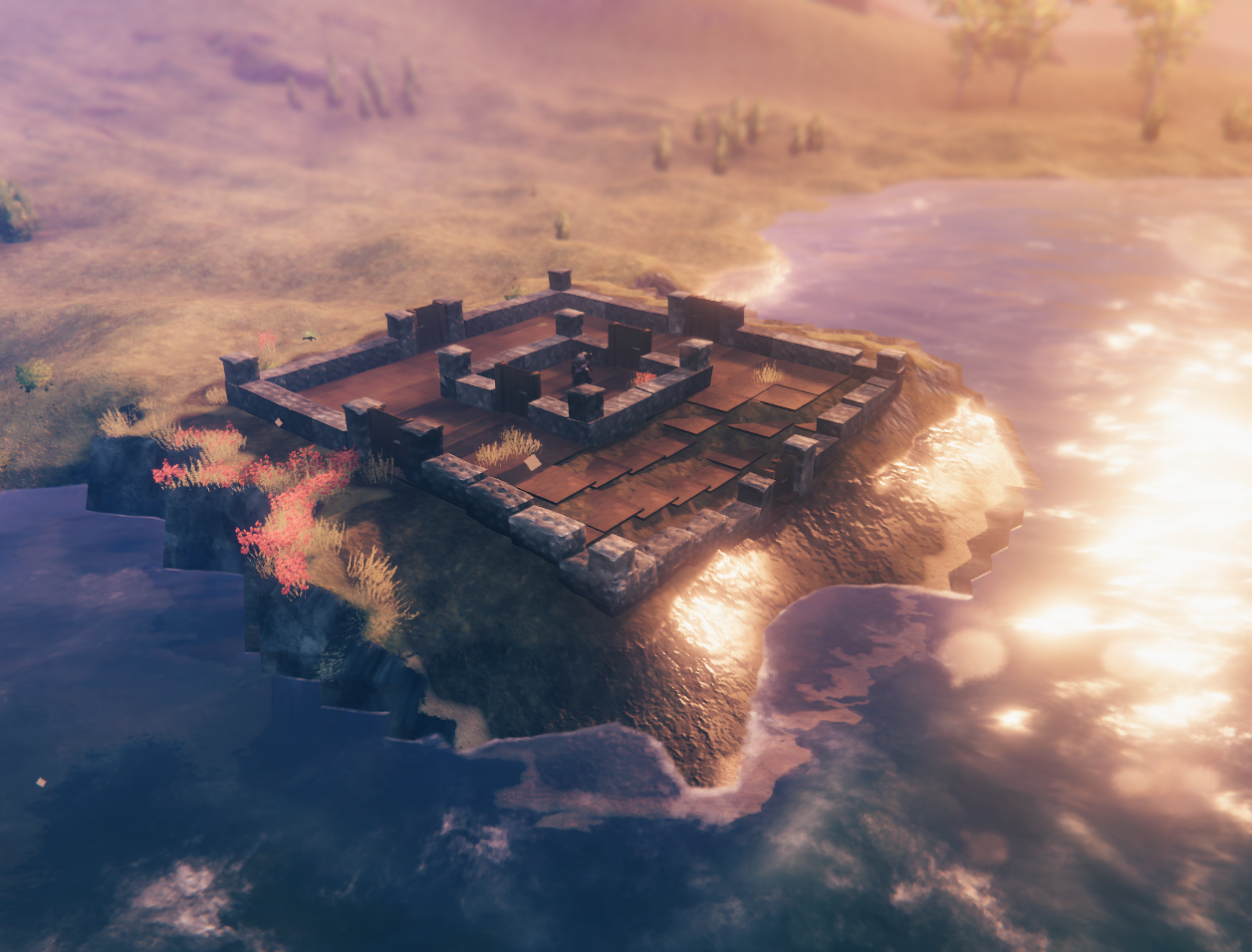
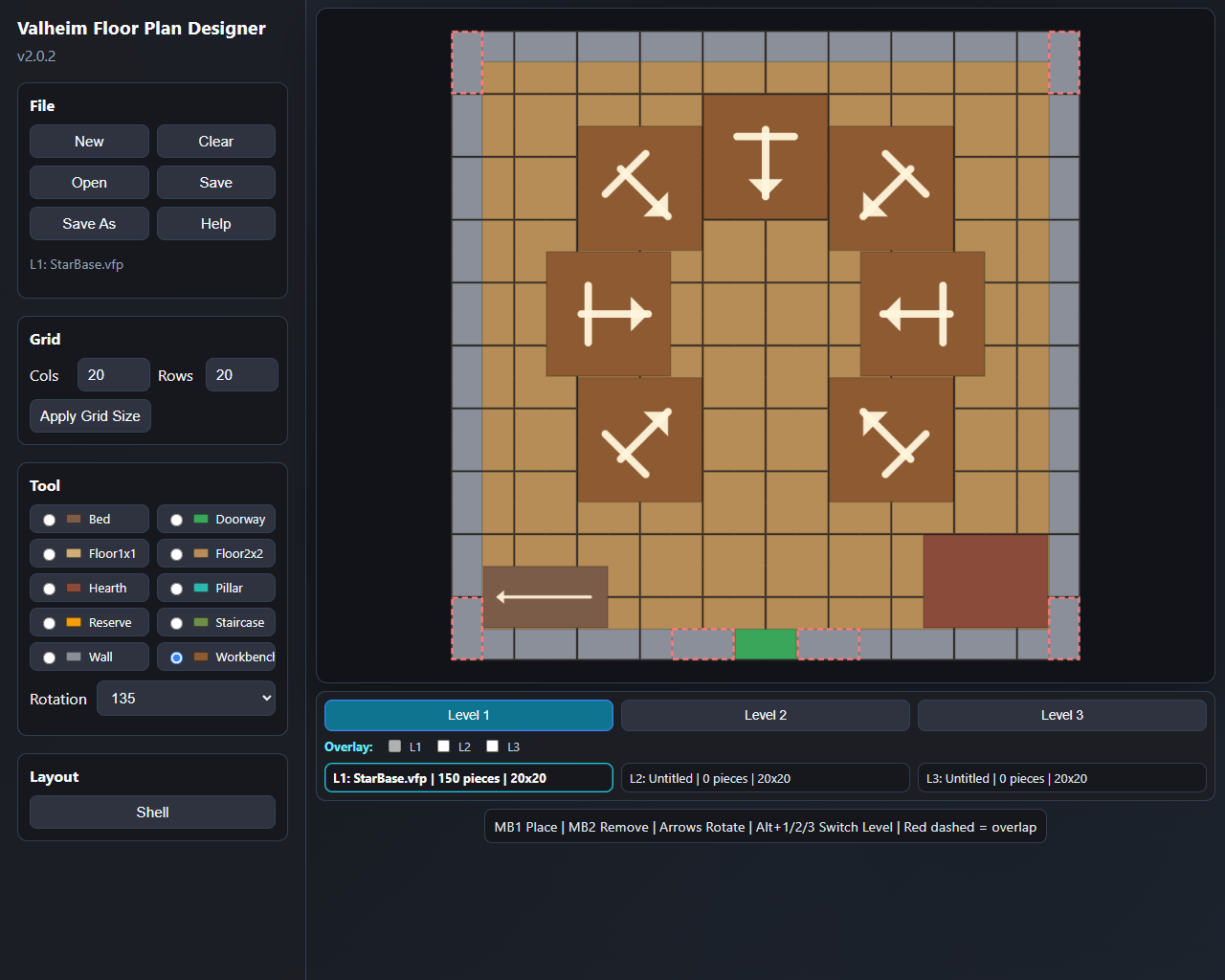
Anyone who has spent time building in Valheim knows the real effort starts before the first wall goes up — clearing uneven ground, wrestling with terrain spikes, and nudging pieces into alignment one agonising centimetre at a time. Valheim Floor Plan takes all of that away. Design your layout in the included browser-based Designer, save it as a .vfp plan file, and the mod handles the rest: it levels and blends the terrain, captures a snapshot for instant undo, and places the entire foundation in seconds.
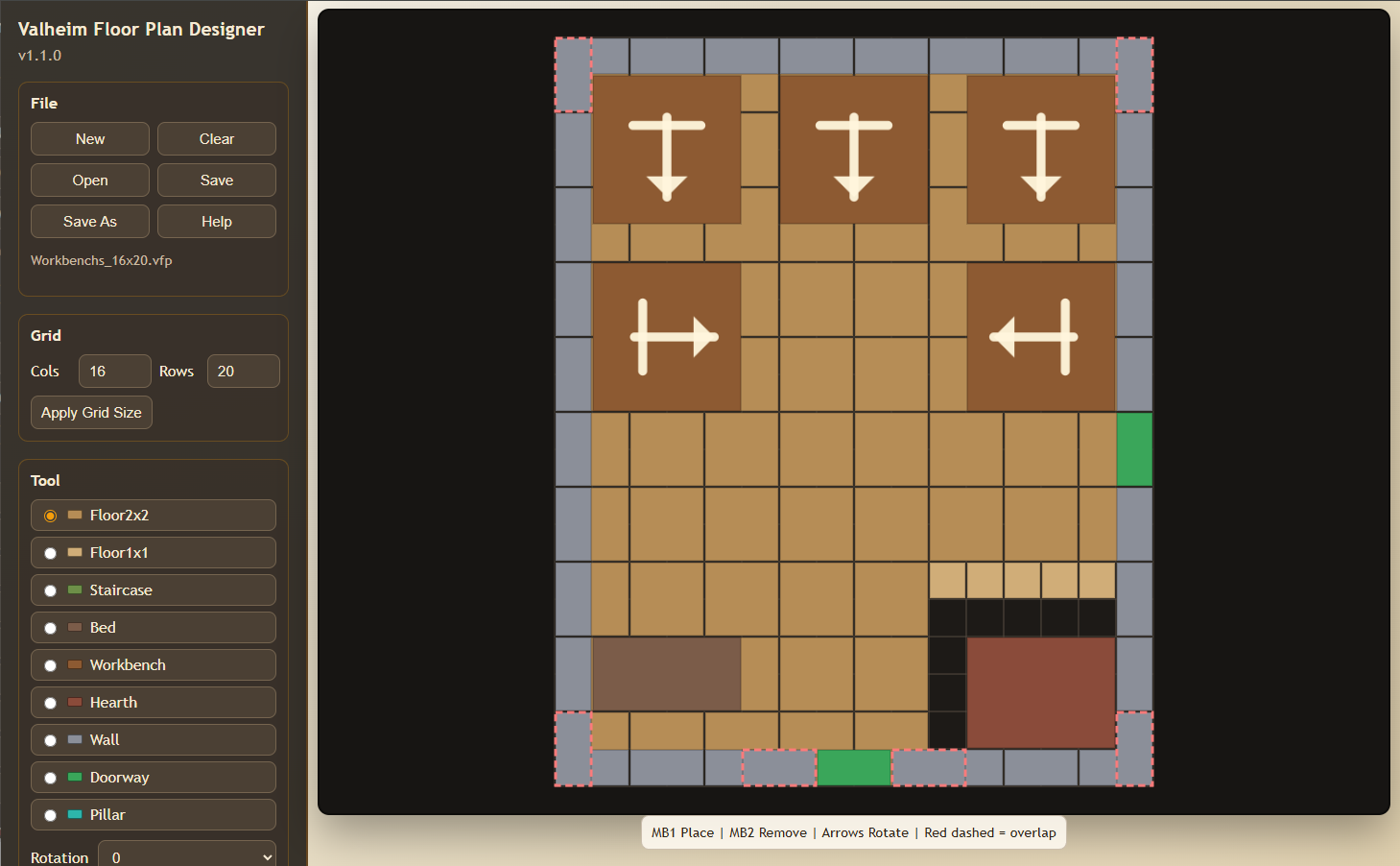
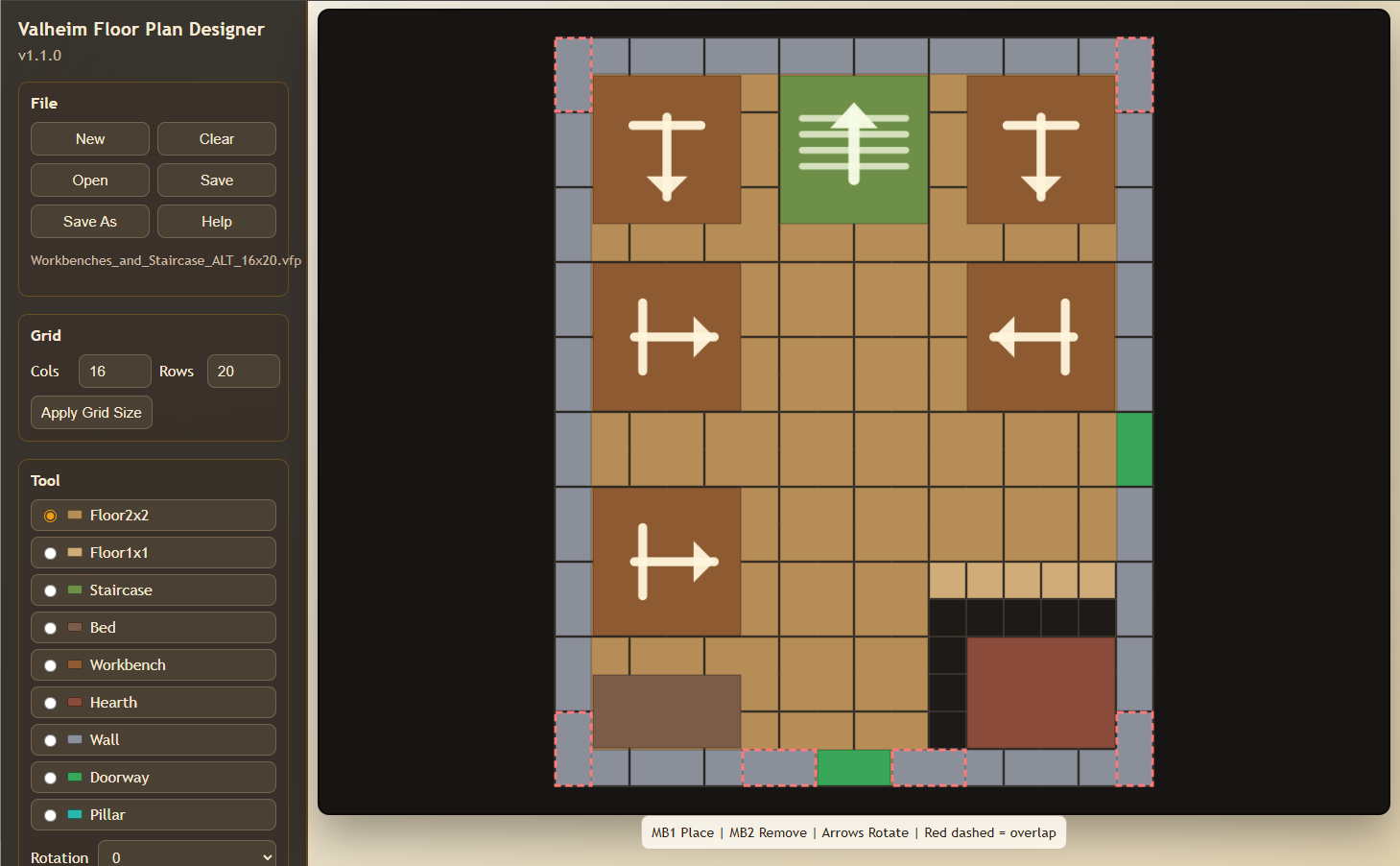
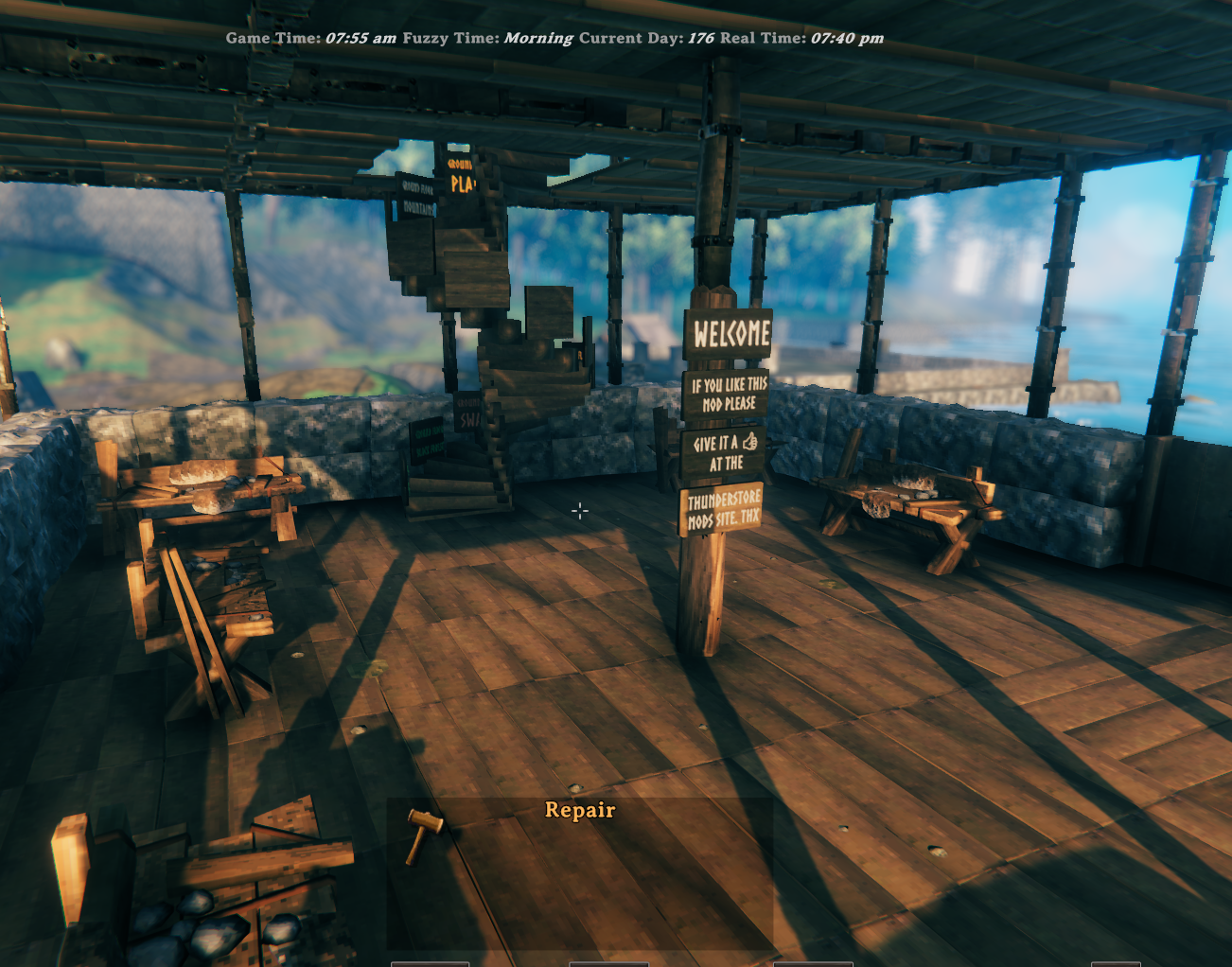
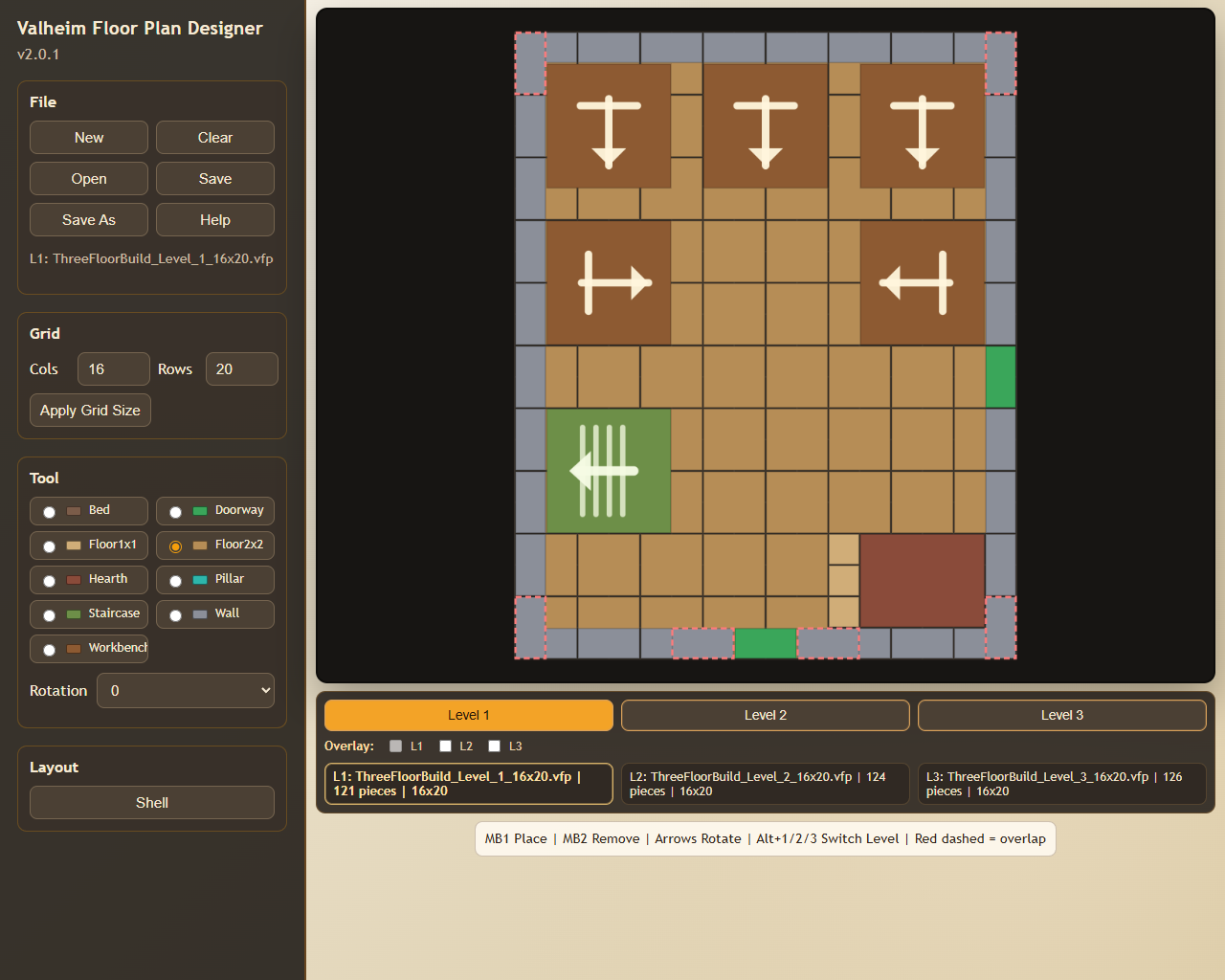
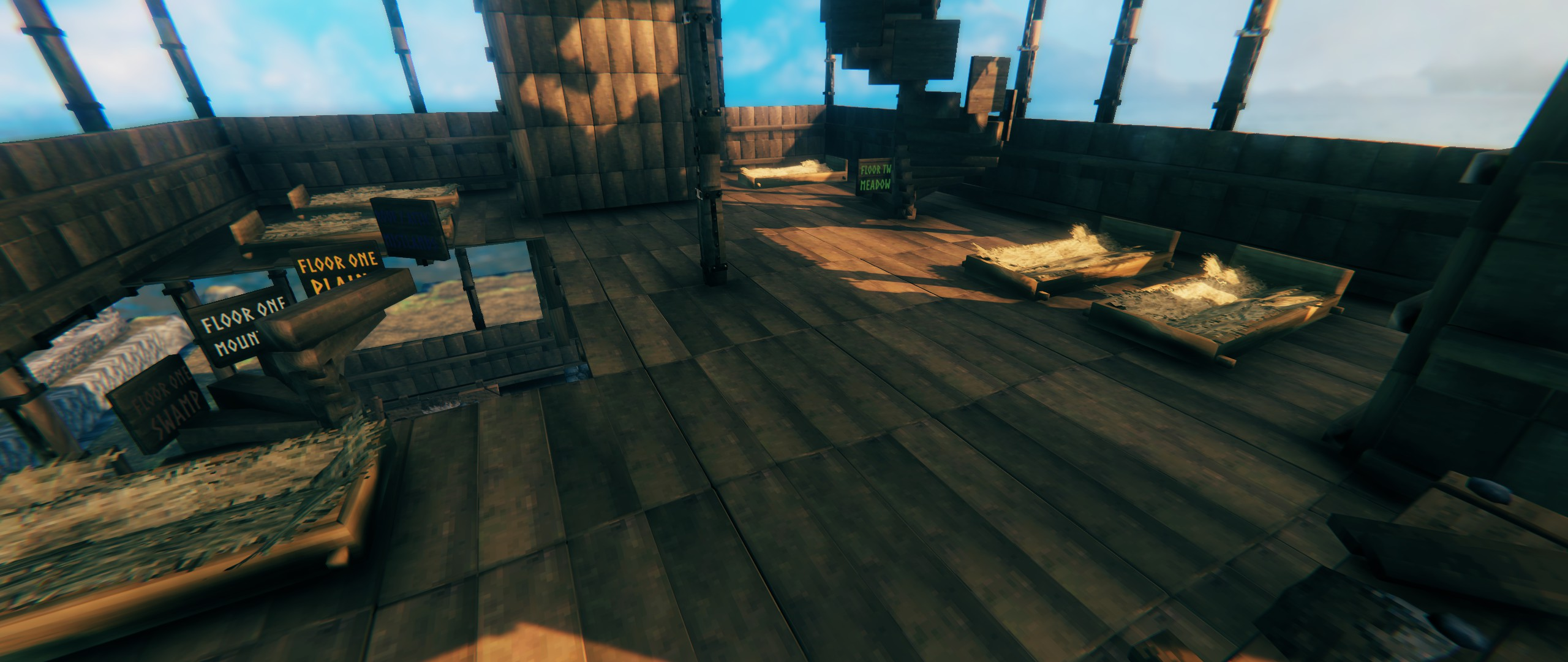
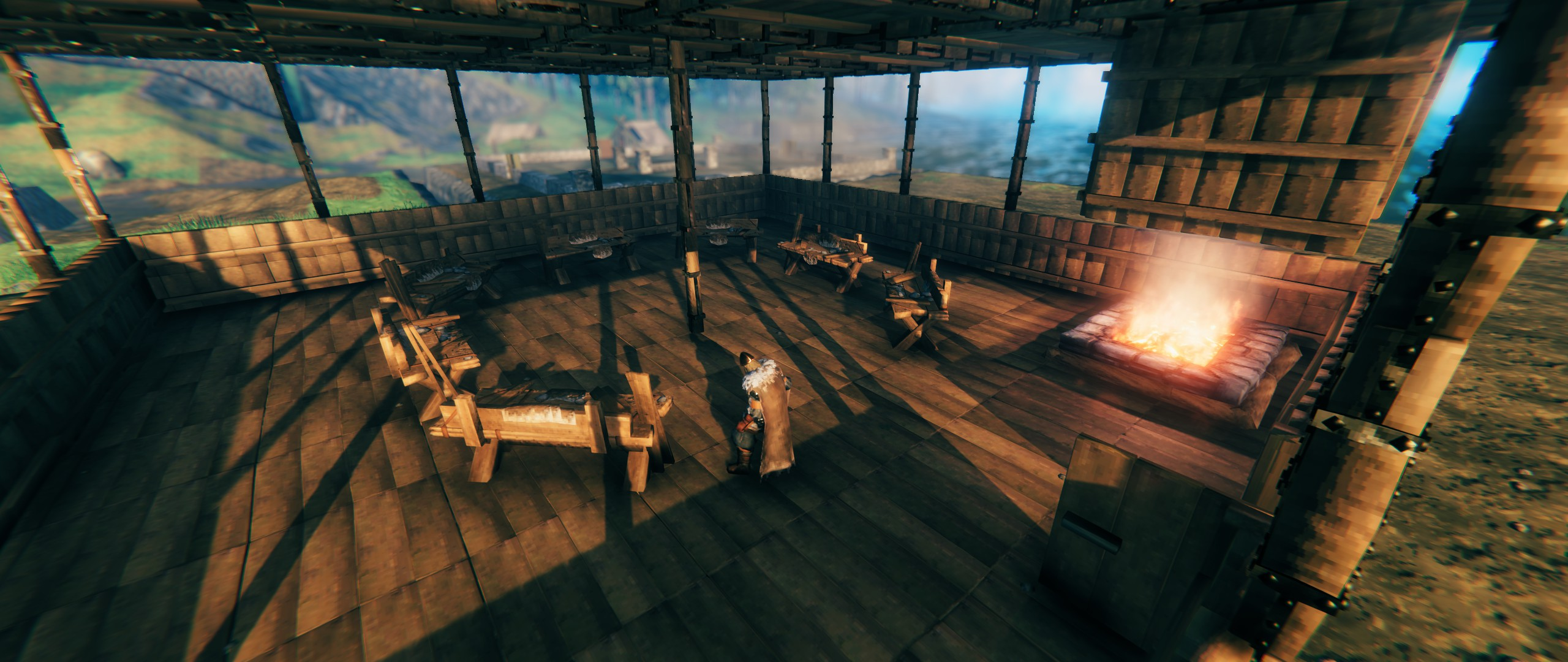
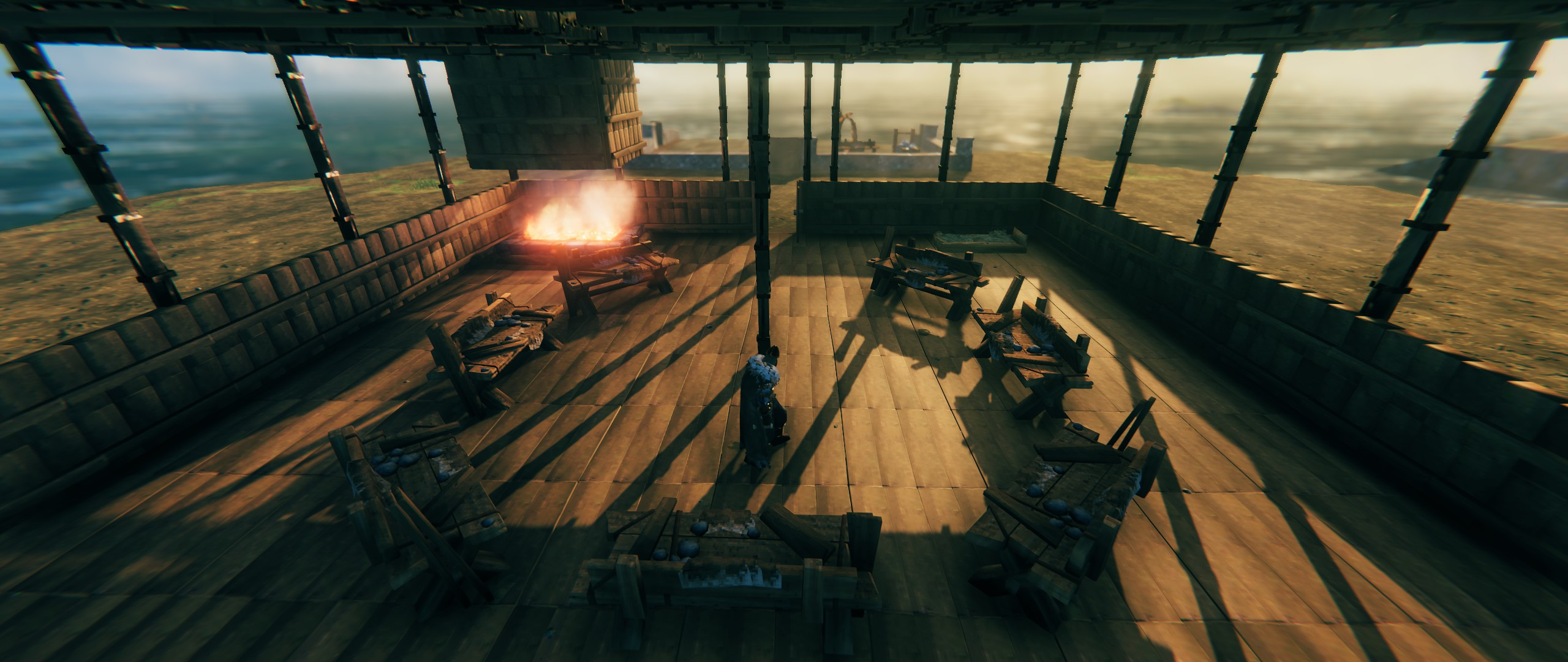
The Designer supports up to three in-memory level layouts with quick switching, per-level overlay rendering, and cross-level clash hints so you can plan multi-storey builds before committing a single piece. Orientation-sensitive tools — including Beds, Workbenches, and Staircases — show directional arrows so what you see in the Designer matches exactly what gets built in-game.
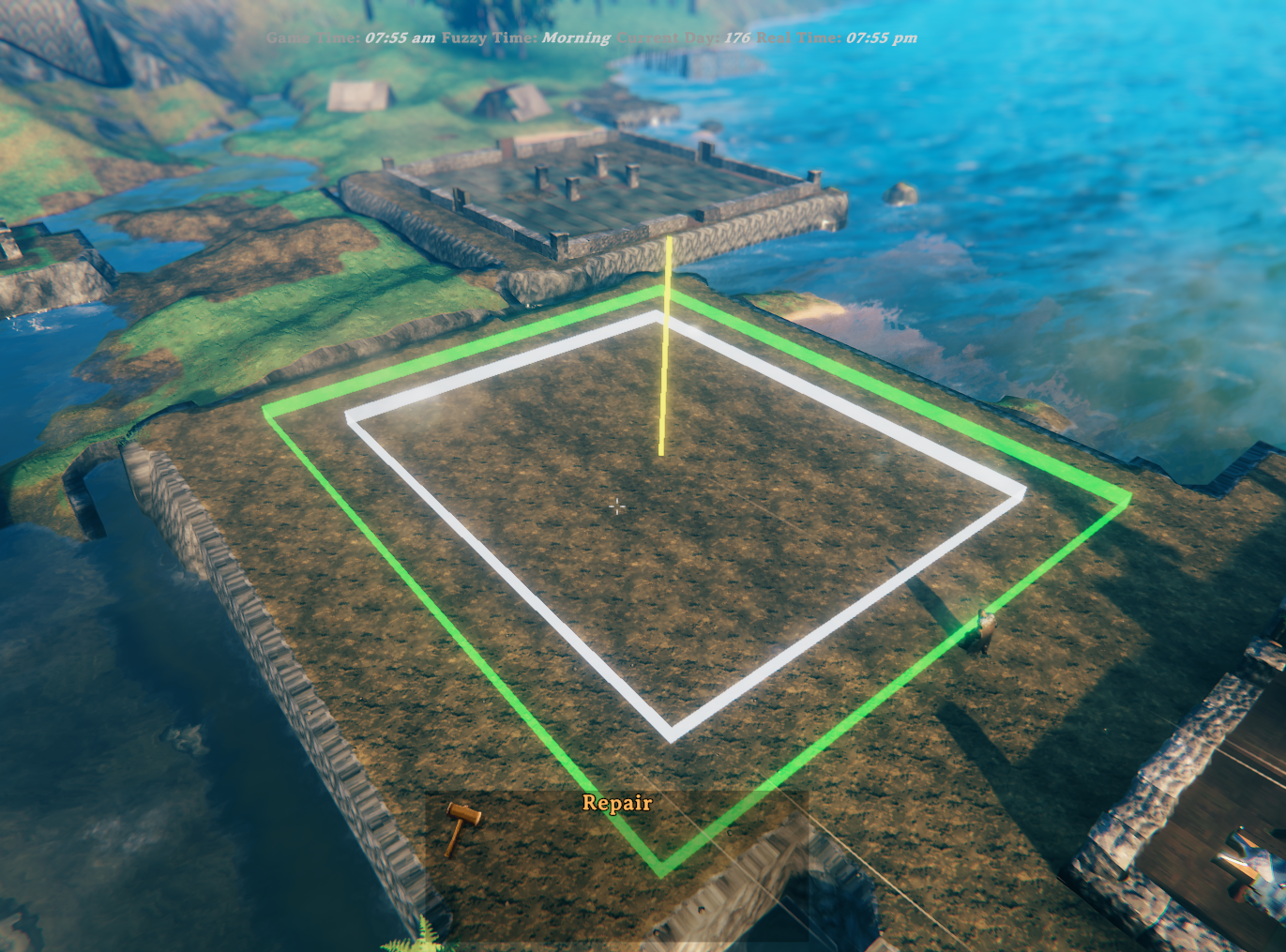
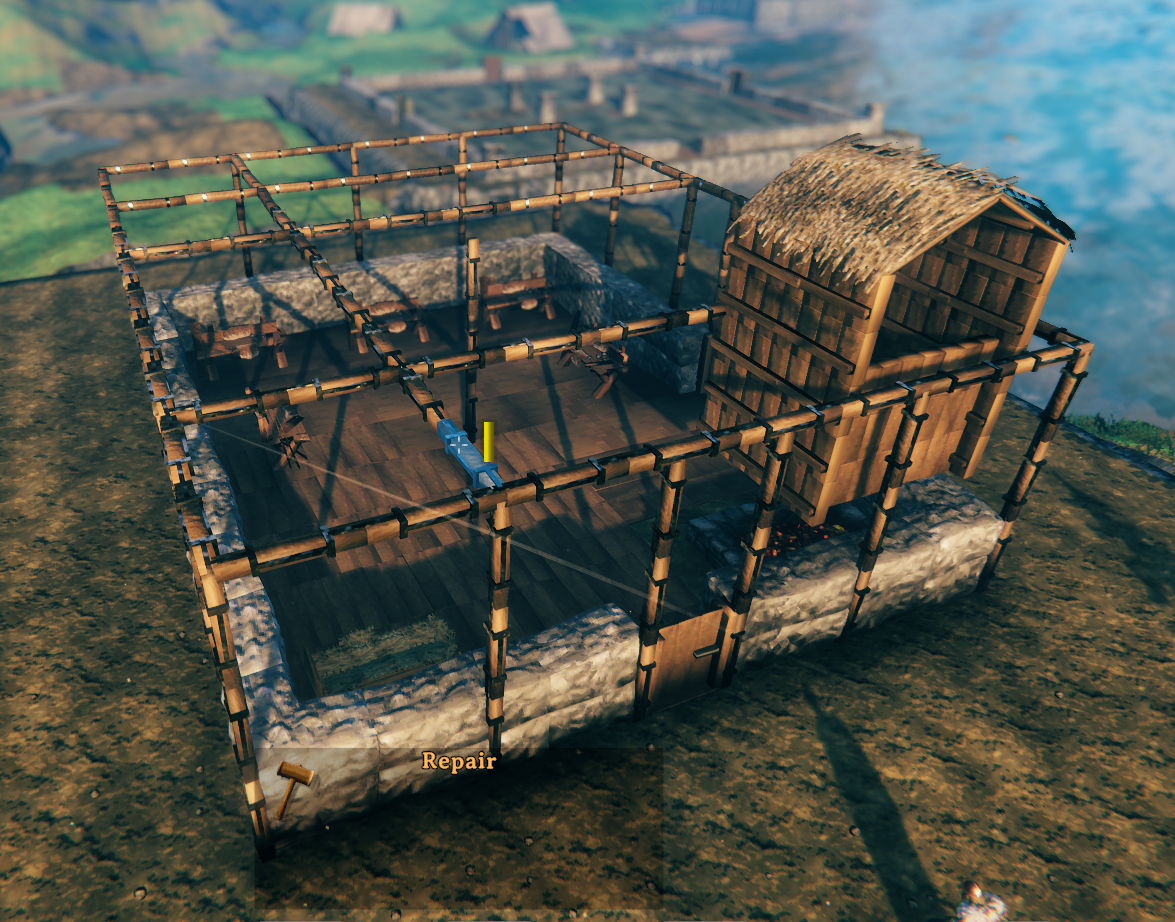
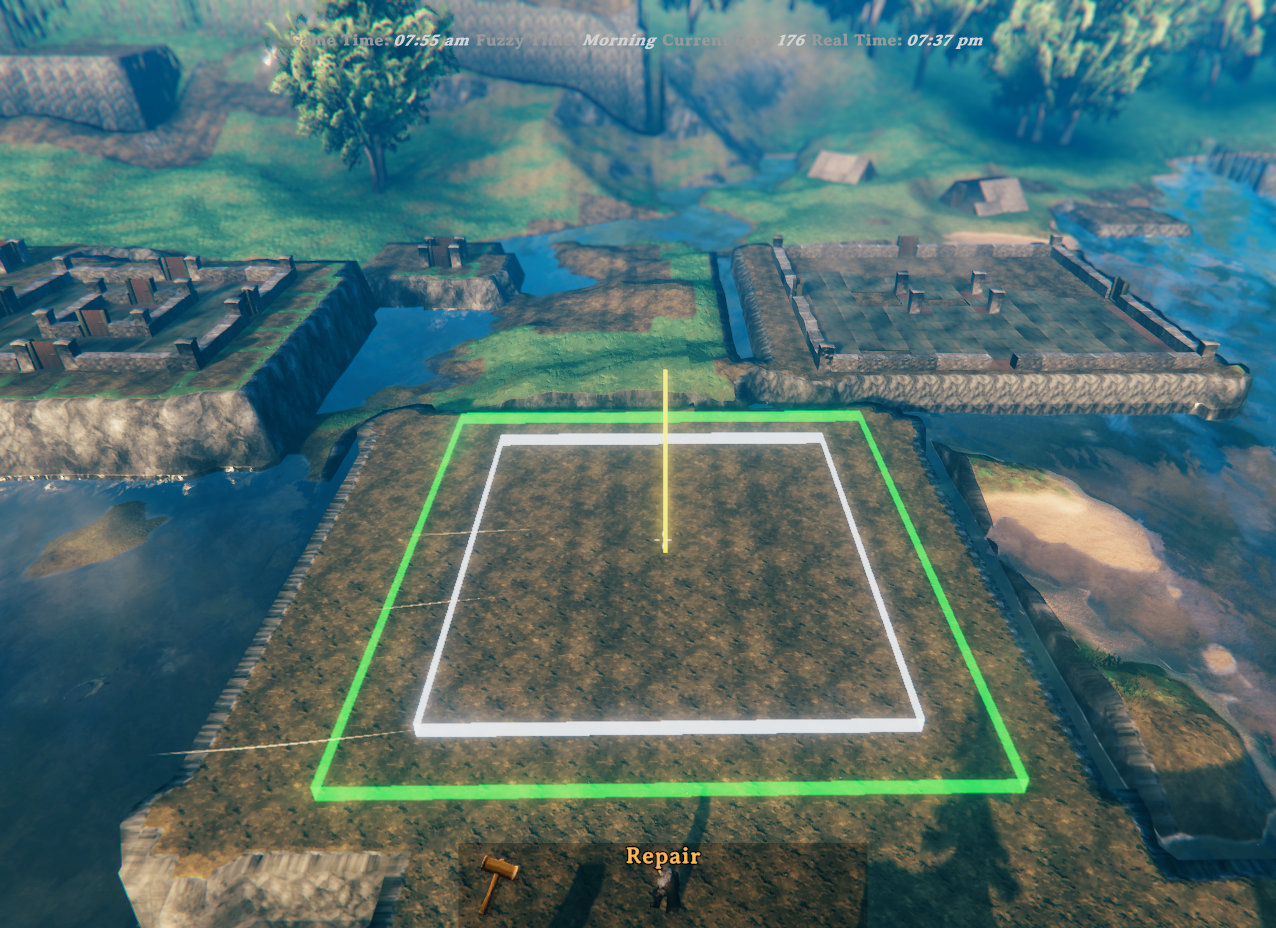
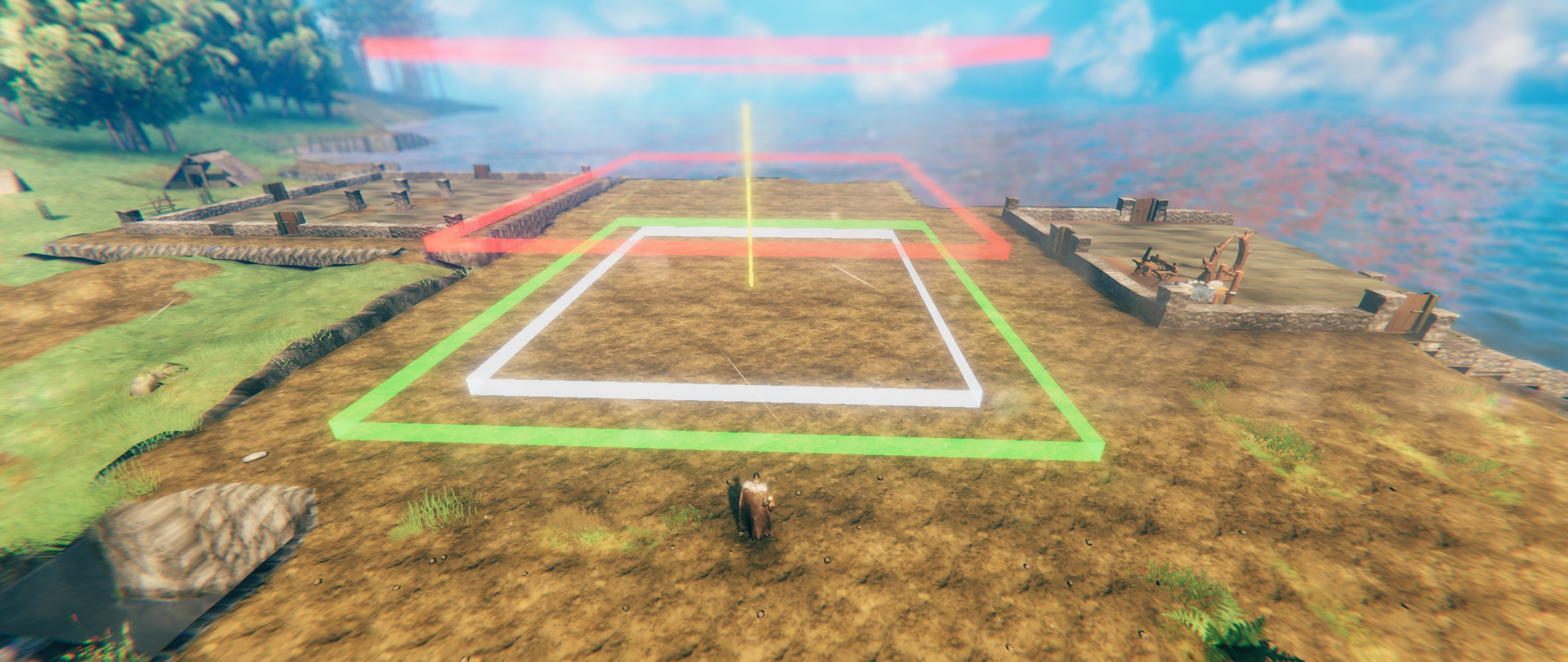
Once you're happy with the design, press the build hotkey, position the preview in-world, and confirm. The mod levels the terrain, places every piece in the right order, and handles scaffold framing for upper floors automatically. For multi-level builds, additional red floating rectangles appear in the preview at each upper-floor height so you can see the full vertical footprint before committing. If something is off, undo restores both pieces and terrain in one keypress — or use the keep-terrain undo (Ctrl+F9) to remove pieces while leaving the leveled ground intact.
This package includes two components:
.vfp plan files and builds them in-game..vfp plan files.Demo video: https://youtu.be/jz39KSSfhJ0
Included in this package:
BepInEx/plugins)BepInEx/plugins/ValheimFloorPlan/Designer/).vfp plans to get started immediatelyOpen the Designer to create or edit a plan. It is a local web page installed by Thunderstore Mod Manager. Copy the path below and paste it into your browser address bar to open it :
%APPDATA%\Thunderstore Mod Manager\DataFolder\Valheim\profiles\Default\BepInEx\plugins\RetiredCoders-ValheimFloorPlan\ValheimFloorPlan\Designer\index.html

e.g.    C:\Users\{Username}\AppData\Roaming\Thunderstore Mod Manager\DataFolder\Valheim\profiles\Default\BepInEx\plugins\RetiredCoders-ValheimFloorPlan\ValheimFloorPlan\Designer\index.html
Save/export a .vfp file.
Point the mod config FloorPlanFile to that .vfp file.
In game, press the build hotkey (default F8) and place the design. A terrain snapshot is taken automatically before placement.
While the preview is active, use these keys to adjust placement:
| Key | Action |
|---|---|
↑ ↓ ← → |
Move the plan forward / backward / left / right |
Q |
Rotate left (default coarse step: 90°) |
G |
Rotate right (default coarse step: 90°) |
Left Shift (hold) |
Fine-adjust mode — smaller move/rotate steps |
E |
Confirm and build at current position |
RMB / Escape |
Cancel placement |
Note: All keys are configurable in the BepInEx config file.
Rotation note: confirmed builds snap to BuildRotationSnapDegrees (default 90°) so the finished structure stays aligned to angles that still work with Valheim's normal manual piece snapping. Fine preview rotation uses 22.5° steps by default.
The rotation-related config entries live together in the Preview - Rotation section.
While positioning the plan, watch for these visual markers in the world:
FloorPlanLevels is 2 or 3.Note: A HUD message also reports the current risk level (LOW / MEDIUM / HIGH) along with step (the steepest cross-edge height jump) and relief (total height range around the footprint) to help you judge whether to nudge the plan before building.
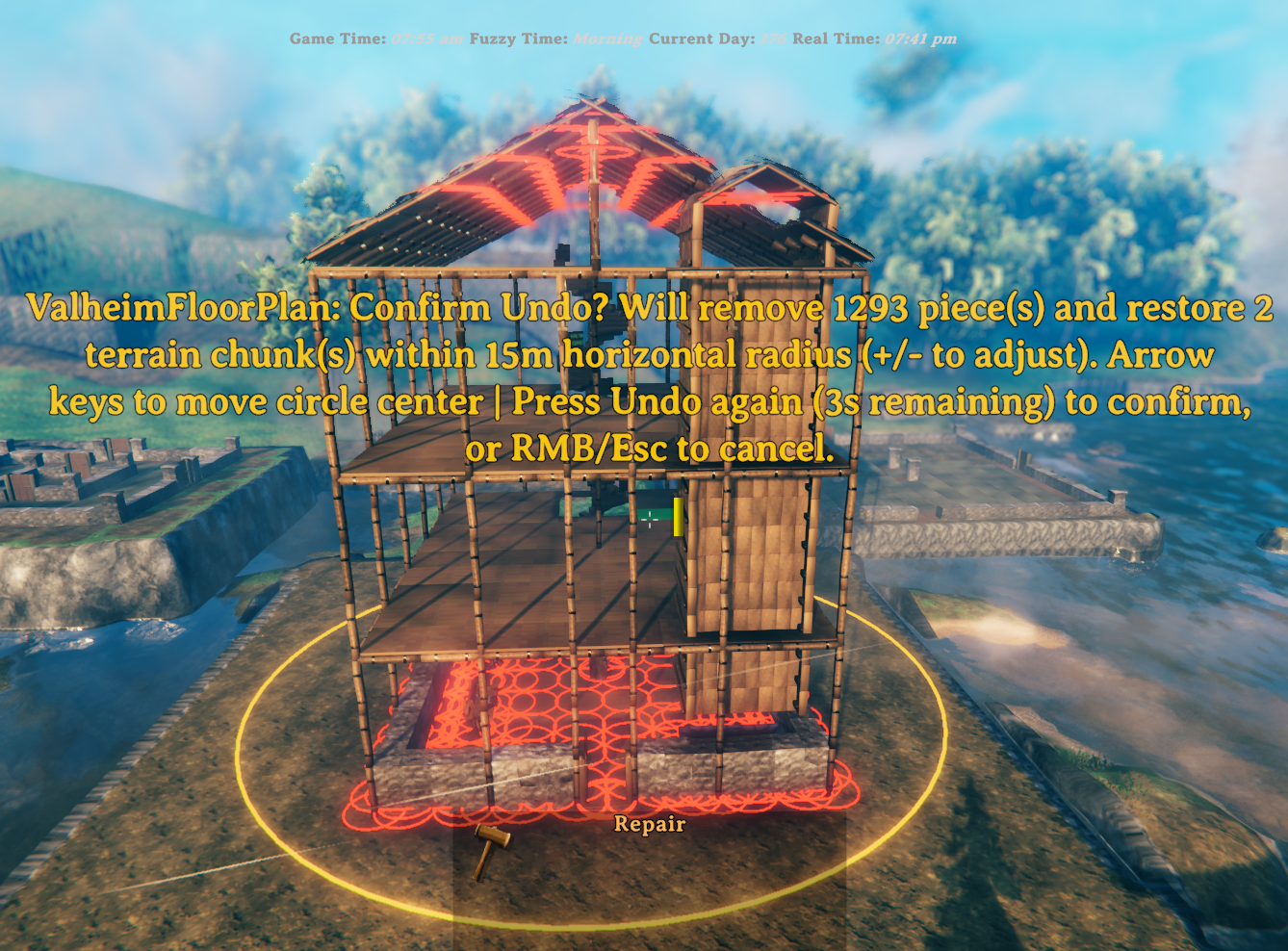
To undo, press the undo hotkey (default F9). A 5-second confirmation window opens showing:
Optional mode: press Ctrl+F9 (configurable via UndoKeepTerrainHotkey) to start piece-only undo that keeps the leveled terrain. In this mode the terrain snapshot is discarded instead of restored.
During the confirmation window you can:
| Key | Action |
|---|---|
↑ ↓ ← → |
Move the search circle centre to target different pieces. Movement respects camera angle. Hold Left Shift for fine movement. |
+ / - (or numpad) |
Increase / decrease the search radius by 5 m. The new radius is saved to config. |
F9 (undo hotkey again) |
Confirm normal undo — removes all marked pieces and restores terrain. |
Ctrl+F9 (UndoKeepTerrainHotkey) |
Start or confirm keep-terrain undo — removes marked pieces and discards the current terrain snapshot. If started with Ctrl+F9, confirmation can be done with either Ctrl+F9 or F9. |
RMB / Escape |
Cancel — clears all highlights without removing anything. |
The HUD message shows the current radius and remaining time throughout the window. All adjustments (movement or radius) restart the 5-second confirmation timer.
IMPORTANT: Terrain can only be restored within the current session — if you leave the area or reload, the terrain snapshot is lost. Building pieces can be undone across sessions because they are tagged as built by Valheim Floor Plan.
Tip — keep the leveled terrain: if you want to remove your build but keep the flat ground (e.g. to iterate on a design), use Ctrl+F9 (UndoKeepTerrainHotkey) instead of F9. Pieces are removed as normal, but the terrain snapshot is discarded rather than restored.
Preset bundles let you share/reload a complete setup: Level 1/2/3 .vfp files plus non-key build/config values.
.vpfset (zip container)BepInEx/plugins/RetiredCoders-ValheimFloorPlan/ValheimFloorPlan/PresetBundles/ by default. If FloorPlanDirectory is set, bundles are exported to and imported from that folder instead.Note: when a bundle is imported, the extracted .vfp files are written into a subfolder named after the bundle inside the bundle output folder, and FloorPlanFile/FloorPlanFileLevel2/FloorPlanFileLevel3 are updated to those full extracted paths. If you are using FloorPlanDirectory, you may want to move the extracted files into your directory and update the file fields to bare filenames afterwards.
Default controls:
| Key | Action |
|---|---|
Ctrl+F8 (ExportBundleHotkey) |
Export current setup as a new timestamped bundle named <BundleName>-YYYYMMDD-HHMMSS.vpfset. |
Alt+F8 (ImportBundleHotkey) |
Start timed import selection mode. |
Right Arrow / Left Arrow |
While import selection is active, move to next/previous bundle. |
Enter |
Import currently selected bundle. |
Escape |
Cancel import selection. |
While import selection is active, the HUD shows:
bundle X of NRight, Left, Enter, Escape)If the timer expires, import selection is canceled automatically.
After a successful import, BundleName is automatically normalized to the imported preset prefix (timestamp suffix removed).
When FloorPlanLevels is set to 2 or 3, the mod builds one level at a time.
For each upper level, it follows this order:
This helps avoid the "nothing gets built" situation where pieces can block each other if placed in the wrong order.
Config file path:
BepInEx/config/com.alexdroz.valheimfloorplan.cfgAll values below are configurable in that file.
| Option | Default | Allowed values | What it does |
|---|---|---|---|
FloorPlanDirectory |
(empty) | Any valid folder path | Optional base folder for .vfp files and preset bundles. When set, FloorPlanFile, FloorPlanFileLevel2, and FloorPlanFileLevel3 can be bare filenames instead of full paths, and bundle export/import uses this folder instead of the default PresetBundles subfolder. Existing configs with full absolute paths in the file fields continue to work unchanged. |
FloorPlanFile |
(empty) | File path or bare filename | Path to the .vfp file exported by the Designer. A bare filename (e.g. myhouse.vfp) is sufficient when FloorPlanDirectory is set; otherwise provide the full path. |
FloorPlanLevels |
1 |
1 to 3 |
Number of layout levels to build. 1 uses only FloorPlanFile, 2 also uses FloorPlanFileLevel2, 3 also uses FloorPlanFileLevel3. Values above 1 enforce multi-level scaffolding requirements. |
FloorPlanFileLevel2 |
(empty) | File path or bare filename | Optional Level 2 .vfp file. A bare filename is sufficient when FloorPlanDirectory is set. If set, its footprint must fit within the Level 1 (FloorPlanFile) footprint. |
FloorPlanFileLevel3 |
(empty) | File path or bare filename | Optional Level 3 .vfp file. A bare filename is sufficient when FloorPlanDirectory is set. If set, its footprint must fit within the Level 1 (FloorPlanFile) footprint. |
BuildHotkey |
F8 |
Any valid KeyboardShortcut |
Starts plan preview/build flow. |
UndoHotkey |
F9 |
Any valid KeyboardShortcut |
Removes placed VFP-tagged pieces and restores terrain snapshot. |
UndoKeepTerrainHotkey |
LeftControl + F9 |
Any valid KeyboardShortcut |
Starts piece-only undo mode: removes VFP pieces and discards the current terrain snapshot so leveled terrain remains. |
BundleName |
MyBuild |
Any valid file-name text | Preset name prefix used when exporting bundles. Export file name format is <BundleName>-YYYYMMDD-HHMMSS.vpfset. After import, this is reset to the imported prefix (timestamp removed). |
ExportBundleHotkey |
LeftControl + F8 |
Any valid KeyboardShortcut |
Exports a preset bundle to PresetBundles as <BundleName>-YYYYMMDD-HHMMSS.vpfset (layout files + non-key settings). |
ImportBundleHotkey |
LeftAlt + F8 |
Any valid KeyboardShortcut |
Starts timed bundle import selection mode (Right/Left choose, Enter import, Escape cancel, auto-timeout cancel). |
UndoRadius |
15 |
5 to 150 |
Search radius in metres around the undo circle centre when scanning for VFP pieces to remove on Undo. Adjustable live during the confirmation window with +/-, and circle centre is adjustable with arrow keys. |
ProgressMessagePosition |
CenterLeft |
Valheim MessageHud positions (Center, TopLeft, TopRight, etc.) |
HUD slot for build-progress messages. CenterLeft is accepted as an alias and maps to Center. |
WarningMessagePosition |
TopLeft |
Valheim MessageHud positions (Center, TopLeft, TopRight, etc.) |
HUD slot for warnings/risk messages. CenterLeft is accepted as an alias and maps to Center. |
| Option | Default | Allowed values | What it does |
|---|---|---|---|
ExternalWallHeightLevel1 |
1 |
1 to 6 |
Stacks Level 1 outer-perimeter Wall/Pillar pieces vertically. Dynamic cap: ScaffoldingFloorHeight x 2. |
ExternalWallHeightLevel2 |
1 |
1 to 6 |
Stacks Level 2 outer-perimeter Wall/Pillar pieces vertically. Dynamic cap: ScaffoldingFloorHeight#2 x 2. |
ExternalWallHeightLevel3 |
1 |
1 to 6 |
Stacks Level 3 outer-perimeter Wall/Pillar pieces vertically. Dynamic cap: ScaffoldingFloorHeight#3 x 2. |
WallPillarMaterial |
Stone |
Stone, Wood |
Chooses material set used for Wall and Pillar types. |
StaircaseReachMode |
ToTheNextLevelOnly |
ToTheNextLevelOnly, AllTheWay |
Controls staircase vertical reach. ToTheNextLevelOnly climbs one level at a time. AllTheWay climbs toward the highest available scaffold level. |
StaircaseStepRise |
0.16 |
0.10 to 0.40 |
Vertical height in metres between staircase treads. Lower values produce shallower, easier-to-climb steps but increase total tread count. |
StaircaseStepAngleDeg |
15 |
10 to 30 |
Degrees of rotation between staircase treads. Lower values produce a wider, gentler spiral. |
StaircaseStepRadius |
0.75 |
0.50 to 1.00 |
Distance in metres from the center pole to the midpoint of each tread. Keep at or below 1.0 to stay within the 4×4 staircase footprint. |
| Option | Default | Allowed values | What it does |
|---|---|---|---|
RoofScaffolding |
false |
true / false |
Adds scaffold poles and perimeter beams around the plan during the build. Automatically forced to true when FloorPlanLevels > 1. |
RoofScaffoldingType |
Gable |
Gable, Flat |
Controls the topmost scaffold deck shape when ScaffoldingFloors is enabled. Gable builds a pitched roof layout and extends front-mid/back-mid/center support columns up to the apex. Flat tiles the topmost level with ridge roof pieces edge-to-edge (one piece per 2x2 tile area). |
RoofScaffoldingGableFlooring |
RoofWithFloorUnderlay |
RoofWithFloorUnderlay, RoofOnly |
Gable-only top-surface behavior (used only when RoofScaffoldingType=Gable). RoofWithFloorUnderlay places floor tiles under the top gable roof. RoofOnly places only gable roof pieces. |
ScaffoldingLevels |
1 |
1 to 3 |
Number of stacked scaffolding levels when RoofScaffolding is enabled. Each extra level repeats the same scaffold pattern +4m above the previous level. |
ScaffoldingFloorHeight |
4 |
2, 4, 6 |
Vertical height in metres between scaffold levels. Must be a multiple of 2m so stacked wood-iron support segments line up correctly. |
ScaffoldingFloorHeight#2 |
4 |
2, 4, 6 |
Vertical height in metres for the second scaffold level. Used when ScaffoldingLevels is 2 or 3. |
ScaffoldingFloorHeight#3 |
4 |
2, 4, 6 |
Vertical height in metres for the third scaffold level. Used when ScaffoldingLevels is 3. |
ScaffoldingFloors |
false |
true / false |
Builds wood floor decks across each scaffolding level when RoofScaffolding is enabled. Automatically forced to true when FloorPlanLevels > 1. |
TransverseScaffoldingBeams |
false |
true / false |
Adds west-to-east horizontal scaffold beams at each scaffold pole row. Automatically forced to true when FloorPlanLevels > 1. |
LongitudinalScaffoldingBeams |
false |
true / false |
Adds south-to-north horizontal scaffold beams at each scaffold pole column. Automatically forced to true when FloorPlanLevels > 1. |
| Option | Default | Allowed values | What it does |
|---|---|---|---|
BuildOriginForwardOffset |
0 |
0 to 20 |
Extra distance added to the auto-computed player-to-build-center preview offset (meters). Usually not needed. |
MoveStep |
2.0 |
0.25 to 10.0 |
Nudge distance per move key press (meters). |
FineMoveStep |
0.5 |
0.05 to 5.0 |
Nudge distance per move key press while fine-adjust key is held (meters). |
| Option | Default | What it does |
|---|---|---|
MoveForwardKey |
UpArrow |
Move preview center forward relative to camera. |
MoveBackwardKey |
DownArrow |
Move preview center backward relative to camera. |
MoveLeftKey |
LeftArrow |
Move preview center left relative to camera. |
MoveRightKey |
RightArrow |
Move preview center right relative to camera. |
RotateLeftKey |
Q |
Rotate preview counter-clockwise. |
RotateRightKey |
G |
Rotate preview clockwise. |
ConfirmKey |
E |
Confirm current preview placement and start build. |
CancelKey |
Escape |
Cancel preview. (Right-click cancels too.) |
FineAdjustKey |
LeftShift |
Hold for fine movement and fine rotation. |
| Option | Default | Allowed values | What it does |
|---|---|---|---|
RotateStepDegrees |
90 |
22.5, 45, 90 |
Rotation applied per coarse rotate key press (degrees). |
FineRotateStepDegrees |
22.5 |
22.5, 45, 90 |
Rotation applied per rotate key press while fine-adjust key is held (degrees). |
BuildRotationSnapDegrees |
90 |
22.5, 45, 90 |
Snaps the final build rotation to the nearest allowed angle when preview starts and when build is confirmed. |
| Option | Default | Allowed values | What it does |
|---|---|---|---|
TerrainLevelPasses |
2 |
1 to 5 |
Main leveling pass count before spike cleanup. Lower is faster; higher can smooth stubborn terrain. |
TerrainSpikeCleanupPasses |
2 |
1 to 5 |
Post-leveling spike cleanup pass count. |
TerrainStampRadius |
3.0 |
3.0 to 6.0 |
Radius of each terrain stamp disc (meters). Also controls outer terrain blend reach. |
TerrainHighPointDelta |
0.0 |
0.0 to 4.0 |
Extra height added to sampled highest point (targetY = highest + delta). |
TerrainUseStagedRaise |
false |
true / false |
Experimental staged vertical raise mode instead of single full-height raise. |
TerrainRaiseStepHeight |
0.5 |
0.15 to 1.5 |
Max vertical raise per stage when staged raise is enabled (meters). |
TerrainMaxRaiseStages |
1 |
1 to 16 |
Hard cap on number of staged raises when staged mode is enabled. |
TerrainSkipSatisfiedCenterStamps |
true |
true / false |
Skips center stamps where sampled terrain is already at/above target height. |
The samples/ folder contains ready-to-use .vfp examples:
samples/myfloorplan4x4.vfpsamples/myfloorplan8x8.vfpsamples/myfloorplan12x12.vfpsamples/myfloorplan16x16.vfpsamples/myfloorplan16x20.vfpsamples/myfloorplan20x20.vfpsamples/myfloorplan20x20_double.vfpsamples/myfloorplan24x24.vfpsamples/myfloorplan28x28.vfpsamples/StarBase20x20.vfpsamples/ThreeFloorBuild_Level_1_16x20.vfpsamples/ThreeFloorBuild_Level_2_16x20.vfpsamples/ThreeFloorBuild_Level_3_16x20.vfpsamples/Workbenches_16x20.vfpsamples/Workbenches_and_Staircase_16x20.vfpsamples/Workbenches_and_Staircase_ALT_16x20.vfp.vfp files. Red dashed outlines flag conflicts, with directional rules for Staircases and Hearths.Ctrl+F9 instead of F9 to start undo. Pieces are removed but the leveled terrain stays. This is especially useful when iterating on a design in the same spot.FloorPlanLevels is 2 or 3, floating red bands appear during preview at the height of each upper floor. Use them to check clearance and surroundings before confirming.+/- resizes the search circle and arrow keys reposition it. This is useful when two builds are close together and you only want to remove one.FloorPlanLevels > 1, RoofScaffolding, ScaffoldingFloors, TransverseScaffoldingBeams, and LongitudinalScaffoldingBeams are all automatically enabled. You do not need to set them manually.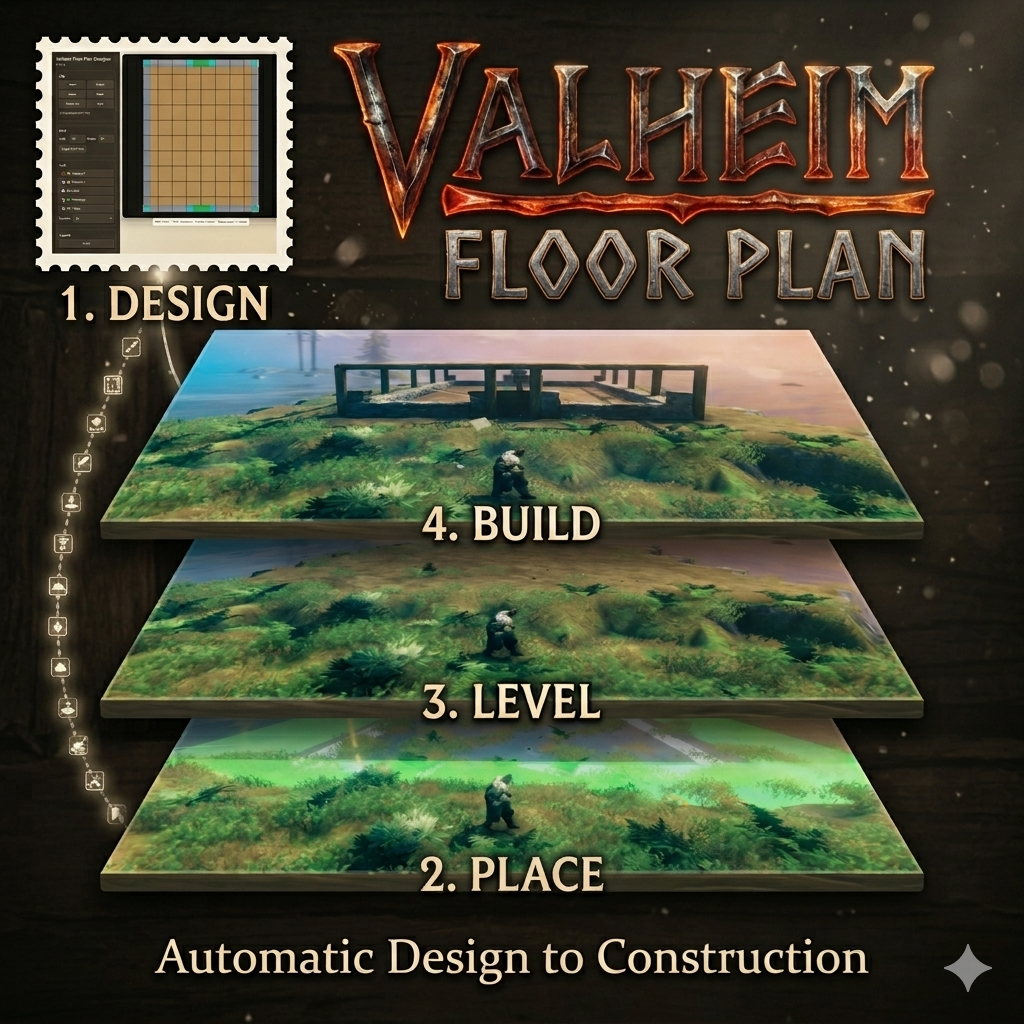
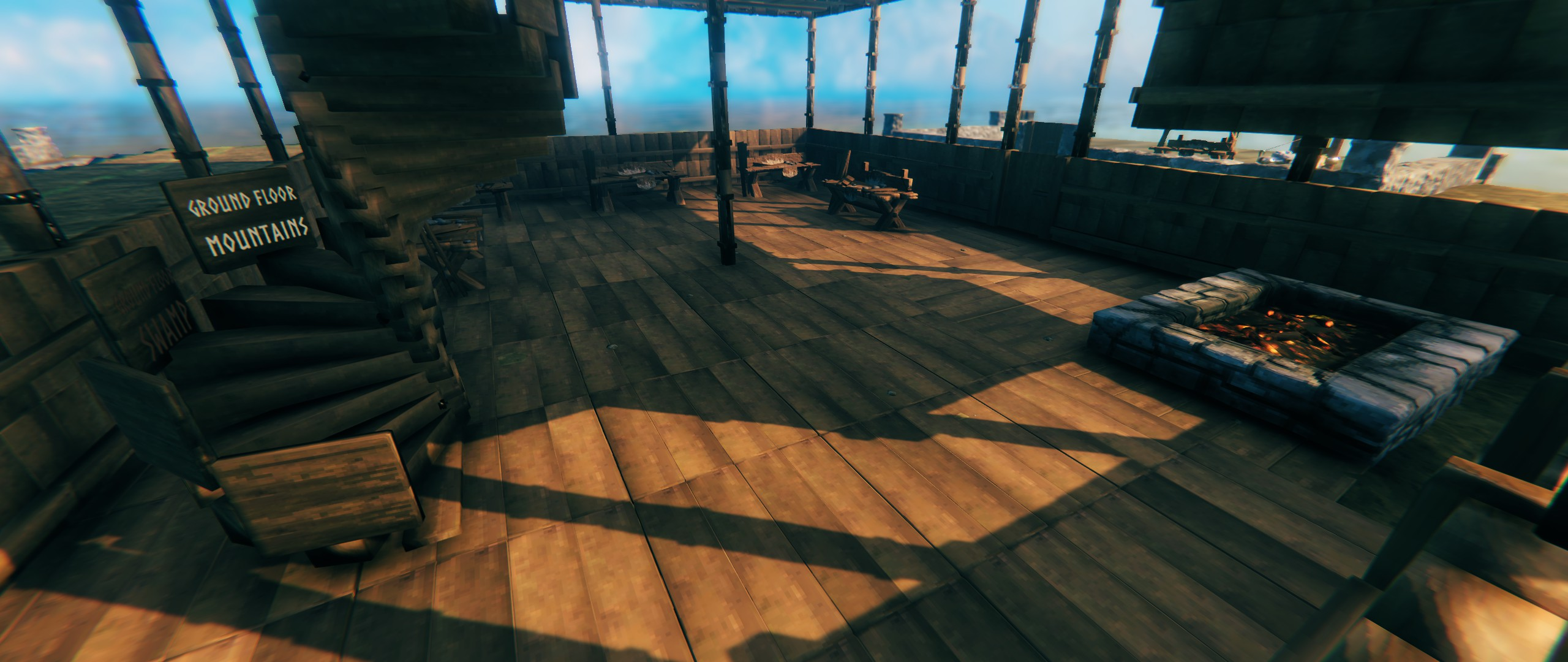
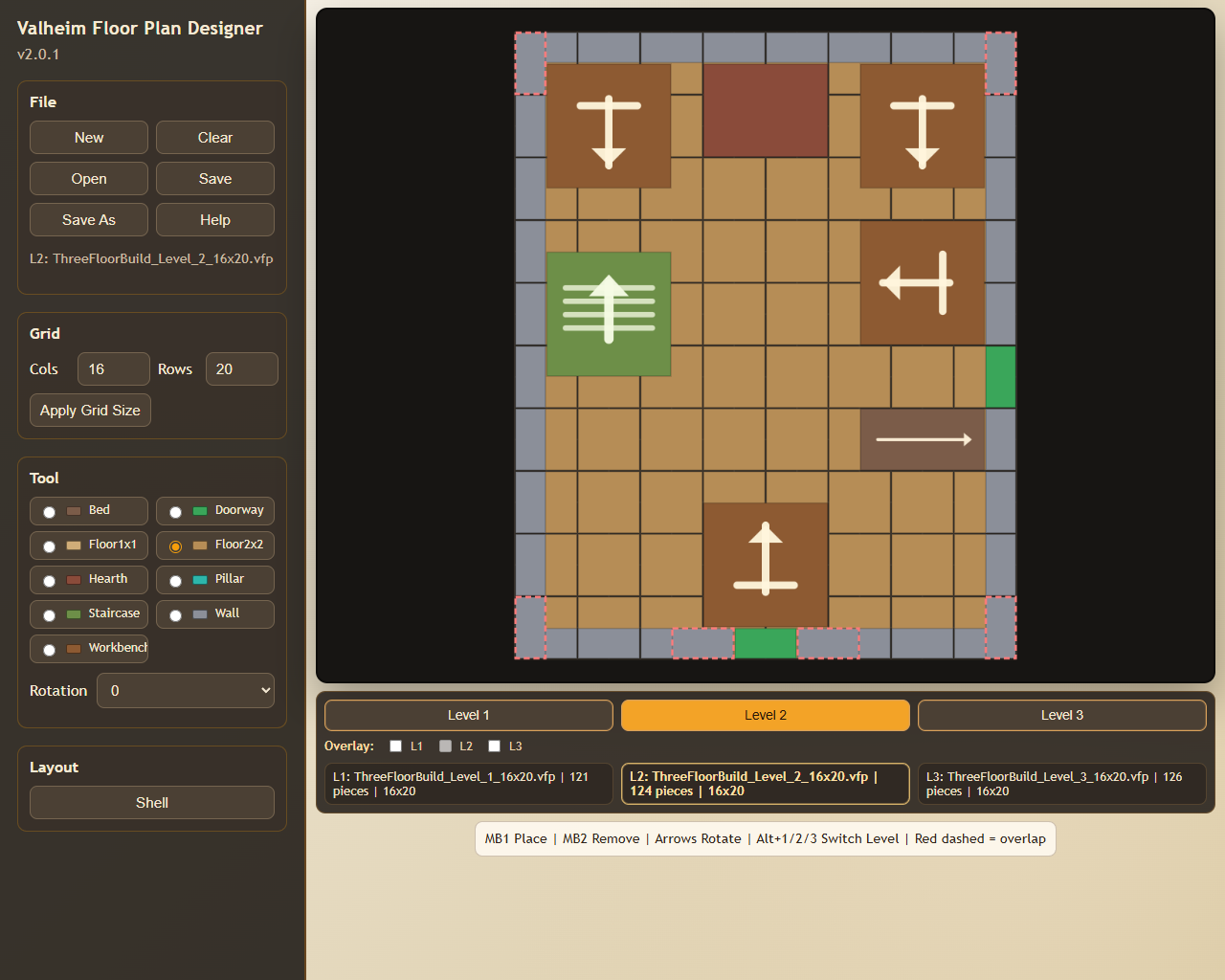
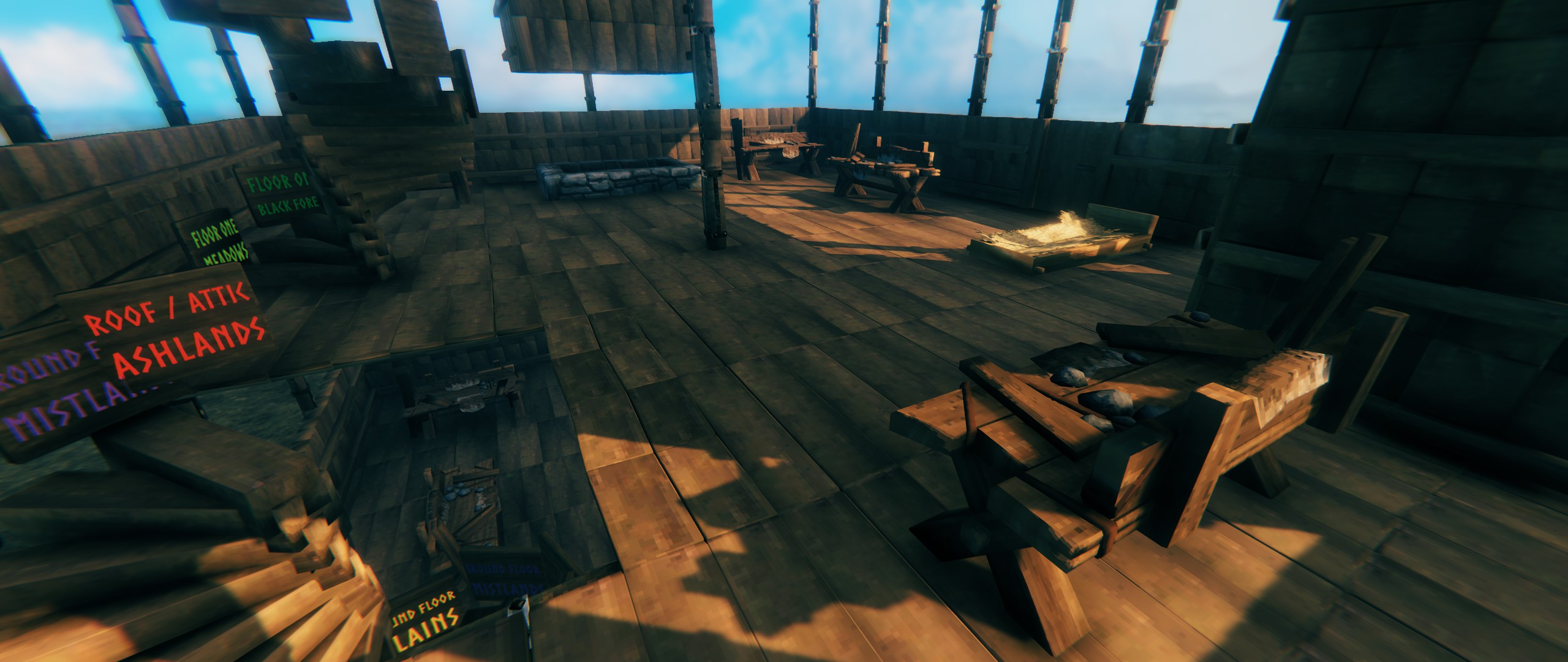
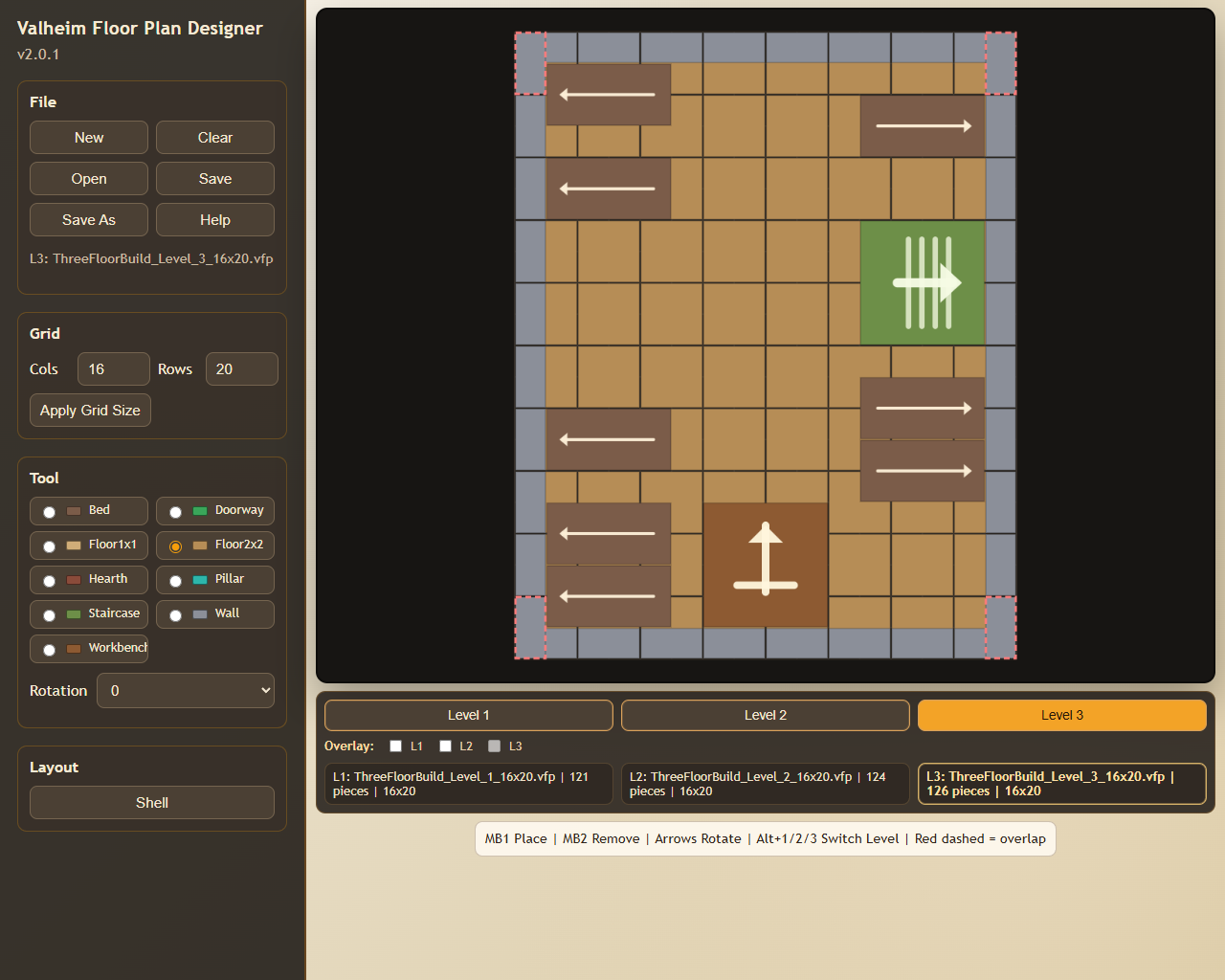
BepInEx/plugins/ValheimFloorPlan/ValheimFloorPlan.dllBepInEx/plugins/ValheimFloorPlan/Designer/...images/... (included in the package archive)samples/... (example .vfp plans).vfp is the contract between the Designer and the mod.Development of the Valheim Floor Plan mod and the Valheim Floor Plan Designer web app used:
