

ChestContents
A Valheim plugin to index and search chest contents, showing the chest with the most of a searched item.ChestContents
Introduction
ChestContents is a Valheim mod/plugin that helps you keep track of all your chests and their contents. It provides an at-a-glance overview of how many chests are indexed and what items are stored where, making inventory management much easier.
Features
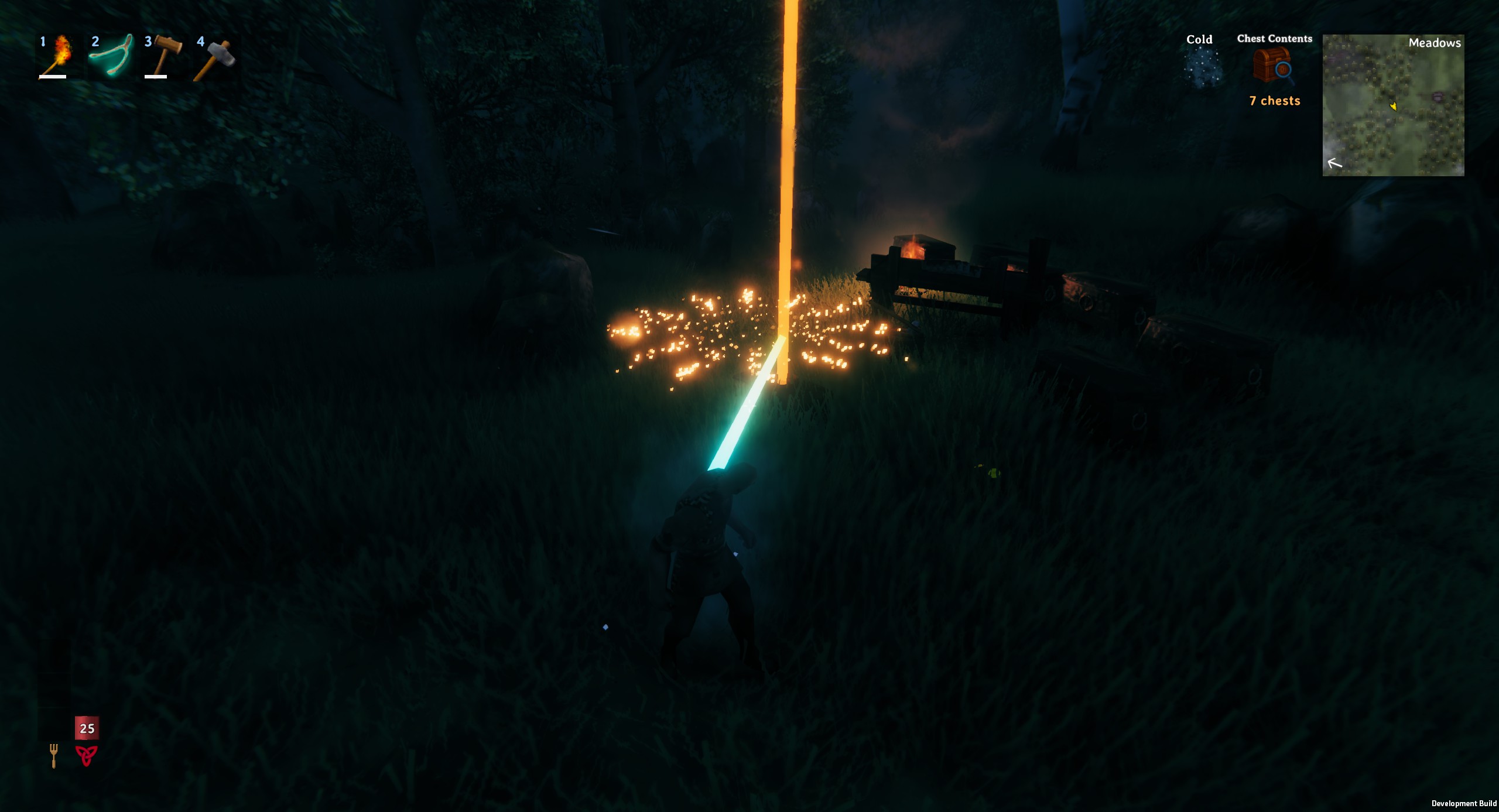
- Displays the number of indexed chests as a status effect (see the first image above).
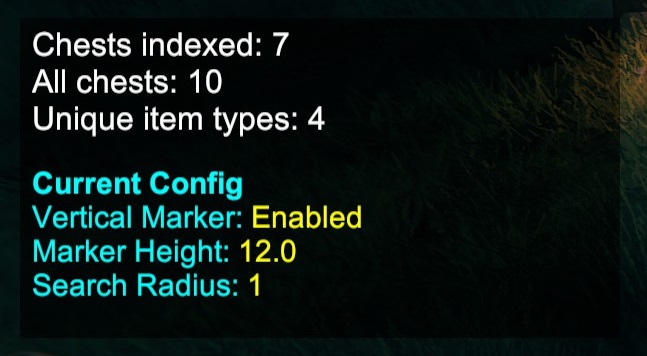
- Provides a searchable meta pane to quickly find where items are stored (see the second image above).
- Command-line interface for searching chests by item name.
- Meta data viewing: Run the default
/searchchestscommand with no arguments to view meta data about the mod's state. This does not reset the indexed chests or cached data. - Configurable options: Use the
/chestconfigor/cccommand to edit configuration options and preview the effect on yourself in real time.
Commands
Search Chests Command
You can search for items across all indexed chests using the following command:
/searchchests <item name>
Aliases
/cs/sc
Example Usage
To find the chest containing the most mushrooms, type:
/searchchests mushroom
This will indicate the chest with the highest quantity of mushrooms in your indexed chests, showing its location and the quantity found.
Meta Data and State
Run the default command with no arguments:
/searchchests
This will display meta data about the mod's current state, such as the number of indexed chests and items. It does not reset the mod's state or cached data.
Config Command
Edit configuration and preview effects:
/chestconfig
or
/cc
This command allows you to edit some configuration options for the mod and preview the effect on yourself immediately.
Best Practices
- Use the search command with partial item names for broader results (e.g.,
/searchchests mushwill match "mushroom").
Installation
- Download the latest release of
ChestContents.dlland the matching named folder (ChestContents). - Place them in your
BepInEx/pluginsfolder. - Launch Valheim and enjoy easier item finding!
Contributing
Pull requests and suggestions are welcome! Please open an issue to discuss any major changes before submitting a PR.
License
MIT