

You are viewing a potentially older version of this package. View Latest Version
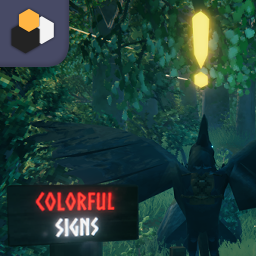
ColorfulSigns
Enable enriched text in signs.ColorfulSigns for Valheim
Enable Unity's enriched text in signs and change default color to white.
| Tag | Effect |
|---|---|
| b | Bold |
| i | Italic |
| <size=50>s</size> | Size |
| <color=#ff0000ff>c</color> | Color |
Color Library
This functionality allows you to use specific colors without having to remember their hexadecimal value. Inside the plugin folder there is now a file called "color_library.json". You will see something like:
{
    "red": "#a12d2d",
    "blue": "#292fcf"
}
This will turn "<color=red>" to "<color=#a12d2d>" when inputting a sign text value, effectively changing its color. You can edit the Json to have your own color palette!
When editing the Json:
- Remember that the last element doesn't have a comma at the end
- Don't use special characters, try to stick to alphanumerical values.
Issues & Suggestions
Please report issues and suggestions here or tag me as @Tekla in Valheim Modding Discord server. (use the correct channel or Jessica will get mad)
Installation (manual)
If you are installing this manually, do the following
- Extract the archive into a folder. Do not extract into the game folder.
- Move the contents of
pluginsfolder into<GameDirectory>\Bepinex\plugins. - Run the game.

Changelog
5.4.900
- Updated Bepinex version
5.4.801
- New Config setting to set default color
- New Config setting to enable or disable Color Library
- New Config setting to stablish max font size
- Color Library functionality
5.4.800
- Stuff works


