
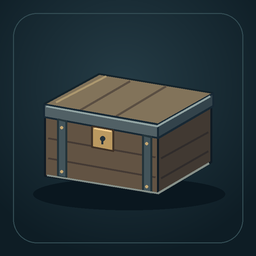
DeepChest
A scrollable 256-slot chest with item search and optional bulk or category transfers through Storage Master.Deep Chest
Deep Chest adds a buildable 256-slot chest with one scrollable inventory and item search.
Build and use
Build Deep Chest from the Hammer's Furniture tab for 30 Wood near a workbench. Press E to open it, scroll through the rows, or use Find item to jump to the first match.
Transfer items
With Storage Master 1.2.0 installed, press Shift + F1 to open Storage, then click Transfer. Choose the source chest or Your inventory under From, and choose the destination chest under To.
- Move all moves everything that fits.
- Food & ingredients, Weapons & armor, Metals, Materials, Tools, Trophies, and Other move just that group. Food and metals use Valheim's recipes and processing data.
- If the destination fills up, the rest stays in the source. The panel respects the Storage range and Skip settings. Inventory transfers also follow Storage Master's slot protections.
Multiplayer
Install Deep Chest and Jötunn on the host or dedicated server and each player client. The Transfer panel runs on clients that have this patch and Storage Master. Deep Chest 0.1.2 uses the same chest and save data as 0.1.1.
Existing Bottomless Chests
Deep Chest is a separate build piece. To switch an existing world, keep Bottomless Chest installed while you transfer the items. Open the old chests directly, move their contents, and dismantle them once empty. Then remove Bottomless Chest from that world.