ZENHEIM
Enhanced Valheim - The rules have changed. Improved immersion. Multiplayer or singleplayer balanced gameplay. Outstanding QoL enhancements. Tightly optimized code. Full gamepad support.ZENHEIM: Enhanced Valheim
The latest version of this modpack is available on Hexium. You can find it with Gale mod manager.
NOTE: Apply all updates after installing this modpack
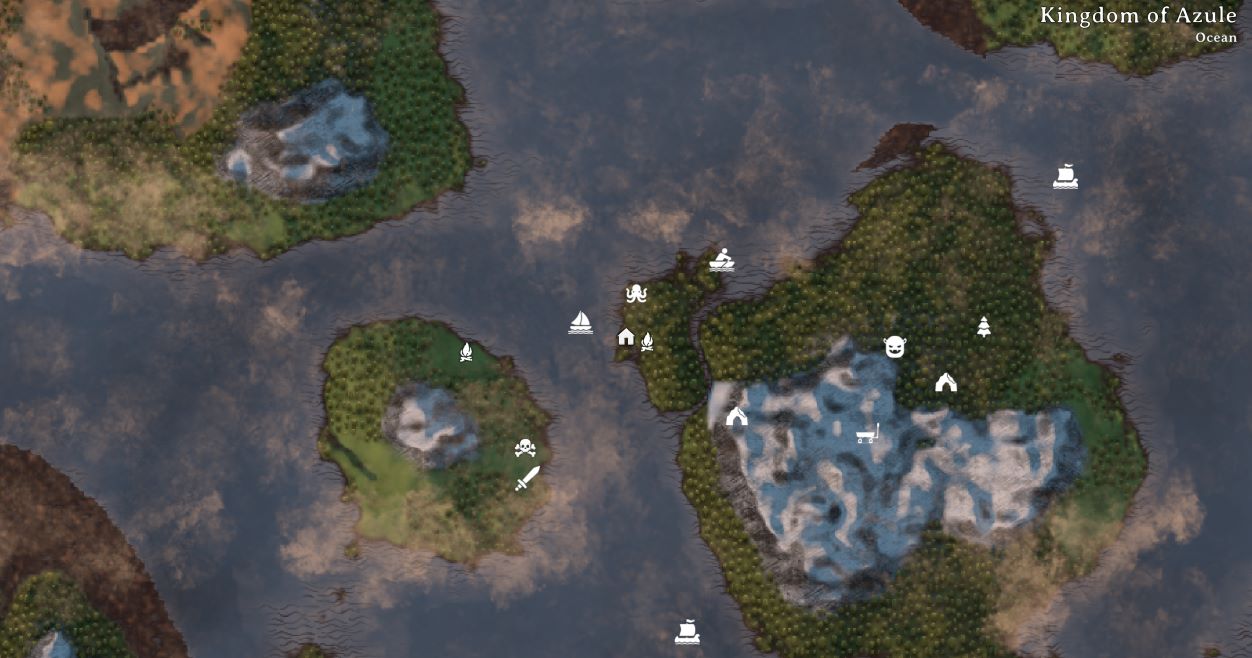
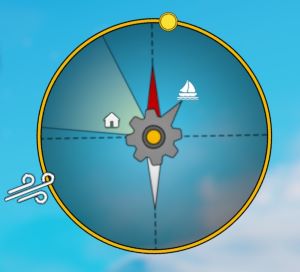
The rules have changed. A great new experience. Think of it as Vanilla+ everything you know and love about Valheim, refined and polished with some new twists and rules. Turn off your map via Valheim's World Modifiers and let the Cartography Table and Compass be your guide! Think wisely, getting lost is part of the adventure!
Built from the ground up with a CORE set of custom crafted ZenMods to ensure compatibility, reliability, and performance.
Full gamepad support. Pre-configured, ready to play!
Best with these Valheim World Modifiers enabled:
- NoMap - Getting lost is fun!
- PlayerEvents aka Player Based Events / Raids
- Fire (optional, if you want hard mode!)
Live Server Showcase
- Free public server available.
- Pre-configured and ready to play.
- Join now and see how ZENHEIM works in a multiplayer experience.
- Connection info available on the website.
Website: https://asgard.rocks
New Game Rules
Open your in game Compendium (Raven Menu) to see a list of all the new rules in game!
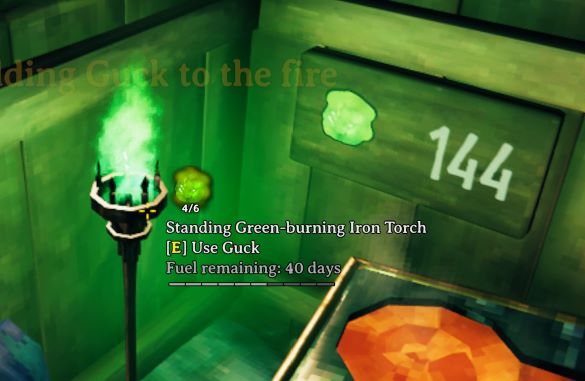
- Keep your fires lit! Workbenches no longer protect against monster spawns, torches and fireplaces do.
- Each player sees their own version of the Boss Stones depending on their own progression so you don't all have to play at the same time.
- No wooden arrows, they are over-powered.
- Low-map, use the Cartography Table and Compass to find your way. The map visibility depends on the age of the table, not you.
- Map Pins must be crafted and applied to signs in the wild, you can not apply them from the table.
- Ships and carts are automatically tracked.
- Death penalty: Keep 1 randomly equipped item. No skill loss (if you disable it on the server). Keep all the food in your belly.
- Regenerate your stamina when standing still even when encumbered or swimming.
- You can sleep in any bed even if you don't own it.
- Better comfort levels improve your healing rate.
- Tamed creatures don't overpopulate because offspring can't reproduce.
- Running on paths consumes half stamina. Paved paths consume no stamina.
- Terrain deformation is limited. No moats or indestructible walls. Build strong defenses accordingly.
- No building on trees. That's cheating, monsters can't hit you there.
- Meadows are safe from raids so newbies don't get wrecked.
- Turrets can have 3 targets instead of 1.
- Shield generators protect your fireplaces from the rain and snow.
- You can also eject the fuel and shut the shield down manually.
- Keys have limited durability and can be upgraded and repaired.
- Candles can be refilled.
QoL Improvements
- Target Lock! works on gamepad and keyboard
- Separate Jump / Dodge buttons
- Move your chests and other furniture around without smashing them.
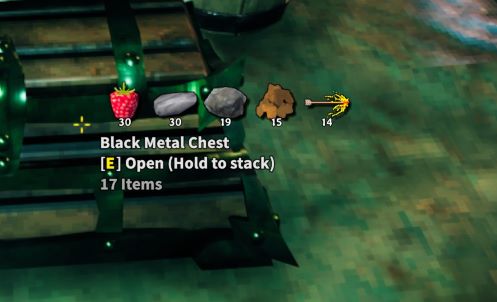
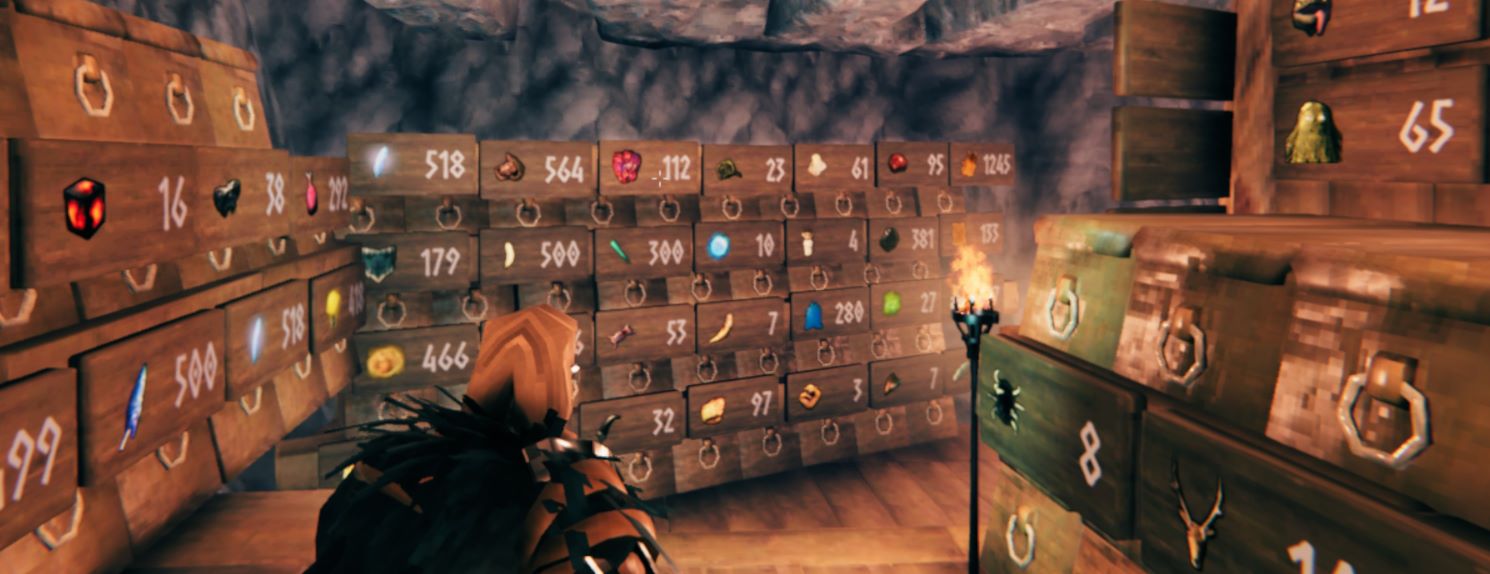
- You can pin items to signs and see the quantity in nearby chests. This helps you stay organized.
- Find things in chests by interacting with signs.
- Automatically equip your shield or lantern when using a weapon.
- Automatically re-equip your weapons when exiting water.
- Carts are easier to use and can be used when upside down.
- Find fuel easily, just tap a fireplace and nearby containers with wood highlight if you don't have it in your inventory.
- Item Stands, Armor Stands, and Beehives all behave like containers for quick easy access.
- Swap your gear at an Armor Stand with one click.
- No need to fumble with 1-8 hotkeys, just select items directly from your inventory to assign to objects.
- Dedicated quick select repair button when hammer is equipped.
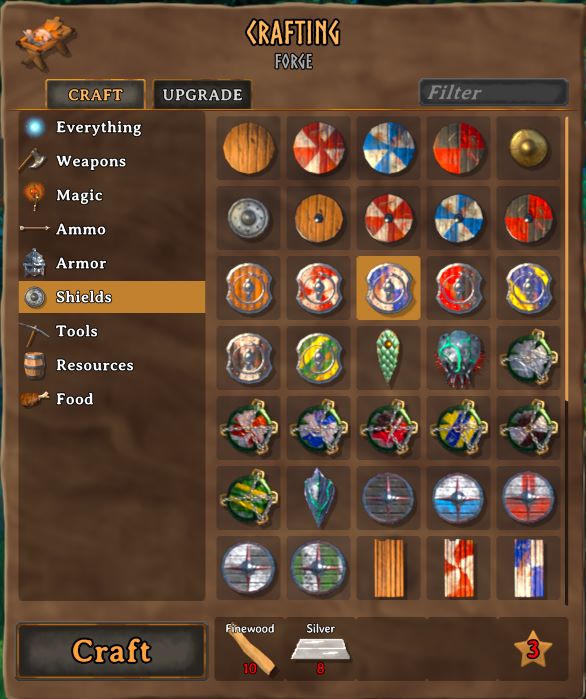
- Unobtrusive UI. Fewer numbers, more pictures. Clean, stylish, and unified.
- Autopickup toggle button extended with a 3rd option: Only pickup what is already in your inventory.
- Full Gamepad Support
Work Together
By design there are no crafting from containers or other forms of automation because they accelerate the gameplay loop. Instead, you have a robust set of new features for hoard management via signs and redecoration that fix a lot of the painful issues of finding what you are looking for. Just point at a sign and assign items to it to view the quantity nearby. Tap a sign to locate the item in a container. Middle-click an item in your inventory to find it in nearby containers.
Like My Mods? Donations Welcome
Bitcoin