Instruments
Play drum, gusli, horn and bowed instruments with friends. Craftable instruments, playing animations, multiplayer music and custom sounds.Instruments
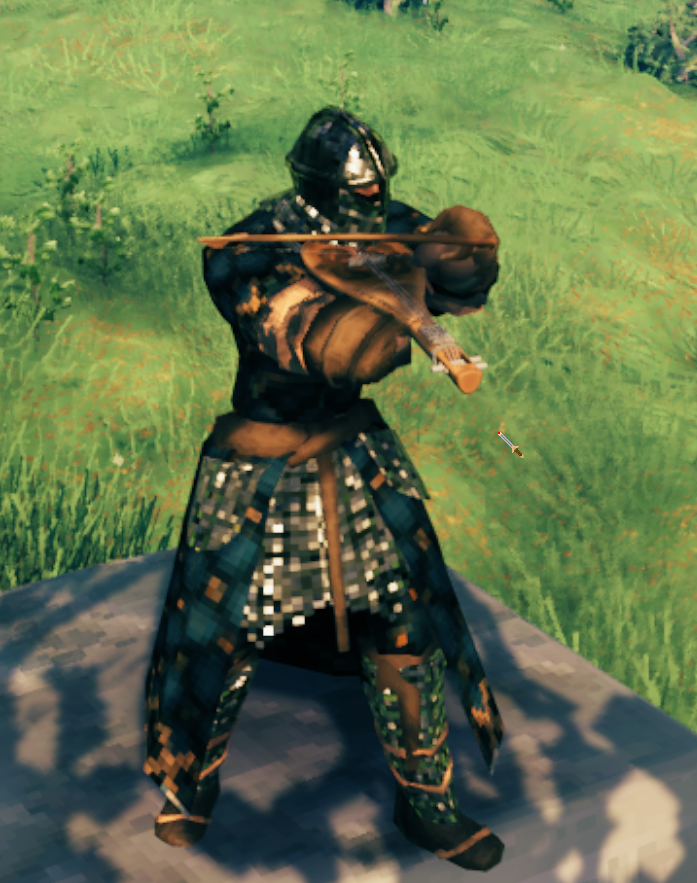
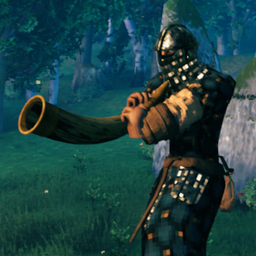
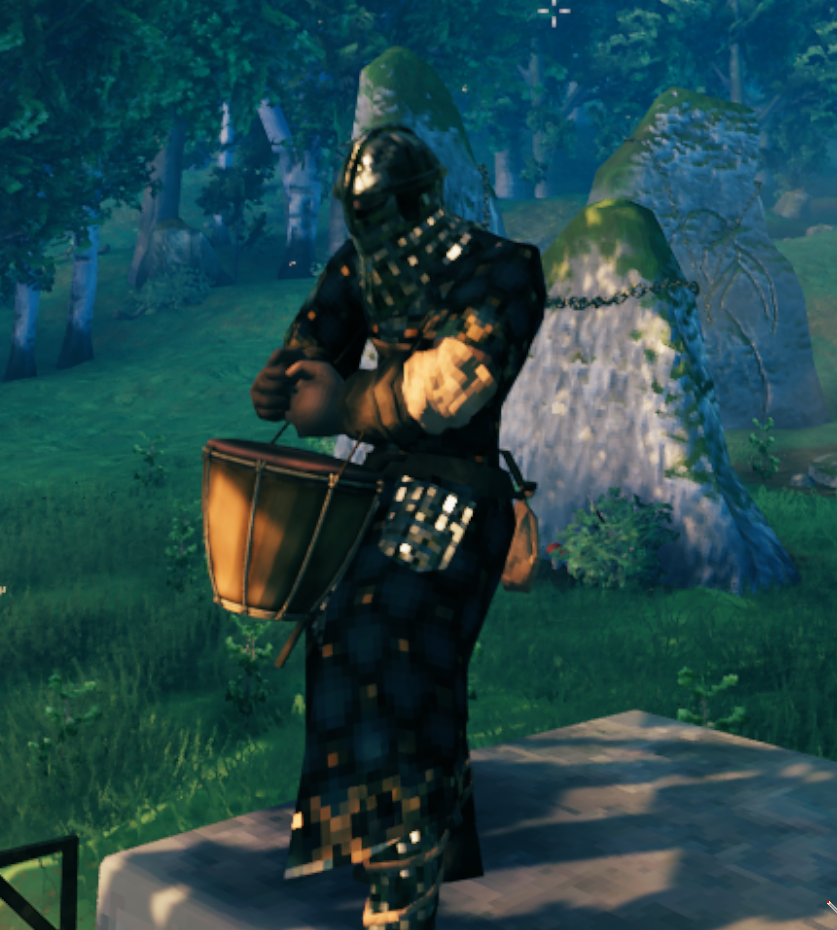
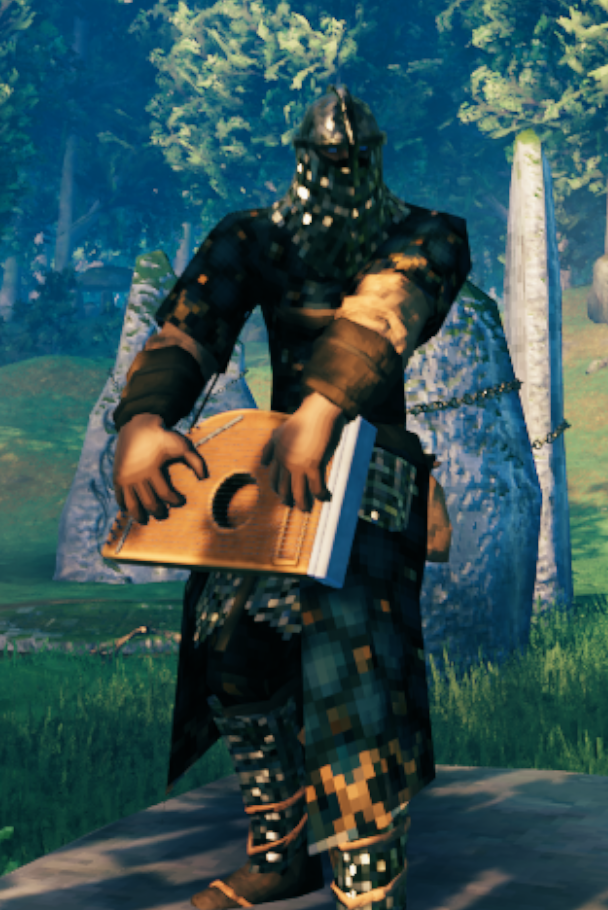
Bring music to Valheim with four playable instruments: a drum, gusli, a horn and a bowed instrument with an included bow. Play on your own or gather friends for a performance. Nearby players can hear your music and see your playing animations in multiplayer.
Instruments can be crafted, equipped, dropped, picked up and displayed on item stands. English and Russian item names and descriptions are included.
Installation
Requires BepInEx 5 and Jötunn 2.30.2 or later. Extract this archive into your Valheim installation so that the plugin is at BepInEx/plugins/Instruments/Instruments.dll. Dependencies are installed separately.
For multiplayer, install the mod and its dependencies on the server and every player's client, using the same mod version.
How to play
Craft an instrument at a level 1 workbench after discovering its materials, then equip it from your hotbar. The bow comes with the bowed instrument; it does not need to be crafted separately.
Use the normal game actions to play. Rebound keys and the corresponding controller actions are supported.
| Instrument | Left mouse / Attack | Right mouse / Block | Middle mouse / Secondary Attack |
|---|---|---|---|
| Drum | Regular hit | High hit | Low hit |
| Gusli | C chord | F chord | G chord |
| Horn | Tone 1 | Tone 2 | Tone 3 |
| Bowed instrument | Voice 1 | Voice 2 | Voice 3 |
- Drum: tap for a single hit or hold for one hit per second. Each button repeats independently, so you can combine rhythms.
- Gusli: tap to strum a chord. Hold C or G to repeat every 0.5 seconds, or hold F for continuous strumming every 0.16 seconds with alternating strokes. Chords ring out naturally after you release a button or put the instrument away.
- Horn and bowed instrument: hold a button to sustain its sound and release to stop it with a short fade. You can hold several buttons together.
While playing the horn, bowed instrument or gusli, look down more than 10° for a lower pitch, look up more than 10° for a higher pitch, or look near the horizon for the normal pitch. These are three fixed steps: 0.75×, 1× and 1.25×. The drum's pitch stays fixed.
Turning the camera left or right while playing the bowed instrument adds fast or slow tremolo (a pulsing change in volume). It fades away when you stop turning.
Music is positional and audible up to 35 metres away. Adjust its volume with the game's sound effects volume setting. Opening menus pauses musical input. Instruments do not deal damage or use durability.
Custom instrument sounds
The mod creates its sound files on startup in:
Valheim/BepInEx/config/Instruments/sounds/
If you use a mod manager, open the active profile's BepInEx config folder. If BepInEx uses a custom config location, look for Instruments/sounds/ there.
To replace a sound:
- Launch the game once with the mod installed to create the default files, then close it.
- Replace the WAV files you want to change, keeping their exact filenames and subfolders.
- Use uncompressed PCM WAV, 16-bit, mono. The sample rate is read from the file; 44,100 Hz is suitable.
- Restart the game to hear your replacements.
All paths below are relative to Instruments/sounds/:
| Instrument | Sound files |
|---|---|
| Drum | drum/drum_hit.wav, drum/drum-hit-hi.wav, drum/drum-hit-low.wav |
| Gusli | gusli/gusli-C.wav, gusli/gusli-F.wav, gusli/gusli-G.wav, gusli/gusli-F-reverse.wav |
| Horn | horn/horn1.wav, horn/horn2.wav, horn/horn3.wav |
| Bowed instrument | bowed/violin.wav, bowed/violin2.wav, bowed/violin3.wav |
Horn and bowed instrument sounds loop through the entire file while held. Use seamless loops to avoid clicks or gaps. Drum hits and gusli chords play as individual samples and can overlap. The gusli's gusli-F-reverse.wav is the alternate strum used during held F chords.
Your replacements are kept when the mod starts or updates. To restore a default sound, delete its WAV and restart the game. Missing files are recreated automatically. If a replacement cannot be loaded, the mod logs a warning and plays its bundled sound, leaving your file untouched.
Sound files are local and are not shared over the network. Each player hears their own installed samples, including when others play. Give everyone the same replacement files if you want matching sounds.
Screenshots
Drum
Gusli
Horn
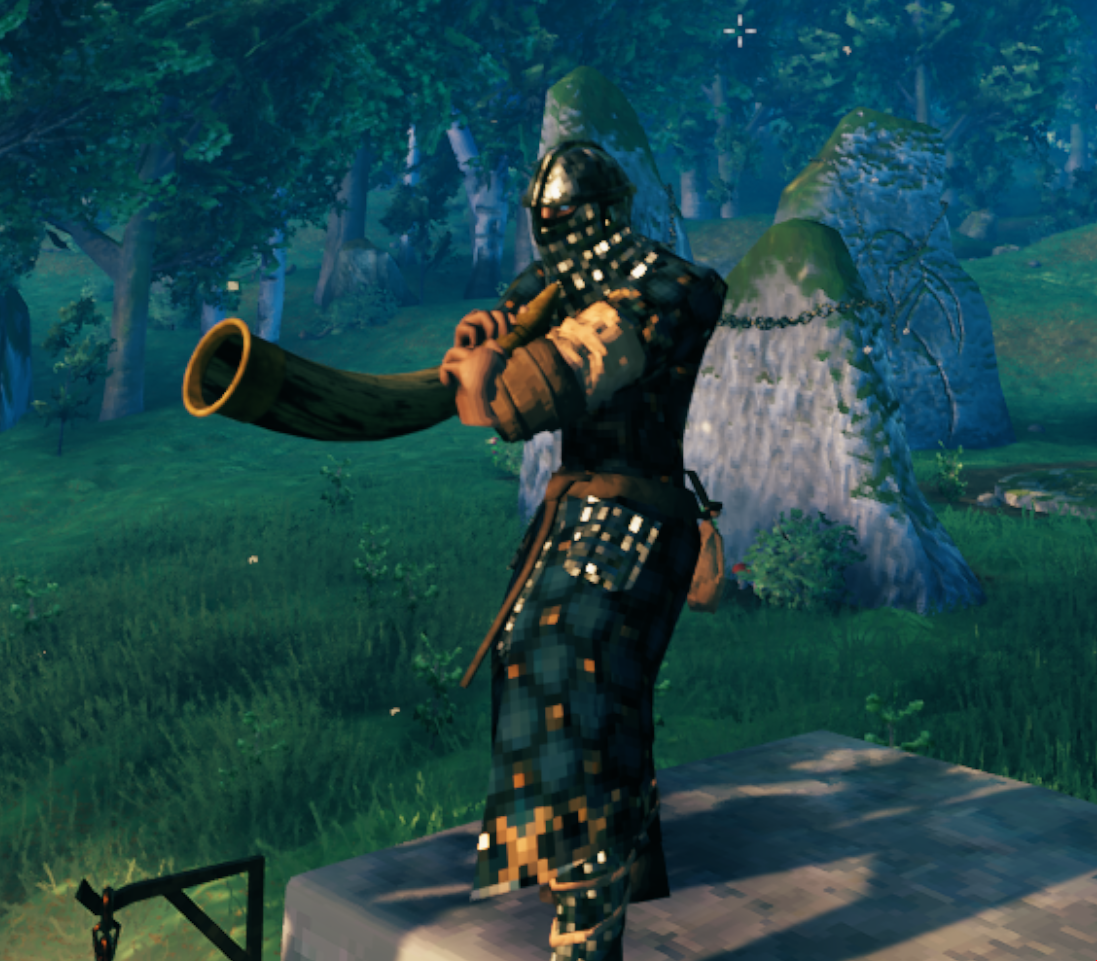
Bowed instrument