
Clock
Shows the current Valheim world time and a day or night icon at the top of the HUD.Clock
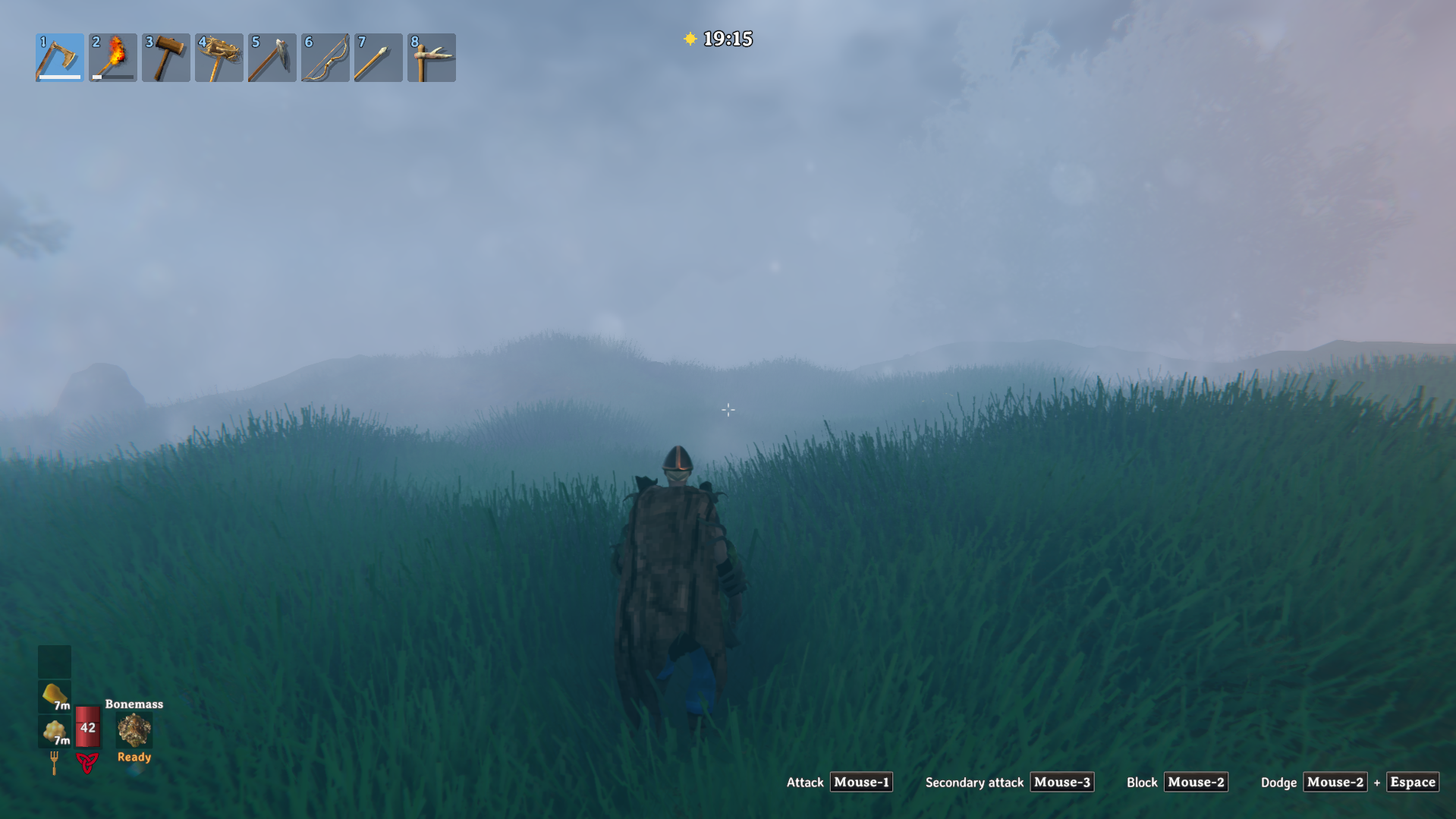
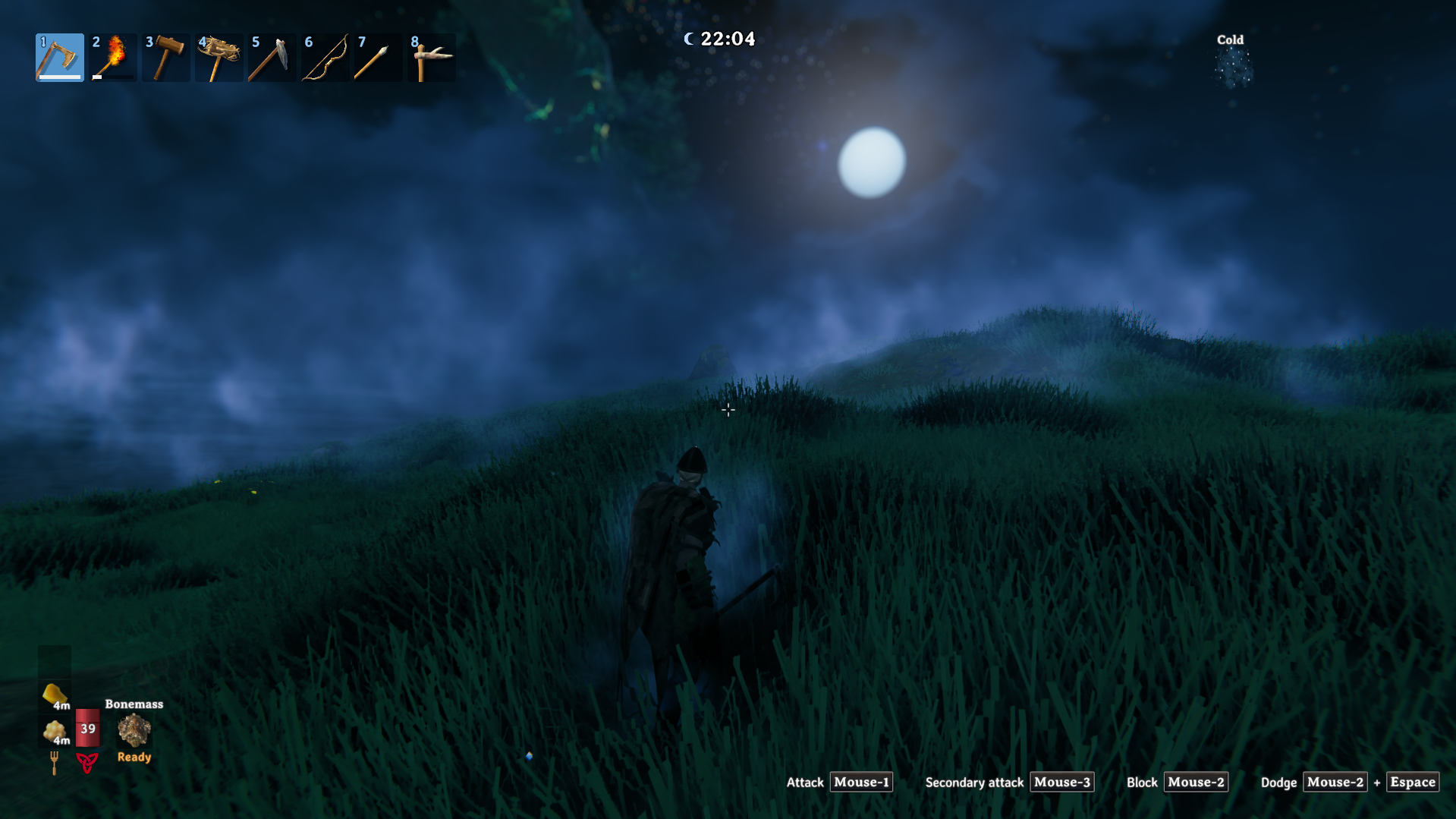
Clock shows Valheim's world time at the top of the HUD, with a sun during the day and a moon at night. The timer starts at 00:00 at dawn and reaches 21:00 at dusk.
Screenshots
Daytime. The clock shows a sun at 19:15.
Nighttime. The clock shows a crescent moon at 22:04.
Installation
Install Clock in your Valheim mod manager and launch the modded game. To install manually, install BepInExPack Valheim first and place Clock.dll in BepInEx/plugins/Clock/. Clock runs on the client.
Building a package
With the .NET 10 SDK and Python 3 installed, set VALHEIM_DIR to the game folder and BEPINEX_DIR to the BepInEx folder. Run make package to build, run the tests, and create a checked ZIP under dist/.